










Choosing the Right Guide
Buyer and technical guides help studios make a clear choice before spending money. Some guides focus on first-time setup, while others help with upgrades, queue settings, cutter links and support planning. If you run a busy shop in Randburg, Johannesburg, Pretoria, Durban, Cape Town or Gqeberha, you can narrow down what matters for your own work flow and production mix.
Begin with the bottleneck in your FlexiSIGN workflow. If staff need help getting jobs out faster, read the workflow and queue guides first. If you are replacing an older licence or adding more workstations, look at the licence and upgrade guides. If colour consistency is a priority for vehicle wraps, indoor signage or textile print, the colour guides will save time later.
Choosing the right software for your shop
Not every sign shop needs the same setup. A small vinyl cutter business may only need dependable design tools, cutting output and simple job handling. A larger print provider may need stronger queue control, nested jobs, spot colour handling and clear licence management across more than one machine. The right choice usually depends on the type of work you do most, the number of users, and how often jobs move between design, print and finishing.
- Choose a setup that matches your cutter, printer and finishing process.
- Check whether more than one user will need access on different computers.
- Think about how often you reprint work and need to keep job settings for later.
- Plan for training so new staff can get productive without slowing the shop down.
Licences, activation and upgrades without downtime
Licence choices can affect how quickly a studio keeps moving, especially when a computer fails or an upgrade is needed during a busy week. Our guides explain what to look for before you activate software, transfer a licence or add another user. This is especially useful where load-shedding, power cuts or hardware changes can interrupt a production day. A proper plan helps avoid last minute scrambles and keeps your team working.
If you are moving from an older version, compare your current setup against the features you use every day. In many shops the important questions are simple: will the cutter still communicate properly, will old files open, and will the operator need retraining? That kind of planning saves both time and Rand.
- Confirm what the licence covers before you install.
- Keep a record of activation details and machine changes.
- Review whether the upgrade adds value for print, cutting or colour control.
- Allow time for testing after installation, not only on the first job.
Colour management for print and sign work
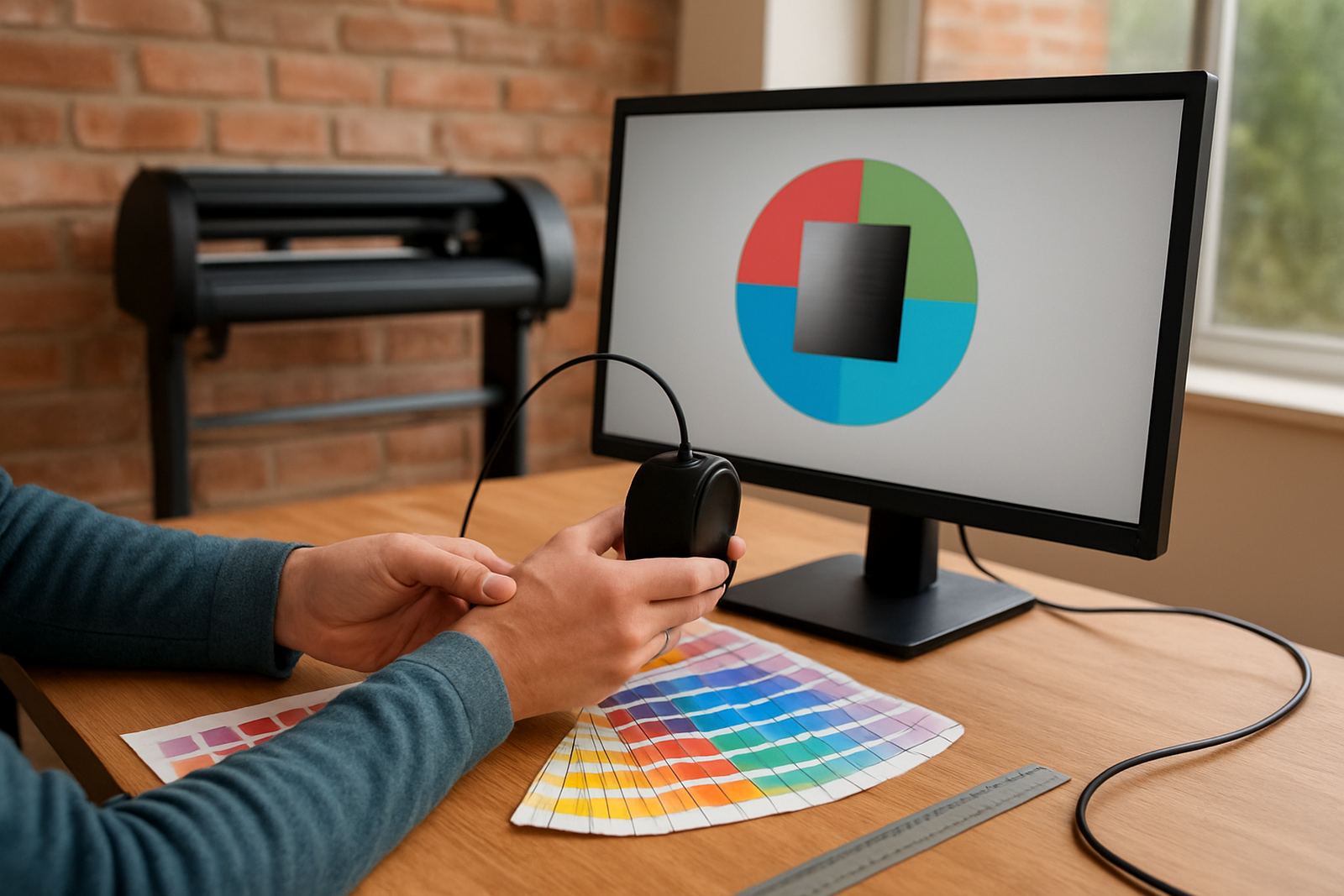
Good colour control is not only for large print rooms. A small sign maker still needs repeatable colour when matching branded reds, dark blues or black film work. Coastal humidity, different media and different machines can all affect output, so the settings used in one room may not suit another. Our colour workflow guides help you make better decisions on profiles, calibration and practical checking on press or cutter.
For many South African studios, the aim is not perfection on paper, it is getting consistent enough output for real clients and real deadlines. That means knowing when to recalibrate, how to set a sensible queue, and when a media change needs fresh testing. It also means training staff to spot colour drift before a large reprint is needed.
Cutter setup, queue settings and production flow
Vinyl cutters and RIP queues are often where problems start. A guide that looks simple on screen can still cause confusion in production if the device name is wrong, the cut path is misread or the queue order is not set properly. These articles walk through cutter setup help, RIP queue optimising and job handling so the shop can keep moving during a busy run.
We also cover practical setup points such as blade pressure checks, output order, nesting, weeding margins and how to stop a rushed operator from sending the wrong file twice. Small changes here can make a noticeable difference in turnaround times, especially where a team handles both walk in jobs and larger commercial orders.
- Check communication between design software and cutter before taking urgent jobs.
- Set queue rules that suit your daily volume and staff levels.
- Keep a clear naming system for media, profiles and output folders.
- Test a sample cut before running full sheets or long vinyl lengths.
Training guides for new staff and growing teams
When a shop takes on new staff, the software must be taught properly or mistakes multiply quickly. Our training guides cover practical induction. They help supervisors explain the basics of design, RIP output, licence use and support steps in plain language. This is useful for shops in Midrand, Centurion and the wider Gauteng area where teams often need to work across more than one branch or production room.
Training also helps after upgrades. A new version can change menus, workflow or output settings, so even experienced operators may need a refresher. If the team understands where to look and who to call, they will sort out small issues faster and save the more detailed support work for when it really matters.
Support planning for real production pressure
Support is easiest when the shop has a plan before trouble starts. Our guides explain how to decide between remote help, onsite training, annual support and one-off assistance. That matters when the machine room is busy, a licence needs activation, or a production deadline is close and the team cannot afford trial and error.
FlexiSIGN Studio works with sign makers, graphic designers and print service providers across South Africa from our Randburg base. Choosing a setup comes down to what fits your shop today and still leaves room for growth later. If you need more clarity, these articles help you ask the right questions before you commit.