Start with the jobs you actually want to sell
A compact studio does not need every tool on day one. Start with the work that brings cash in quickly, such as vinyl cutting, simple decals, basic print finishing, and short-run signage for local shops, schools and offices.
For most small teams in Randburg, Midrand or Centurion, the first decision is not about more software, it is about matching the software to the machines you already have. If you are running a cutter, a large format printer, or both, your RIP and design setup must suit the output size, media type, and the way you quote jobs. That saves material and stops rework.
- List the first 10 products you want to produce.
- Match each product to the machine and media needed.
- Confirm what can be done in one day vs what needs batching.
- Keep your start-up range narrow until orders become steady.
Measure the room before you choose the workflow
Small spaces fill up fast. Measure wall space, floor space, door clearance and the path from the delivery point to the work area. In some Durban or Gqeberha studios, humidity also affects where you store vinyl, boards and prints, so do not put stock too close to open doors or damp walls.
Work backwards from the end product. You need a clean place for file prep, a separate point for cutting or printing, and a safe spot for finished work. If your studio is on a municipal property or shared industrial unit, check loading rules, parking access and noise limits before you plan machine placement.
- Mark the floor with tape to test movement around machines.
- Leave space for rolls, offcuts and packaging.
- Keep the computer and cutter cable runs short and tidy.
- Make sure staff can move a board or roll without squeezing past the printer.
Set up software so the machine work stays predictable
Good output starts with the file and ends with the queue. A small studio should set up templates, colour profiles and cut paths before work starts piling up. This matters when you are handling sign jobs for multiple clients, because one bad setting can waste metres of vinyl or an entire print run.
Your RIP setup should be simple enough for a new staff member to follow. Build standard queues for common media, standardise naming for jobs, and keep print settings tied to each material. If you are unsure about colour management, get help early. A few hours of setup can save a week of corrections later on.
- Create separate presets for indoor print, outdoor print, and contour cutting.
- Set up one file naming rule and use it every day.
- Keep a printed checklist beside the computer for common jobs.
- Save backup copies of working profiles and queue settings.
Train the first two people properly, not everyone at once
In a small team, one trained operator can carry the whole studio if the setup is right. The better plan is to train two people fully, then let the rest learn the basics through daily use. That protects you when someone is sick, late, or on a site visit in Pretoria or Johannesburg.
Training should cover software use, loading media, cutter setup, and how to check output before a job leaves the shop. New staff need clear steps for reprints, colour checks and file approval. If you run one person on design and another on production, show them where errors usually start so they can catch them before material is wasted.
- Train one main operator and one backup operator.
- Keep a simple handover sheet for unfinished jobs.
- Use sample files for first week practice.
- Teach staff how to pause, review and resume a queue safely.
Control colour before you promise repeatable results
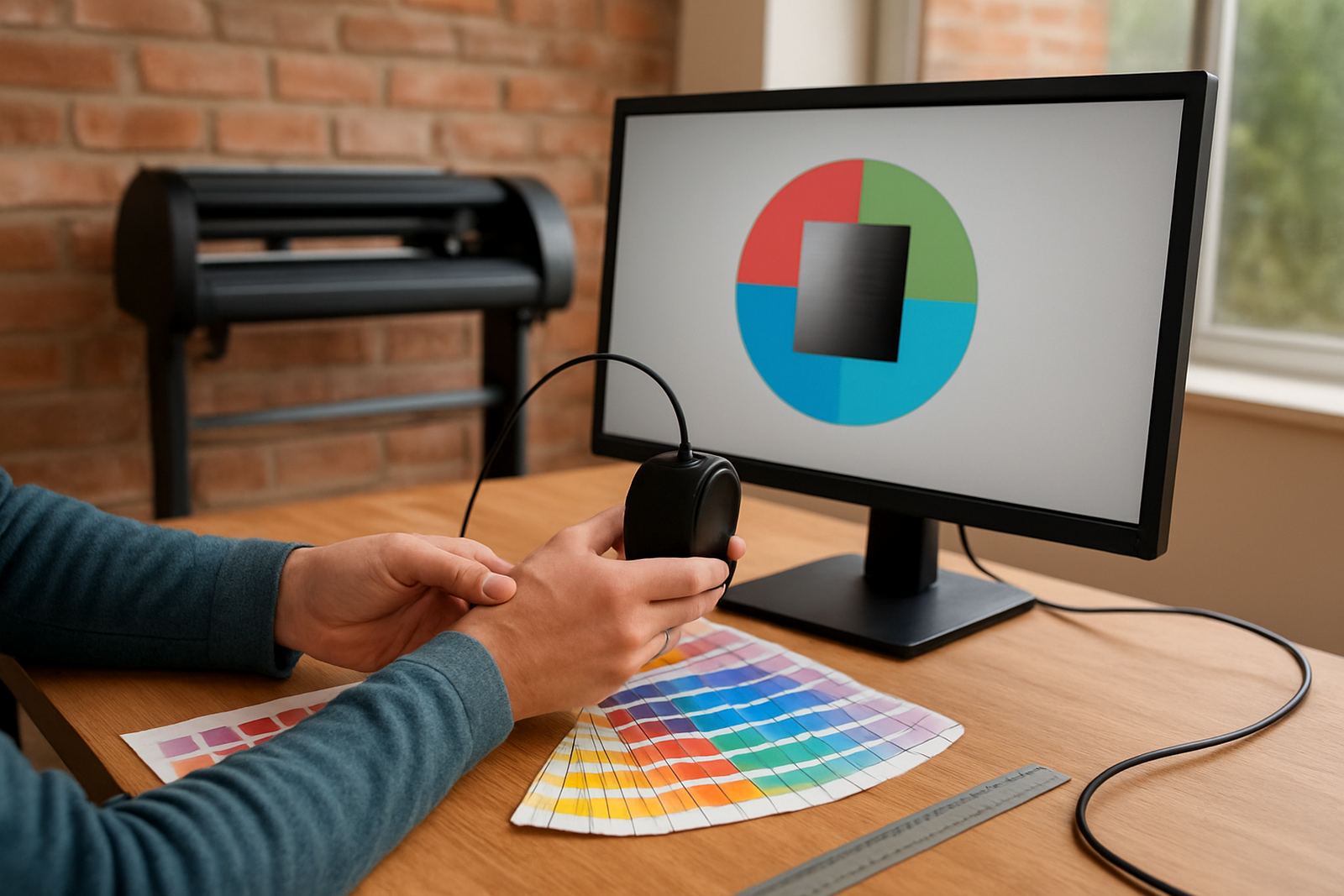
Colour consistency is one of the first things clients notice. A small studio that prints the same logo on Monday and Friday should be able to match it closely, even if the job is on different material. That means your monitor, software settings and printer behaviour all need to work together.
Do not rely on guesswork. Use standard viewing conditions, keep the room lighting steady, and check colour on the actual substrate before production starts. If a customer wants a sign that must match an existing shop front, make a sample and confirm the result before running the full job. That avoids arguments and waste.
- Calibrate the monitor on a set schedule.
- Use one colour workflow for every recurring client.
- Keep notes on material, ink limits and drying time.
- Check output after drying, not only straight off the printer.
Build a support plan before the pressure starts
When a cutter stops or a licence needs activation, a small studio loses time quickly. If you are operating with limited staff, support should be part of the buying decision not an afterthought. Remote support helps with licence issues, queue settings and file errors, while onsite visits are useful for setup, training and machine handover.
Plan for growth in stages. First get the software stable, then improve workflow, then add staff or extra machines. A studio in Randburg may start with one cutter and one print workstation, then later add a second operator, more cutting space or another RIP seat. That is a safer way to spend money, especially when cash flow is tight.
- Check if support is available remotely and onsite.
- Ask how upgrades are handled before buying.
- Keep a support log of faults, fixes and settings changes.
- Review licence renewals and staff access once a year.
Quick launch checklist for a compact studio
Before you take the first order, make sure the basics are in place. A small studio does not need fancy extras, but it does need a clean process that can hold up under load-shedding, busy weeks and urgent reprints. If the setup is calm at the start, the rest of the business becomes easier to manage.
- Computer ready with the correct design and RIP software.
- Licence activated and tested on the main workstation.
- Cutter or printer connected, named and profiled.
- Backups saved for files, presets and queue settings.
- Training done for the people who will run daily jobs.
- Support contact process clear for faults and follow-up work.
Once these six points are in place, a small studio can handle real work without constant interruptions. That gives you time to quote better, finish faster and grow at a pace that matches your space and budget.