What starter software must handle in a small sign shop
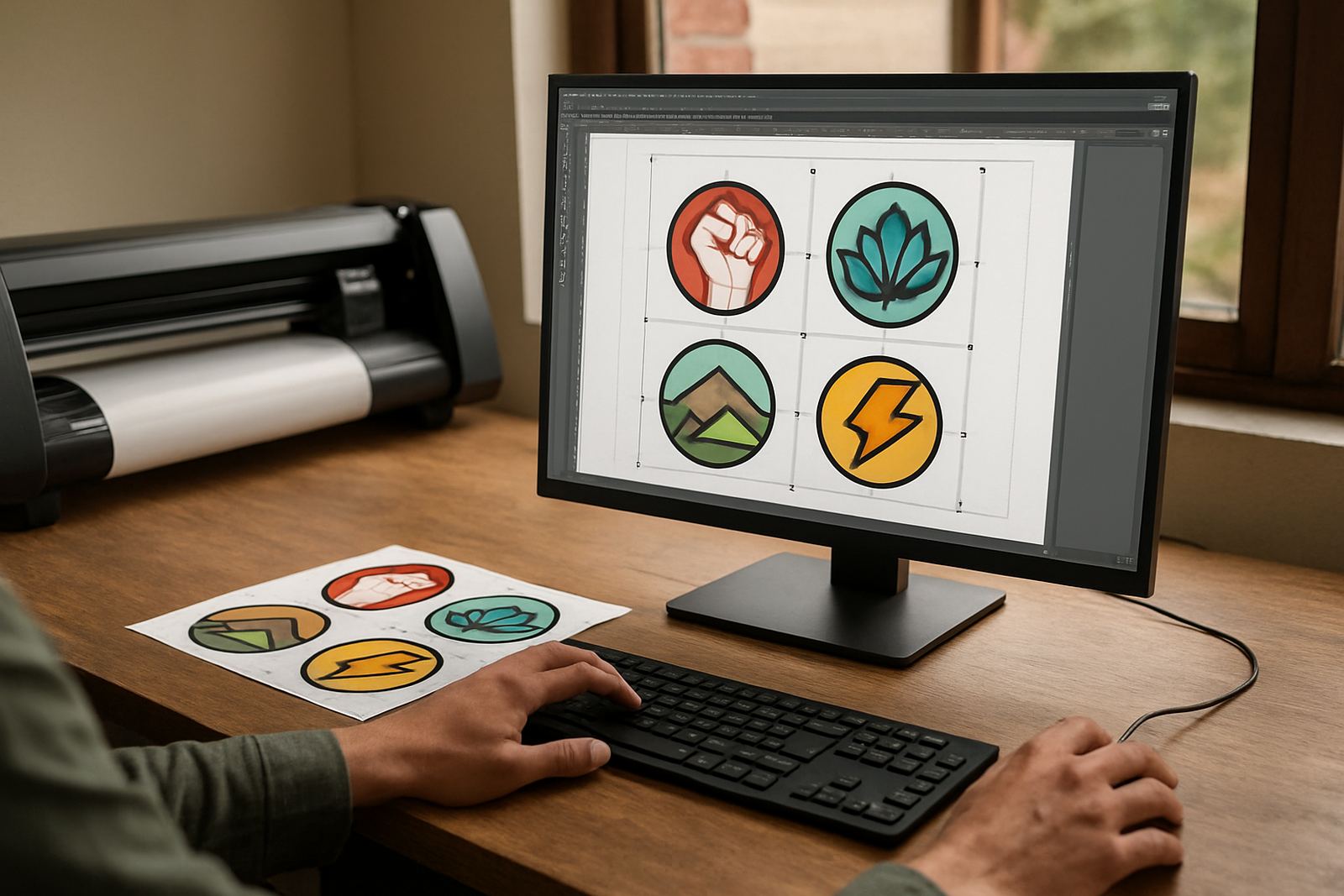
Starter setups are usually for one operator, a compact vinyl cutter and a printer that handles a few jobs a day. The software must get you from artwork to output without slowing the job down, and it should be simple enough for new staff to learn in one or two sessions.
In Randburg, we often see starter users who need clean cutter output, basic RIP control and a simple way to keep artwork sizes correct. If your work is mostly shop signs, vehicle decals, labels, small runs and one off prints, keep the setup focused on the essentials and avoid paying for tools you will not use yet.
- Import common artwork formats without extra steps
- Send jobs to a vinyl cutter with clean cut paths
- Handle basic print and cut work
- Set material sizes and job sizes correctly
- Keep licence activation simple for one workstation
When production demands start showing up
Production use begins when jobs are coming in all day, more than one person needs access, and small mistakes start costing time and material. At that point, software needs better queue control, faster repeat jobs, stronger colour handling and a cleaner way to manage multiple devices.
If you are printing for Durban humidity, Cape Town coastal conditions or long runs in Pretoria and Johannesburg, production settings matter even more. You need predictable output, proper nesting, profile control and a workflow that does not fall over when the power goes off and the job must be restarted after load shedding.
- Multiple users or shifts need the same setup
- You repeat jobs for the same customers every week
- Your print queue is starting to back up
- Colour matching matters across different media
- You need backup options for downtime and updates
The main differences to compare before you buy
Think about what your team does every day, not what the brochure says. A starter package may be cheaper upfront, but if it cannot manage queue control, nesting, colour workflow or cutter registration properly, your costs move into wasted material and rework.
A production package is usually about control and speed. It helps you move from one job at a time to a proper system where artwork, cutting, printing and finishing are handled in a repeatable way. That matters for print service providers in busy areas like Midrand and Centurion where turnaround time can be tight.
- Starter: low job volume, simple output, fewer users
- Production: high job volume, repeat work, better queue management
- Starter: basic cutter support and standard print setup
- Production: advanced RIP control, colour workflow and nesting
- Starter: easier to learn
- Production: takes more setup but saves time on busy days
A practical decision path for sign shops
Use this quick process before you commit to a licence or upgrade. It keeps the decision grounded in actual work, not guesswork. Start with the devices you own, then look at your monthly job count, and then check whether staff need training or whether one experienced operator can manage everything.
- List every cutter, printer and workstation you use now
- Count how many jobs you run in a normal week
- Check if you do more repeat jobs or one off jobs
- Note where mistakes happen, for example colour, sizing or cutter output
- Work out whether you need remote support or onsite help
If you are still under 20 jobs a week, starter software may be enough. If you are pushing past that and your queue is filling up by mid morning, it is time to look at production features and proper workflow setup.
Checklist for cutter setup, RIP queue and colour work
Many shops only discover the gaps after installation. A good setup should make the cutter respond correctly, the RIP queue stay organised and the colour output stay close from job to job. That is especially important when you are dealing with different vinyls, paper stocks and media widths.
Use this checklist during installation or upgrade planning. It helps avoid the common errors that waste material and delay dispatch.
- Cutter is configured for the correct media width and speed
- Cut lines are clean and separated from print artwork
- RIP queue names are clear so staff know what to run first
- Colour settings are saved for the media you use most
- Profiles are checked after a software update
- Test cuts and test prints are done before live work starts
How FlexiSIGN Studio supports starter and production users
We work with sign shops, designers and print teams across South Africa, from Randburg and Johannesburg to Pretoria, Durban, Cape Town and Gqeberha. Some clients need one licence activated and a short induction, while others need full workflow setup, annual support and training for new staff. The right level of help depends on how much work you push through the system each day.
Our team includes Mandla Jacob Maseko for management, Nadia Blignaut for software sales, Luthando Mlambo for installation, Sifiso Mabena for training, Liezel Barnard for support and Lungile Ndlovu for colour workflow. If you are unsure which side of the line you fall on, use the enquiry form on our contact page and ask for a starter review or a production review. We can advise on licence activation, remote support, onsite training and upgrade planning, and help you choose a setup that fits your current load not just next year’s plans.