Start with the jobs you actually produce
Before you compare features, list the work that keeps your shop busy each week. In most South African sign shops that means vinyl stickers, vehicle decals, contour cut labels, short-run branding, wraps, point of sale material and the odd rush job that must go out before load-shedding starts. Your workflow should handle all of it without forcing staff to jump between separate tools for print, colour setup and cutting.
Write down the sizes you handle most often, the media you use and the number of operators who will open the software on a normal day. A small studio in Randburg may need one workstation and one cutter, while a busy print and cut team in Johannesburg or Pretoria may want networked use, quicker queue handling and clearer user permissions.
- List your top 10 job types and the output sizes for each
- Note your printers, cutters and any laminator in the room
- Check whether your team needs one seat or more than one seat
- Confirm if you need remote support, onsite training or both
Match the software to the cutter and printer setup
Print and cut only works properly when the software speaks clearly to the equipment on the floor. Your cutter needs clean contour paths, stable registration marks and consistent page layout. Your printer side needs accurate colour handling and reliable RIP queuing, especially when a job must print now and cut later after drying or laminating.
Ask how the software handles different cutter widths, sheet sizes and roll media. If your team works with a 600 mm cutter in one branch and a wider machine in another, the software should let you set profiles for both without confusion. This matters in branches where staff changes happen often, because the wrong cut offset or bad media preset can waste vinyl fast.
- Check support for registration marks and contour cutting
- Confirm cut offset control and blade compensation
- Look for queue control for print first, cut later workflows
- Make sure media sizes can be saved by job type
Colour workflow is not optional
Colour is where many studios lose time and money. A customer approves a bright red, but the print comes out too dull on one machine and too heavy on another. Good colour management helps you keep repeat work closer to the same result, even when staff changes, media changes or the workshop gets hot in summer.
For South African conditions, this is important in both inland and coastal areas. Humidity in Durban can affect drying times and media behaviour, while dust and temperature swings in Johannesburg can change how operators handle setup. The buying decision should include profiling tools, spot colour handling and a clear method for managing ink limits and output settings.
- Ask how ICC profiles are created and loaded
- Check whether spot colours can be mapped for repeat branding
- Confirm support for different printers and media types
- Make sure colour settings can be locked for junior staff
If your shop does vehicle branding, colour matching for logos and fleet numbers should be part of the same process as the cut line. That reduces reprints and keeps the finishing team moving without guesswork.
Training should cover the first week, not just day one
The software may look simple in a sales meeting, but the real test comes when a new operator loads a file with text, outlines, bleed and cut paths all in one layout. Training should show the team how to prepare files, set queues, send a job to the printer, then move it to the cutter without losing alignment.
For South African studios, practical training should also include power interruptions, USB device handling, save routines and recovery after a bad shutdown. Staff need to know how to pick up work after an outage, how to check a cut position again and how to avoid sending a half prepared file to the machine room.
- New staff induction for basic printing and cutting steps
- Colour workflow setup for repeat jobs
- Queue control and job naming rules
- Recovery steps after a load-shedding interruption
Support access matters when a job is due today
Buying software is one part of the decision. The other part is support when a licence will not activate, a cutter stops reading marks or a queue gets stuck just before a deadline. A studio in Cape Town, Durban, Gqeberha or Midrand should know who will answer, how quickly they can get help and whether remote work is enough or an onsite visit is needed.
Good support also helps with upgrade planning. A shop does not always need to replace everything at once. Sometimes a better queue setup, a newer licence or a cleaner workflow is enough to get another year out of the current equipment. That is a sensible call for businesses watching costs and municipal pressure on operating hours.
When you compare options, ask about after-install checks, user help and support plans that match the size of your team. Small operators usually need clear instructions. Bigger teams need repeatable processes that work across branches.
A simple buying checklist for studios
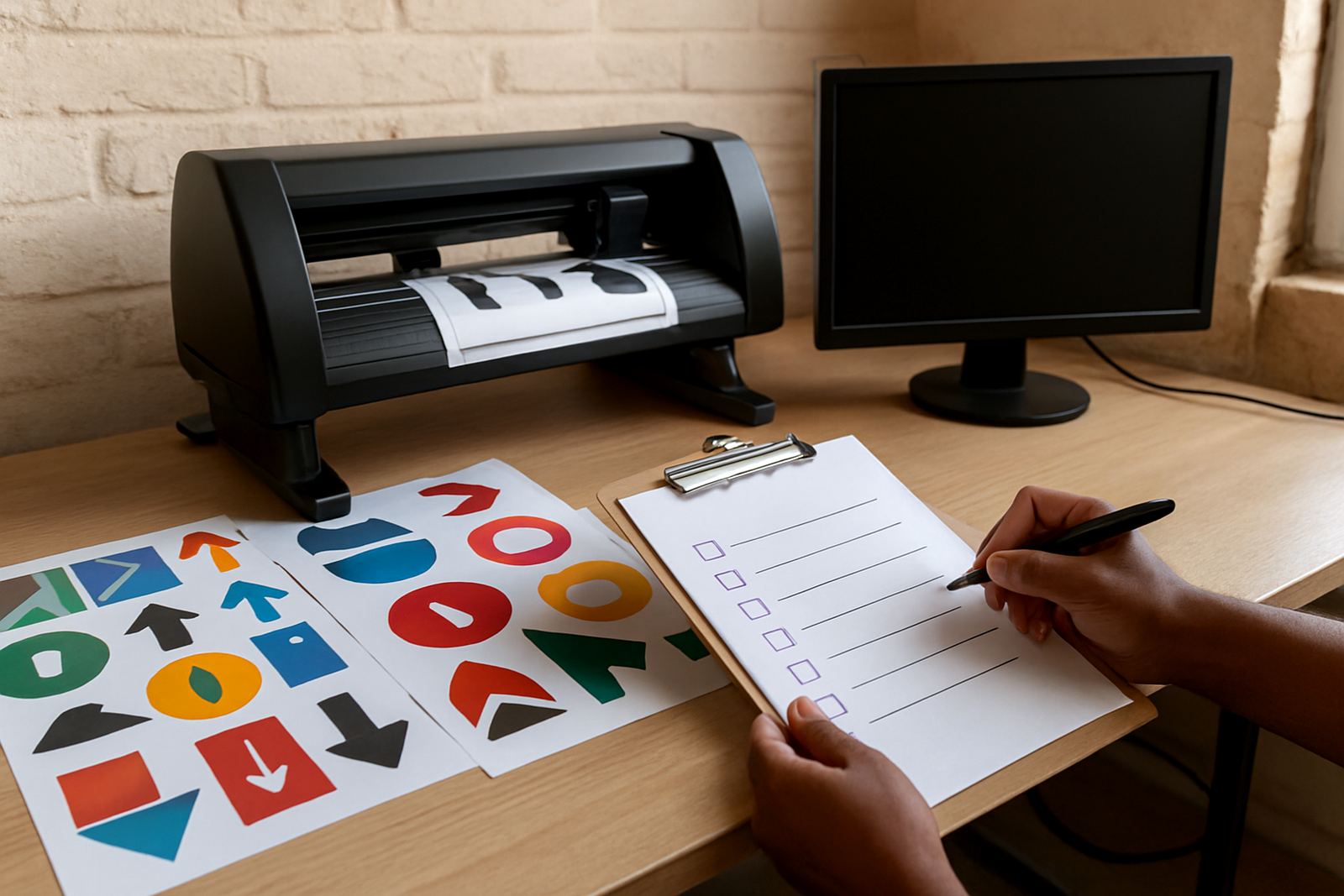
Use this checklist before you sign off any print and cut purchase or upgrade. It keeps the decision grounded in what your shop needs, not only what the brochure says.
- Does the software handle both printing and contour cutting in one workflow?
- Can your current printer and cutter be set up without extra complexity?
- Will the team get training for setup, cutting and colour control?
- Can support be handled remotely, with onsite help where needed?
- Is there a clear plan for activation, updates and future upgrades?
- Can one system support jobs in Randburg and branch work in Pretoria, Durban or Cape Town?
If the answer is yes to most of these, you are close to the right fit. If not, the shop may end up with more admin than production. For sign makers, that means missed deadlines, wasted vinyl and unhappy customers.
When to review your workflow again
Review the setup whenever you add a new cutter, bring in a second printer, hire new staff or start taking on more short-run print and cut jobs. Growth changes the way a studio works. What suited a one-person shop in 2009 may not suit a busy team handling repeat work across Johannesburg, Pretoria and the coast.
A yearly support plan can help you keep the process tidy. It gives you a chance to check licence status, refresh training, clean up presets and test whether your output still matches the work you sell. That way the shop is ready for the next rush without last-minute surprises.