Start with the jobs your team does every week
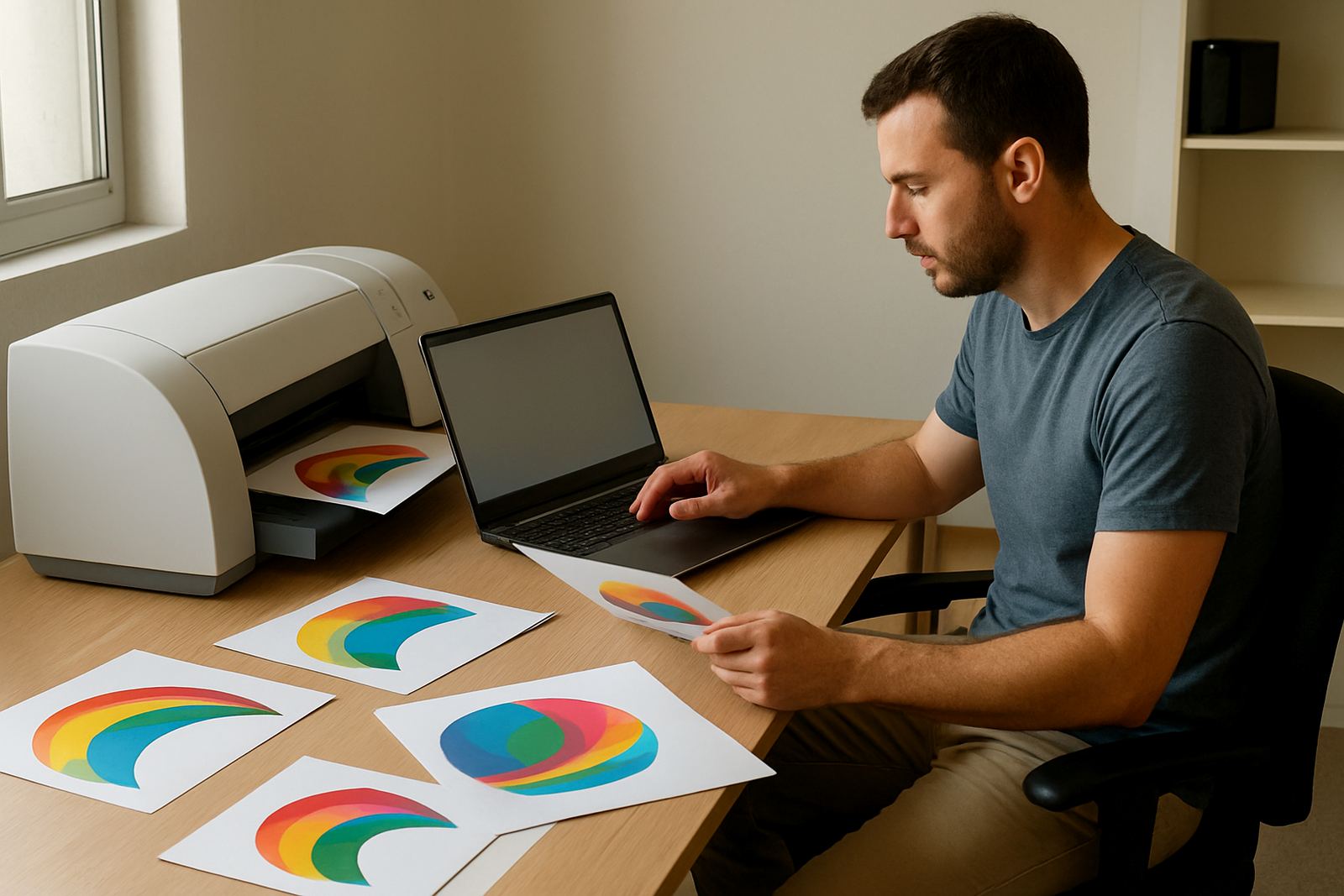
Before you compare licence types, list the work that happens in your shop from Monday to Friday. A small vinyl cutter operator in Randburg may only need artwork prep and cutter output, while a print provider in Durban may need full colour control, nesting and RIP queue handling for several machines. The right choice depends on how many people touch the file, how often jobs are changed and whether you work from one computer or several.
Use this simple check before you buy:
- How many staff need to open and prepare files
- Whether one person handles design, RIP and output, or the work is shared
- How many cutters, printers or workstations must connect
- Whether you need training for new staff and holiday cover
- Whether the team works onsite, remotely or across more than one branch
Entry licence for smaller shops and first-time users
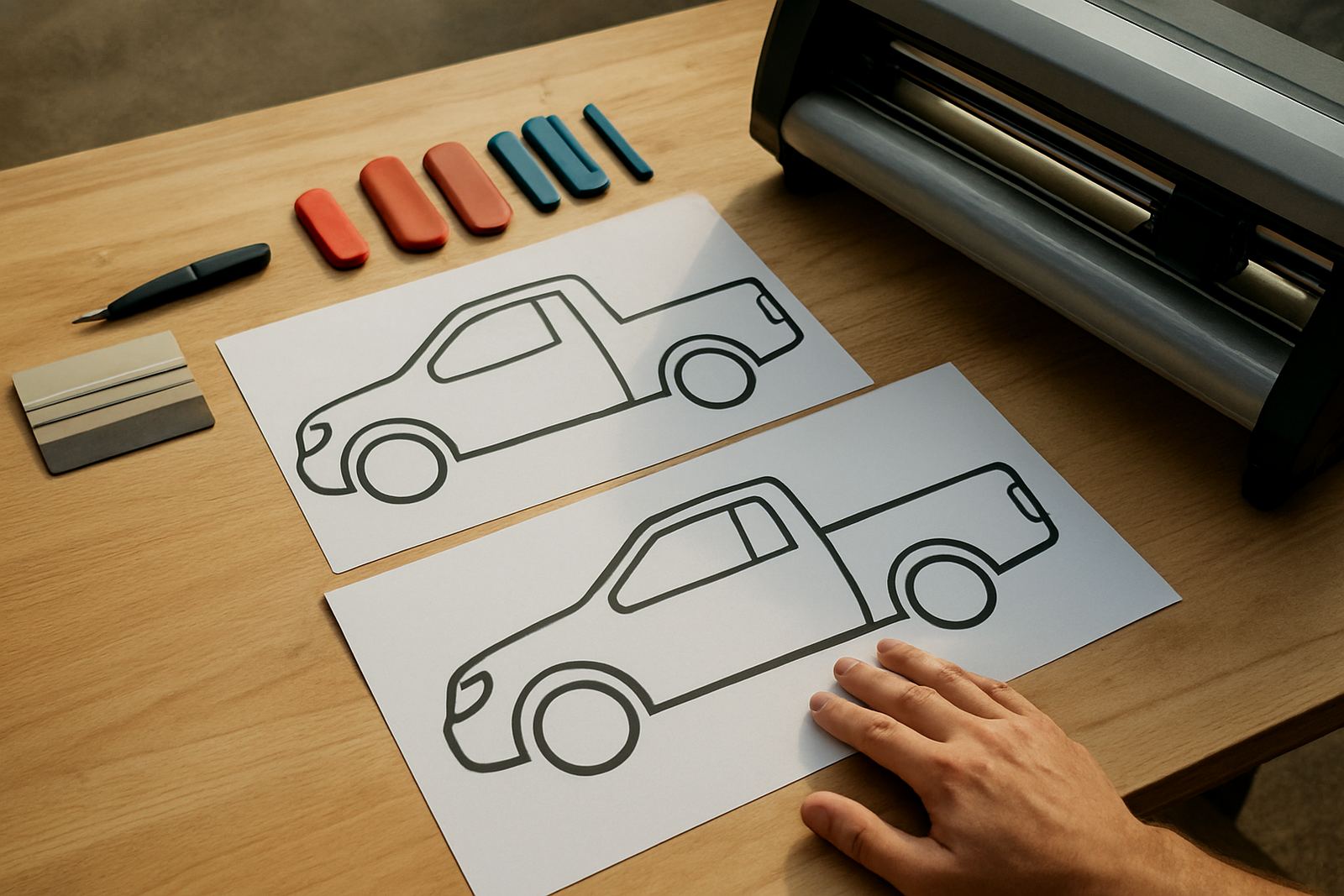
An entry licence suits a smaller sign shop that needs the core tools without paying for functions you will not use yet. It is often the practical choice for a start-up in Pretoria, a one-person studio in Centurion or a shop that only runs a single cutter and prepares a limited number of jobs each day. If your work is mostly cutting vinyl, simple layouts and short production runs, this level can be enough.
Keep in mind that an entry licence is usually best when one person controls the process. If two or three people need access at the same time, or if you want colour workflows and more advanced output control, you may outgrow it sooner than expected.
- Best for low to medium job volume
- Good for one primary operator
- Suitable for basic design and cutter output
- Lower upfront cost, but fewer options for growth
Production licence for busy print and sign rooms
A production licence is the better fit when your shop handles higher volumes, more machines and tighter deadlines. Many print service providers in Johannesburg and Cape Town need this level because they must manage nesting, queue ordering, colour correction and repeated output through the day. If you are printing vehicle graphics, wall graphics, boards or labels, this option gives you more control and saves time on each job.
It also helps when load-shedding, backup power and machine changeovers are part of the normal routine. A production setup should let your team pick up a job quickly after an interruption, check settings and keep the cutter or printer moving without starting from scratch. That matters when clients expect same-day turnaround.
Shared licence options for teams and multi-user work
Shared licences suit shops where more than one person works on the same production flow. This is useful when a designer prepares files while another staff member sends jobs to the RIP and a third person checks output. In larger operations, especially those with separate design and production roles, a shared setup can keep the work moving without everyone needing a full standalone licence.
Think carefully about how your team works during busy periods. If a designer in Midrand is preparing artwork while another branch in Gqeberha is handling output, shared access planning becomes important. The aim is to avoid bottlenecks and make sure the right person has access when the job reaches their stage.
- Useful for two or more staff members
- Helps when design and production are separate tasks
- Good for shops with branches or rotating staff
- Needs clear permission and workflow planning
How to compare before you choose
When you compare licence options, do not look only at the price. Look at what each licence lets you do on a normal day, not just on a quiet day. If your shop has plans to add another cutter, move into wider-format printing or take on more municipal and corporate signage, choose a licence that gives room to grow.
Use this step-by-step approach:
- List your current machines, including cutters and printers
- Count the staff who need access now and in the next 12 months
- Check whether you need remote help, onsite training or both
- Review whether colour management and queue setup are essential
- Ask how upgrades and licence changes are handled later
It is also worth checking how your team works with coastal humidity, heat and power interruptions. In Durban and Gqeberha, file handling and output routines can be affected by changing conditions, so a licence choice should support a stable production process.
What to prepare before installation and activation
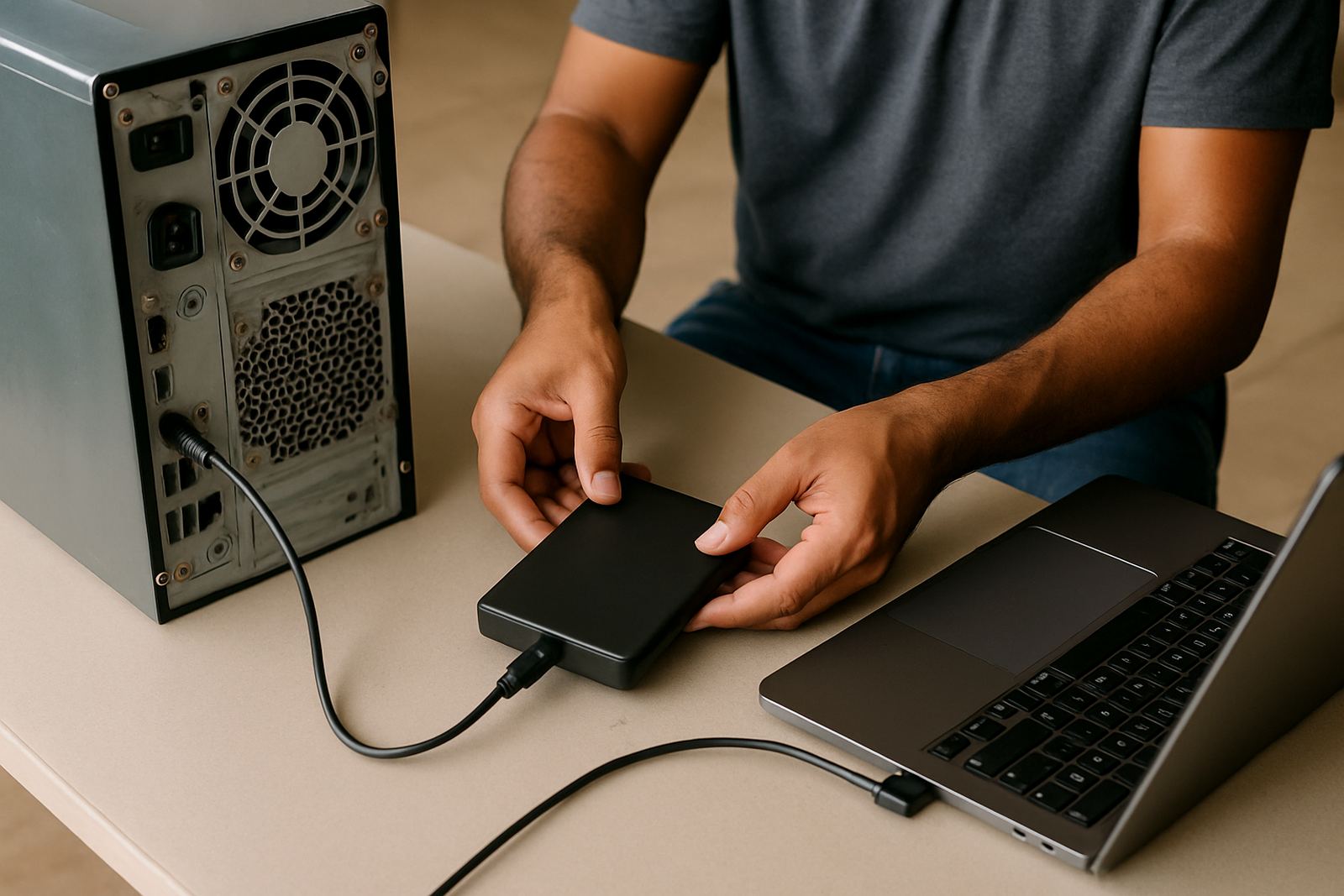
Once you have chosen a licence, get your workstation and production details ready before installation. This short preparation saves time and helps with a smoother start, especially if you are setting up a new shop or moving to a different computer. Our team can assist with licence activation, workflow setup, cutter setup help and training for new staff, either onsite or remotely depending on your area.
Have this information ready:
- Computer details and operating system version
- Machine make-up, including cutter or printer model
- Number of users who will need access
- Whether you need training in Randburg, Johannesburg, Pretoria, Durban, Cape Town or Gqeberha
- Any current issues with colour, output speed or RIP queues
For shops near municipal business areas, it also helps to confirm where equipment will sit, who will manage power backups and how jobs will be handed over between staff members.
A simple rule for making the final decision
If your work is simple and one person runs the machine most days, an entry licence may be enough. If your shop is busy, has more than one output device or needs better control over colour and queues, a production licence is usually the safer choice. If your team shares tasks across people or branches, a shared licence gives you the flexibility to organise work properly.
When in doubt, choose the option that matches the next step in your growth, not only the current month. A licence that fits today but blocks tomorrow can slow your team down and create extra cost later.
FlexiSIGN Studio in Randburg supports sign makers, designers and print service providers across South Africa with installation, training and support that fits the way local shops really work.