When wide format print work starts eating time
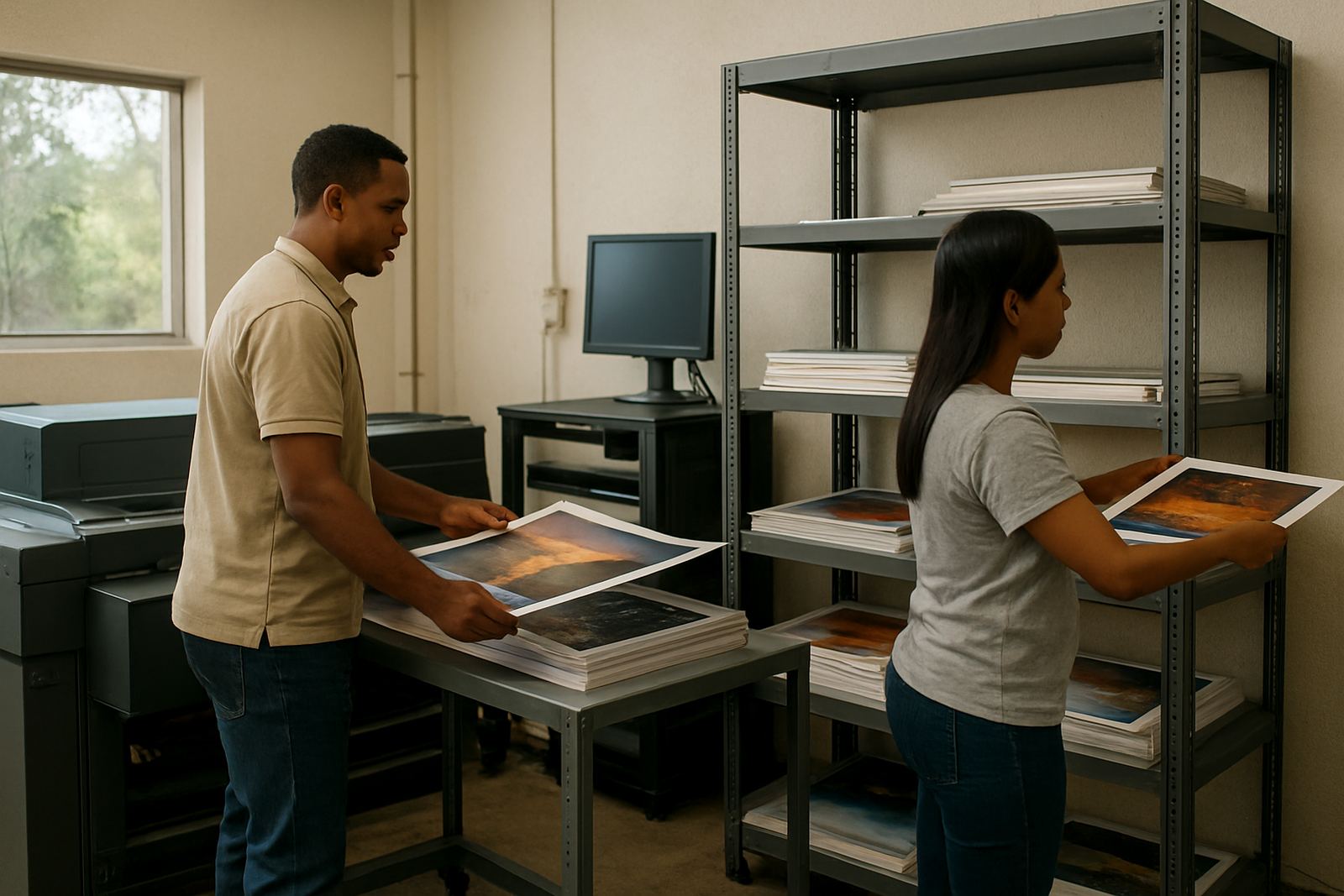
Most print shops come to us when the work is already busy and the problems are stacking up. Jobs are being resubmitted because colours shift from one run to the next, cut paths are not lining up after export, or a printer operator is spending too long sorting out queue settings for different media. In Randburg and across Gauteng, that usually means a shop is taking on more banners, posters, indoor displays and short-run event work than the current workflow can handle.
Wide format printers are often used alongside vinyl cutters, laminators and finishing tables, so the software side has to hold everything together. If the RIP is not set up properly, the printer may still run, but the output becomes harder to control. That is where we help with installation, licence activation, queue planning and colour management. We work with sign shops, print service providers and in-house production teams that need fewer mistakes and a steadier day to day process.
- Jobs must be printed in the right order, with the right profiles and media settings.
- Operators need clear steps for reprints, colour checks and cutter handover.
- Managers want fewer metres wasted on wrong colour or wrong scaling.
Typical equipment in a banner and display setup
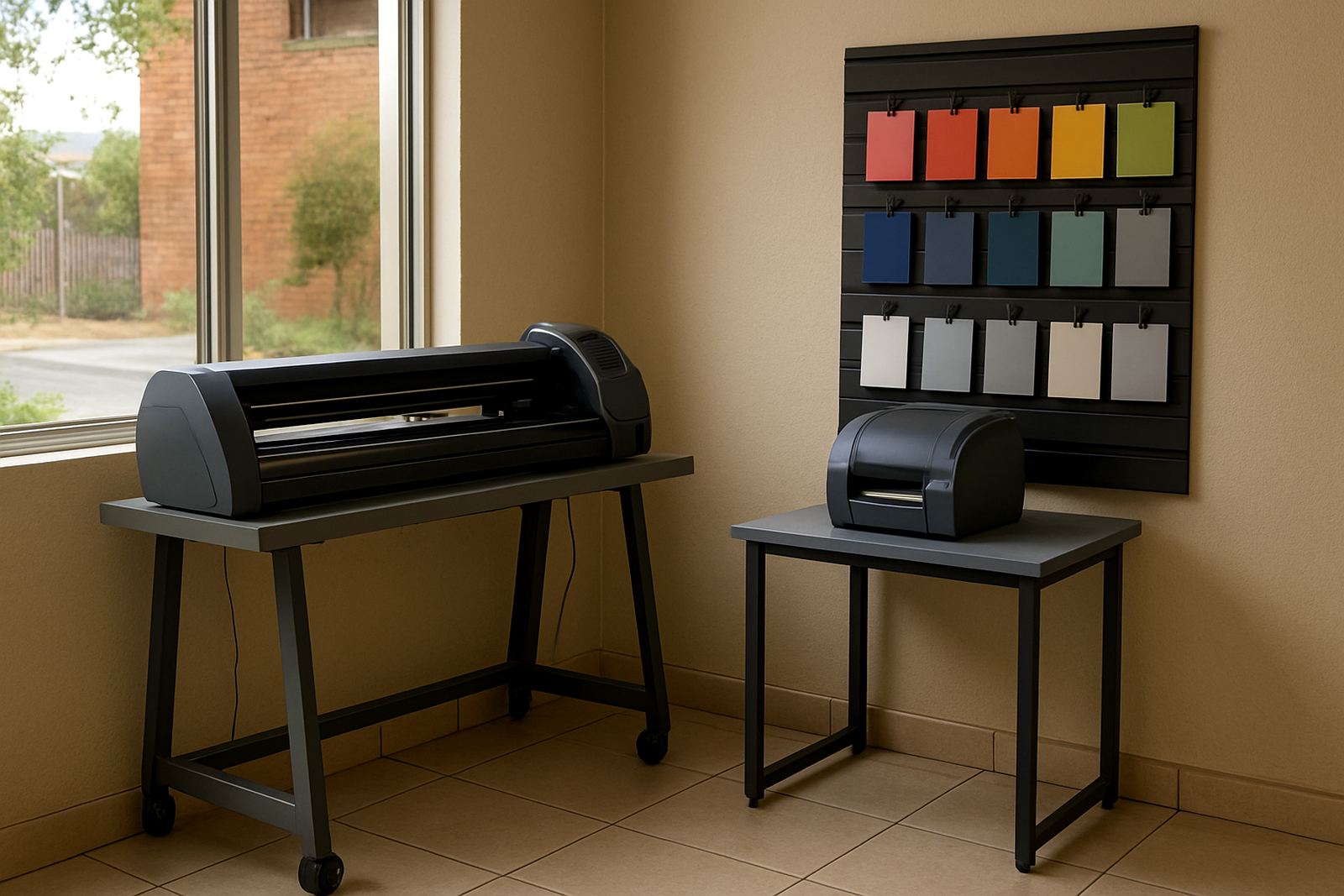
A wide format production line can be very simple or quite layered, depending on the job mix. A small shop may have one roll printer, one vinyl cutter and a basic work area. A larger operation in Johannesburg, Durban or Cape Town may run two printers, a separate cutter, a laminator and more than one workstation. The software must fit that layout, not fight it.
We usually look at the full set of equipment before making any changes. That includes the printer model, the cutter connection, the number of operators and whether the shop does colour-critical display work or mostly fast turnaround banner jobs. Coastal humidity in Durban or Gqeberha can affect media handling, so queue timing and storage habits matter more than many shops expect. In Pretoria and Midrand, we also see teams expanding quickly and then needing better naming rules and job routing so the same file is not being handled twice.
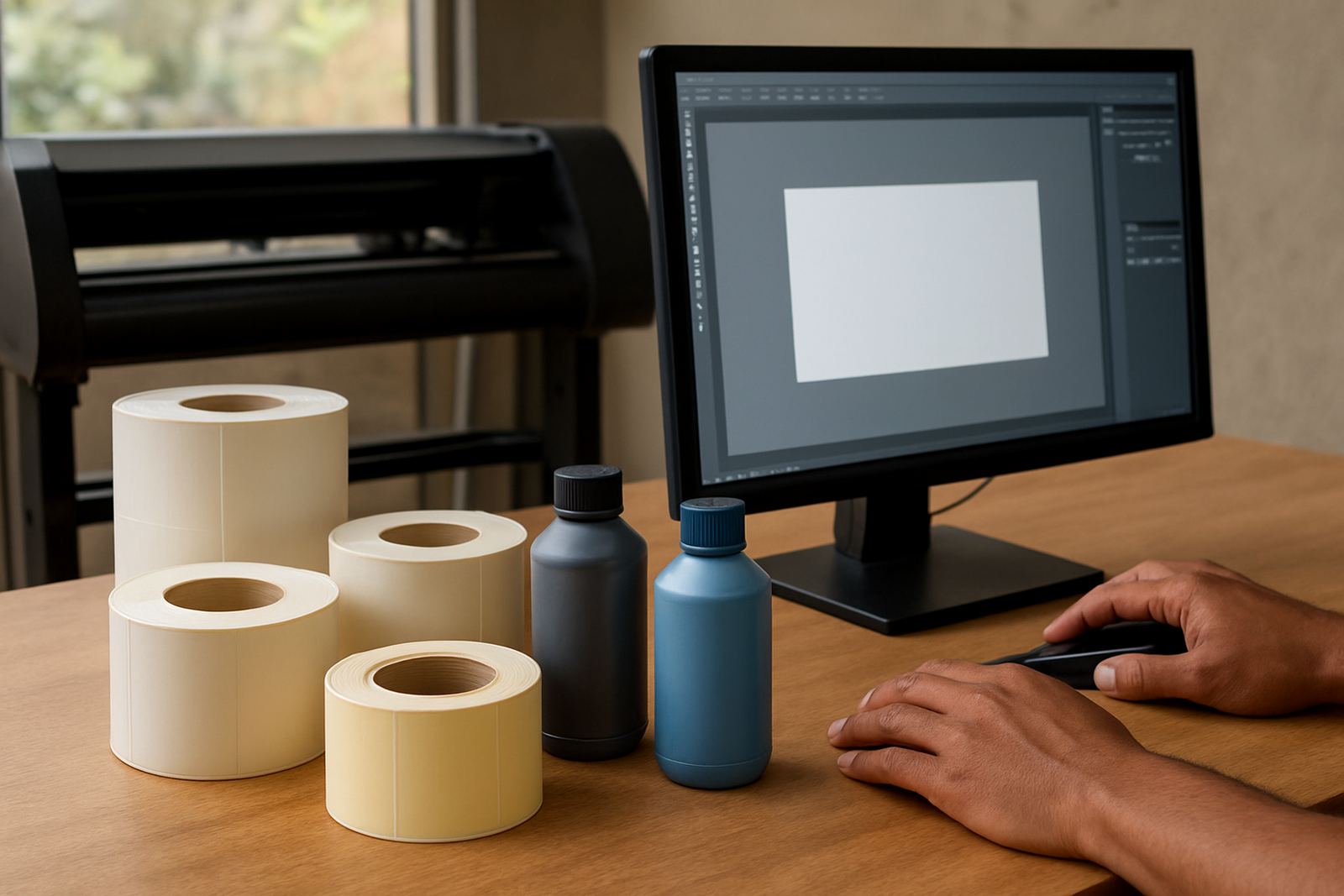
- Wide format printer or printers for banners, posters and display boards.
- Vinyl cutter for contour work and sign panels.
- Workstation for RIP control, proofing and job management.
- Colour reference sheets, media profiles and cutter registration checks.
Layout and planning advice for busy production rooms
A good setup saves metres, ink and staff time. The printer should sit where the operator can load media without crossing the room with heavy rolls, and the cutter should be close enough for quick handover but not so close that printed work gets damaged on the way through. If a shop runs both retail signage and trade work, separate queues help keep urgent client jobs from sitting behind test prints and small re-runs.
We often advise on simple production habits that make a real difference. Use clear file names, keep media types grouped, and set a repeatable process for approving colour before a full run. If staff change often, the setup should be easy enough for new people to learn in a day or two, not weeks. That is why we include new staff induction and training on queue control, colour handling and cutter setup help. It is practical work, but it saves money every week.
- Keep a fixed folder structure for banners, posters and display artwork.
- Assign one person to final colour sign off where possible.
- Use separate preset queues for indoor, outdoor and coated media.
- Leave space for drying, trimming and packing so jobs do not bottleneck.
Common mistakes that cost money on wide format jobs
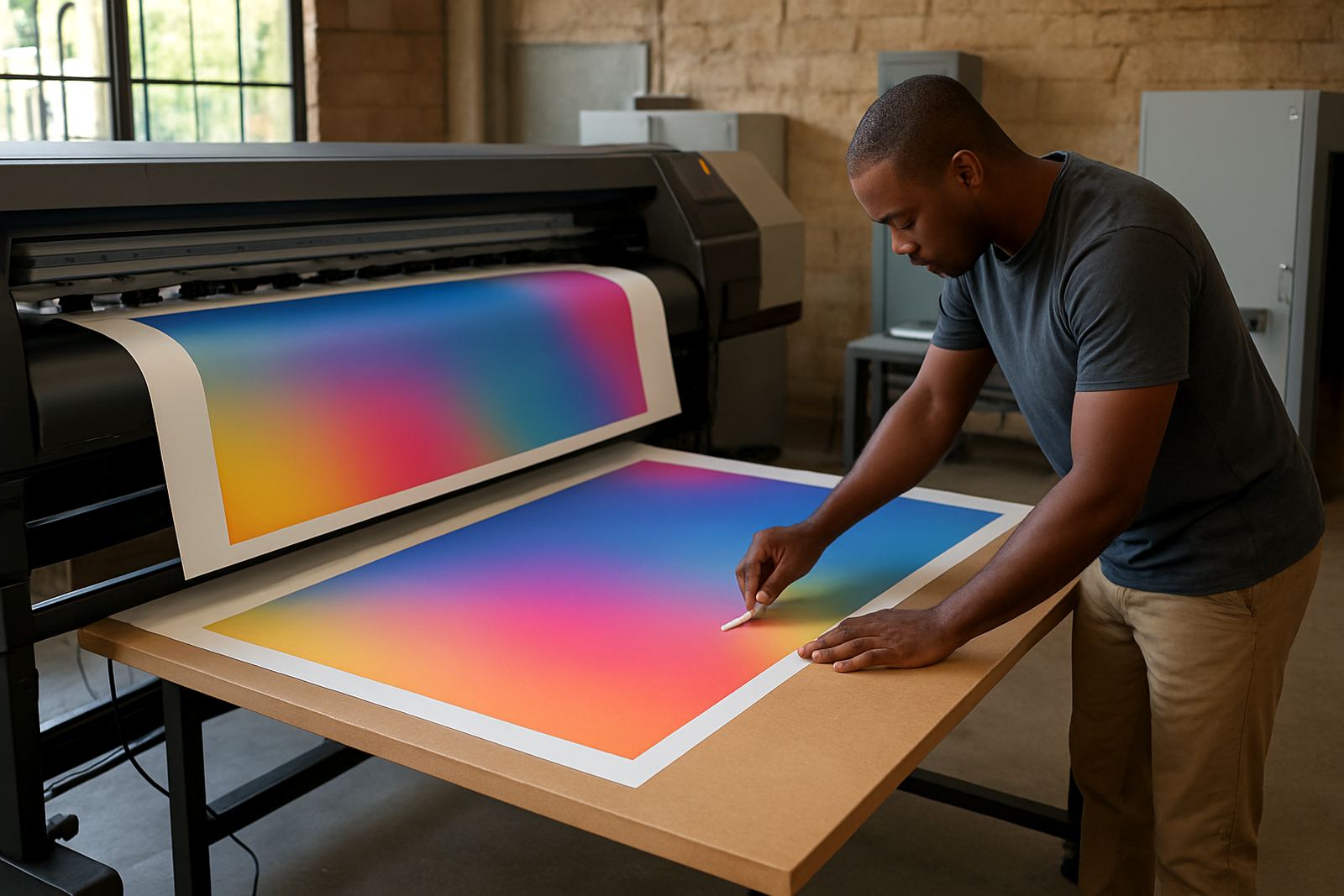
One of the biggest mistakes is treating every print as if it can use the same settings. Banner vinyl, poster paper and display board do not behave the same way, and a single queue preset is usually not enough. Another common issue is colour drift when a shop updates machines or changes staff and nobody checks the workflow from file to final print. Small errors become expensive fast when a roll of material is involved.
We also see problems with cutter setup, especially where printed graphics must be trimmed to a clean edge or contour cut. If the cutter offset, media feed or registration marks are wrong, the whole job can be lost. A poorly planned upgrade can create more trouble too, particularly if new staff are still learning and the shop changes software at the same time. That is why upgrade planning and annual support are useful for growing businesses.
- Wrong media profile for the job type.
- Colour checks skipped before production runs.
- Queue settings copied from old jobs without testing.
- Cutters and printers not calibrated together.
- Staff left to figure out the process on their own.
What support looks like for South African print shops
Our support is built around the way local shops actually work. Some clients need remote support for day-to-day issues, while others want onsite training in Randburg, Johannesburg, Pretoria, Durban, Cape Town, Gqeberha, Midrand or Centurion. We also handle installation and licence activation for new systems, and we help teams set up colour management so output stays consistent across different media and different machines.
For shops with multiple staff members, a short training session can clear up a lot of confusion around RIP queues, print order and file preparation. For busier teams, an annual support plan gives you a steadier way to deal with changes, staff turnover and upgrades. You do not need a massive production room to benefit from proper workflow control either. Even a small sign shop with one printer and one cutter can see better turnaround and fewer reprints once the setup is sorted out.
Budget ranges for wide format software and setup
Budget depends on the size of the printer setup, the number of users and how much help is needed with training and colour workflow. A small shop looking for basic installation and activation may spend far less than a multi-user print room needing onsite setup, queue tuning and staff training. Most clients ask us for a realistic range before they commit, which makes sense when equipment and materials are already a big monthly cost.
As a working guide, basic setup and activation may start from around R2 500 to R5 000, depending on the system and support needed. More complete workflow setup, colour management and training for a small team can sit in the R6 500 to R15 000 range. Larger multi-site or multi-user setups, especially where remote support, onsite visits and upgrade planning are included, can move from R15 000 to R35 000 and above. The point is not to buy more than you need, but to match the software to the work you are actually producing.
- Basic installation and activation: from R2 500.
- Workflow setup with training: from R6 500.
- Multi-user or multi-site support: from R15 000 upwards.
How to get help with your print workflow
If your wide format printer is in place but the jobs are not running smoothly, the next step is usually a review of the workflow rather than a hardware change. We look at how files are prepared, how queues are set, where colour issues start and how the cutter fits into the process. That gives you a clearer plan for the shop floor and a better result on the final print.
For FlexiSIGN support, send the details through the contact form on this site. From there, we can advise on the right service, whether that is remote support, onsite training, installation, cutter setup help or annual support. For print shops handling banner and display work across South Africa, the goal is simple: fewer errors, better colour and a production room that keeps moving.