When label jobs stop fitting the old way of working
Label printers are often used by sign shops, packaging suppliers and print rooms that need the same artwork across many SKUs, bottle sizes or product variants. One job may need 200 small labels with three languages, while the next needs a dated batch, a barcode and a colour block that must stay consistent on every run.
The pressure usually shows up in practical ways. Files are duplicated instead of templated, barcode bars get resized by mistake, and artwork is sent to print before the repeat count or trim marks are checked. In busy shops around Randburg, Johannesburg and Pretoria, that means wasted media, reprints and delays when a client changes the quantity at 4 pm.
- Short runs with frequent version changes
- Multiple barcodes, batch codes or expiry dates
- Different label widths on the same cutter or printer
- Need for clean handover between design and production
Typical equipment used in a label print setup
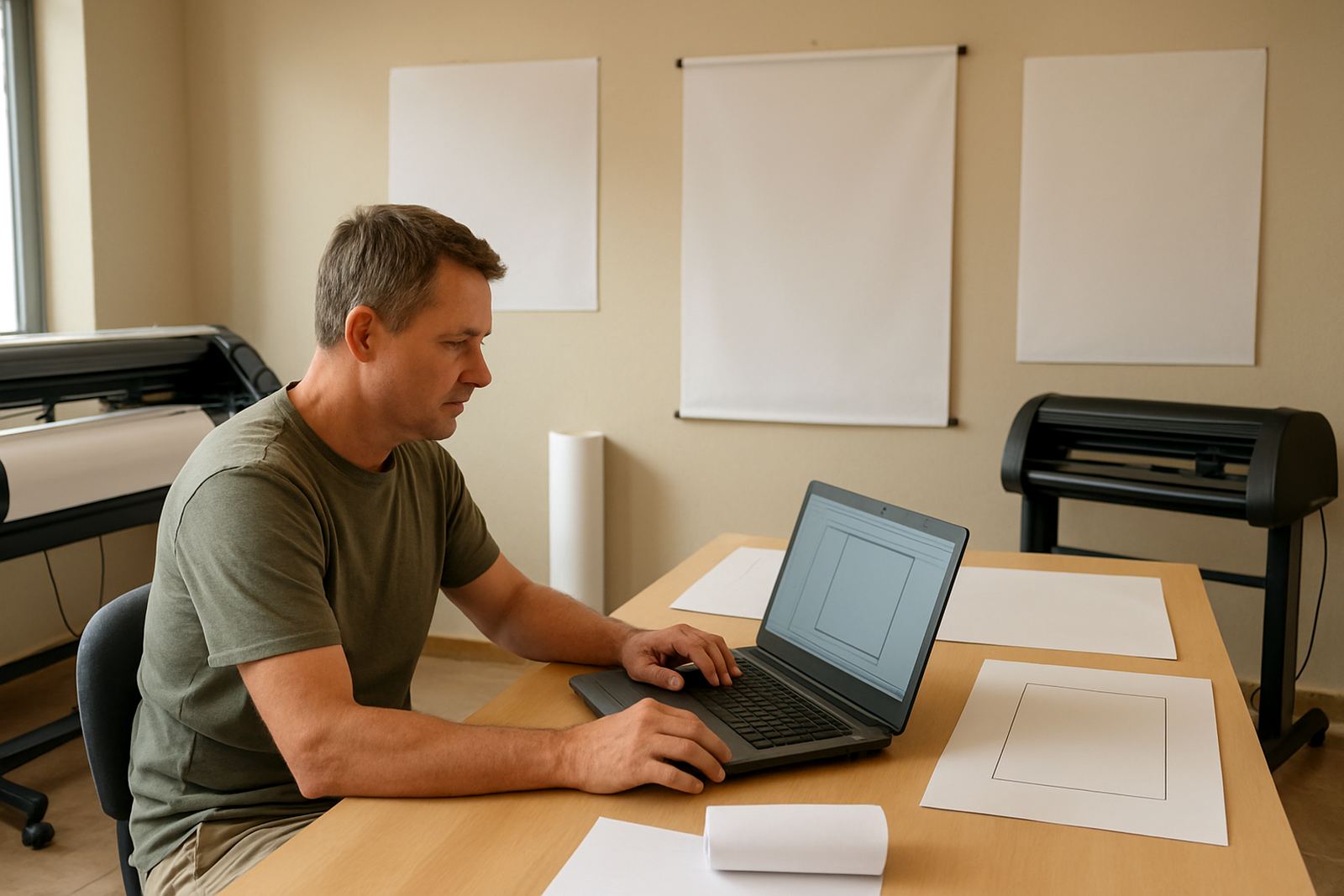
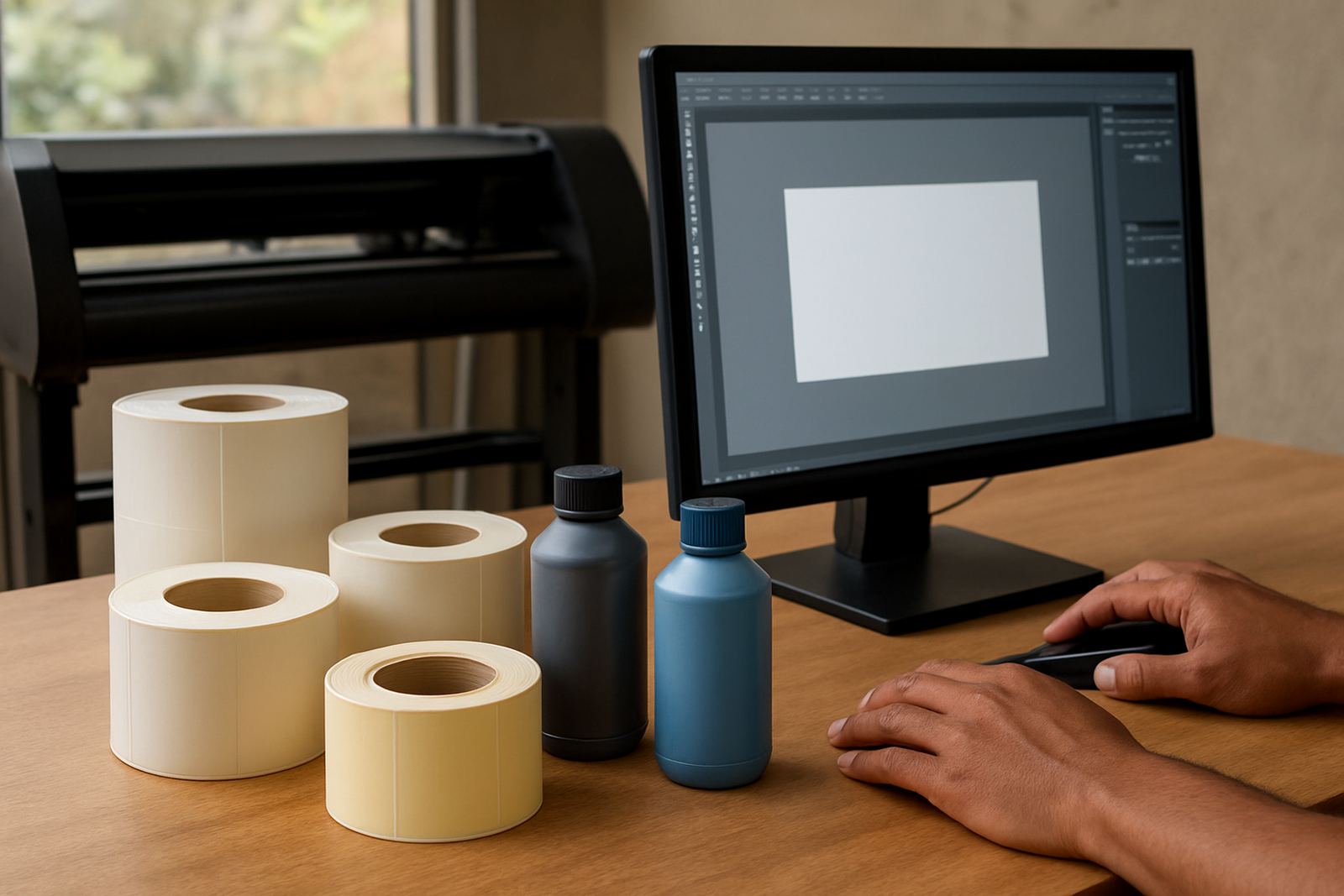
A label workflow can include a benchtop or wide-format label printer, a vinyl cutter for contour cutting, a laminator, a barcode scanner for verification and a PC that handles both design and RIP output. Some shops also run artwork from a shared server so more than one operator can load the same template without changing the master file.
For many South African businesses, the real challenge is not the machine itself but the way files move through the room. If the designer works in one corner, the cutter operator in another and the printer operator in a hot back office with load-shedding interruptions, the process needs clear naming, fixed queues and sensible folder structure.
- Label printer for plain, matt or synthetic stock
- Cutting device for kiss-cut or contour-cut jobs
- RIP software for queue control and nesting
- Artwork workstation with approved templates
- Optional barcode verifier or scanner for checking reads
Planning the layout before you send the first job
Good label production starts with layout planning. Decide the finished size first, then set bleed, safe area and barcode position before the artwork is duplicated. If the label includes a price, batch number or ingredient line, leave enough space for the smallest readable type size so the content still works when the client asks for a last-minute change.
For shops serving Durban or Gqeberha, humidity can affect some label stocks and adhesive performance, so storage matters as much as design. Keep rolls sealed where possible, let material acclimatise before production and avoid printing onto stock that has absorbed moisture near the sea. In Gauteng, the bigger issue is dust and static on lighter films, which can affect feed and finishing if the room is not kept clean.
We normally recommend a simple approval sequence: master template, test print, barcode scan, then production run. That saves time when a client asks for 20, 50 or 500 repeats of the same label but with one line changed.
Common mistakes that cost time and media
Most label problems are not dramatic, they are small errors repeated across a long run. A barcode can be placed too close to the edge, a white border can be trimmed off, or a variable field can be left outside the data range. These issues only show up after the roll has started moving, which is why setup and checks matter.
Another common mistake is using the wrong RIP queue for the job type. A clean label run should not sit behind a large poster job or a cutter file from the previous shift. When production is mixed like that, operators lose track of which file is approved and which file still needs a change.
- Using low resolution source artwork for small labels
- Ignoring barcode quiet zones and scan tests
- Printing on the wrong media profile
- Not setting repeat counts or step-and-repeat correctly
- Skipping operator handover notes between shifts
How FlexiSIGN Studio supports label workflows
FlexiSIGN Studio works with South African sign makers, designers and print service providers who need practical support around setup, training and production. Our team assists with software installation, licence activation, workflow setup, colour management and cutter setup help, with onsite training where needed in Randburg, Midrand, Centurion and beyond.
For label printers, that usually means building a setup that matches the way the shop actually works. We help with repeat layouts, RIP queue organising, new staff induction, annual support plans and remote support when a job is stuck and the operator needs clear next steps. If your team needs colour workflow advice for product labels, we also look at how the printer, cutter and artwork settings connect, so the finish stays consistent from one batch to the next.
Budget ranges for label printing software and setup
Budget depends on the size of the shop, the number of operators and whether the setup is for one printer or a full production room. A smaller label setup with installation support and basic training may start around R8 000 to R15 000, while a more structured multi-user workflow with colour management, cutter setup and onsite training can sit between R18 000 and R45 000.
For businesses planning upgrades or adding a second output line, it is worth budgeting for staff time as well. The real cost is often not the licence alone, but the hours lost when a queue is not set properly or a new operator is guessing through a live order. A planned setup usually pays back through fewer reprints, cleaner handover and less downtime during load-shedding or busy month-end periods.
What a well run label room looks like on a busy day
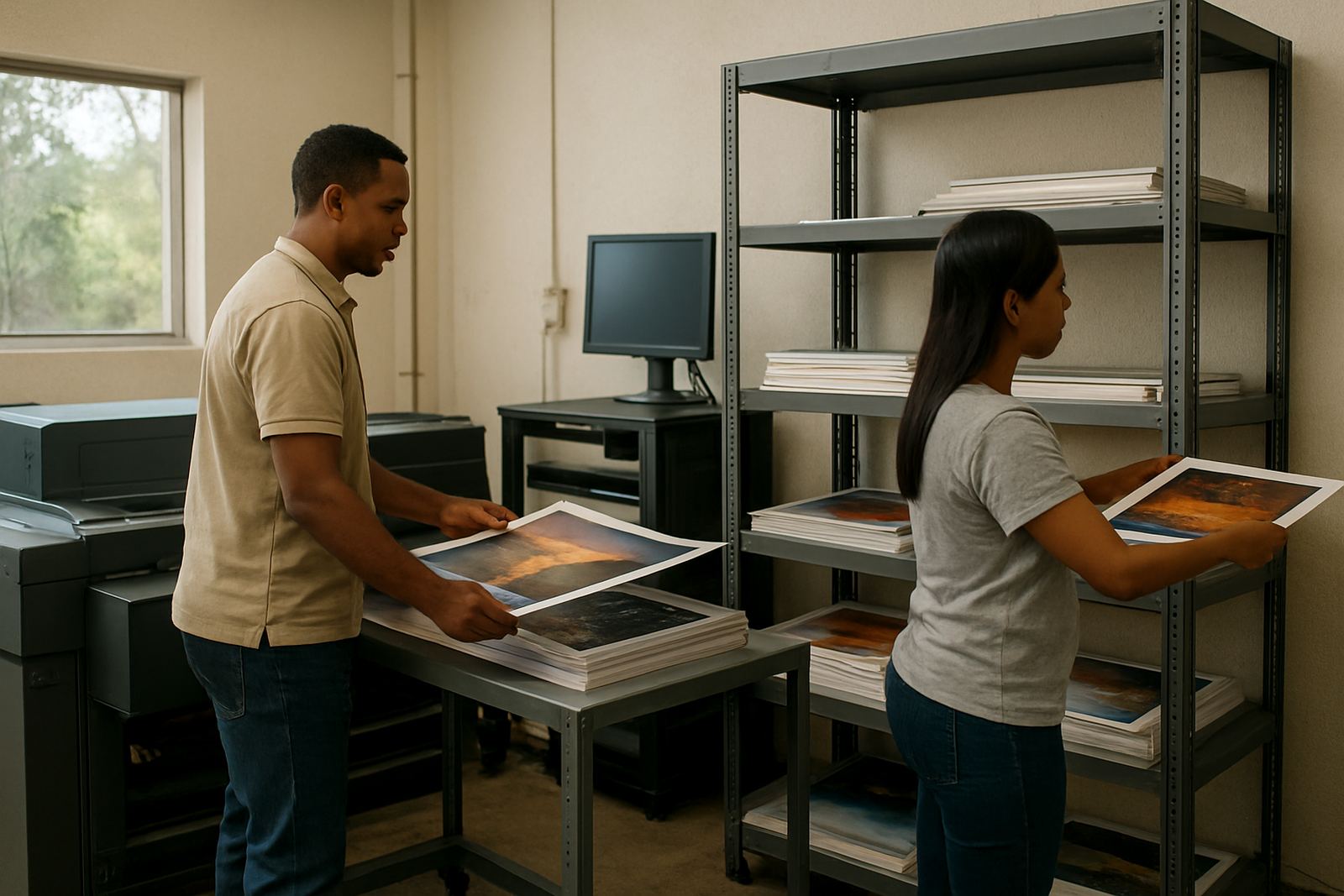
In a good label room, the approved artwork is easy to find, the queue names make sense and each operator knows which stock is loaded. The printer runs the correct media profile, the cutter receives the right cut path, and the finished labels can be checked fast against the client brief before packing.
That is what we aim for with training and support. Whether you are based in Johannesburg, Pretoria, Cape Town, Durban or Gqeberha, the goal is the same: fewer mistakes, quicker setup and a label workflow that holds up when orders change without warning.