Why mall kiosks need different software than a full print shop
A mall kiosk works under pressure. Customers want a name sticker, a shop window decal, a temporary promotion sign or a small batch of labels while they wait. Space is tight, lighting changes through the day, and the team often has to process artwork, cut vinyl and send print jobs from one counter. The software must be easy to learn, fast to use and reliable when the queue gets busy.
For this kind of setup, the problem is usually not the machine. It is the handover between design, cutting and printing. If the RIP queue is not organised, you lose time tracing the next job. If colour management is not set properly, the same red can look different from one batch to the next. A kiosk also needs clean job naming, simple templates and a layout that suits short runs rather than long production sheets.
In mall environments, staff changes are common. That means the software must support quick induction, clear buttons and repeatable steps. You need fewer mistakes, fewer reprints and less time standing around waiting for a file to be fixed.
Typical equipment set for a small-format retail print counter
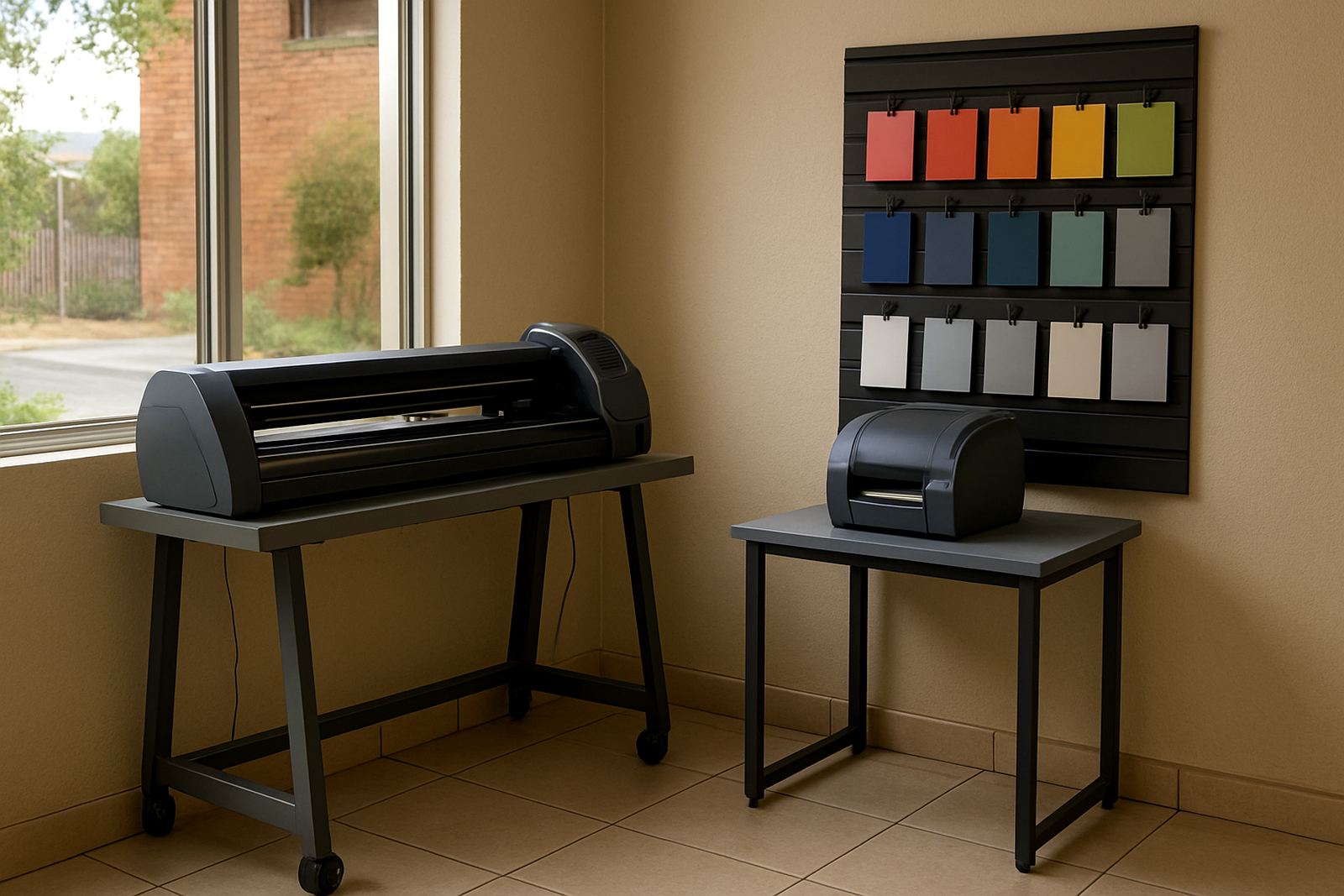
Most mall kiosks do not need a full factory floor. They need a compact setup that can handle common customer requests without eating up the whole counter. The mix below is typical for labels, decals and quick signs:
- A design computer with enough memory for artwork, previews and job management
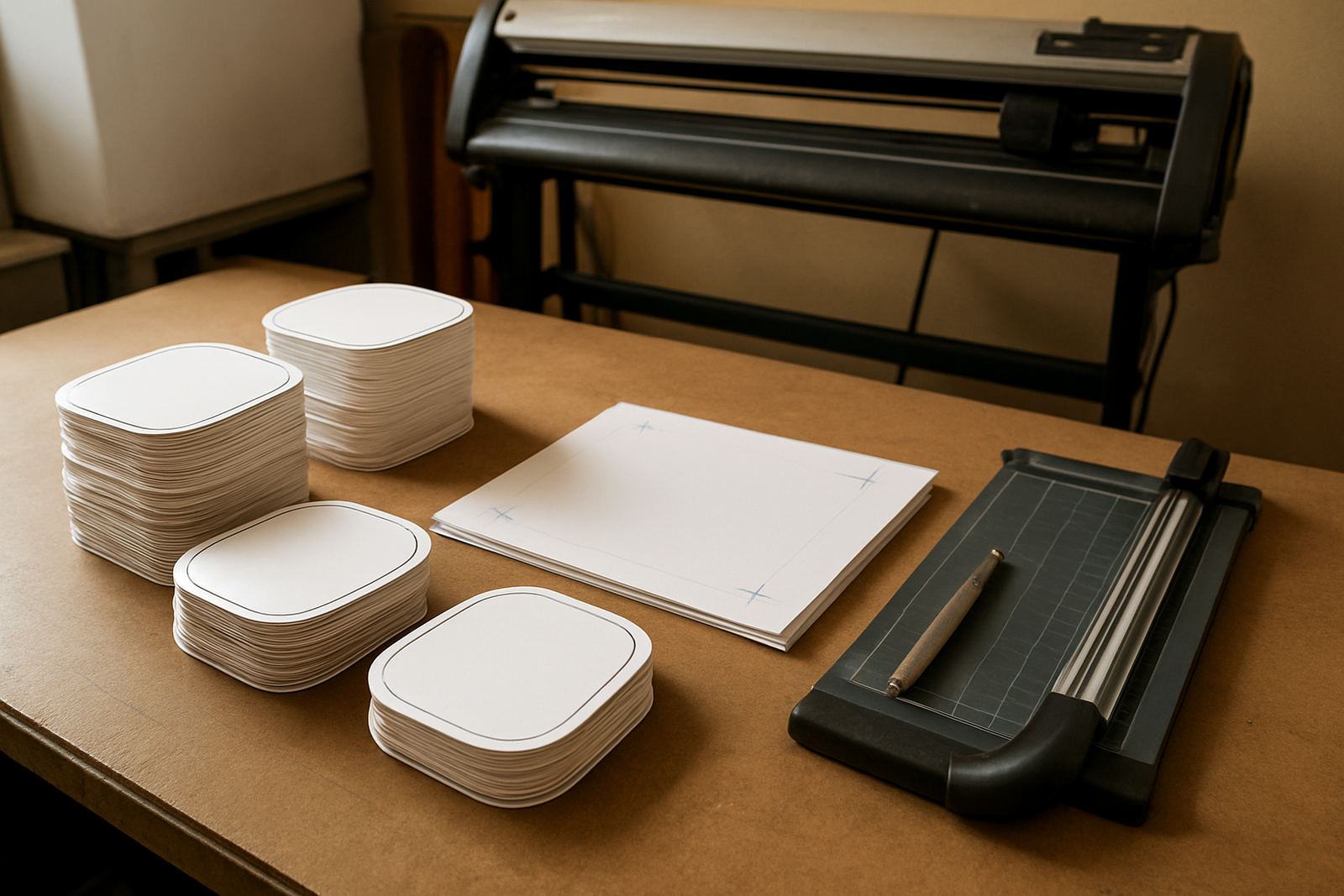
- A vinyl cutter for contour cuts, lettering and small decals
- A benchtop printer or print-and-cut unit for labels and short-run signs
- A flat work surface for trimming, weeding and packing
- A small storage area for vinyl rolls, media sheets and transfer tape
- A colour reference workflow for matching repeat jobs over time
FlexiSIGN Studio is often used where the same counter must manage both print and cut work. That means a team can prepare artwork once, send the correct parts to the printer or cutter, and keep the job flow tidy. It also helps where the kiosk serves walk-in customers who want a sign today, not next week. On busy Saturdays, that matters a lot.
Layout and planning for a mall space that never feels big enough
Space planning is one of the biggest issues in a mall kiosk. The equipment has to fit around the customer counter, staff movement and stock storage without creating clutter. A narrow counter can still work well if the software setup is planned properly and the job flow is simple. Keep the printer and cutter within easy reach, but not so close that paper dust or vinyl trimmings cause trouble.
Think about airflow too. In some malls the kiosk is near an entrance or aircon vent, which can affect media handling and drying. Coastal humidity in Durban or Gqeberha can also change how vinyl behaves, especially with smaller decals and transfers. A good workflow helps staff compensate for that by keeping settings consistent and reducing handling errors.
For a retail counter, the best plan is usually a lean layout with clear zones: customer intake, artwork setup, output, finishing and collection. If those steps are mixed together, staff waste time. If they are separated even slightly, work moves cleaner and the queue stays under control.
Common mistakes that slow mall kiosk printing
Most problems at small-format counters come from rushed setup, not from the actual machines. A few common mistakes show up again and again:
- Using different artwork sizes for the same product every time
- Skipping proper cutter calibration after a blade change
- Sending jobs to the wrong queue or wrong media profile
- Not checking colour output before a customer approves the work
- Keeping no naming system for repeat orders and reprints
- Letting stock run too low on popular media sizes
Another mistake is leaving new staff to learn by guesswork. In a mall, there is no time for trial and error. A short training session on software basics, queue handling and cutter setup can save hours of wasted material later. It also lowers pressure on the person who already knows the system. One missed setting can ruin a whole run, especially when label sheets are expensive.
Load-shedding is another practical issue. Even a short power interruption can interrupt a RIP queue or leave a job half processed. Planning for clean restart steps and saved presets is sensible for any kiosk that wants to keep trading through municipal or grid interruptions.
Budget ranges for a kiosk software setup in Rand
Budgets vary depending on how many stations you run, what type of cutter or printer you have, and whether you need onsite work or remote help. For a mall kiosk, the software and setup cost is usually easier to control than most people expect, but the real value comes from the time saved on every order.
As a working guide, a basic setup for one small counter can start from around R4 500 to R9 500 for software licensing and activation support, depending on the workflow needed. A more complete package with installation, colour setup, cutter configuration and staff induction can move into the R12 000 to R28 000 range. If you need multiple users, repeat support visits or an annual support plan, it is sensible to budget more. The point is not only to buy software, but to keep the counter productive.
For franchise-style retail print points or kiosks with several machines, upgrade planning matters. It is usually cheaper to set the workflow correctly from the start than to patch it later after staff have already built bad habits. A modest monthly support plan can be worth it if your counter handles high foot traffic or seasonal spikes in school and holiday periods.
How our support fits mall kiosks in South Africa
FlexiSIGN Studio supports sign shops, print counters and small retail operators from our Randburg base, with training and support across Johannesburg, Pretoria, Durban, Cape Town and Gqeberha. We also assist clients in Midrand and Centurion where mall and retail print setups often need practical, fast turnaround help. Support can be remote, onsite or through class training depending on the job and the location.
For kiosk printers, the usual service request is not a complicated overhaul. It is often something straightforward such as licence activation, workflow setup, colour management, RIP queue organising or cutter setup help. We also handle new staff induction and annual support planning for businesses that cannot afford a slow counter. If your shop depends on repeat labels or short-run signs, the software side must stay calm and orderly.
Clients usually reach us through the enquiry form on our contact page, which keeps the process simple and traceable. From there, we can assess the equipment, the number of users and the most practical training route for your kiosk.
What a well-run kiosk should be able to do every day
A small retail print counter should not feel complicated. It should be able to take an order, prepare artwork quickly, send the job to the right machine and finish cleanly without confusion. That is the real test. When the system is set up properly, the same software can handle labels, decals, window notices and short promotional signs without staff needing to fight the process.
For mall kiosk printers, the goal is simple: keep work moving, keep mistakes down and keep the counter ready for the next customer. With the right setup, your team can work faster and with more confidence, even when trading hours are long and the floor gets busy.
Good software should fit the kiosk, not the other way around.