Built for mixed print work and tight turnaround times
Print service providers rarely deal with one type of job for long. One hour it is a set of decals for a small shop in Pretoria, the next it is banners for a Durban event, then a stack of branded labels for a corporate office in Johannesburg. Your software needs to handle those changes without slowing the floor down.
We set up sign-making design and RIP workflows for shops that manage print, cut and finishing under one roof. That includes artwork prep, nesting, queue control, colour adjustment and cutter output. The aim is simple: fewer reworks, less media waste and a smoother handover from design to machine.
For businesses with more than one operator, consistency matters. If one person sets up a job and another finishes it after lunch, the file should still open cleanly and print the same way. That is where proper workflow planning saves time, especially when load-shedding, staff changes or last-minute client amendments interrupt the day.
Typical equipment in a print service provider setup
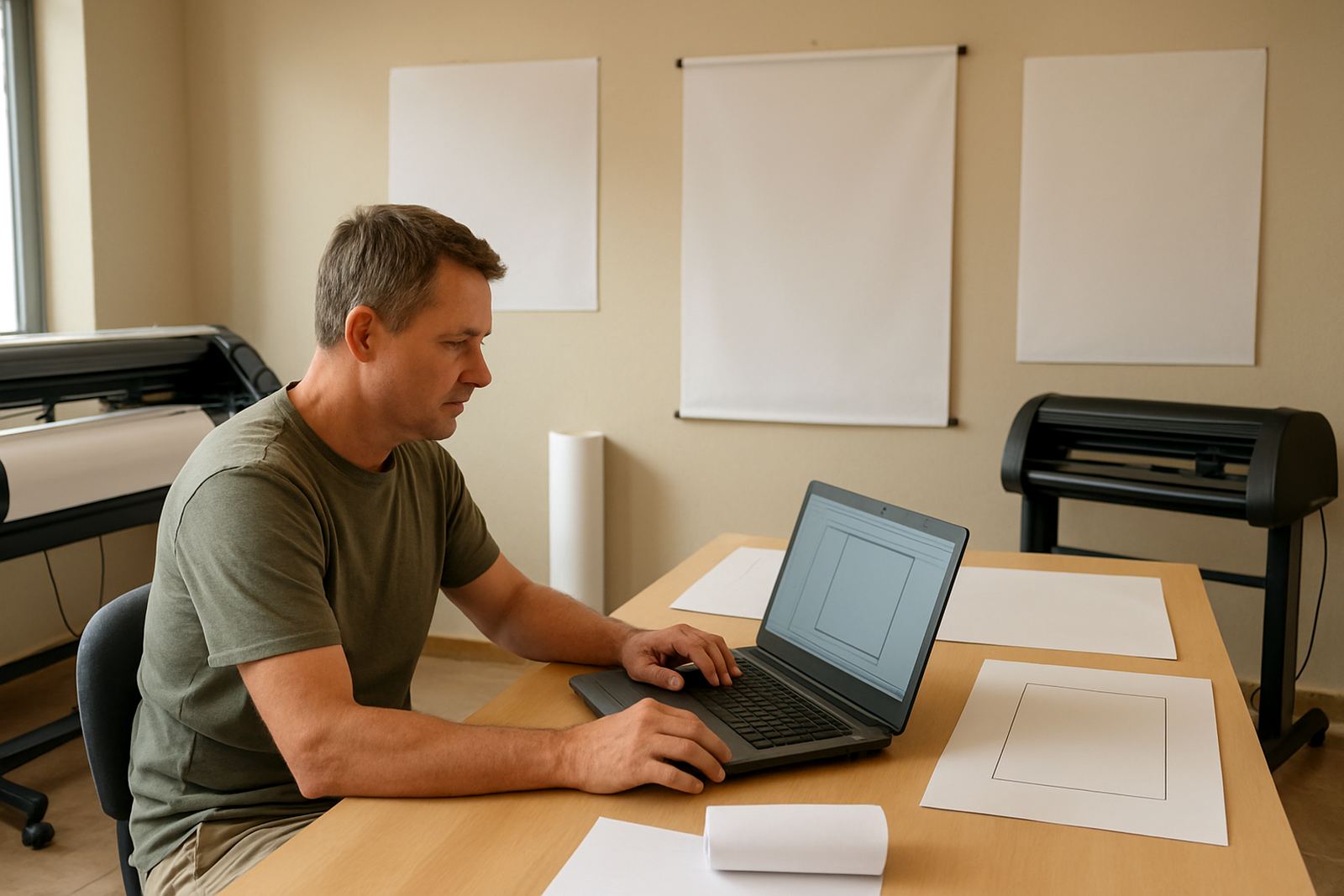
A typical setup may include a design workstation, a RIP station, a vinyl cutter, a wide-format printer and a laminator. Some shops also run a router, laser cutter or flatbed printer, depending on the mix of work. Each device needs the right software settings, colour profiles and job handling rules.
- One or two design computers for artwork prep and proofing
- A dedicated RIP computer for print queues and output control
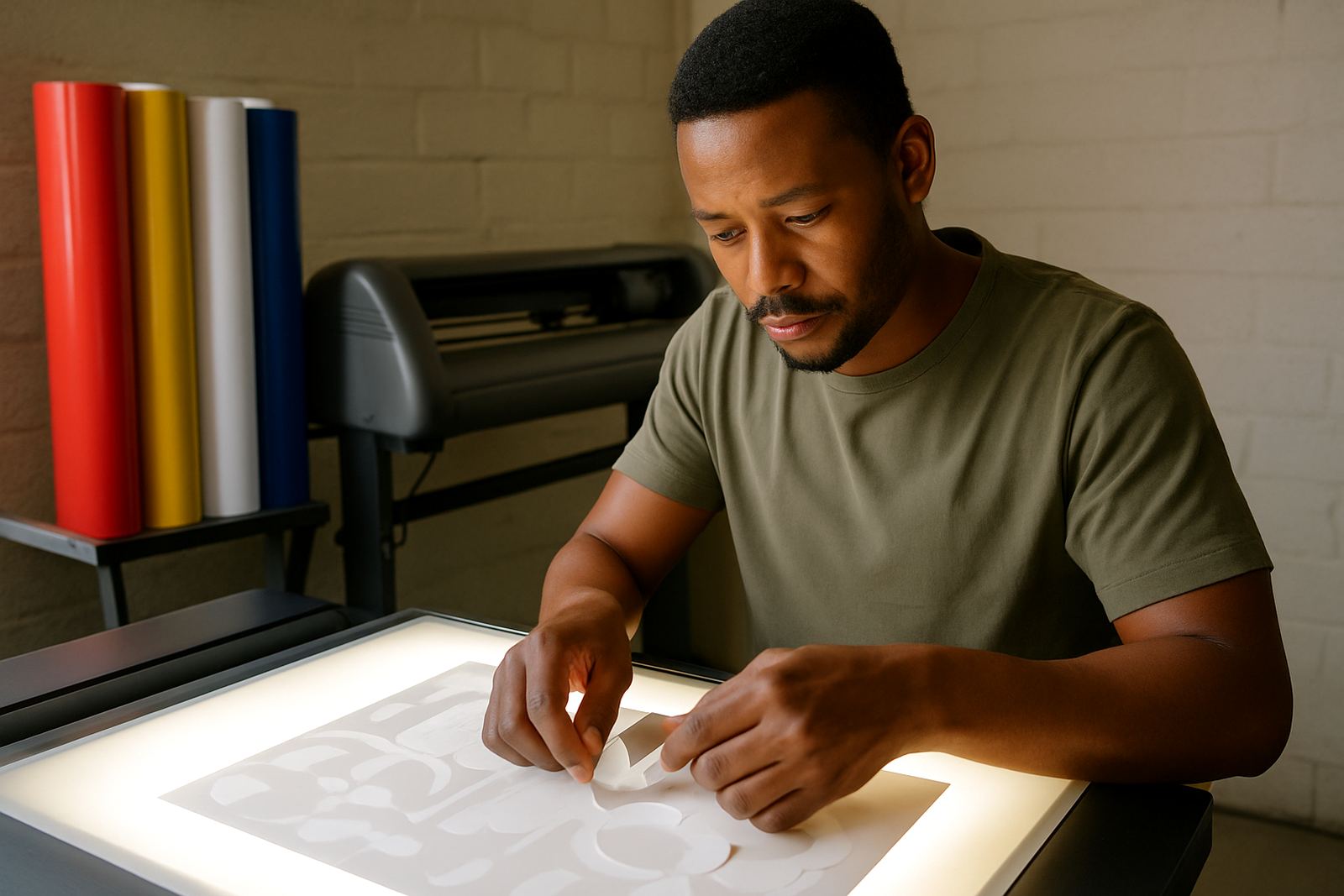
- Vinyl cutters for decals, lettering and contour cutting
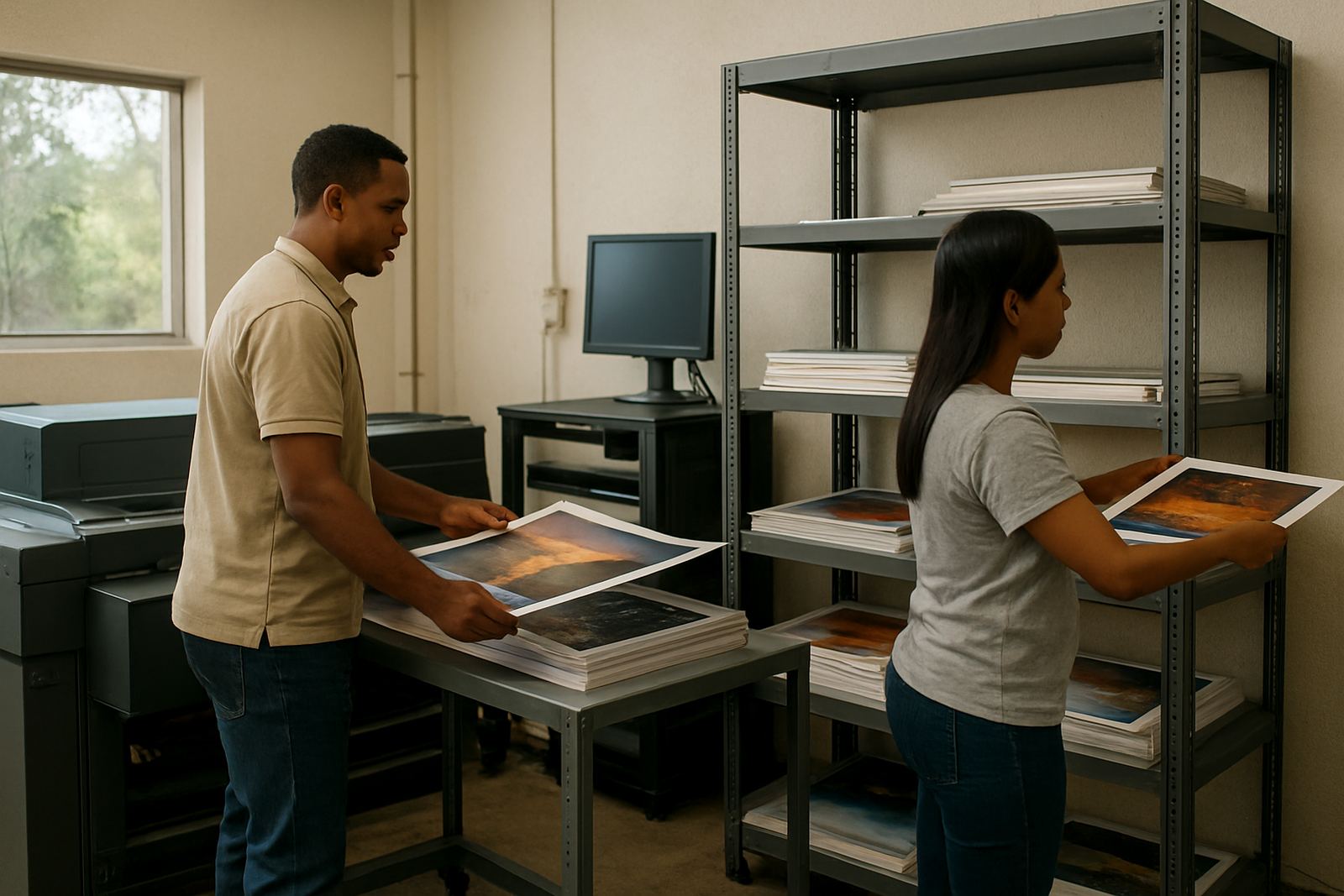
- Wide-format printer support for banners, posters and signage
- Colour management tools for repeat jobs and profile control
- Back-up power planning for towns and suburbs where outages still disrupt production
In coastal areas like Cape Town and Gqeberha, humidity can affect media handling and drying times. Inland, dust and heat can also cause problems if the room is not kept clean and ventilated. The software setup should match the equipment room, not just the brochure spec of the machine.
How we plan the layout so the room works properly
A good print room layout is about movement. Artwork should flow from the client brief to design, then to RIP, print, cut and finishing with as few handovers as possible. If the room is cramped, the job slows down. If the stations are too far apart, the team loses time walking between them all day.
We look at how the business works on a normal Tuesday, not only on a quiet Friday afternoon. That means checking cable runs, network access, printer placement and where staff will load media or collect finished jobs. For a Randburg base, that might mean a compact office with one RIP station and shared workstations. For a larger Johannesburg or Pretoria operation, it may mean separate prep and production areas.
We also consider who needs access to what. A junior operator may only need queue release and basic cut jobs, while a production lead may need full control of output settings, spot colour handling and reprint history. That keeps mistakes down and makes training easier.
Common mistakes that cost time and money
Most expensive mistakes in print service provider work come from rushed setup, not bad machines. If the RIP is poorly configured, colours drift. If cutter offsets are ignored, decals weed badly. If files are sent in the wrong format, the team wastes time chasing missing fonts or broken links.
- Using one generic workflow for every job type
- Skipping proper colour management and proof checks
- Letting multiple operators use different output settings
- Running software updates without checking licence status first
- Ignoring cutter calibration until a deadline is already close
- Not planning for power cuts, UPS time or safe shutdowns
We often see shops trying to fix output problems by changing media or machine settings first. In many cases the issue sits in the software queue, colour profile or file setup. A proper review usually saves more than it costs.
Training for new staff and busy production teams
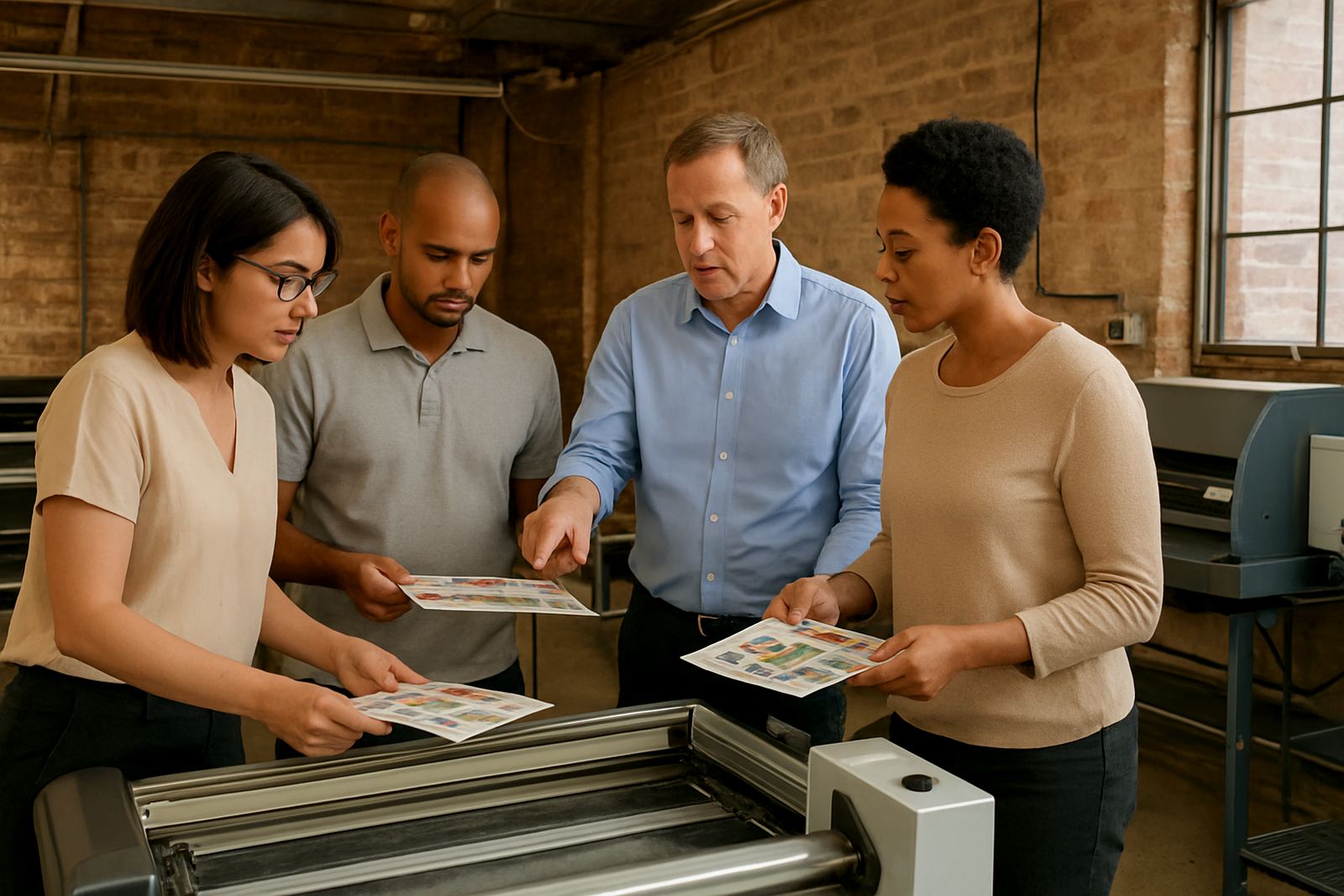
When staff changes happen, the workflow should not depend on one person remembering where everything is saved. We provide onsite training, Randburg class training and remote support for teams that need practical guidance. That includes new staff induction, cutter setup help, RIP queue managing and colour workflow basics.
Training works best when it is tied to actual jobs. A print shop in Centurion may need help with repeat vehicle graphics. A Durban support visit may focus on humidity control, production pacing and queue handling during a busy week. A Cape Town training session may centre on neat cut registration and consistent branding across different materials.
We keep the training hands-on so the team can use what they learn on the next job, not next month. That matters in shops where deadlines are tight and the customer expects clear answers.
Budget ranges and what affects the final spend
Software spend depends on the number of workstations, the mix of equipment and how much setup support the business needs. A small print service provider with one RIP station and one cutter will pay less than a multi-user shop with several printers, remote branches and a formal support plan.
As a guide, smaller installations and licence activation projects may start from around R5 000 to R15 000, depending on scope. More complete setup work, including workflow planning, colour management and onsite training, can sit in the R15 000 to R45 000 range. Larger multi-site rollouts, upgrade planning and annual support plans are usually quoted after a site review.
We also help clients think ahead. A cheaper licence now can become expensive later if the setup cannot handle new staff, extra cutters or a second printer. It is better to plan for the next 12 to 24 months, especially if the business is growing across Johannesburg, Pretoria, Durban, Cape Town or Gqeberha.