What a vinyl cutting studio needs to keep jobs moving
A cutting-focused studio usually handles short runs, same-day orders and repeat jobs that must match previous work. That means the software has to send clean cut paths to the cutter, keep artwork organised, and let staff move from design to output without extra steps.
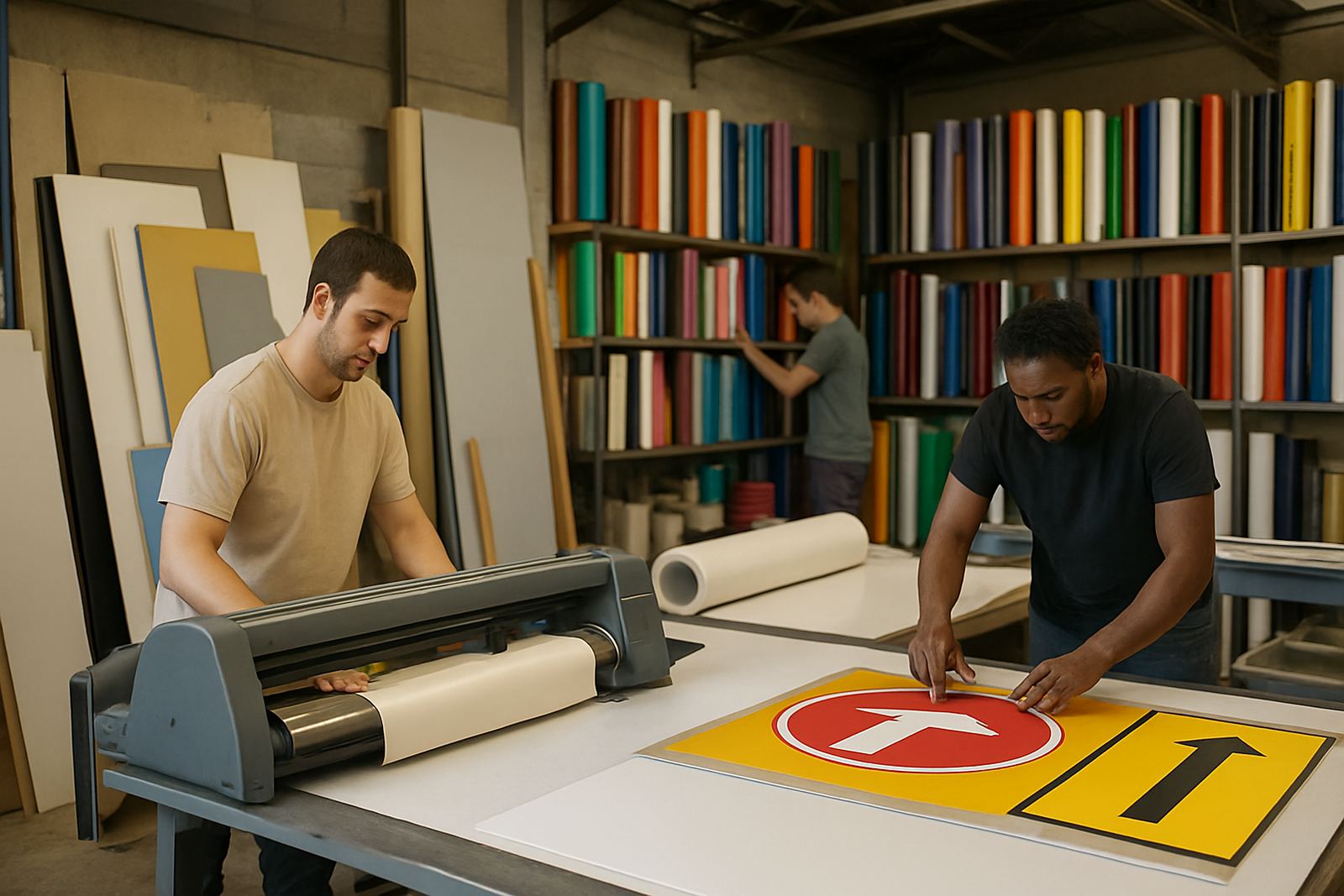
In Randburg, Johannesburg and Pretoria we often see teams working in tight spaces with a cutter, a laminator, a print and cut setup, and a few vinyl rolls stacked against the wall. When the layout is not planned well, people spend more time searching for files and re-setting cut lines than actually producing signs. A good workflow starts with job naming, sensible colour handling and a clear handover between design and production.
- Lettering for vehicle doors and windows
- Decals for safety, retail and promotional use
- Labels for packaging, jars and product ranges
- Storefront graphics and temporary sales signage
Typical equipment set for cutters and print and cut work
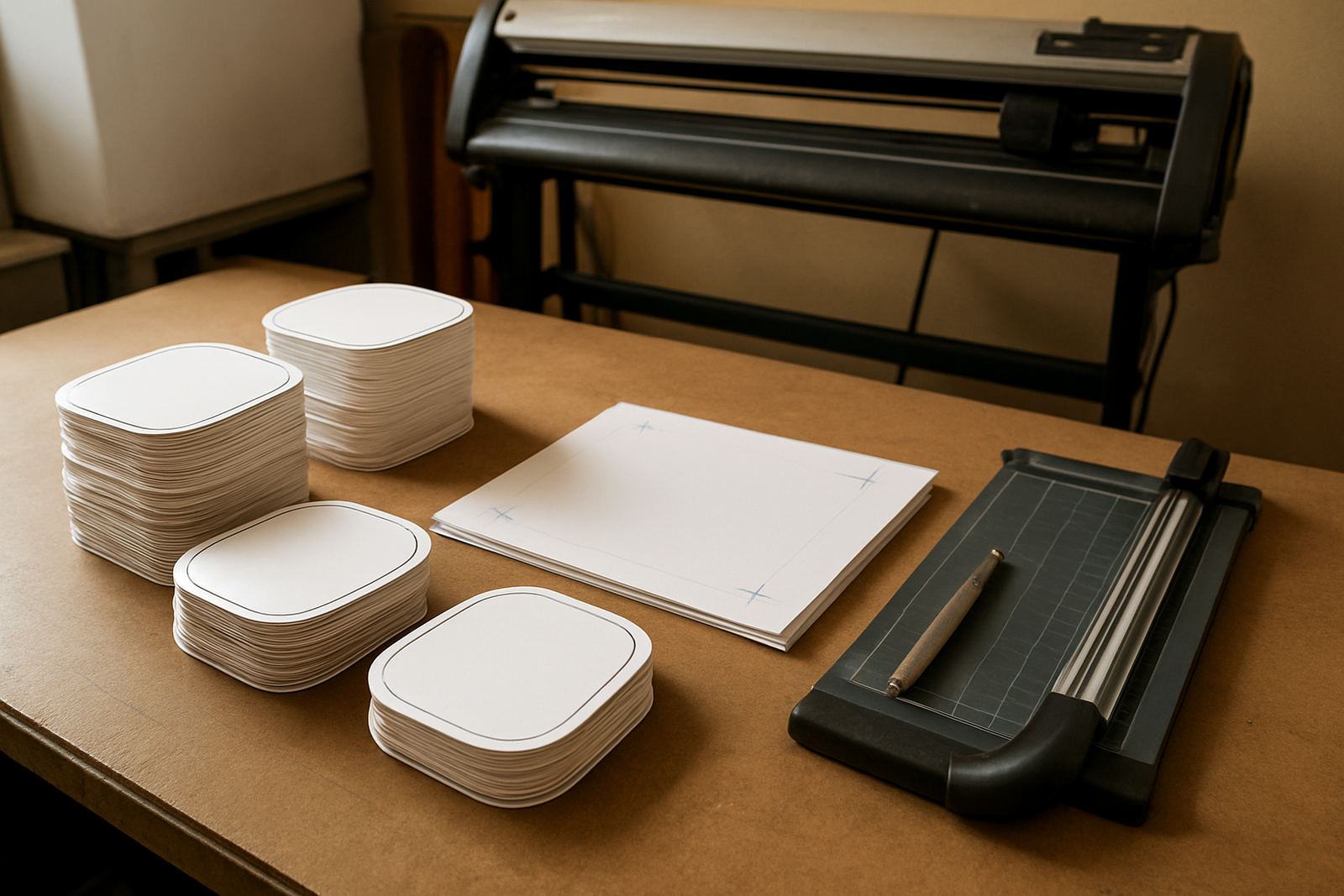
Most vinyl cutting studios do not need a massive setup, but they do need the right mix of equipment. A benchtop cutter or wide-format cutter, a capable computer, a printer for print and cut jobs, and a stable RIP package are the basics. If the studio also cuts reflective, window tint or thicker sign vinyl, blade pressure and tracking become much more important.
For coastal areas like Durban and Gqeberha, humidity can affect vinyl handling and storage. In hot inland areas like Midrand and Centurion, dust and temperature swings can also affect static and feeding. We help studios set up queues, cutter profiles and output folders so the machine room stays orderly and the operator is not guessing what each file is meant to do.
- Vinyl cutter or print and cut unit
- Windows PC with enough memory for artwork and RIP jobs
- Printer for decals, labels and contour-cut work
- Laminator for finished graphics and longer lasting shopfront jobs
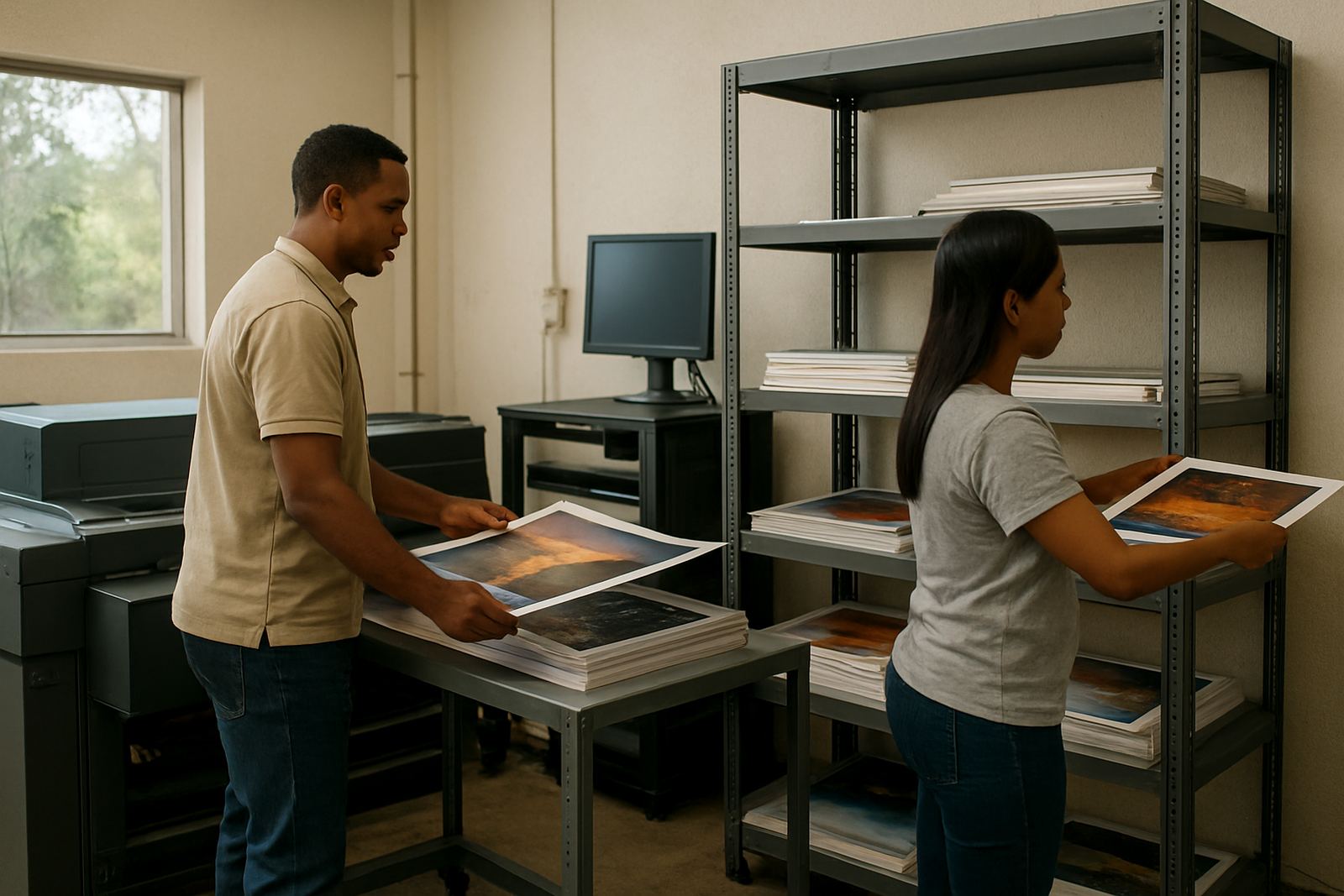
- Stable shelves or racks for rolls, offcuts and job packs
How to plan the room before the first roll is loaded
Good planning saves money. A cutter needs space to feed in and out cleanly, while the operator needs room to weed, tape and bundle finished work. In small studios, the cutter should not sit where foot traffic or open doors can knock the media out of line. If the room is too cramped, the team ends up re-cutting material and wasting stock.
We usually advise clients to keep print, cut and packing areas separate, even if they are only a few metres apart. Put the cutter near a straight wall, keep blades and tools in one place, and make sure the computer is close enough for quick checks. It sounds simple, but this one change often cuts mistakes down quite a bit.
- Leave clear feed space at the front and back of the cutter
- Keep finished jobs away from dust, heat and foot traffic
- Use named folders for client, date and job type
- Separate test cuts from production files
Common mistakes that slow down cutting jobs
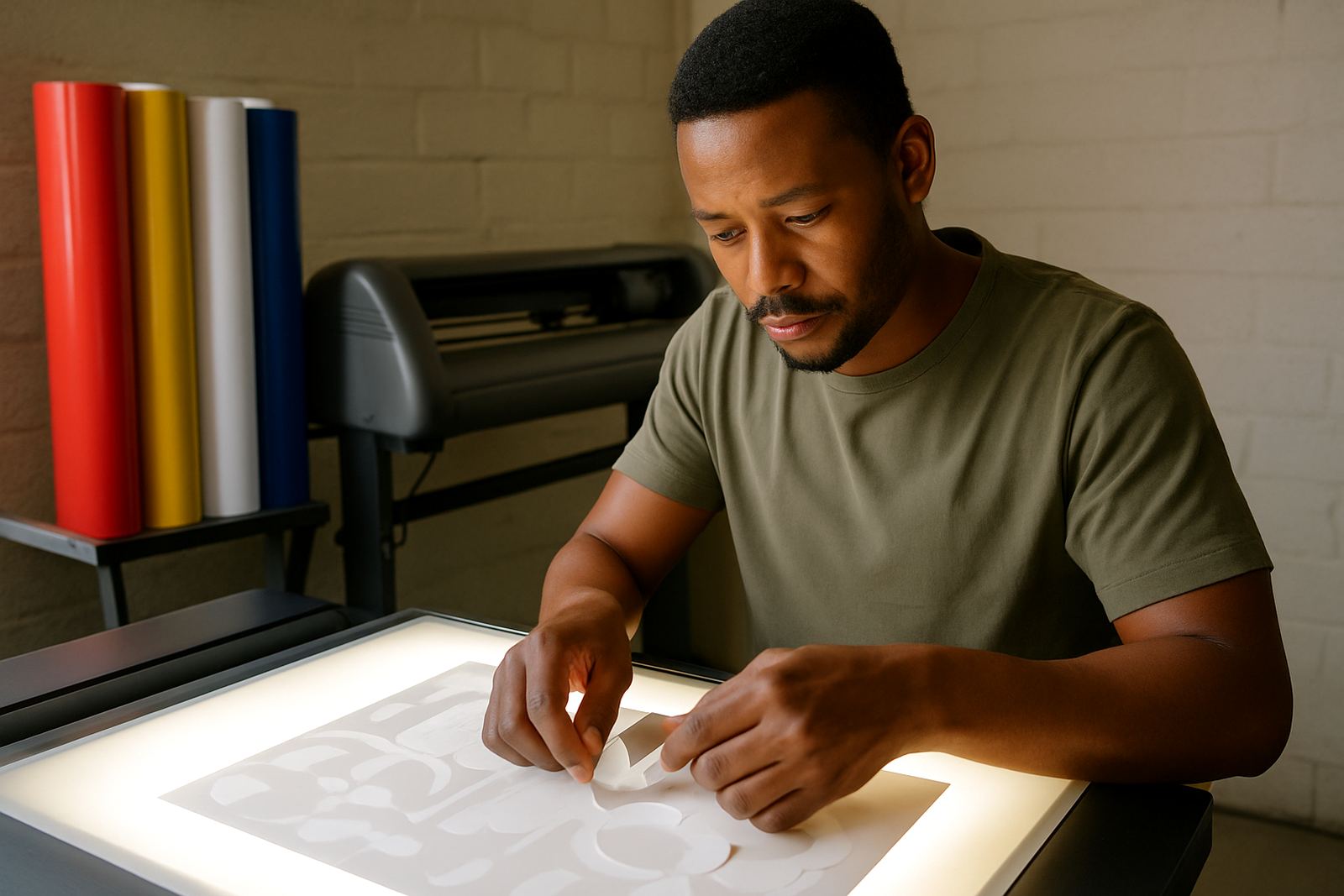
One of the biggest mistakes is treating every job like a one-off. Vinyl studios often reuse the same shapes, logos and text styles, so the software should support repeat output without rebuilding files each time. Another problem is poor colour workflow. When staff rely on screen colour alone, printed decals and cut overlays can miss the mark and waste material.
We also see cutters set up without proper tracking tests, which leads to skewed cuts and wasted metres. On larger runs, a small setup problem becomes expensive quickly. If the blade is too deep, the backing paper gets damaged. If the pressure is too light, weeding becomes a pain and the edges lift. The better approach is to standardise settings for each media type and record them, rather than starting from scratch every morning.
For new staff, the most common issue is rushing the queue. They load the wrong profile, send the wrong job to the cutter or forget to mirror artwork for transfer vinyl. A short induction and a clear checklist can prevent most of these errors.
Training and support for South African sign shops
FlexiSIGN Studio works with sign makers, graphic designers and print service providers across South Africa, from our Randburg base into Johannesburg, Pretoria, Durban, Cape Town and Gqeberha. We support onsite training, remote support, licence activation and workflow setup for shops that need better control over their cutting process.
For some teams, the main need is cutter setup help. For others, it is RIP queue optimising, colour management or upgrade planning when the current computer is slowing down. We also help new staff get comfortable with the full process, from design setup to output and finishing. Mandla Jacob Maseko leads the business, with support from Nadia Blignaut, Luthando Mlambo, Sifiso Mabena, Liezel Barnard and Lungile Ndlovu.
- Randburg class training for small teams
- Onsite training for busy production rooms
- Remote support for urgent setup problems
- Annual support plan for ongoing assistance
Budget ranges for cutters, software and setup work
Budget depends on how many users need access, whether the studio does only cutting or also print and cut work, and how much support is needed during rollout. A small vinyl cutting studio can often start with a tighter budget, while a multi-user shop with RIP output and colour control will need more planning. As a working guide, software setup and training projects can range from a few thousand Rand for a straightforward single-station install, to higher budgets for multi-machine workflow setup, site visits and training days.
For most clients, the real cost is not only the licence, but the time saved after proper setup. If the cutter stops wasting media, the RIP queue is organised, and staff know exactly where each file goes, the return on that spend shows up in better turnarounds and fewer re-cuts. That matters when municipal deadlines, shop opening dates or end-of-month promo work start piling up.