When sticker orders start piling up
Sticker producers usually feel the strain when orders move from a few dozen decals to repeat work for schools, fleet labels, product stickers and event branding. The problem is not only speed. It is keeping every job neat on the sheet, getting the cut line right, and making sure the same artwork runs the same way next month.
In Randburg, Johannesburg and Pretoria we often see shops working with a mix of printed vinyl, cut vinyl and laminated sheets. One operator may be sending artwork to a printer while another is feeding a cutter, and small setup mistakes can waste material quickly. A clean workflow matters even more when vinyl prices keep climbing and the job needs to go out before the courier closes.
For short-run production, the software should help with nesting, registration marks, contour paths, cut ordering and fast reprints. For repeat work, it should save a job in a way that lets your team open it, check colour settings and send it again without rebuilding the layout from scratch.
Typical kit in a sticker production shop
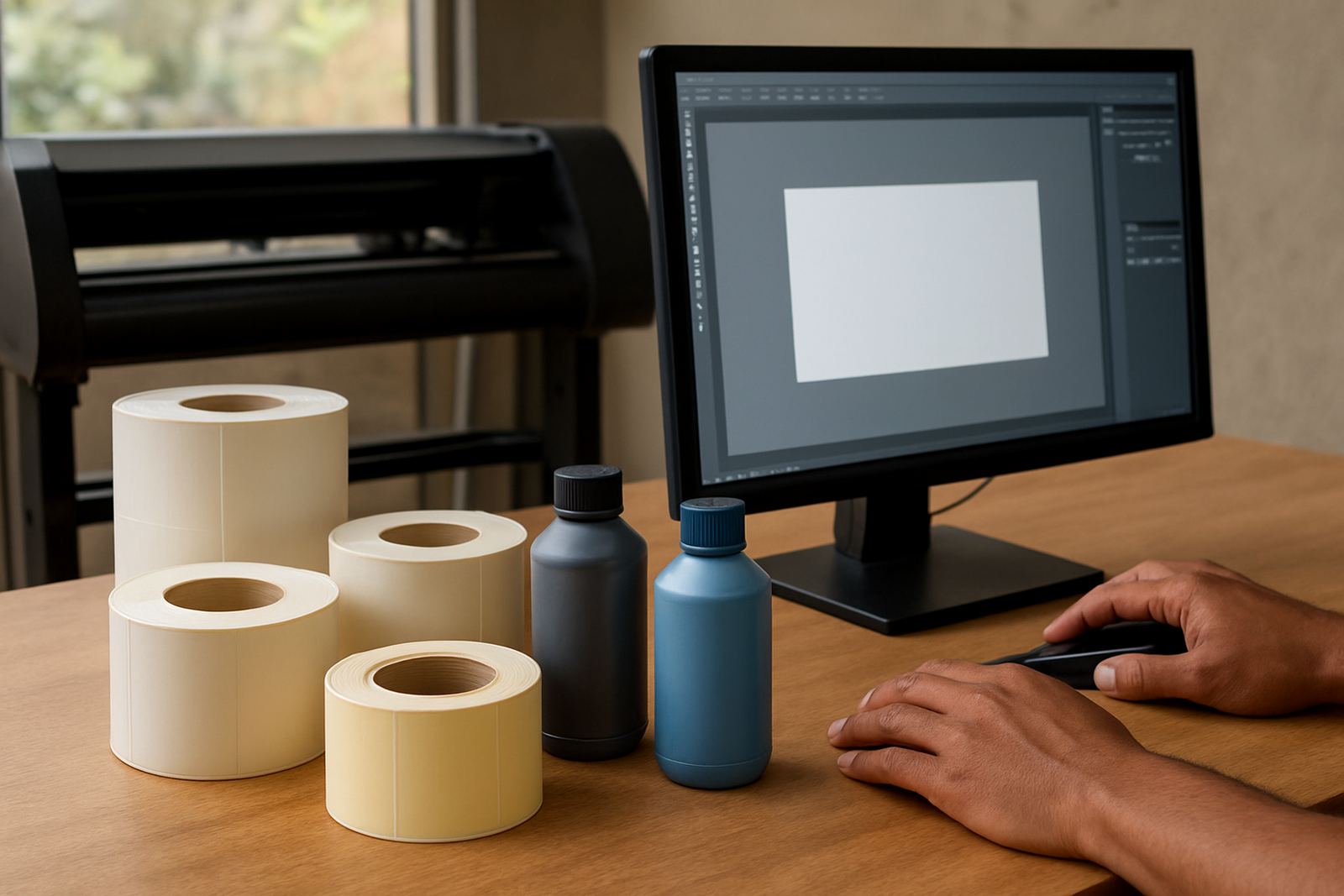
Most sticker producers are working with a practical mix of equipment rather than one big machine. The usual setup includes a benchtop design station, a wide-format printer or a solvent, eco-solvent or latex printer, a vinyl cutter, a laminator and a roll-up or flat packing area. Some smaller shops only have a cutter and outsource printing, while others handle both print and cut in-house.
- Design PC with enough memory for large vector files and layered artwork
- Colour-managed printer for printed stickers and labels
- Vinyl cutter for die-cut or contour-cut work
- Laminator for outdoor durability and scratch resistance
- Optional barcode or numbering workflow for batch sticker sets
If your cutter and printer are not talking to each other properly, the result is wasted vinyl, off-cut borders and delays on repeat jobs. We help with software installation, licence activation, cutter setup help and RIP queue optimising so the kit is set up for daily use rather than just demonstration runs.
Planning layouts for short runs and repeat jobs
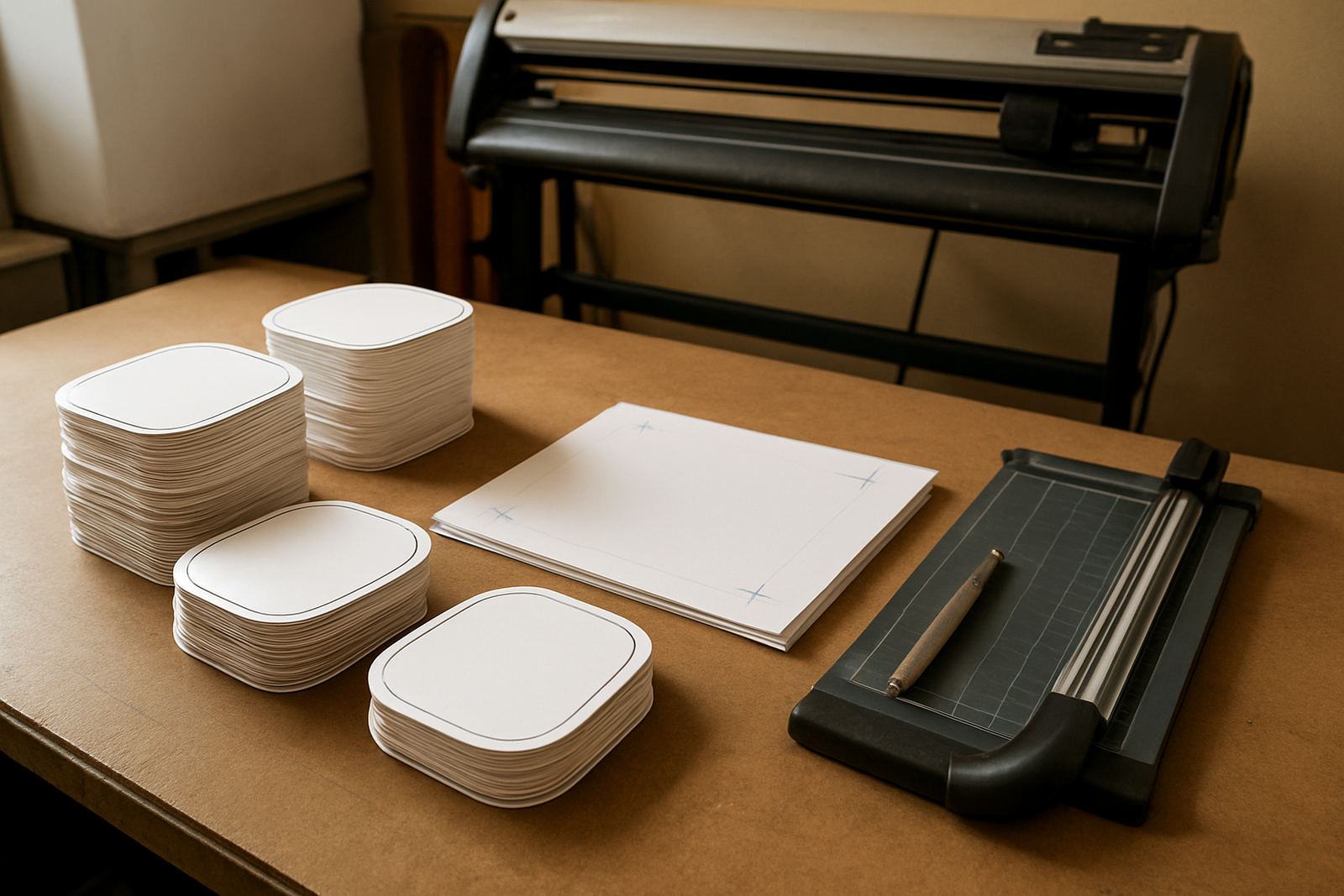
The best sticker layouts are designed around material width, cutter pinch points and how many labels you can realistically finish in one shift. A good layout should reduce waste, keep spacing even and leave enough margin for registration marks and safe trimming. When you are running a mix of small decals and larger stickers, grouping similar sizes on the same sheet often saves more material than trying to fill every gap.
For repeat orders, save the artwork with the correct spot colours, cut paths and bleed settings. If a client comes back three months later asking for the same 500 stickers, the job should be ready to reload with minimal checking. That is especially useful for schools, estates and local retailers who place steady reorders after the first batch has been approved.
- Set standard sheet sizes for your most common sticker formats
- Keep contour cut paths separate from print artwork
- Use clear file naming for reorders and version control
- Store approved colour settings for each media type
- Plan nesting around laminate and trim allowance, not only visual fit
Colour control when stickers must match every time
Sticker work often looks simple until one batch comes out slightly darker or one logo shifts colour from week to week. That is where workflow and colour management matter. If you print on glossy vinyl in one job and matte stock in the next, the same file can behave differently. Coastal humidity in Durban and salt air in Cape Town can also affect drying, handling and storage, especially on longer runs.
We assist with colour management, workflow setup and annual support plans for teams that need repeatable output. That includes printer profiling basics, media presets, ink limits and checking how the RIP handles fine text, solid fills and black builds. For print service providers doing labels for multiple clients, that control can save time on reprints and reduce arguments about shade matching.
Where there is a new printer, a new operator or a new material supplier, training should include real production files and not only sample artwork. Sifiso and Lungile work with teams on colour workflow, queue handling and production habits that suit South African conditions, including power interruptions and load-shedding planning.
Common mistakes that waste material and time
Most sticker production problems come from rushed setup rather than the cutter or printer itself. A file may be scaled incorrectly, the contour line may sit too close to artwork, or the cutter offset may not be matched to the blade. Another common issue is sending too much work through at once and then having to stop midway because the queue was not checked.
We also see shops using the wrong blade pressure for thin vinyl, or leaving no allowance for laminate shrinkage on outdoor stickers. On busy days in Midrand or Centurion, that kind of error can turn a profitable run into a scrap pile. A few minutes spent on setup is cheaper than re-cutting a full roll.
- Cut paths placed too close to printed artwork
- Files saved without a clear reprint version
- Incorrect media presets for laminated versus unlaminated stock
- Ignoring cutter calibration after changing blades or media
- Sending large batches without testing one sample first
Budget ranges for sticker production software and support
Budget depends on how many stations you run, how many cutters or printers need linking, and whether you need onsite help in Johannesburg, Pretoria, Durban, Cape Town or Gqeberha. For a single small shop, a basic software setup with installation and licence activation may start around R8 000 to R18 000, depending on the workflow and training needed.
For a more active sticker producer with multiple users, contour cutting and RIP setup, budgeting around R20 000 to R45 000 is more realistic. Larger shops that need onsite training, colour workflow setup, staff induction and annual support planning may go above R50 000, especially if there are several machines, branches or remote teams to cover.
We also help with upgrade planning so you do not overspend on tools you do not need yet. Nadia handles software sales guidance, Luthando covers installation visits, Liezel assists with support, and Mandla oversees the business side from our Randburg base. Clients reach us through the enquiry form on our contact page, and we can arrange training from Randburg to Midrand, Centurion and other major centres.
Getting your sticker line ready for repeat work
If your shop produces stickers every week, the aim is to make each order easier than the last one. That means a clear file structure, stable cutter settings, sensible queue handling and a team that knows where to look when something shifts. Whether you are producing one-off decals for a local campaign or repeat label packs for ongoing clients, the software should support speed without losing accuracy.
FlexiSIGN Studio works with sign makers, graphic designers and print service providers who need practical setup, training and support for real production work. From Randburg Training to Johannesburg Support, Pretoria Training, Durban Support, Cape Town Training, Gqeberha Support and Midrand visits, the focus stays on getting sticker production running properly and keeping it that way.