When a municipality needs cleaner control over everyday signage work
In a municipal print unit, the problem is often not a shortage of work. It is the mix of urgent requests, changing wording, different site measurements and too many hands touching the same file. One day it is a library notice board, the next day a traffic office directional sign, then a ward clinic wayfinding set that must be ready before a public meeting. When production is not controlled, small errors creep in and reprints become expensive.
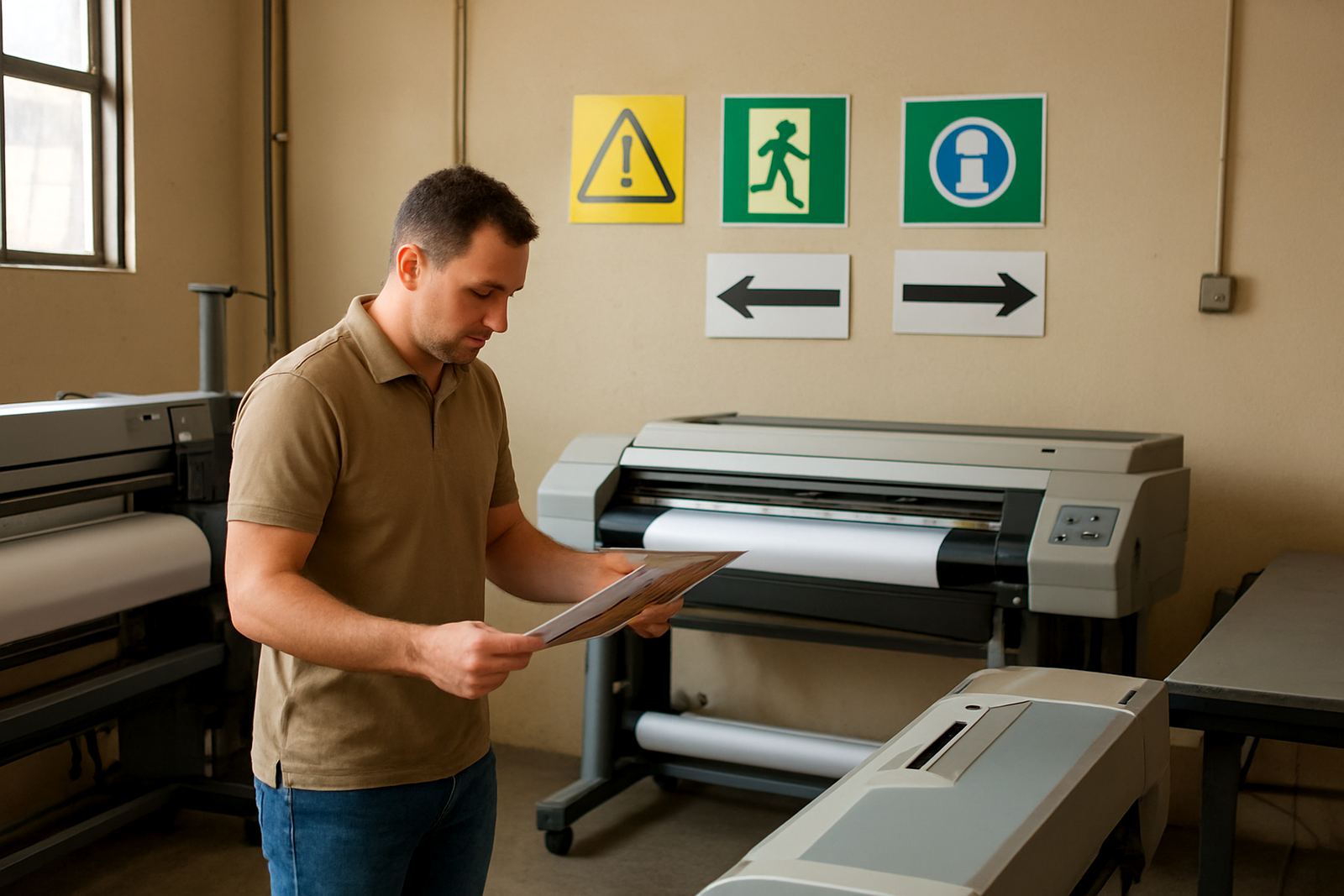
We work with sign shops, print rooms and internal municipal teams that produce notices, public information boards, office directions and outdoor wayfinding graphics. The aim is simple: keep artwork, cutting and print output organised so each job moves through the same steps every time. That matters in Johannesburg, Pretoria, Durban, Cape Town and Gqeberha where municipal sites can be spread out, weather changes quickly and installed graphics often need to handle sun, dust, moisture and cleaning.
For public sector work, consistency is just as important as speed. A standard naming system, a clear print queue and sensible colour setup can save a lot of time when several departments submit artwork on the same morning.
Typical equipment in a municipal print room
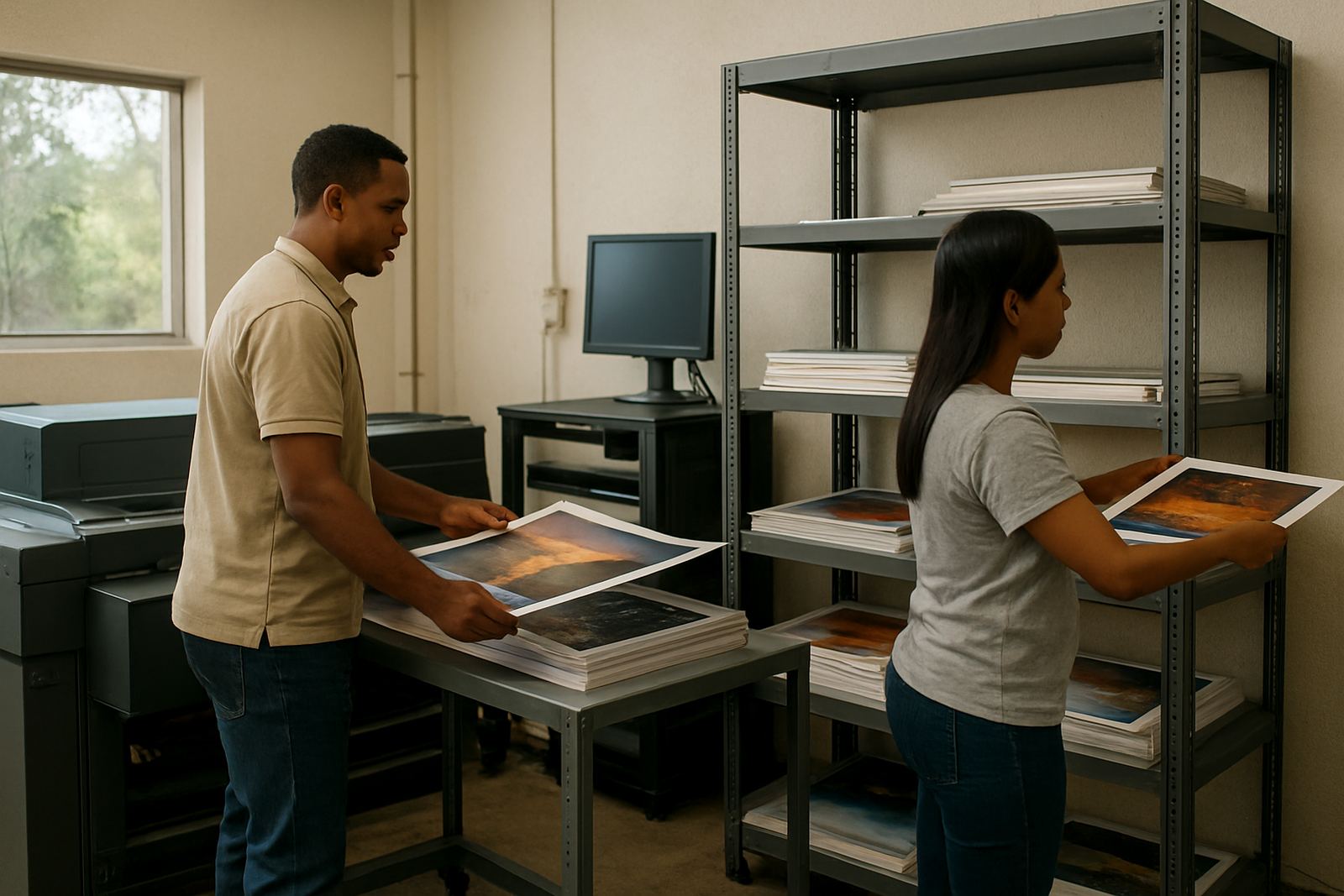
Most municipal print units already have a mixed set of equipment, and the software has to fit around that reality. A common setup includes a design workstation, a RIP workstation, a vinyl cutter, one or more wide-format printers and sometimes a laminator or flatbed cutter. In some offices the print room is close to the records area or IT office, so network access and user permissions matter too.
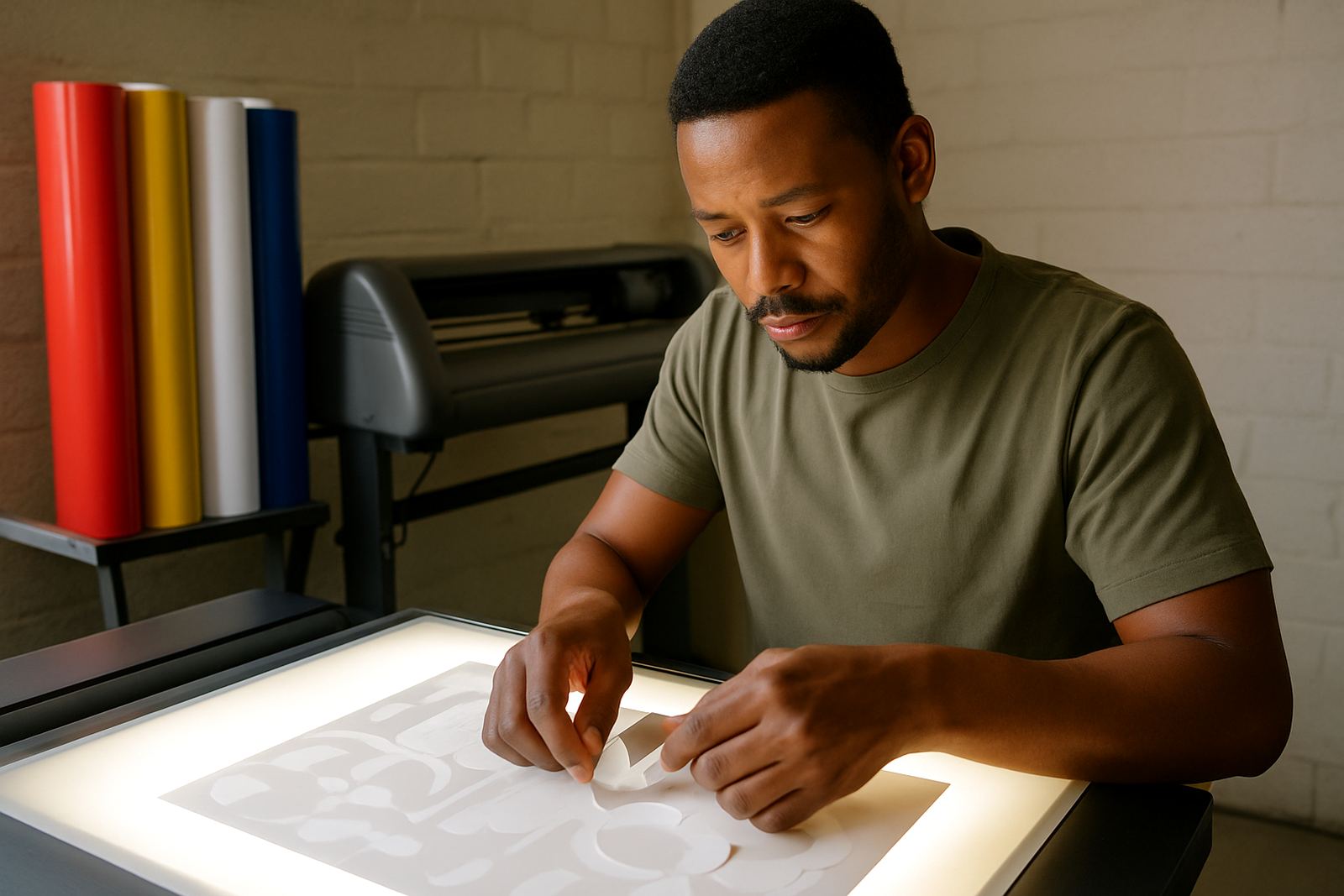
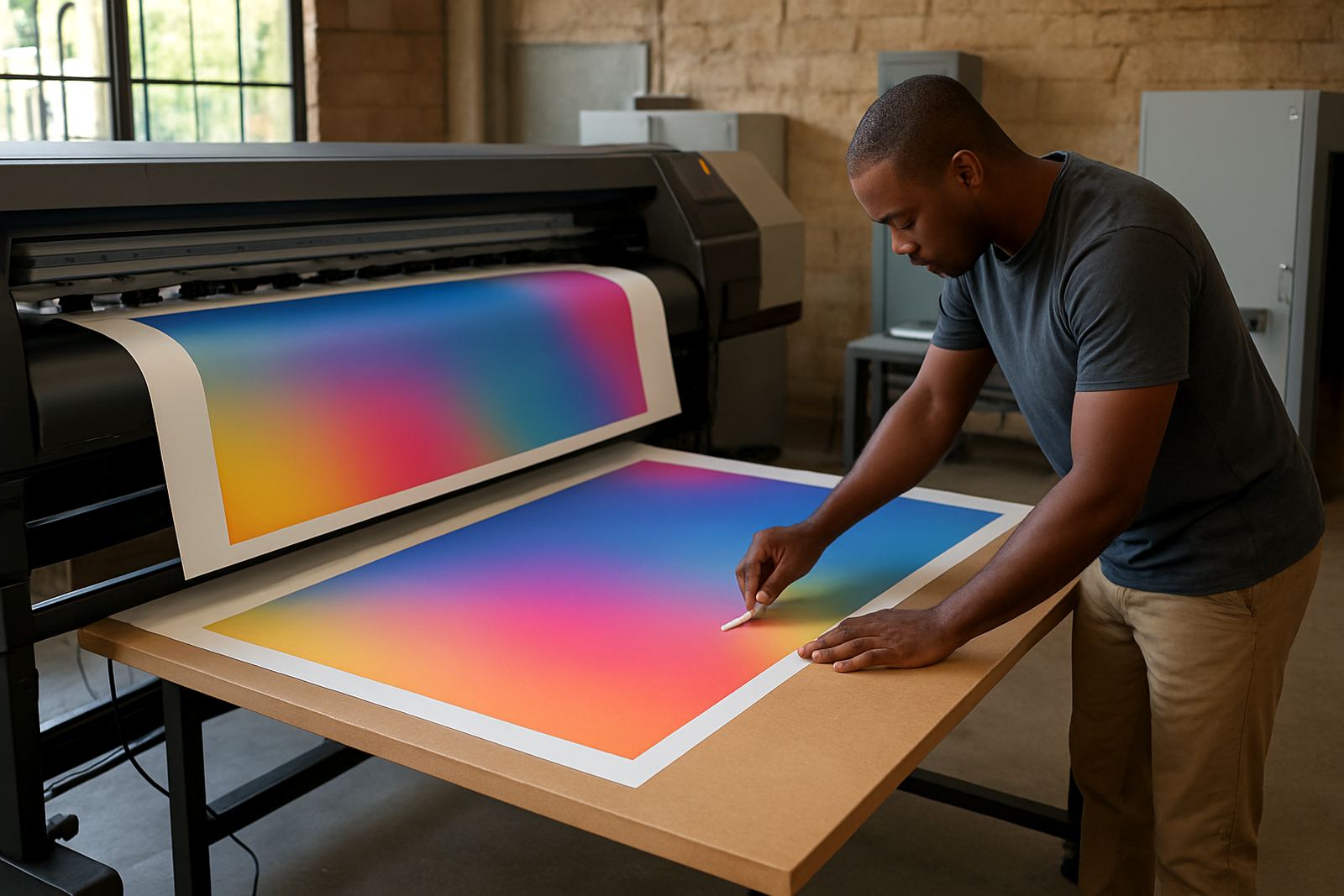
We help set up software for production across these devices so notices, boards and directional graphics can be handled in one place. That includes cutter setup help, RIP queue organising, licence activation and colour management where prints need to match across different machines. If the unit prints on reflective material, self-adhesive vinyl, foam PVC or mesh for temporary site notices, the output settings must be checked carefully before jobs are released.
- Design station for artwork edits and layout checks
- RIP station for print nesting, ink control and queue control
- Vinyl cutter for small legends, arrows and cut vinyl text
- Wide-format printer for boards, posters and outdoor notices
- Optional laminator for added weather resistance
In coastal areas like Durban and Gqeberha, humidity can affect handling and storage, so the production process needs enough room for prints to dry and settle before finishing.
Layout and planning advice before the first public notice goes out
Good layout planning starts with standard sizes and repeatable templates. Municipal print units often waste time when every department sends a different page size or asks for a fresh layout from scratch. A better approach is to create a small library of approved templates for service notices, office signs, ward boards, directional arrows and temporary event graphics. That makes approvals faster and reduces mistakes when staff changes happen.
We usually advise teams to agree on the following before rollout: preferred file naming, print sizes, colour values for recurring items, who approves text, and which jobs must be archived after production. If the municipality uses several sites, it helps to keep a shared layout structure so a sign prepared in Randburg can be re-used in Centurion or Midrand without rebuilding everything.
For outdoor boards, leave enough margin around text and symbols so cutting and mounting stay clean. If the signs will be fixed to poles, walls or temporary frames, plan the fixing method before printing. A graphic that looks fine on screen can fail on site if there is no allowance for brackets, screws or uneven surfaces.
- Use simple, readable fonts for public use
- Keep arrow directions and icons consistent across sites
- Build in bleed and safe margins for trimming
- Match sizes to available substrates and mounting points
- Plan for replacement panels, not only one-off jobs
Common mistakes that create reprints and delays
We see a few mistakes again and again in municipal work. The first is sending artwork straight to print without checking the version. A small wording change from another department can make a whole batch incorrect. The second is leaving colour settings uncontrolled, which leads to one batch of blue signs looking different from the next. The third is skipping cutter checks, especially when arrows, numbers and cut vinyl labels need to line up on boards or windows.
Another common problem is overloading the RIP queue. When multiple urgent jobs are sent at once, older files get buried and print order becomes hard to follow. That creates confusion for operators and can cause missed deadlines. We help set up cleaner queues and offer support so the team knows which jobs are priority, which are repeat runs and which still need approval.
Municipal teams also run into trouble when training is done only once and then forgotten. New staff arrive, a contractor is brought in, or the operator moves to another section. Without induction and a simple workflow guide, the same errors return. This is where onsite training and remote support make a practical difference.
What setup support and training usually includes
Our work with municipal print units usually begins with a practical review of the current setup. From our Randburg base, we support teams across South Africa with installation, activation, workflow setup and training. That can be done in the office, through remote support, or with onsite training where the print room needs hands-on attention.
The support package may include setup of design and RIP software, cutter communication checks, queue optimisation, colour workflow advice and staff training for day-to-day use. For larger teams, we can also help with upgrade planning so the unit knows when older machines or licences are no longer giving proper value. If a print unit is working with a tight budget, it is better to fix the workflow first before buying more hardware.
Our team includes Mandla Jacob Maseko, Nadia Blignaut, Luthando Mlambo, Sifiso Mabena, Liezel Barnard and Lungile Ndlovu. Each person covers a practical part of the process, from software sales and installation through to training, support and colour workflow. That means municipal clients get help from people who understand production pressures, not only the software itself.
- Licence activation and workstation setup
- Remote support for production issues
- Onsite training for operators and supervisors
- Annual support plans for ongoing assistance
Budget ranges for municipal print software projects
Budget depends on the size of the unit, the number of workstations and whether the team needs only software or a full workflow reset. A small municipal print room that needs one or two seats, cutter linking and basic training may spend from about R8 000 to R25 000. A busier unit with multiple users, colour setup, queue control and onsite training often falls between R25 000 and R60 000.
For larger departments with several machines, branch support and ongoing annual assistance, budgets can move from about R60 000 upward depending on licences, installation scope and the amount of staff training required. The best approach is to start with the actual production load. If the team prints notices, wayfinding panels and public boards every week, the software needs to be sized for that load from the start rather than patched later.
Municipal print work rewards steady systems. When the queue is clear, the cutter is linked properly and staff know the process, the unit can produce cleaner work with fewer delays and less waste of vinyl, ink and board stock.