What upgrade planning covers for busy production teams
Upgrade planning is the part that happens before any software change goes live. We look at your current version, how many workstations are in use, which operators need access and whether your team runs print, contour cutting, nested jobs or colour-critical work. If you are in Randburg, Johannesburg, Pretoria, Durban, Cape Town or Gqeberha, the same process applies, though the timing may change depending on shift hours, delivery windows and onsite access.
The aim is simple: keep quotes, artwork handover and RIP output moving while the upgrade is being prepared. For a small shop that may mean one licence on one PC. For a larger sign maker it can mean planning around multiple seats, a shared RIP queue and a print-and-cut line that cannot sit idle for long. We also factor in operating system versions, user permissions, backup habits and whether your cutters or printers need any updated profiles or hot folders after the change.
This service is useful when you are moving to a newer release, changing the number of seats, or cleaning up an old setup that has grown through staff changes over time. It is also worth doing before a new staff intake or before the December rush, when even a short delay can put pressure on production.
What is included in the planning process
We start with a practical review of your current setup and then map the upgrade steps in plain language. That review can be done remotely for most teams, or onsite where a physical check of the workstation, cutter connection or profile library is needed. Our team in Randburg supports clients across South Africa and the plan is built around your actual jobs, not a generic checklist.
- Version check and compatibility review for software, operating system and connected devices
- Seat review for single-user, dual-user or multi-user setups
- Licence activation planning and transfer guidance where seats are being moved
- Backup and recovery steps for presets, templates, hot folders and output queues
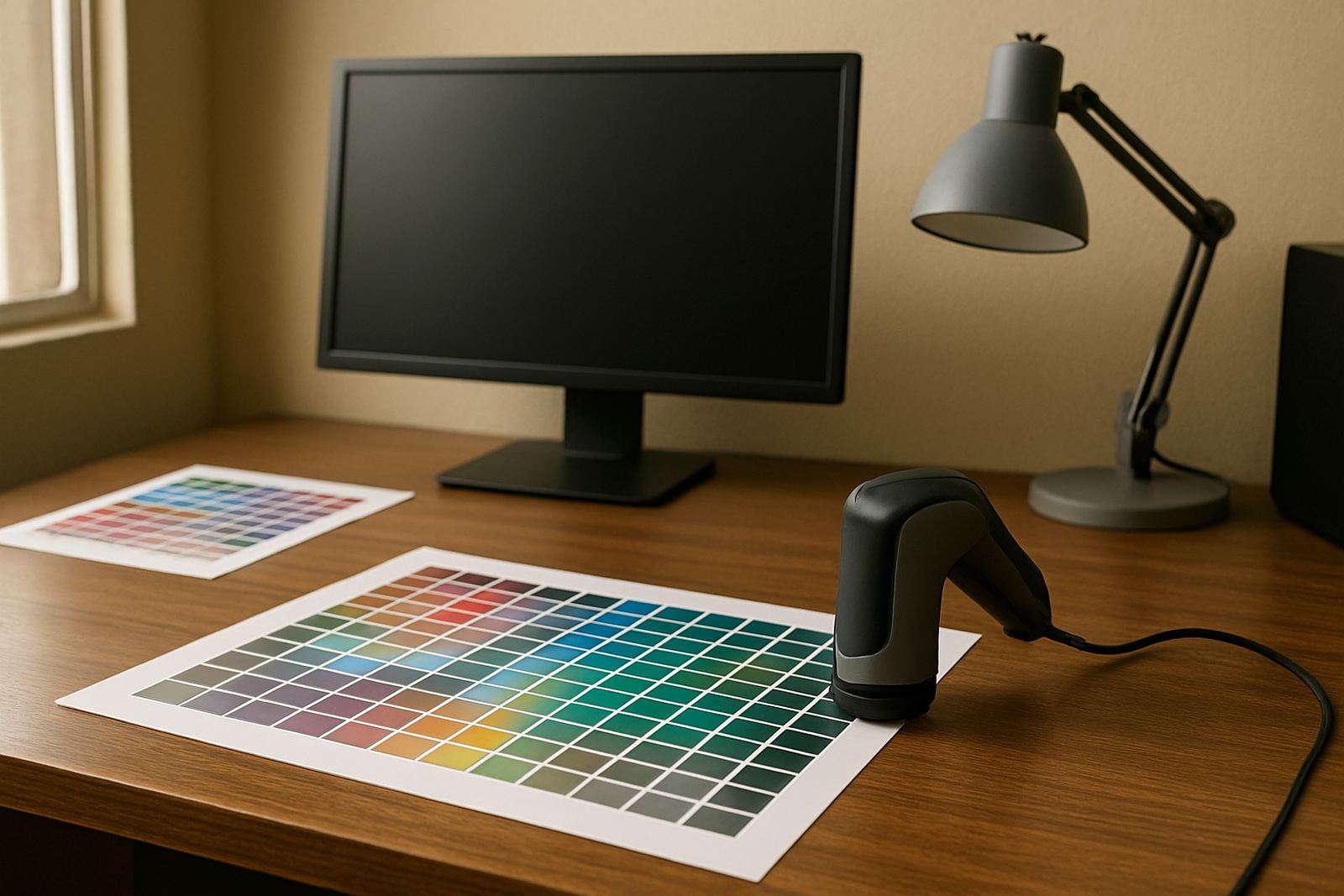
- Colour workflow review for print, cut and reprint consistency
- Training notes for operators who will need a different workflow after the upgrade
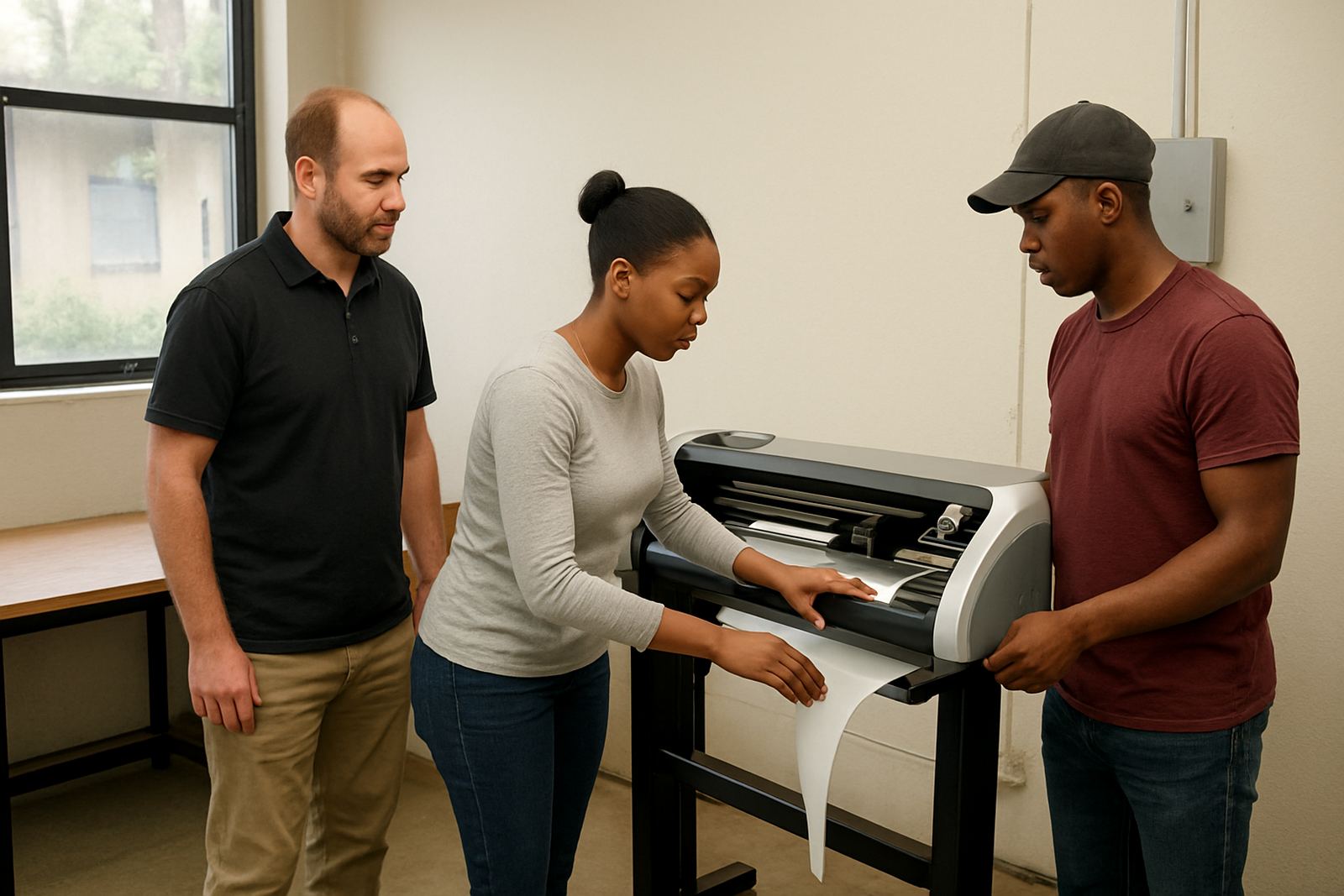
If your team works with vinyl cutters, wide format printers or a print-and-cut workflow, we also check whether any queue settings, registration mark settings or cutter offsets need to be reloaded after the upgrade. That saves time later and reduces the risk of a job stopping halfway through a run.
How we stage the rollout
For most businesses we do not recommend switching every seat on the same day unless the team is very small. A staged rollout gives you a safe way to test the new version on one workstation before the rest of the shop is changed. That is especially useful where one operator handles artwork, another handles RIP output and a third runs the cutter. If something needs adjusting you can sort it out before the full team is committed.
The usual sequence is review, plan, pilot, then rollout. First we confirm what you have and what is changing. Then we choose the best workstation for the test, usually the one with the least pressure on live jobs. After that we confirm output, job routing and any changed settings. Only then do we move to the remaining seats.
- Pilot install on one machine
- Test output on a sample file or production file
- Confirm cutter response and queue behaviour
- Train the relevant staff member on the new steps
- Roll out to the remaining seats once the pilot is stable
This approach works well for shops in Midrand and Centurion too, especially where teams share equipment across more than one room or branch. It also helps when staff work different shifts and the handover needs to stay clear.
Turnaround times and timing that suit production
Turnaround depends on the size of the install, the number of seats and whether you need a remote or onsite visit. A straightforward upgrade plan for a single workstation can often be completed quickly, while a multi-seat rollout with training, licence changes and cutter setup may take longer. We always try to schedule around your busiest production times so your shop does not lose a day chasing software issues.
For local clients in Randburg and Johannesburg, planning can usually move faster because we can arrange onsite work when needed. For clients in Pretoria, Durban, Cape Town and Gqeberha, remote preparation is often done first, then an onsite visit or remote handover follows once the plan is approved. If your business is affected by load-shedding, we also plan around stable power windows and make sure the backup and update steps are not left half done.
Typical planning lead time is 1 to 3 working days for smaller jobs, and 3 to 7 working days for larger rollout plans. Where urgent production pressure is involved, we will tell you early what can be done immediately and what should wait until the shop is ready.
Pricing approach for upgrade planning
We price upgrade planning according to the scope of the work, not on guesswork. A simple version review and seat change plan costs less than a full multi-user rollout with training, colour checks and onsite setup. If the work can be done remotely, that keeps costs down. If you need a technician in the building, travel time and onsite time are included in the quote.
Because every shop runs differently, we do not use one flat rate for every client. The price depends on the number of seats, whether the licence is being moved, whether any output queues need to be rebuilt and whether staff need induction on the new workflow. We will usually split the work into clear items so you can see what you are paying for before anything starts. That helps procurement teams and owner-operators alike.
Where possible, we also help you compare the cost of upgrading now versus holding the current version a little longer. That matters if you are balancing year-end spend, new computer purchases or a planned team expansion. A good upgrade plan should protect your production and your budget at the same time.
Maintenance intervals and keeping the setup stable
Upgrade planning is not just a once-off job. A good setup should be reviewed at regular intervals, especially if you add new staff, new cutters or a new printer. We recommend a formal review every 6 to 12 months for active sign shops, or sooner if you are changing machines, working through a major version jump or seeing repeated queue errors.
During maintenance reviews we check if presets still match the jobs you are running, whether your colour workflow is still consistent and whether the output path is still suitable for the way your team works. If you are handling municipal work, retail signage or vehicle graphics, even a small setting change can affect deadlines and reprints. Regular reviews help avoid that.
- Every 6 months for high-volume production rooms
- Every 12 months for smaller teams with stable output
- After any new machine, new seat or major staff change
- Before seasonal peaks, especially November and December
If a problem shows up between reviews, our support team can step in through remote support or an onsite visit where needed. That gives you a clear path from planning to stable day-to-day use.
Key facts
| Service type | Upgrade planning for sign-making design and RIP software |
|---|---|
| Typical use | Version upgrades, seat changes and staged rollout planning |
| Compatible setup | Single PC, multi-seat office, print room and cutter-connected workstation |
| Support mode | Remote support, onsite visits and training where required |
| Turnaround | 1 to 3 working days for small plans, 3 to 7 working days for larger rollouts |
| Review interval | Every 6 to 12 months, or after major hardware or staff changes |