Training at your premises, on your own equipment
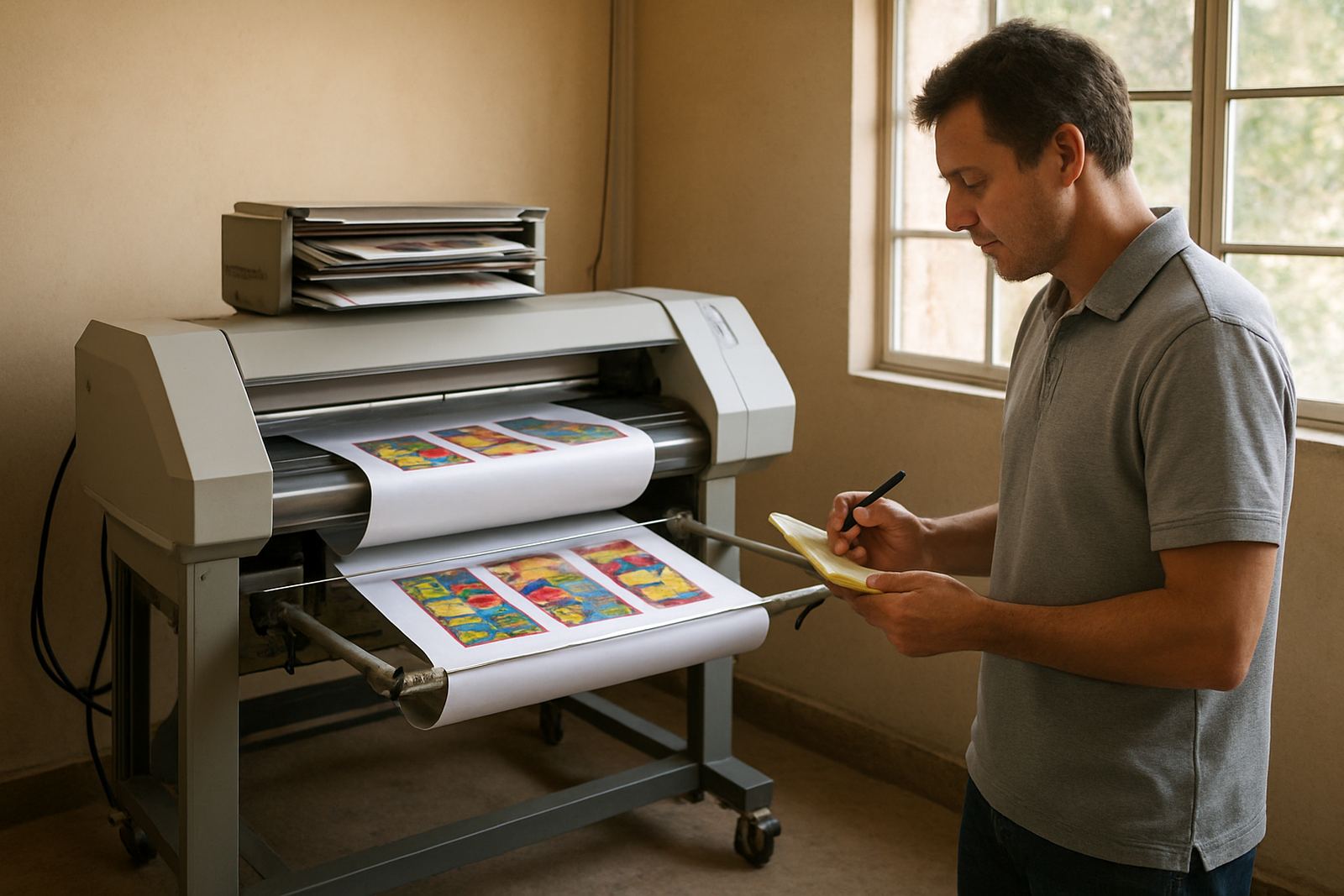
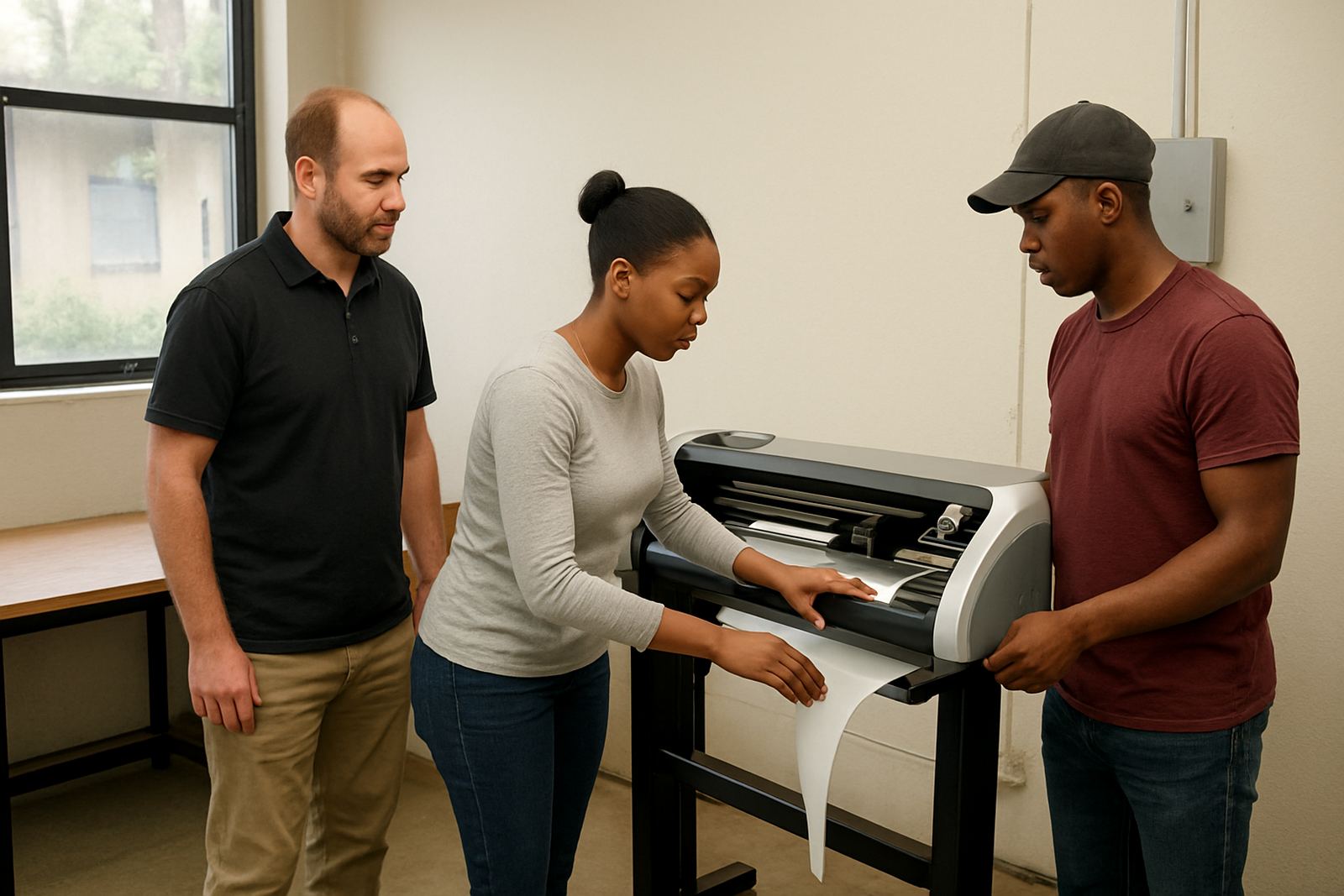
Our onsite training is built for sign shops, print rooms and production teams that need practical help where the work actually happens. We come to your premises in Randburg, Johannesburg, Pretoria, Midrand, Centurion, Durban, Cape Town or Gqeberha and work on the machines and files you use every day. That means your staff learn on the cutter, printer and RIP queue they already know, not on a demo setup that behaves differently.
The session is hands on from the start. We cover file preparation, job setup, cutter output, RIP settings, colour adjustments and the steps needed to keep a production day moving when the pressure is on. It is also useful for teams that have a new operator joining, or a shop that has added another cutter or print device and needs the whole process lined up properly. If your team has been fighting with registration marks, slow queues or prints that shift colour between batches, onsite training is often the quickest way to sort it out.
What the onsite session includes
Every booking starts with a short review of your current workflow so we can focus on the jobs that matter most. We look at the way files arrive, how artwork is prepared, how the RIP is configured, and where time gets lost during output. When needed we also check cutter setup, media profiles and colour handling so the training matches the way your business works.
- Software installation and licence activation checks
- RIP queue setup for single and multiple device use
- Cut file preparation, weeding lines and registration setup
- Colour management basics for vinyl, print and lamination work
- Device output checks for cutters, printers and mixed media jobs
- Staff guidance for daily production, handover and job naming
- Practical troubleshooting for bad cuts, missing marks and queue errors
We also help with the small things that cost time every week, like file naming, folder structure, cut order and print order. Those details are simple, but they make a real difference when the team is busy and the deadline is tight.
How we run the training day
We keep the process straightforward. First we confirm the site, the equipment list and the main challenges you want addressed. Then we plan the visit around your production hours so training can happen with as little disruption as possible. In many cases we split the session into two parts, one for setup and one for live job handling, especially if the team needs time to test changes between sessions.
- Step 1: pre visit call to confirm devices, software versions and goals
- Step 2: onsite review of the current workflow and output path
- Step 3: live setup and training using active jobs or sample files
- Step 4: testing, correction and staff practice on the same equipment
- Step 5: handover notes with the key settings and next steps
Most visits are completed in one day, but larger print rooms or multiple branches may need more than one session. Where staff levels are tight we can train the operator first and then return for a second visit once the basics are settled. That usually works better than trying to cover everything in a single afternoon.
Turnaround, pricing and what affects the quote
Turnaround depends on your location, the number of devices and how much setup is required before training begins. Randburg and nearby areas can often be booked sooner, while out of town visits need more lead time for travel and scheduling. If you are in Durban, Cape Town or Gqeberha, we plan the visit carefully so the day is used well and the team gets proper value from the session.
Our pricing is based on the scope of the visit rather than a one size fits all rate. The main factors are travel, number of users, number of machines, the time needed for configuration and whether support is needed after the training day. If you need extra work such as RIP queue optimising, colour workflow setup or cutter setup help, we will include that in the quote so there are no surprises. We keep pricing practical and clear, because most shops want to know what they are paying for before the team is taken off production.
If your setup has old files, mixed software versions or inconsistent media settings, allow a bit more time. That is normal. A short site review before the booking helps us quote properly and avoid a half finished visit.
Colour, queues and cutter settings that actually hold up
Many onsite training requests come from repeat production problems rather than software questions alone. A cutter may be off by a few millimetres, a print queue may slow down after a batch, or colours may drift between morning and afternoon jobs. These issues are often caused by settings, media handling or an old workflow that has never been cleaned up properly.
We pay close attention to the parts that affect output quality:
- RIP queue timing and priority settings for busy production days
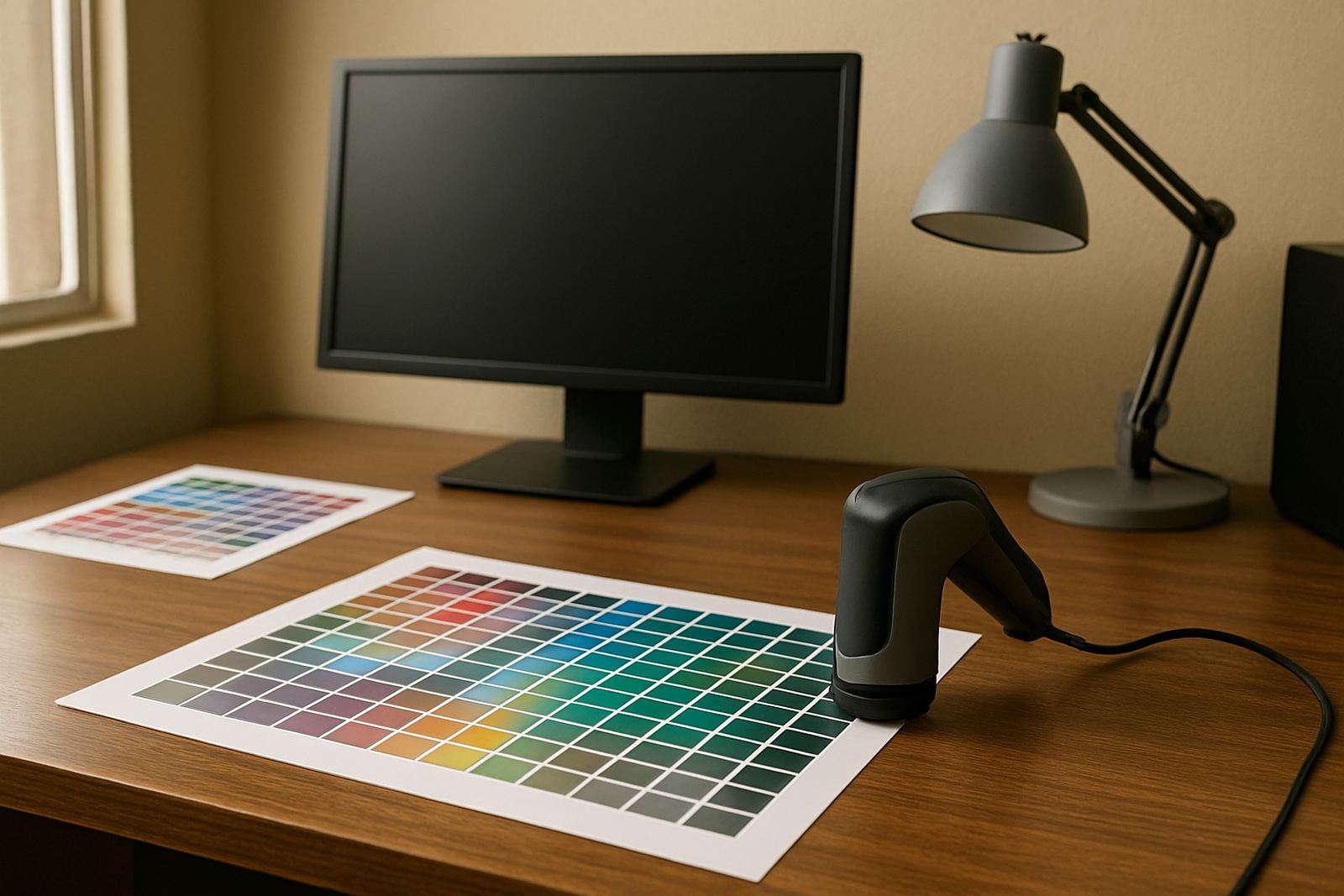
- Colour workflow setup for consistent reprints and repeat jobs
- Cut path accuracy and offset checks on vinyl cutters
- Media width, nesting and waste reduction for print runs
- Job preparation for daylight changes, heat and coastal humidity
In coastal areas, humidity can affect vinyl handling, drying times and static on output media. In Gauteng, load-shedding and power interruptions can disturb device memory, queue timing and printer stability. We work through those realities and show your staff how to reset, resume and verify jobs without panic when the power flickers or the queue stops halfway.
Keeping the setup in shape after training
Onsite training is strongest when it is followed by a simple maintenance routine. We recommend a quick internal check every week, a full workflow review every month and a more detailed service or refresher session every 6 to 12 months, depending on how busy your shop is. If you run multiple shifts or produce high volumes of vinyl and print work, shorter intervals are better.
Typical maintenance intervals we suggest:
- Weekly: check cutter blade condition, queue status and job naming habits
- Monthly: review colour consistency, print quality and output speed
- Quarterly: confirm device settings after staff changes or software updates
- 6 to 12 months: refresh training for new staff or changed production methods
We can also support new staff induction when you bring in another operator or designer. That saves time for the senior team and helps the new person start with the correct process instead of learning bad habits from scratch. For shops planning growth, we can also guide upgrade planning so you know when another licence, queue workstation or output device will be worth the spend.
Key facts
| Training format | Onsite at client premises with live equipment |
|---|---|
| Typical session length | Half day to full day, depending on setup and team size |
| Areas covered | Randburg, Johannesburg, Pretoria, Midrand, Centurion, Durban, Cape Town and Gqeberha |
| Equipment supported | Vinyl cutters, print devices, RIP stations and mixed production setups |
| Common outcomes | Cleaner workflow, better colour control, faster queue handling and fewer output errors |
| Maintenance interval | Weekly checks, monthly reviews and 6 to 12 monthly refresher visits |