What the Randburg class training covers
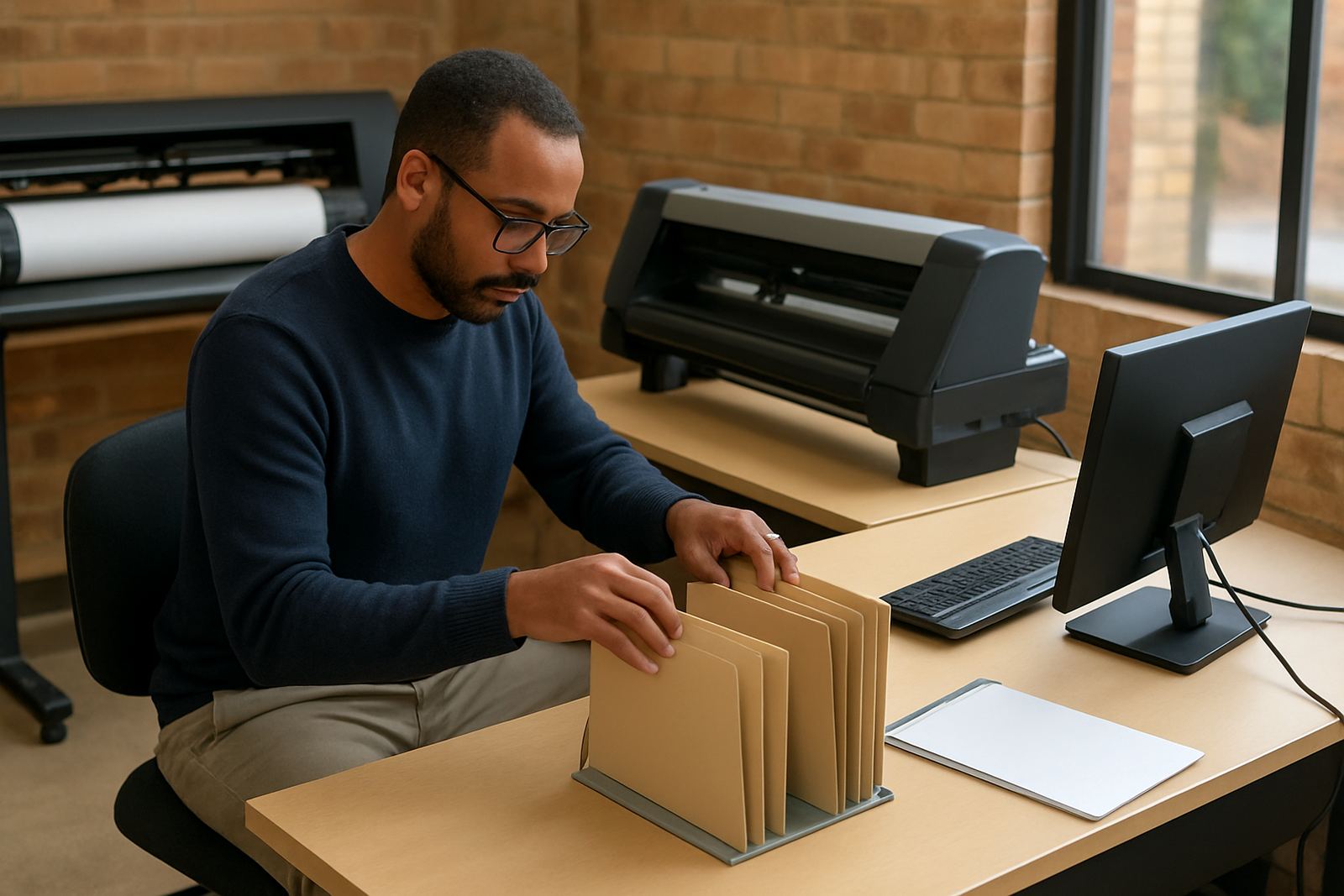
Class training is run from our Randburg base in a small-group format so each attendee gets proper screen time and questions are handled on the spot. The focus is on day-to-day production, not theory for the sake of it, so the training is relevant whether you are running a one-person setup in Midrand or a busy print and signage workshop in Johannesburg.
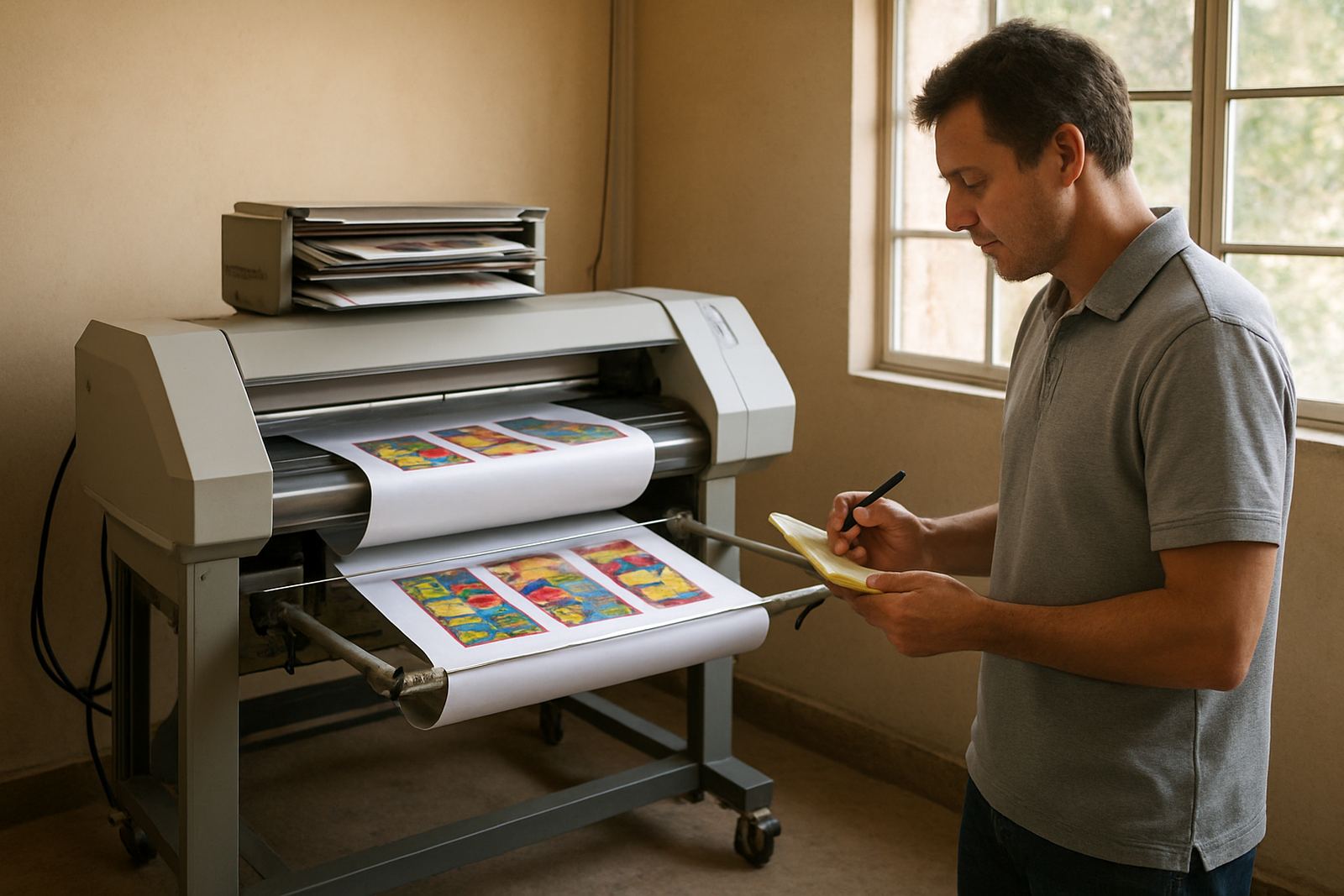
We cover software navigation, job setup, cutter output, RIP queue handling and the colour steps that matter when jobs must match across repeats or between machines. The aim is to reduce wasted media, avoid costly reprints and help your team work faster without losing control of the final output.
- Design to production workflow for signage, vinyl and print-and-cut work
- Software setup for sign shops, printers and cutter operators
- Practical file preparation, nesting, tiling and output checks
- Colour management basics for everyday production conditions
- Queue handling, spot checks and common error recovery
How the session is structured
We keep the process simple. First we confirm what equipment you use, what files you work with and where the bottlenecks are. That lets us shape the class around the actual tasks in your shop rather than a generic lesson plan.
Each session then moves from setup through to output. Attendees work through live examples, ask questions as they go and practice the steps that matter most in production. Where needed, we also show how to handle mixed jobs, such as a print job that must be contour cut later the same day.
- Pre-training check of your software version, licence status and device type
- Live demonstration on common job types used in sign shops
- Hands-on practice for each attendee on workstation tasks
- Wrap-up with notes on the exact settings discussed
Typical class size, duration and turnaround
Class training is best suited to small groups, usually one to four people, so that everyone can follow the steps on screen and practice properly. Larger teams can be split into repeat sessions if needed, especially when one group handles design and another group handles cutter or RIP output.
Most bookings can be arranged within a practical turnaround once we know the topic, the number of people attending and whether any preparation is needed. If you are planning a new staff intake or need to recover from a workflow problem before month end, we recommend booking early so the right trainer and support materials are ready.
Durations depend on the subject matter. A focused cutter setup session may be shorter, while colour workflow and queue optimisation usually need more time. We do not rush this part, because a missed setting can cause hours of wasted material later on.
Pricing approach for class-based training
Our pricing is based on the training scope, the number of attendees, the time needed and whether the session includes setup work before the class starts. A basic software orientation costs less than a full workflow session with cutter setup, colour management and follow-up guidance.
We quote after confirming the equipment, the current software state and the topics you want covered. This keeps the pricing fair and avoids charging a small workshop the same as a larger production floor with several stations. If you need repeat attendance for new staff later in the year, we can also structure the pricing around an annual support plan.
- Single-topic sessions for quick operator training
- Multi-topic sessions for owners and supervisors
- Combined setup and training for new installations
- Optional follow-up support after the class
What gets maintained after training
Good training only holds value if the shop keeps the workflow healthy. We therefore recommend maintenance intervals for software checks, profile reviews and cutter test outputs, especially in coastal areas like Durban and Gqeberha where humidity can affect media handling and cutting consistency. In dry winter months around Pretoria and Johannesburg, static and dust can also interfere with clean output.
For active production shops, a quarterly review is a sensible starting point. Some teams only need a half-day check every six months, while high-volume operators may benefit from monthly touchpoints during busy periods. The idea is to keep the software, cutter settings and output path aligned with the way your team actually works.
- Quarterly review for colour and queue settings
- Six-monthly refresher for new staff or changed workflows
- Monthly support for high-volume shops during peak demand
- Seasonal checks before long production runs or campaign periods
Who attends and what they leave with
Randburg class training suits sign shop owners, production supervisors, designers and operators who need practical confidence rather than a general introduction. It is also useful for businesses that have grown quickly and now need everyone to follow the same file path, same cut settings and same output checks.
Attendees leave with a clearer workflow, notes on the settings used in the session and a better understanding of where to stop and check the job before material is wasted. For many teams, this is the difference between fighting the software and using it with control. That matters when deadlines are tight and a late reprint can throw off the rest of the day.
Key facts
| Training location | Randburg base, with support available for Johannesburg, Pretoria, Durban, Cape Town and Gqeberha |
|---|---|
| Group size | Usually 1 to 4 attendees per session |
| Core focus | Sign-making design software, RIP workflow, cutter output and colour control |
| Session format | Small-group, hands-on class training |
| Turnaround | Booked based on topic, team size and preparation needed |
| Maintenance interval | Quarterly for active production, with six-monthly refreshers where needed |