What Colour Management Covers on Your Shop Floor
Colour management is not just about making a print look nicer on one machine. It is about getting repeatable colour across your design file, RIP software, printer, cutter workflow and finishing process so the same job does not shift every time a different operator handles it. We work with South African sign shops, digital print rooms and trade producers that need dependable results on short runs, reprints and urgent same-day work.
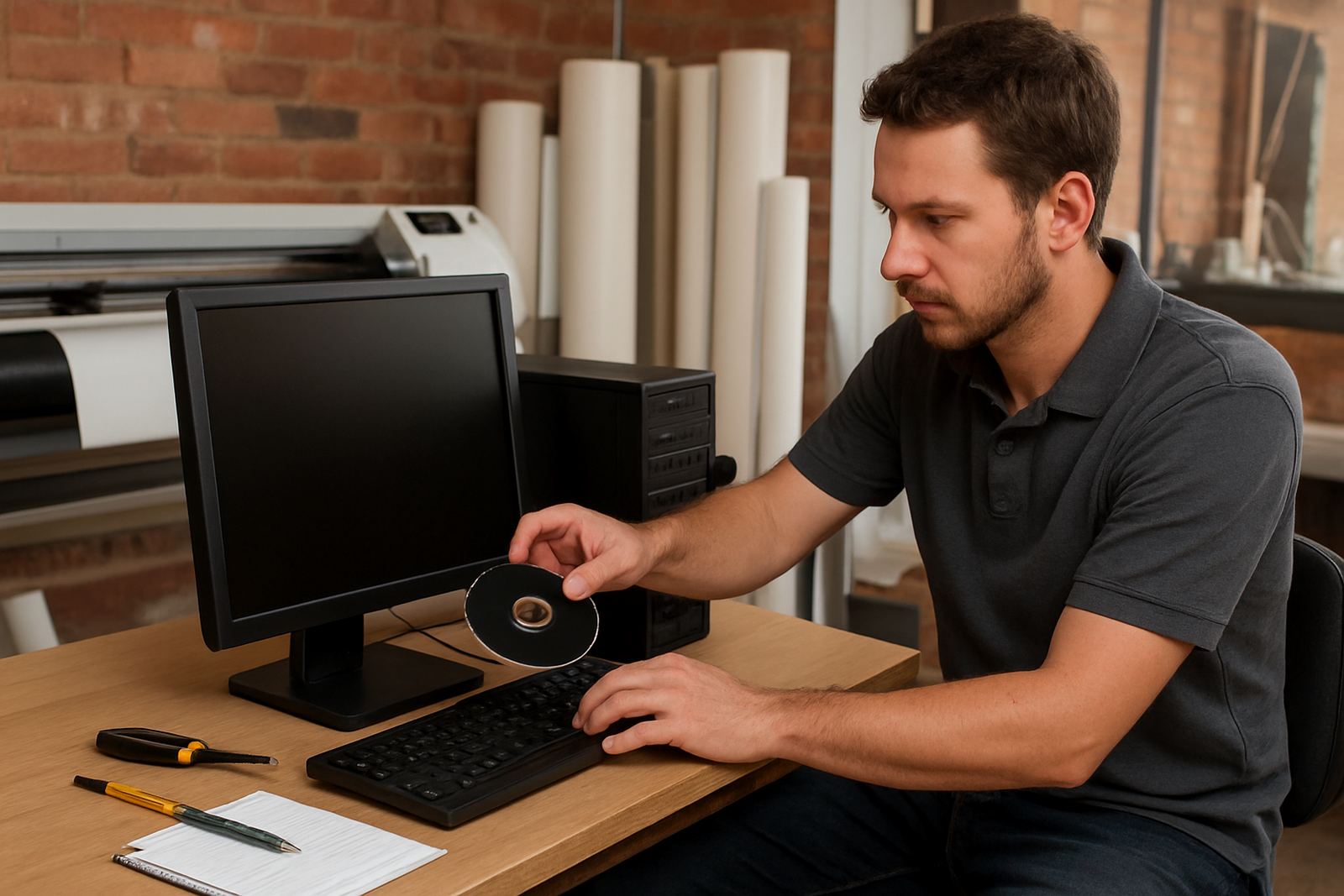
Our service covers profile application, output checks and practical setup for day-to-day use. That includes the way you prepare files, choose media settings and control ink limits so you avoid muddy blacks, banding, oversaturation and wasted vinyl or media. For shops running under load-shedding or on mixed power, we also check whether your devices are holding settings after shutdowns and restarts.
- Printer and RIP profile application
- Basic device output checks
- Media and ink limit review
- Workflow guidance for repeated jobs
- Team training for operators and supervisors
Profile Setup for Printers, Cutters and RIP Workflows
We start by reviewing the equipment you are actually using, not a generic setup. That means the printer model, media type, ink set, cutter workflow and RIP queue arrangement. If your shop is handling wrapped vehicles, indoor posters, stickers or backlit work, the colour settings need to suit each application. A profile that works on one vinyl stock may not hold up on another, especially in humid coastal conditions in Durban or Gqeberha.
Where needed, we help align the RIP queues, spot colour handling and cut path workflow so print and contour cut jobs stay in step. If your operators are moving between Johannesburg, Pretoria and branch sites, we also keep the process simple enough for different team members to follow without guessing. The goal is less rework and fewer disputes over what a client approved.
- Media specific profile selection
- Spot colour and corporate colour handling
- Queue setup for print and cut jobs
- File prep checks for PDF, EPS and raster artwork
- Practical settings for day-to-day production
How We Diagnose Colour Drift and Output Problems
If your output keeps shifting, we look at the full chain. That includes file origin, monitor behaviour, RIP settings, ink density, media feed, head alignment and any recent software changes. Sometimes the issue is small, like a changed media preset or an operator using the wrong queue. Other times it is a mix of profile age, dust, heat, and a printer that has not been checked after a power interruption. It happens more often than most shops admit.
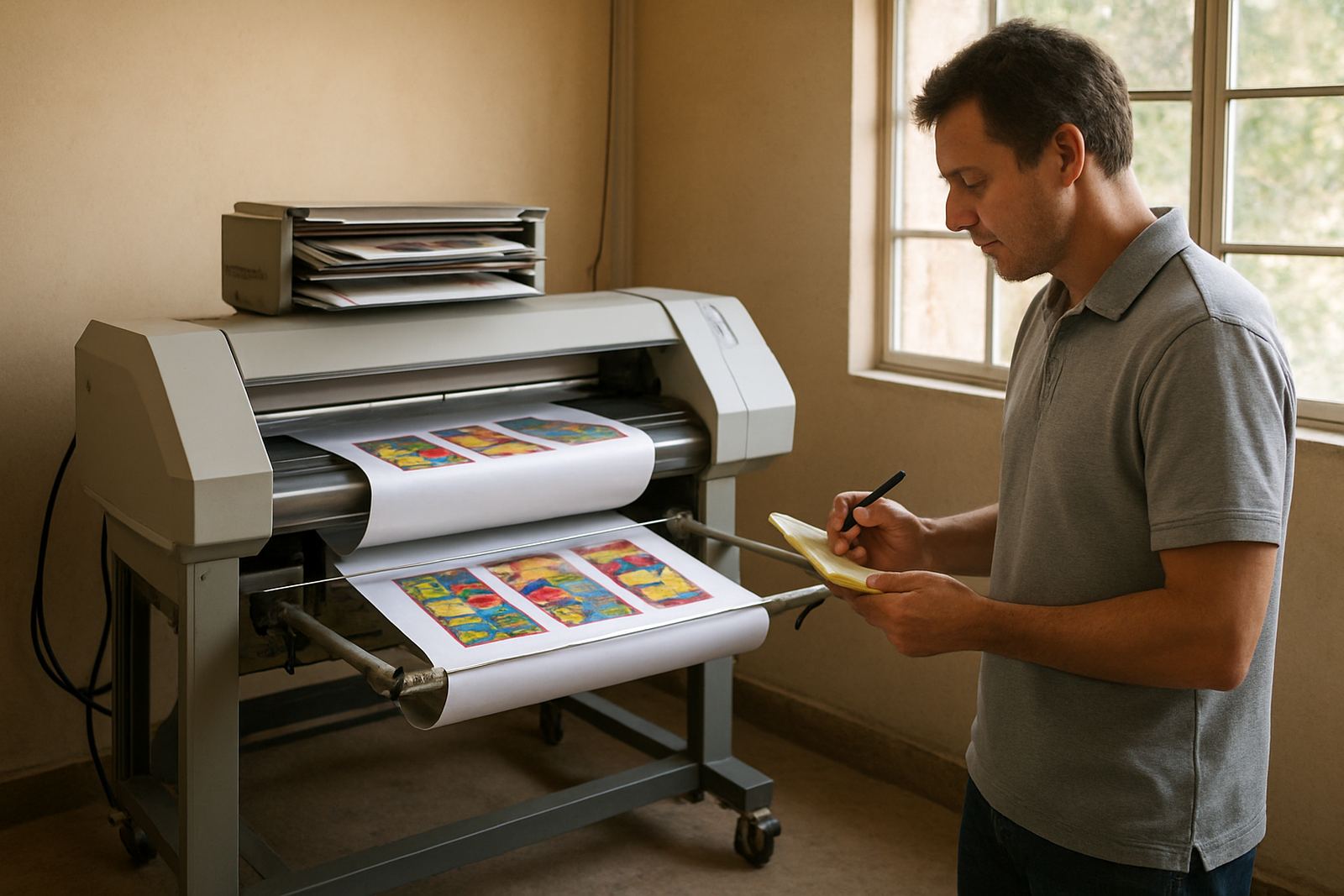
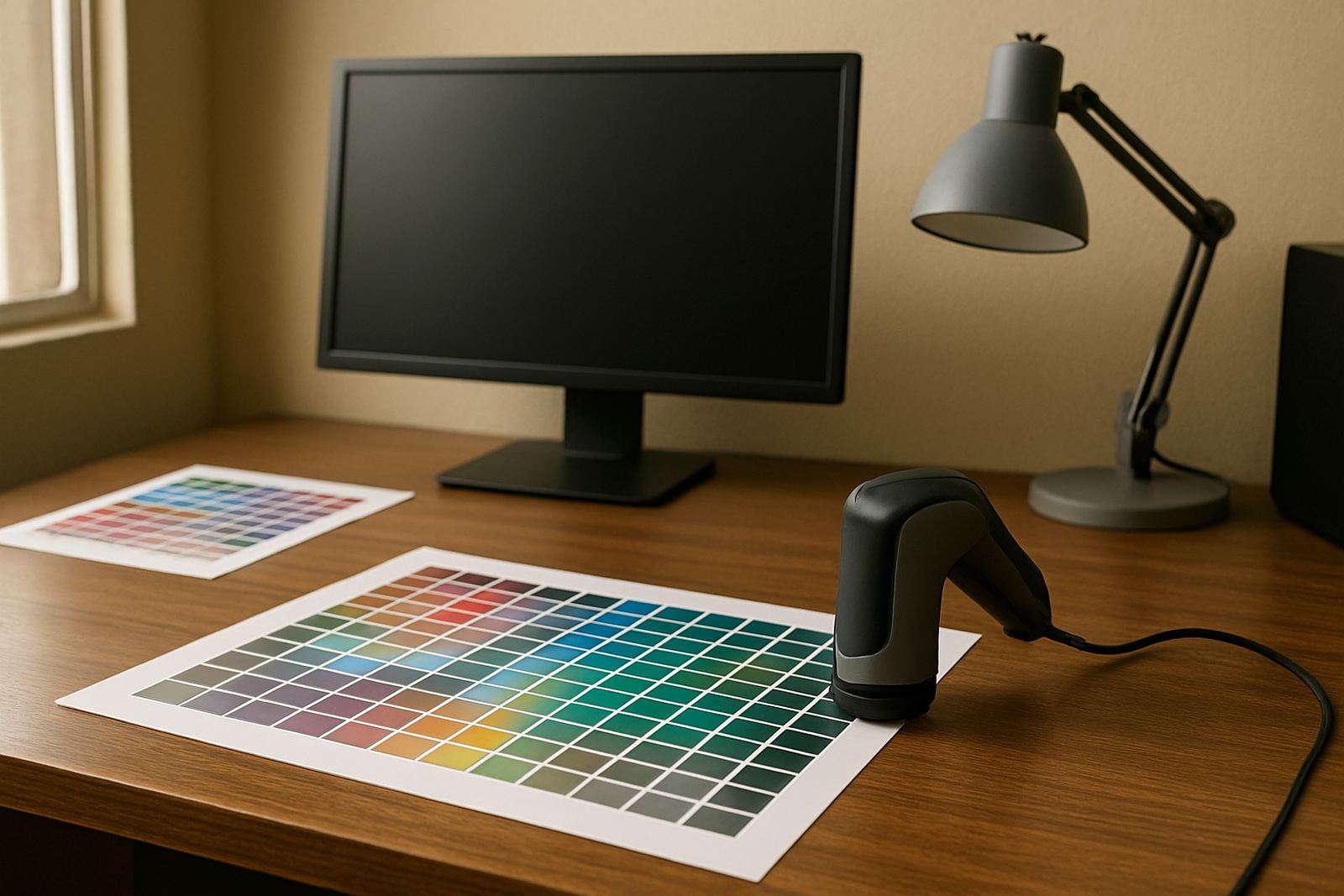
We work through test prints, sample comparisons and output checks, then recommend the changes that give the most improvement without slowing production. Where a shop has more than one printer or multiple sites, we can compare results and help standardise settings so the same artwork behaves more consistently across the business.
- Test print review and comparison
- Ink density and limit checks
- Feed, pass and alignment review
- Operator workflow audit
- Recommendations for better repeatability
Training for Operators, Designers and Production Leads
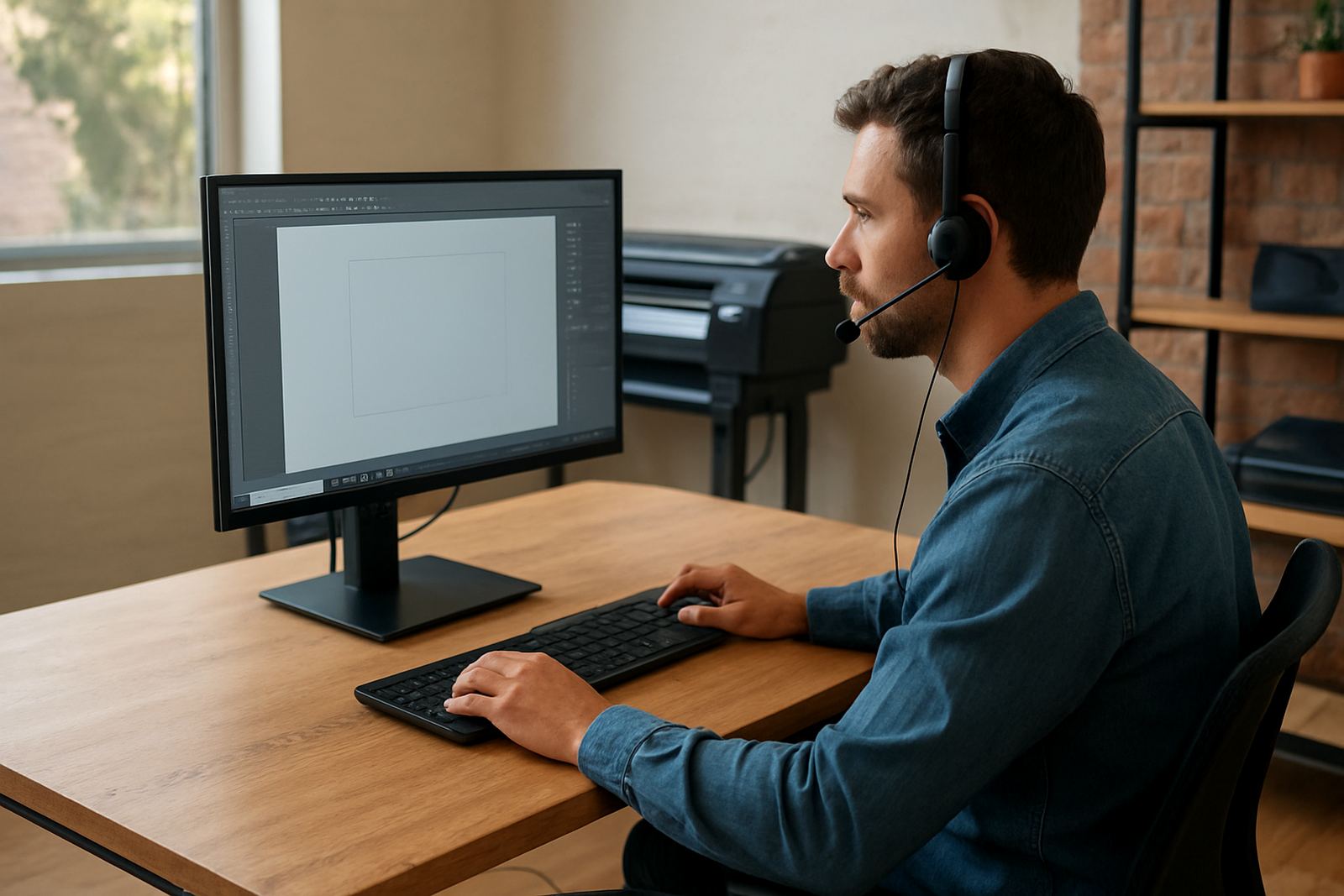
Good colour control only lasts if the people running the jobs know what to look for. Our training covers the practical side: which settings to use, how to spot drift before a full run is wasted, and when to hold a job for adjustment. We keep it shop-floor friendly so your team can apply it in a busy production day, not just in a classroom.
Training can be done in Randburg, at your site in Gauteng, or remotely where that suits the job. We regularly assist teams in Johannesburg, Pretoria, Midrand and Centurion, and we support larger rollout work for branches in Durban, Cape Town and Gqeberha. If you are onboarding new staff, we can build colour management into induction so the basics are covered from the start.
- Hands-on operator instruction
- Designer handover rules for print-ready files
- Supervisor checks before production release
- New staff induction on colour handling
- Remote or onsite delivery depending on the job
Turnaround, Pricing and What Affects the Quote
Turnaround depends on the number of devices, the number of profiles to review, and whether we are working remotely or on site. A single printer with one RIP queue can often be checked quickly, while a multi-device production room will need more time for test prints and workflow comparison. If your team needs installation support at the same time, we can combine the visit to reduce downtime.
Pricing is based on scope rather than a flat one-size price. That means we look at the number of systems, whether the work is remote or onsite, and whether you need follow-up checks after the first round of changes. For ongoing production teams, an annual support plan can be a better fit than paying each time something shifts. It helps keep settings stable through software updates, staff changes and seasonal work loads.
- Remote checks for smaller fixes
- Onsite work for full workflow review
- Combined visits when training is also needed
- Quoted per device or per site as required
- Ongoing support plans for regular production teams
Maintenance Intervals for Stable Daily Colour
Colour settings are not a once-off job. In most shops, a review every 3 to 6 months is sensible, especially if you are changing media, adding printers or moving between seasons with different humidity and heat. Coastal shops may notice more variation in drying and feed behaviour, while inland branches often see changes after dustier months or power interruptions. A fresh profile can solve a problem before it becomes a full production headache.
We also recommend a check after major software updates, after a new operator starts, or when you switch to a different media supplier. If your business is taking on more wrap work, more retail graphics or more repeat corporate jobs, keeping the settings current will save time and material. Small tweaks now usually cost less than reprinting a run later.
- Review every 3 to 6 months
- Check after major updates or power events
- Revisit settings when media changes
- Refresh training when staff changes
- Keep test prints for comparison over time
Key facts
| Service area | Randburg, Johannesburg, Pretoria, Durban, Cape Town, Gqeberha, Midrand and Centurion |
|---|---|
| Delivery | Remote support, onsite training and workflow review |
| Typical scope | Profiles, output checks, colour workflow setup and operator guidance |
| Maintenance interval | Every 3 to 6 months, or after equipment and software changes |
| Turnaround | Depends on device count, site access and whether test prints are required |
| Pricing approach | Quoted according to scope, device count and support level |