What our software installation covers in the print room
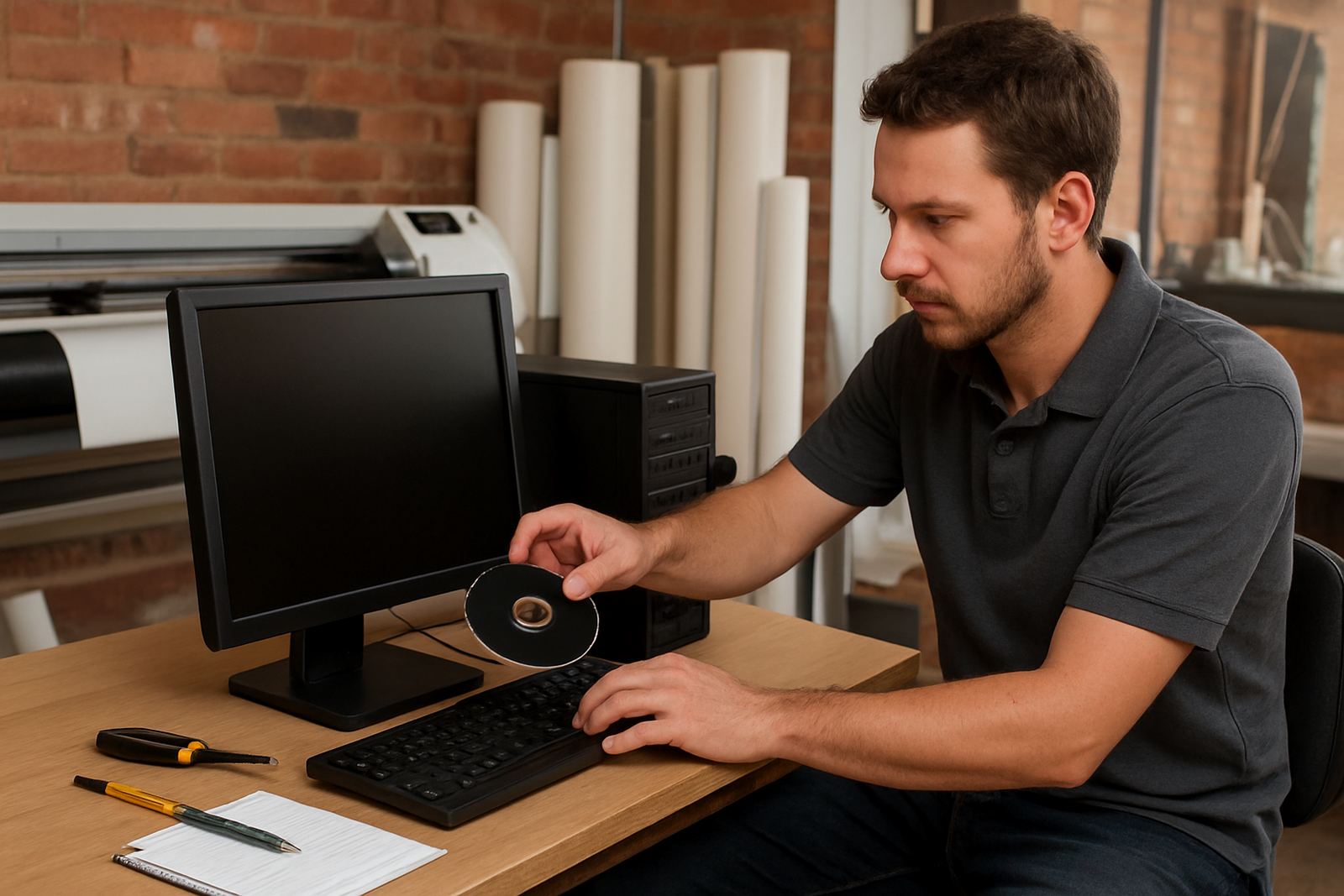
Our software installation service is set up for sign makers, vinyl cutters and print service providers who need the software working properly first time. We install design and RIP software on new workstations, reconfigure existing computers after upgrades, and help with licence activation, plotter communication and colour workflow setup. The aim is simple: get your operators producing clean output without wasting media, ink or time on trial and error.
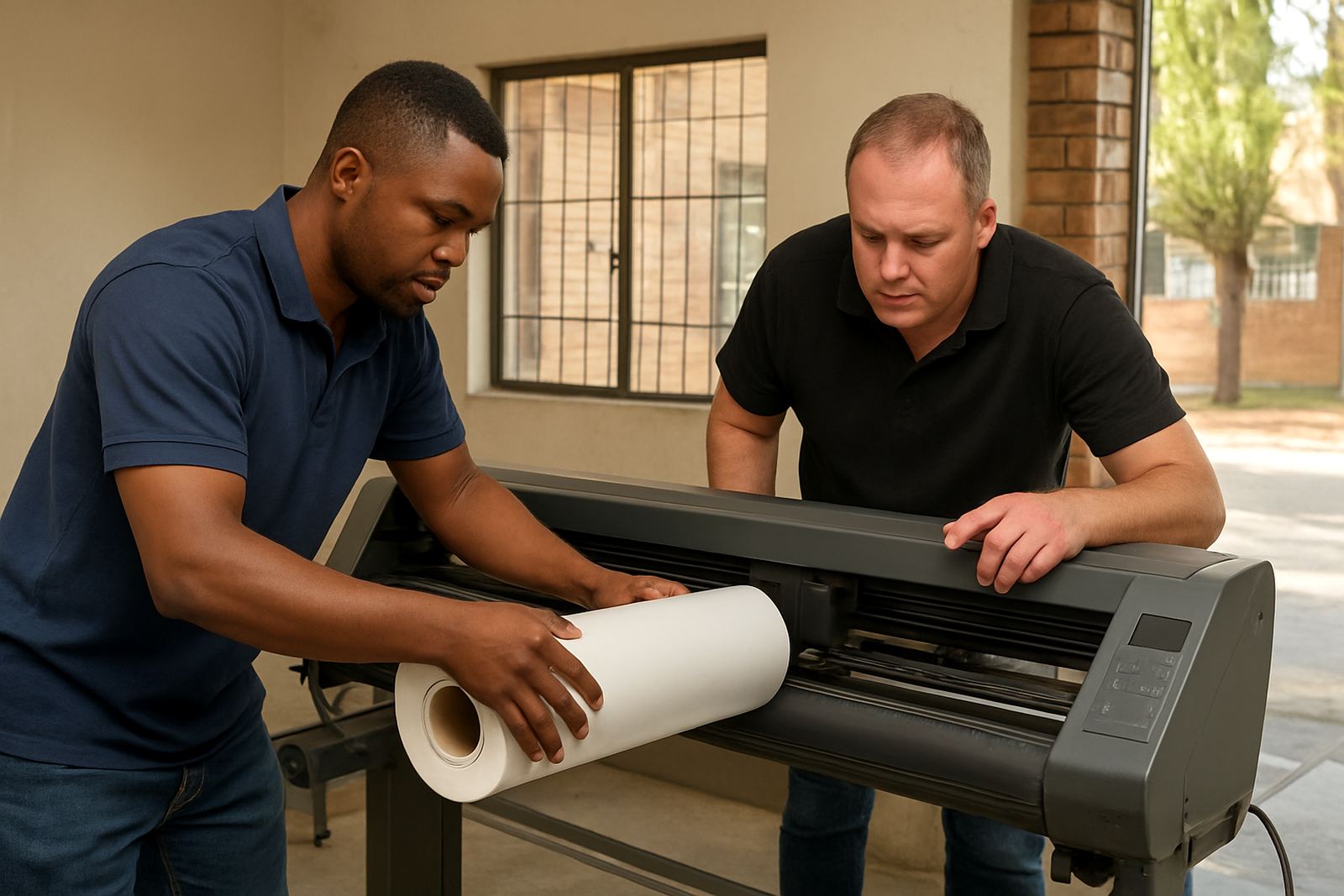
We work with one workstation or a full production setup. That can include a design PC, a RIP station, one or more cutters, and a printer queue used for short runs, vehicle graphics, labels or shop signage. We also check the basics that cause trouble later, like user permissions, screen resolution, drive space and network visibility. On older machines we assess whether the unit still meets the job before we load the software, because a slow computer can turn a simple install into a daily bottleneck.
- Software installation on new or existing Windows workstations
- Licence activation and registration assistance
- Cutter setup help for USB, serial and network connections
- RIP queue setup and print path testing
- Colour management starting points for print and cut work
- Support for single-user rooms and multi-operator print environments
Before we arrive, the workstation must be ready for the job
A proper installation starts with the right machine. If the PC is underpowered, the software may open but still run slowly once you load artwork, rip a busy queue or send a long contour cut. We usually recommend a modern 64-bit Windows workstation with at least 16 GB RAM, a solid-state drive with enough free space, and a stable internet connection for activation and updates. For heavier queues or frequent large-format jobs, 32 GB RAM gives better breathing room.
We also check the practical side of the setup. If the workshop has load-shedding interruptions, an UPS helps prevent corrupt settings and interrupted queue files. In coastal areas like Durban and Gqeberha, humidity and dust can affect USB ports, cutters and shared printers, so cable management and clean power matter. If the station is part of a network, we look at local administrator rights, firewall rules and shared folders before we begin. It saves time and avoids the back-and-forth that slows down production.
- Windows 10 or Windows 11, fully updated where possible
- Minimum 16 GB RAM, 32 GB recommended for busy queues
- Free storage space for artwork, queue files and backups
- Admin access for installation and activation
- Stable USB, network or serial link to cutters and printers
How we handle installation, activation and first output tests
Once the workstation is confirmed, we load the required software, apply the licence details, and verify that the installation opens correctly under the right user profile. If the system is being moved from an older PC, we assist with transfer steps where possible and then reset the new environment so the software does not inherit old paths, broken presets or missing device links. For shops with more than one operator, we can also standardise folder locations and file naming so jobs are easier to hand over between staff.
After installation, we run a test path through the machine. That includes opening sample files, checking font handling, confirming cutter output direction and testing a simple RIP job or contour cut. If a printer or cutter is not responding as expected, we trace the issue from the queue to the device driver and then through to the cable or network link. This is where a careful install saves real money, because a missed setting can waste a full roll of vinyl or a print run on the first morning.
- Software launch test and licence check
- Sample file import and output verification
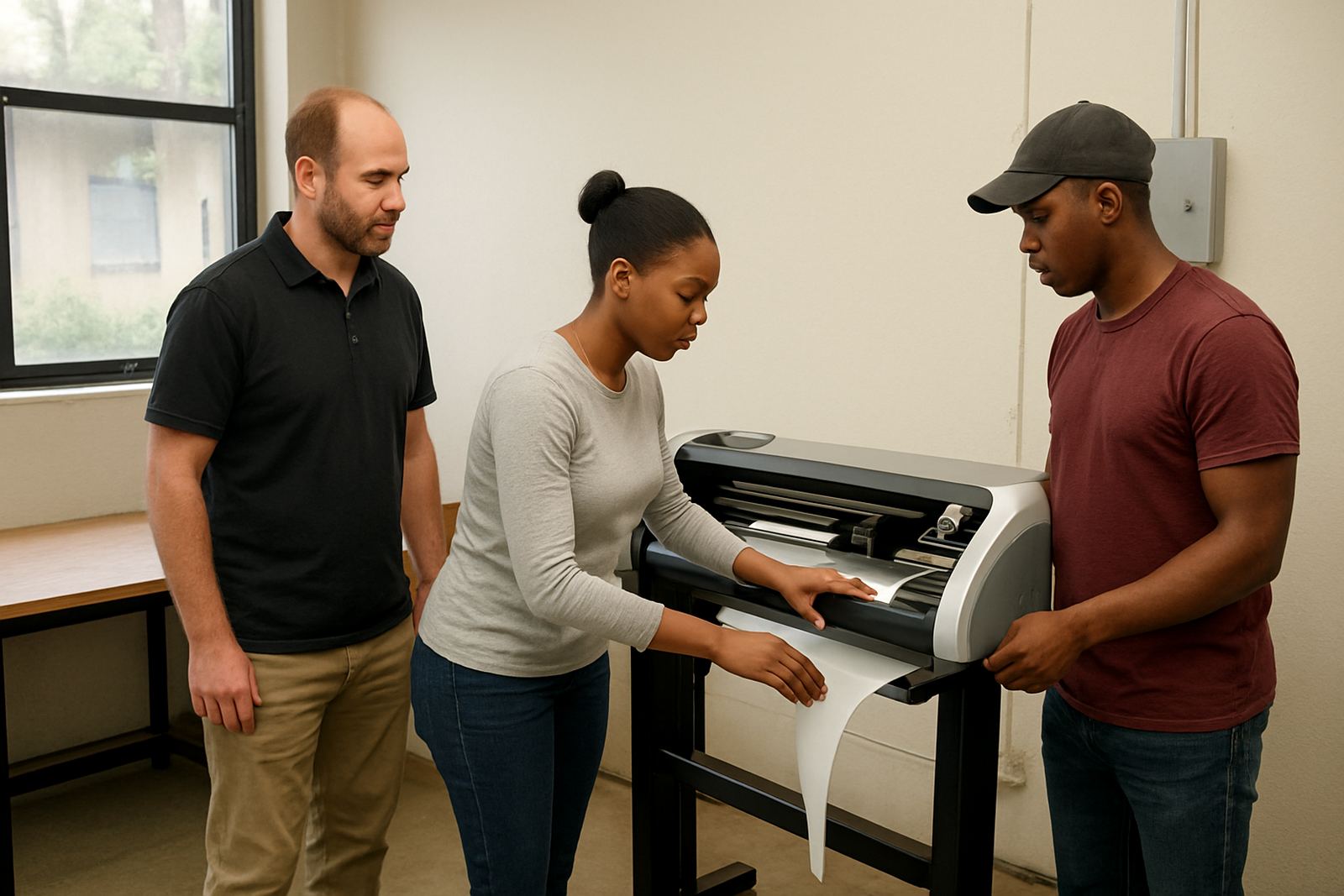
- Cutter path test and registration check
- Queue routing and folder structure setup
- Basic troubleshooting of connection errors and driver conflicts
Remote support first, onsite help where the shop needs hands-on work
Many installations can be done remotely if the workstation is accessible and the client has the correct access details ready. Remote work is useful for branches in Johannesburg, Pretoria, Midrand, Centurion and other inland locations where the operator just needs the software loaded and the queue set up. It is quicker for simple activations and smaller updates, and it reduces downtime on busy production days.
For cutter alignment, first-time training, network issues, or shops that need the install tied into an existing production workflow, onsite work is often the better choice. We assist clients across South Africa, including Cape Town, Durban and Gqeberha, and we plan visits around production hours where possible. If the shop is running a tight turnaround schedule, we can stage the install after hours or during a low-volume window so the team does not lose a full day. Our Randburg base also allows us to support local training and follow-up visits when a new station needs a second look.
- Remote installation for suitable setups
- Onsite setup for cutters, printers and networked rooms
- After-hours or off-peak planning where practical
- Follow-up adjustments if queue behaviour changes after live work starts
Typical turnaround and how we price the job
Turnaround depends on the size of the installation and how ready the workstation is before we start. A straightforward single-PC install with licence activation and one cutter connection can often be completed in a few hours, while a multi-machine setup with shared folders, queue checks and operator training may take longer. If the workstation needs updates, driver repairs or a full rebuild before the software can be loaded, we first deal with the system issues so the install is not built on unstable ground.
Our pricing is based on the scope of work, not a one-size-fits-all rate. We look at whether the job is remote or onsite, how many workstations are involved, whether hardware testing is required, and whether the client wants the install tied into colour management or production workflow setup. Where there is an annual support plan in place, we can often structure follow-up visits and maintenance more predictably. The best approach is to request a quotation through the contact page so we can price the job properly and avoid surprise costs later.
- Simple single-station installs are the quickest to complete
- Multi-PC and networked setups need more time for testing
- Pricing is based on scope, travel and support requirements
- Quotes are prepared after the job details are reviewed
Keeping the install stable after the first week
Software installation is not a once-off event if the workshop is busy. Drivers change, Windows updates land at awkward times, and new staff members can shift settings without meaning to. We recommend a maintenance check at least once every three to six months for active sign shops, with more frequent attention if the team runs several cutters, prints long queues daily or changes hardware often. This keeps the station tidy and reduces downtime when orders pick up.
During a maintenance visit or support session, we review the queue, confirm activation status, test output paths and check for small issues before they become production delays. That includes colour settings, spool folders, user permissions and cutter communication. We can also help with upgrade planning if the current workstation is starting to struggle. A clean install and a basic maintenance routine usually pay for themselves in fewer misprints, less rework and faster handovers between staff members.
- Recommended maintenance interval: every 3 to 6 months
- Extra checks after Windows updates or hardware changes
- Queue review, activation review and output path testing
- Useful for busy shops with rotating operators or multiple branches
Who handles the work at FlexiSIGN Studio
Software installation is handled by a small team that understands sign production from the shop floor up. Mandla Jacob Maseko oversees the service and planning. Nadia Blignaut handles software sales and product matching. Luthando Mlambo takes care of installation work, Sifiso Mabena coordinates training, Liezel Barnard supports clients after setup, and Lungile Ndlovu assists with colour workflow where print accuracy matters. That mix helps us deal with the actual install and the practical follow-through, not just the software licence on paper.
Clients usually reach us through the enquiry form on our contact page, then we confirm the workstation details, the devices involved and the best way to proceed. Whether you are in Randburg, Johannesburg, Pretoria, Durban, Cape Town or Gqeberha, the goal is the same: a clean install, tested output and a workstation that is ready for production the same day where possible. We keep the process straightforward so your team can get back to selling and making signs, not fighting the computer.
Key facts
| Service type | Software installation for design and RIP environments |
|---|---|
| Typical workspace | Single station, small print room or multi-PC production setup |
| Supported devices | Vinyl cutters, wide-format printers and networked output devices |
| Connection checks | USB, serial and network communication testing |
| Minimum workstation spec | 64-bit Windows, 16 GB RAM, SSD storage, admin access |
| Recommended maintenance | Every 3 to 6 months for active production sites |