What cutter setup help covers
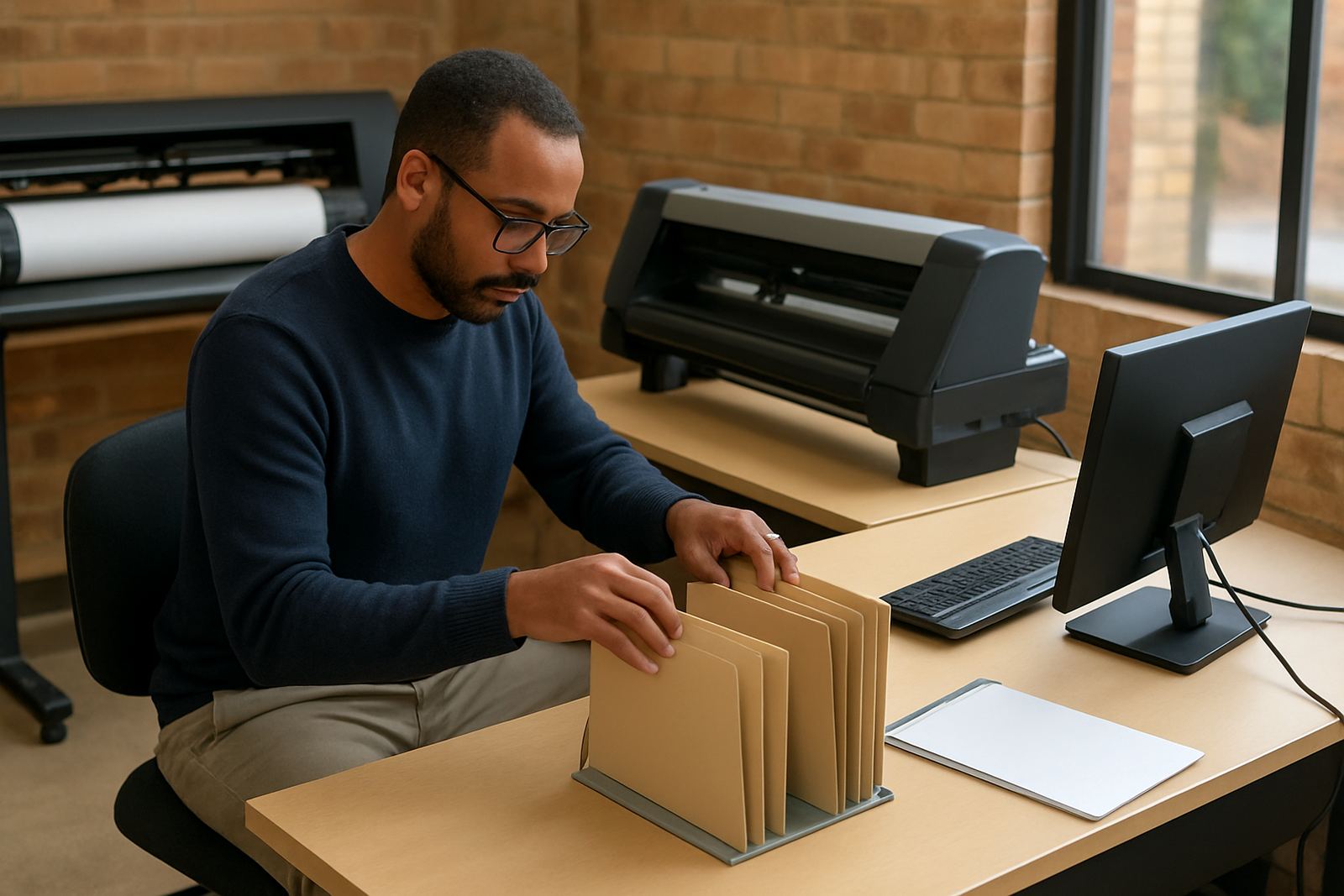
When a cutter is cutting too deep, not cutting through, drifting on long jobs or missing small lettering, the issue is often in the software setup rather than the machine itself. We check the cut path from design to output, then tune the settings that affect accuracy, speed and finish. That includes blade offset, overcut, origin position, page size, scaling, and how the RIP or cutting module passes data to the machine.
Our cutter setup help is aimed at vinyl cutters used for general signage, vehicle graphics, small labels and contour cutting. We also help with jobs that need tighter alignment for reflective vinyl, wall graphics, heat transfer film and sandblast masking. If your shop runs more than one cutter, we can set each unit up with the correct profile so operators do not need to guess. A proper setup saves material, reduces re-cuts and cuts down on call-backs from clients.
- Blade offset and knife angle checking
- Cut speed and pressure guidance
- Origin, page size and media tracking setup
- Contour cut and registration mark alignment
- Weed line and overcut adjustment
Alignment, offsets and cut path preparation
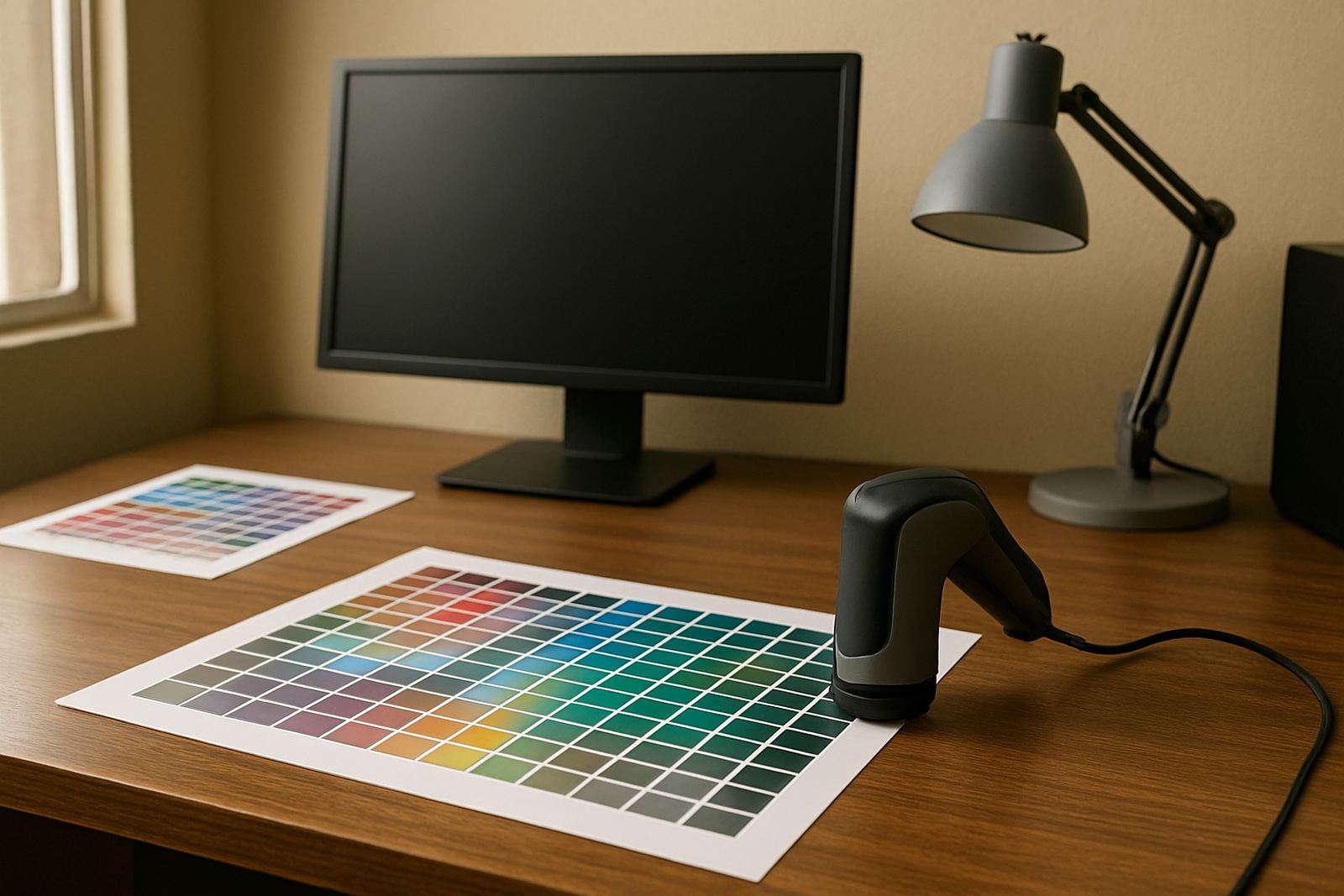
Good cutting starts before the blade moves. We prepare artwork so curves, corners and joins are clean, then confirm the cut path is correctly built for the cutter model in use. If the cutter is overshooting corners or lifting on tight circles, we check offset values and simplify the path where needed. For print and cut work, we also confirm mark placement and scan settings so the cutter reads the marks without drifting.
In South African print rooms, power cuts and restart issues can upset machine memory and queue settings, so we also look at how jobs are stored and reloaded after interruptions. If your team uses different computers on the same cutter, we can standardise the output settings so one workstation does not produce a different result from another. That matters when you are running rush orders and the same sticker job has to repeat exactly, day after day.
- Path cleanup for complex logos and small type
- Corner correction for slow or fast cutting passes
- Registration mark spacing for print and cut jobs
- Workstation-to-cutter consistency checks
Our setup process from first check to test cut
We work in a clear sequence so the problem is identified quickly. First we inspect the current workflow, including the file format, cutter connection, media type and operator settings. Then we load a test file and measure the result against the intended size. If needed, we adjust the profile, re-run the test and confirm the final output before handing the job back to your team.
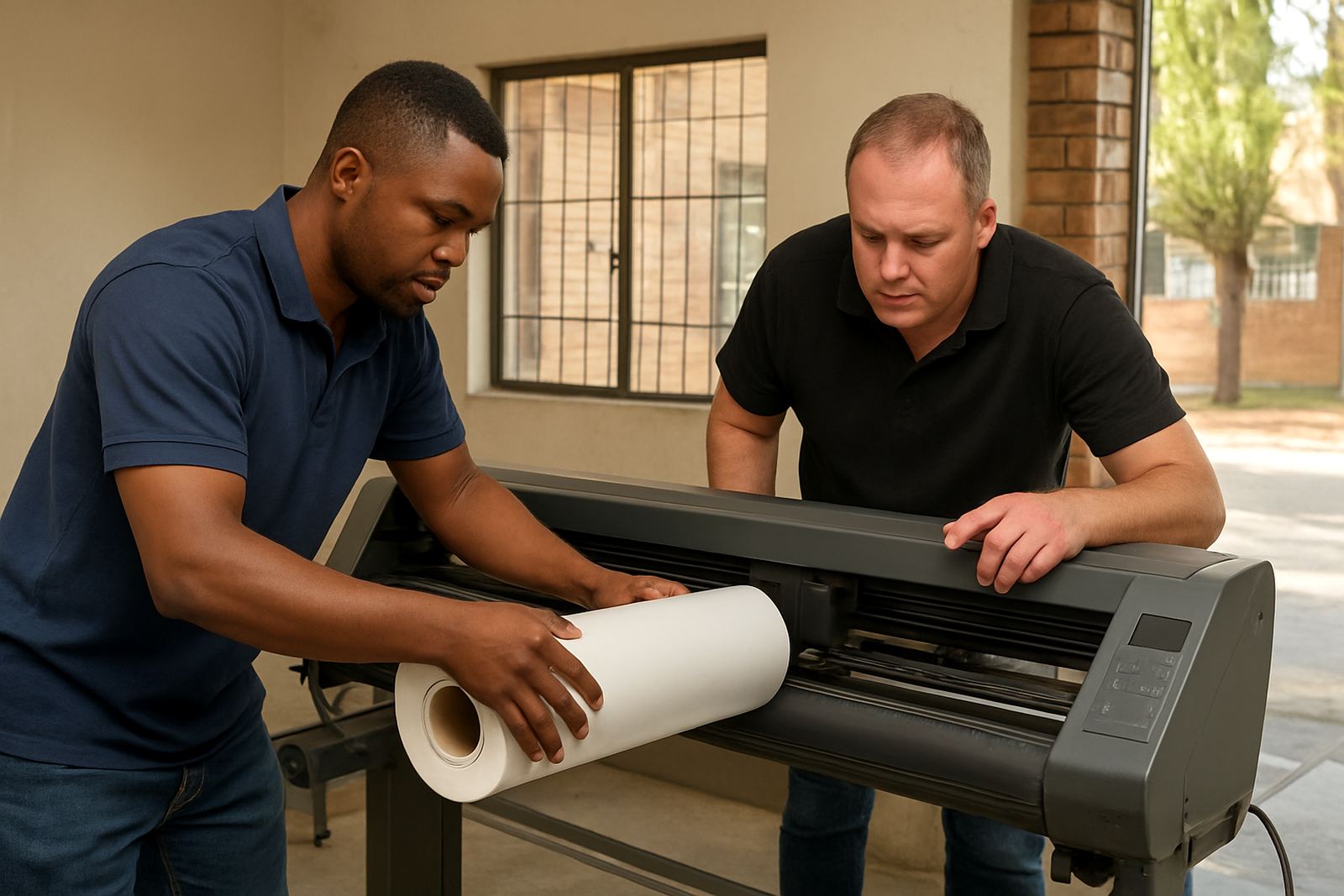
For remote support, we can guide your operator through the steps on screen and confirm the result by photo or short video. For onsite work in Randburg, Johannesburg, Pretoria, Midrand or Centurion, we can come through and do the hands-on setup on the shop floor. This is often the better option when the cutter has repeated alignment errors or when the operator needs practical training on the same visit.
- Initial assessment of the cutter and workflow
- File and output review
- Test cut on standard vinyl and selected media
- Final confirmation and operator handover
Typical turnaround times and visit planning
Most remote cutter setup issues can be resolved without an onsite visit, depending on the fault and whether your team is available for testing. Onsite visits are planned around the route and the urgency of the job, with support available for Johannesburg, Pretoria, Durban, Cape Town and Gqeberha. For shops outside the metro areas, we will usually start with a remote check and decide if a visit is needed after that.
If you have a production deadline, tell us what machine you are using, what material is on the roll and what the fault looks like. That helps us prepare the right approach before the session starts. In many cases we can resolve the problem in one visit, but some older cutters need a second pass after a small parts replacement or a deeper profile reset. We will say that clearly upfront, no surprises.
- Remote issues: usually same day to next working day
- Onsite visits: scheduled by town, urgency and route
- Complex jobs: allow extra time for re-testing and operator sign-off
Pricing approach for cutter setup support
Pricing depends on the support method, the number of cutters involved and whether the work is remote, onsite or part of a broader workflow setup. A single cutter profile correction costs less than a full workshop where we have to standardise several machines, train new staff and check print-to-cut alignment. We keep the pricing practical and based on the actual time required, not a one-size-fits-all package.
For many businesses, the real saving comes from reduced waste. One bad roll of vinyl or repeated miscuts can cost more than the setup session itself. If you already have an annual support plan, cutter setup help can often be folded into your support time or scheduled as part of a planned visit. We will advise on the best approach once we have seen the setup.
- Remote support billed by session or support block
- Onsite support priced by travel area and time on site
- Multi-cutter workshops quoted after a short assessment
- Support plan clients may qualify for priority scheduling
Maintenance intervals and when to call us back
Cutter settings should be checked whenever you change blade type, media thickness, software version or operator workflow. As a practical guide, most shops should review their cutter setup every 3 to 6 months, and sooner after a major upgrade or if the machine starts missing detail. Coastal humidity in places like Durban or Gqeberha can also affect some vinyl handling, so a setup that worked last winter may need a slight adjustment in summer.
Call us back if you see rounded corners, poor weeding, repeated skew on long runs, or the cutter is not reading registration marks properly. If a municipal power interruption has reset your gear, or if a new staff member has changed the output settings, it is worth checking the whole chain again. Regular maintenance keeps the machine predictable and helps your team keep moving through the queue.
- Review after software upgrades or licence changes
- Check again after blade, holder or media changes
- Revisit setup after power interruptions or long shutdowns
- Plan seasonal checks for humid coastal conditions
Key facts
| Service area | Randburg, Johannesburg, Pretoria, Durban, Cape Town, Gqeberha, Midrand and Centurion |
|---|---|
| Support method | Remote support, onsite visits and training sessions |
| Typical use cases | Vinyl cutters, print and cut workflows, contour cutting, weed line checks |
| Output focus | Clean cut paths, correct offsets, accurate alignment and repeatable results |
| Turnaround | Remote support for most cutter setup requests |
| Maintenance interval | Every 3 to 6 months, or after software, blade or workflow changes |