What RIP Queue Optimising Covers
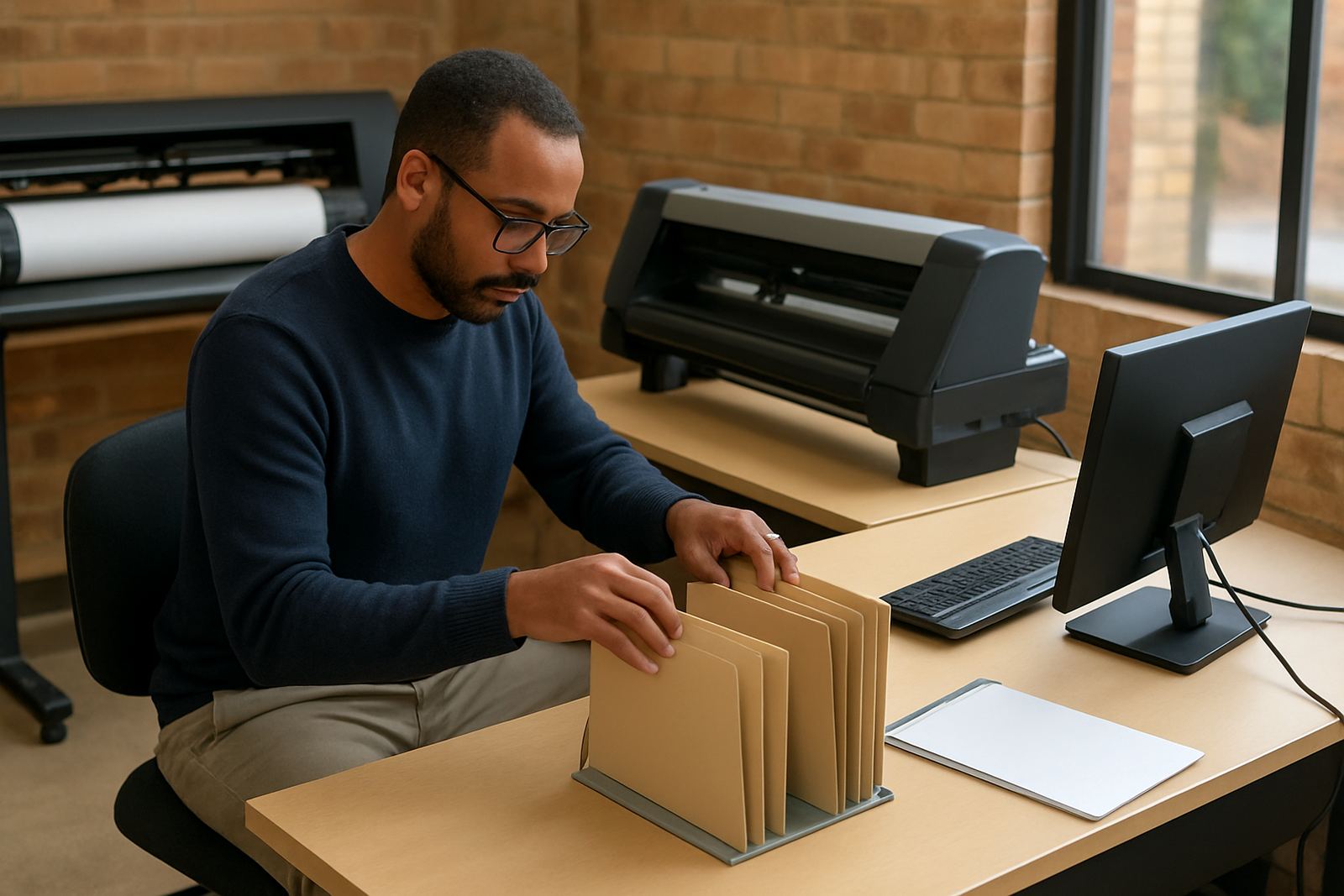
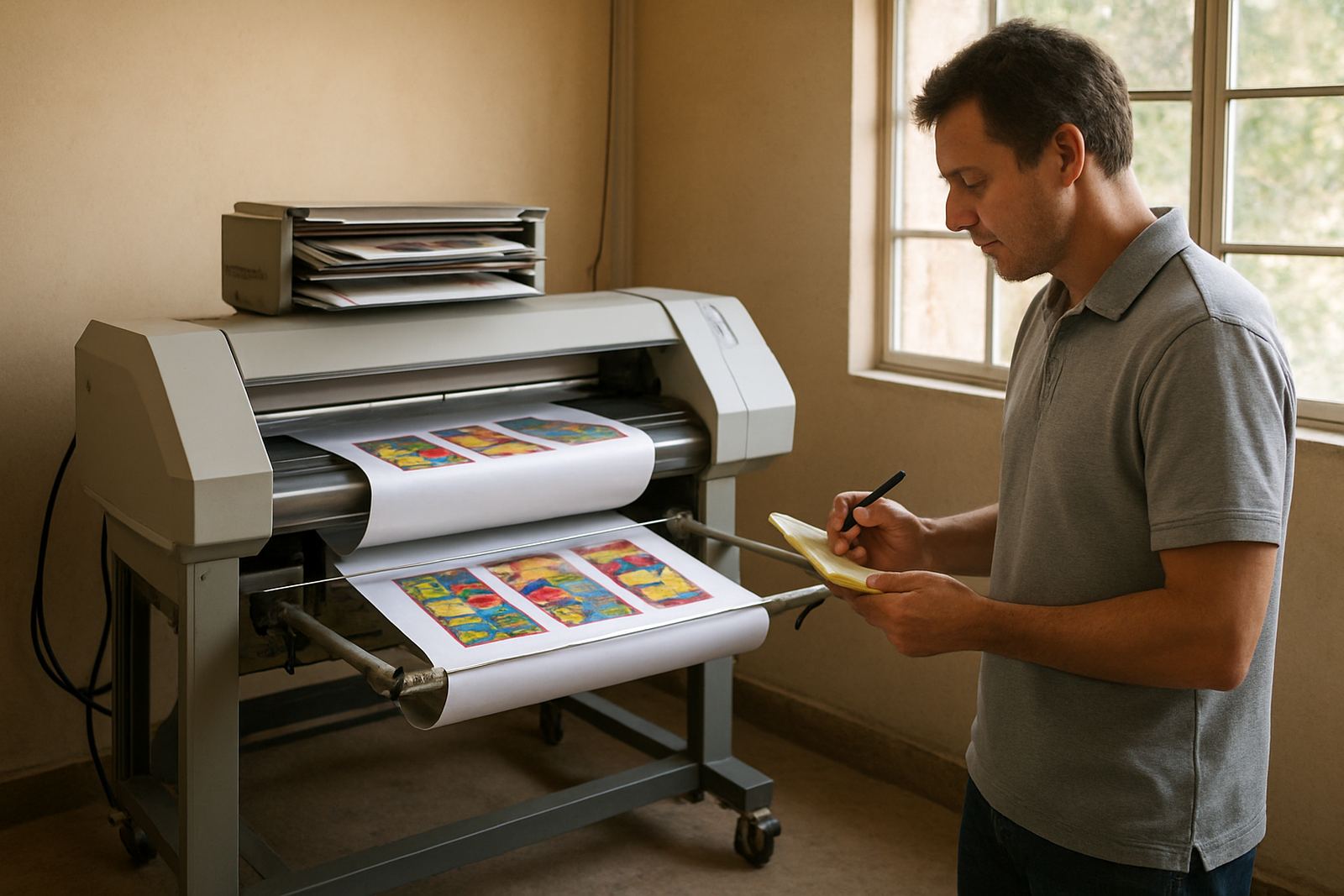
Our RIP Queue Optimising service is for sign makers, print rooms and production teams that already have RIP software in place but want better control over speed, nesting, colour consistency and repeat jobs. We review how your queues are set up for different media types, device sizes and daily job volumes, then tighten the settings so the system works the way your shop actually prints.
This service suits vinyl cutters, print and cut workflows, wide-format printers and mixed environments where staff members need clear presets for jobs like vehicle graphics, shop signage, stickers, wall panels and short-run print work. In Randburg we see many teams losing time because every job is set up from scratch, or because the same media is running through different queues with different output behaviour. That leads to waste, delays and poor repeatability.
- Queue naming and folder structure
- Preset review for common media and job types
- Cut path and contour workflow checks
- Output speed and pass setting review
- Nesting and copy layout refinement
- Colour and ink limiting alignment where needed
What We Check During the Setup Review
We start with a practical review of your current setup, including your printer or cutter model, RIP version, workstation spec and how the team handles incoming artwork. Where needed we also look at the cutter communication path, network stability and whether the same file is being processed more than once. If your shop runs in Johannesburg, Pretoria, Durban or Cape Town, we can work remotely first and then arrange an onsite visit if the queue structure needs more hands-on adjustment.
We look at the following areas in detail:
- Media profiles and preset naming
- Job nesting rules and white space control
- Cut registration and contour cut timing
- Spool speed, hold settings and queue priorities
- Manual overrides used by different staff members
- Colour handling for repeatable output across shifts
If your workflow changes often because of mixed media, humid coastal conditions or load-shedding interruptions, we adjust the process so the queues stay practical instead of overcomplicated.
How We Refine the Queue Flow
Once we understand how your team prints, we refine the queue flow in clear steps. The aim is to reduce unnecessary clicks, keep common jobs in the right preset and make sure the output device receives files in a consistent way. In many cases a small change in queue order or nesting rules can save metres of media every week. It is also common for shops to discover that their cutter jobs are being held back by the way the print queue is managed, not by the cutter itself.
Our process is usually:
- Review current queues and identify bottlenecks
- Separate fast-turnaround jobs from standard production
- Set up named presets for repeat work
- Test output on sample jobs and adjust feed behaviour
- Check cut workflow timing and queue handover
We then document the new queue structure so your staff can keep using it without guesswork. If you have new staff joining in Randburg or Midrand, we can include a short induction so they understand which queue to use for each job type. This is especially useful where more than one operator shares the same machine during the day.
Turnaround, Support and Delivery Method
Most queue optimisation work is completed within one working day for a single device or a small production setup, provided the current system is accessible and the job list is ready for review. More complex environments with several printers, cutters or separate departments may need a staged approach over two sessions. Remote work is often enough for software side changes, while onsite work is better for live testing, cutter alignment and production checks.
We support clients across South Africa, including Johannesburg, Pretoria, Durban, Cape Town and Gqeberha. For onsite visits we arrange attendance in advance and work around your production hours where possible, so the shop can keep moving. If your team experiences interruptions from municipal power cuts or inconsistent internet, we will plan the session so files, licences and presets are backed up first.
For shops with regular print volume, we also recommend a follow-up check after a few days of live production. That second look often catches small issues such as an operator using an older preset, or a queue setting that looked fine in testing but slows the line during a busy morning.
Pricing Approach and Maintenance Intervals
Pricing is based on the number of devices involved, whether the work is remote or onsite, and how much queue restructuring is needed. A single queue tune-up is quoted differently from a multi-device production review because the time, testing and documentation requirements are not the same. We quote clearly before work starts so you know what is included, and we can separate optimisation from training if your team needs both.
For ongoing production environments, we suggest a maintenance interval of every 3 to 6 months, or sooner if you add a new cutter, change media, update your RIP software or bring in new staff. Shops with higher turnover or regular seasonal peaks may benefit from quarterly reviews. This helps keep presets tidy, stops old queues from piling up and keeps production consistent after software updates or hardware changes.
- Single device queue review
- Multi-device workflow assessment
- Remote support session
- Onsite optimisation and testing
- Follow-up maintenance review
Specs We Can Tune and Document
We work with practical production settings rather than vague general advice. The aim is to tune the output to your actual media, room conditions and staff workflow. For some shops this means getting faster nesting on sticker runs. For others it means improving repeat colour on backlit work or stopping cut files from sitting in the wrong queue after a power interruption. The result should be easier daily operation and fewer avoidable reprints.
- Queue naming and preset structure for up to multiple device types
- Output speed settings in mm/s, passes and job priority control
- Nesting margins, copy spacing and media waste reduction
- Cut queue handover, contour timing and registration checks
- Colour workflow alignment for repeat jobs and reprints
- Backup and restore notes for queue settings after updates or outages
After optimisation, we leave your team with a clear working setup, not a pile of confusing menus. If your current queue is causing delays, double handling or wasted media, we can sort it out and show your staff how to keep it in shape.
Key facts
| Service type | RIP queue optimisation for sign-making and print workflows |
|---|---|
| Delivery | Remote support, onsite visits, or a blended setup |
| Typical turnaround | 1 working day for a single device, longer for multi-device sites |
| Best for | Sign shops, vinyl cutters, print and cut teams, wide-format production |
| Maintenance interval | Every 3 to 6 months, or after major workflow changes |
| Coverage | Randburg, Johannesburg, Pretoria, Durban, Cape Town, Gqeberha and nationwide |