What workflow setup covers in a working print shop
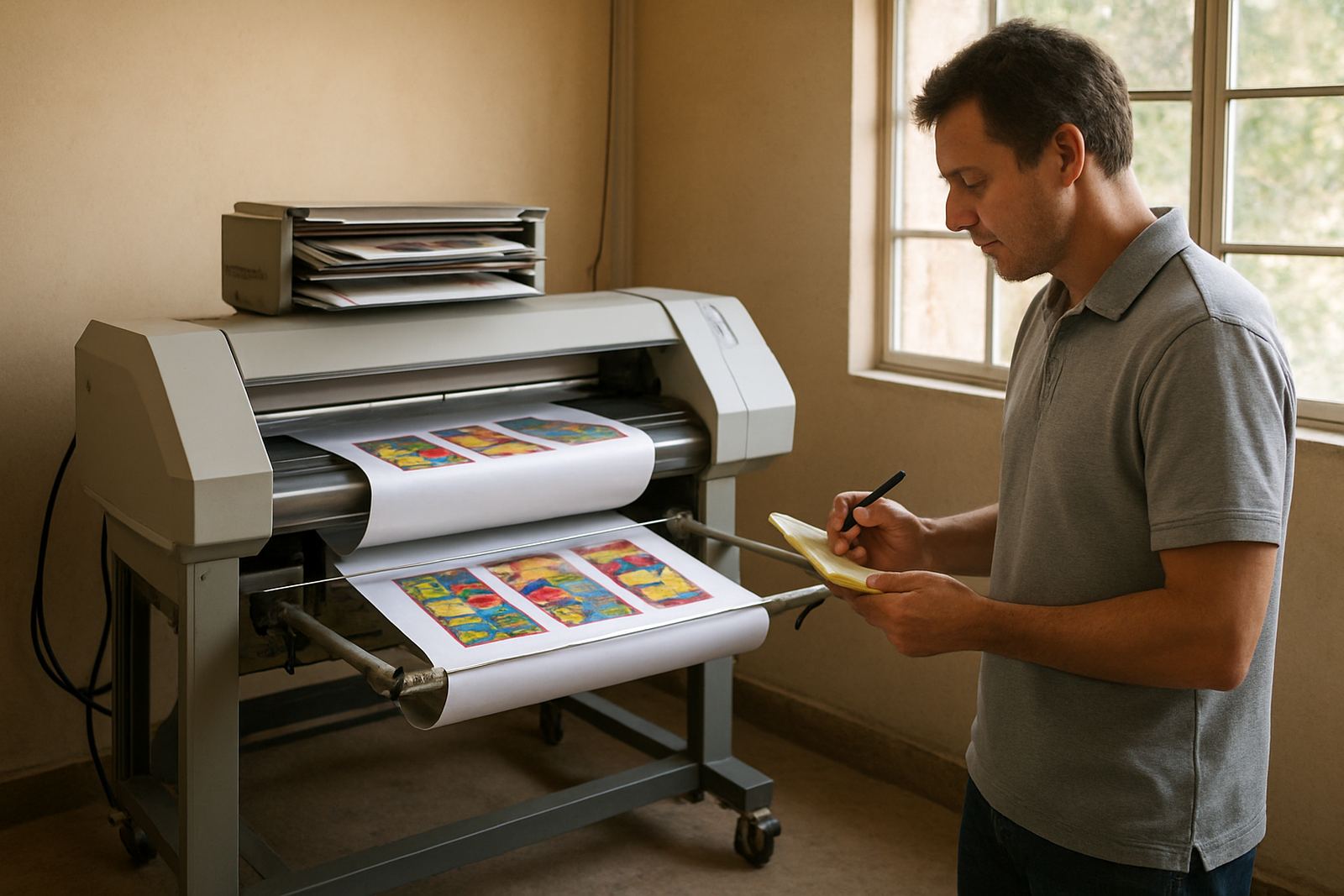
Workflow setup is the practical configuration of how jobs move through your business. We map the full path from artwork creation, file checking and colour handling through to RIP queuing, print output, cutting and finishing. For sign shops, vinyl cutters and print service providers, the aim is simple: fewer mistakes, faster turnaround and cleaner handovers between staff.
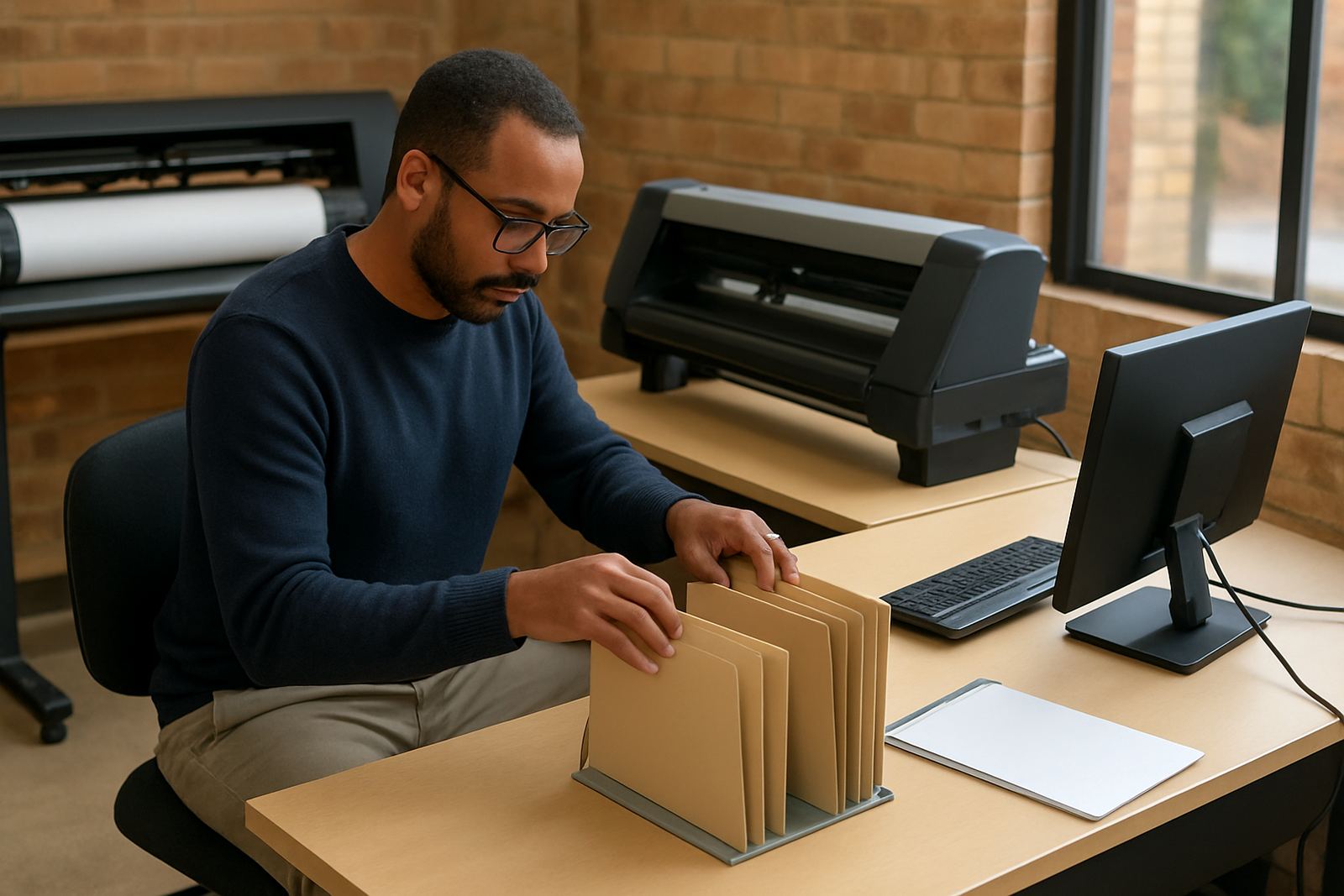
We look at the way your team prepares artwork, stores presets, names files, sends jobs to the RIP and manages repeat work. If your shop is in Randburg, Midrand or Centurion and you are using one person for design and another for output, the setup must be clear enough for both. On busy days, that clarity matters even more when you have back to back vehicle graphics, window vinyl and seasonal promotions all running at once.
Good workflow setup also helps with load shedding planning. We can set job stages so incomplete files are caught early, queues are saved properly, and your output team knows what can be resumed after a power cut. In coastal areas such as Durban and Gqeberha, we also consider humidity, media storage and how long printed work should rest before cutting or lamination.
What is included in our setup service
We do not only open the software and leave. The service is built around your real production needs, your devices and the type of work you handle every week. That may include short-run stickers, estate agent boards, shopfront graphics, exhibition panels or full colour vehicle wraps.
- Workflow mapping from artwork intake to final output
- RIP queue structure for daily, urgent and repeat jobs
- Print preset setup for media types, resolution and ink limits
- Cutter setup help for registration marks, blade offset and cutting speed
- Colour management setup for consistent output across different media
- Folder naming, file saving and job tracking structure for the team
- New staff induction so operators can follow the same process
Where needed, we also assist with licence activation, workstation linking and basic upgrade planning if your current computer or cutter driver is holding the whole shop back. If a job is failing at the same point every week, we find the cause and fix the step that is slowing you down.
How we set up the job flow
We follow a practical process rather than a one-size-fits-all checklist. First we review the equipment list, software version, computer spec and the kind of output you produce. Then we watch how a normal job moves through the shop, from a client brief to the finished piece. That gives us a proper view of where files get delayed or where staff are making avoidable rework.
Next we configure the software around your production steps. That can mean building presets for popular materials, setting page sizes and margins, fixing cut paths, checking colour profiles and arranging the RIP queue so urgent work is always visible. If you have more than one operator, we align the process so the same job does not get prepared in three different ways.
- Step 1: Review your current print and cut process on site or remotely
- Step 2: Set up job folders, naming rules and output presets
- Step 3: Configure the RIP queue and printer or cutter settings
- Step 4: Test with real files and adjust until output is consistent
- Step 5: Train the team on the new process and hand over notes
For shops in Pretoria, Cape Town or Johannesburg, we can run the process remotely where possible, or visit on site for cutter alignment, printer checks and operator training. If you are in a multi-branch setup, we standardise the process so each location follows the same system.
Turnaround times for setup and training
Most workflow setup work starts with a short review and then a scheduled session. A basic setup with one printer and one cutter can often be completed in a single day if the files and equipment are ready. A more detailed setup, especially where there are multiple workstations, colour calibration issues or several media types, may take two to three sessions.
Remote support is useful for quick fixes and clean-up work. Onsite work is better when the cutter needs physical attention, a printer profile needs testing on the actual media, or the team needs hands-on guidance. In Randburg and nearby areas like Sandton, Bryanston and Midrand we often combine setup with training on the same visit so the team can use the new process straight away.
We always allow time for testing. A setup is only complete when a sample job goes through the whole chain without confusion, missed settings or poor colour matching. If your work includes outdoor signage for municipalities or property developments, we also check that cutting, sizing and finishing notes are clear enough for compliant output.
Pricing approach and what affects the cost
Workflow setup is priced according to the size of the job, the number of devices involved and whether the work is remote or onsite. A single cutter and print queue is simpler than a shop with several operators, multiple print devices and repeat jobs across different branches. We keep the pricing approach practical and transparent, so you know what is included before we start.
Factors that affect the quote include the number of workstations, the complexity of your colour workflow, whether old settings need to be cleaned up, and whether staff training is included on the day. If the site needs extended support after the initial setup, we can fold that into an Annual Support Plan or schedule follow-up visits as needed.
- Basic remote setup for one workstation and one output device
- Onsite setup for cutter alignment, print testing and operator training
- Multi-device workflow for shops with layered production steps
- Branch standardisation for businesses with more than one location
- Optional maintenance retainer for ongoing support and updates
If you need a quote, send the details through the enquiry form on our contact page. Include your town, the equipment you use and the sort of jobs you produce most often. That helps us price the work accurately and avoid wasted back and forth.
Maintenance intervals that keep the workflow stable
A good workflow is not a once off setup. Staff change, computers get updated, media types change and jobs become more complex. We recommend regular checks so settings do not drift and production stays consistent. For busy shops, a short review every three to six months is usually enough to catch most issues before they affect turnaround.
During maintenance we check queue settings, output quality, cutter accuracy, file handling and any changes made by new staff. We also review whether your colour settings still match current media and whether your job naming system still makes sense. If a shop has had load shedding interruptions, we check that saved jobs and recovery steps are still working properly.
For teams in Durban and other humid coastal areas, maintenance should also include media storage checks and print handling advice. Paper and vinyl can shift in moisture, which affects feed, cutting and finish quality. A small adjustment now can prevent wasted material later.
With the right routine, your team spends less time fixing preventable issues and more time producing paid work. That is the point of workflow setup: a shop that runs in a steady way, not a shop that relies on one person remembering every step.
Key facts
| Service area | Randburg, Johannesburg, Pretoria, Durban, Cape Town, Gqeberha and surrounding towns |
|---|---|
| Delivery method | Remote support, onsite visits and branch standardisation |
| Core systems | Sign-making design software, RIP software, cutters and print devices |
| Typical turnaround | Same day for simple setups, 2 to 3 sessions for complex workflows |
| Best for | Sign shops, vinyl cutters, graphic designers and print service providers |
| Maintenance interval | Every 3 to 6 months, or after staff changes and major updates |