What Remote Support Covers
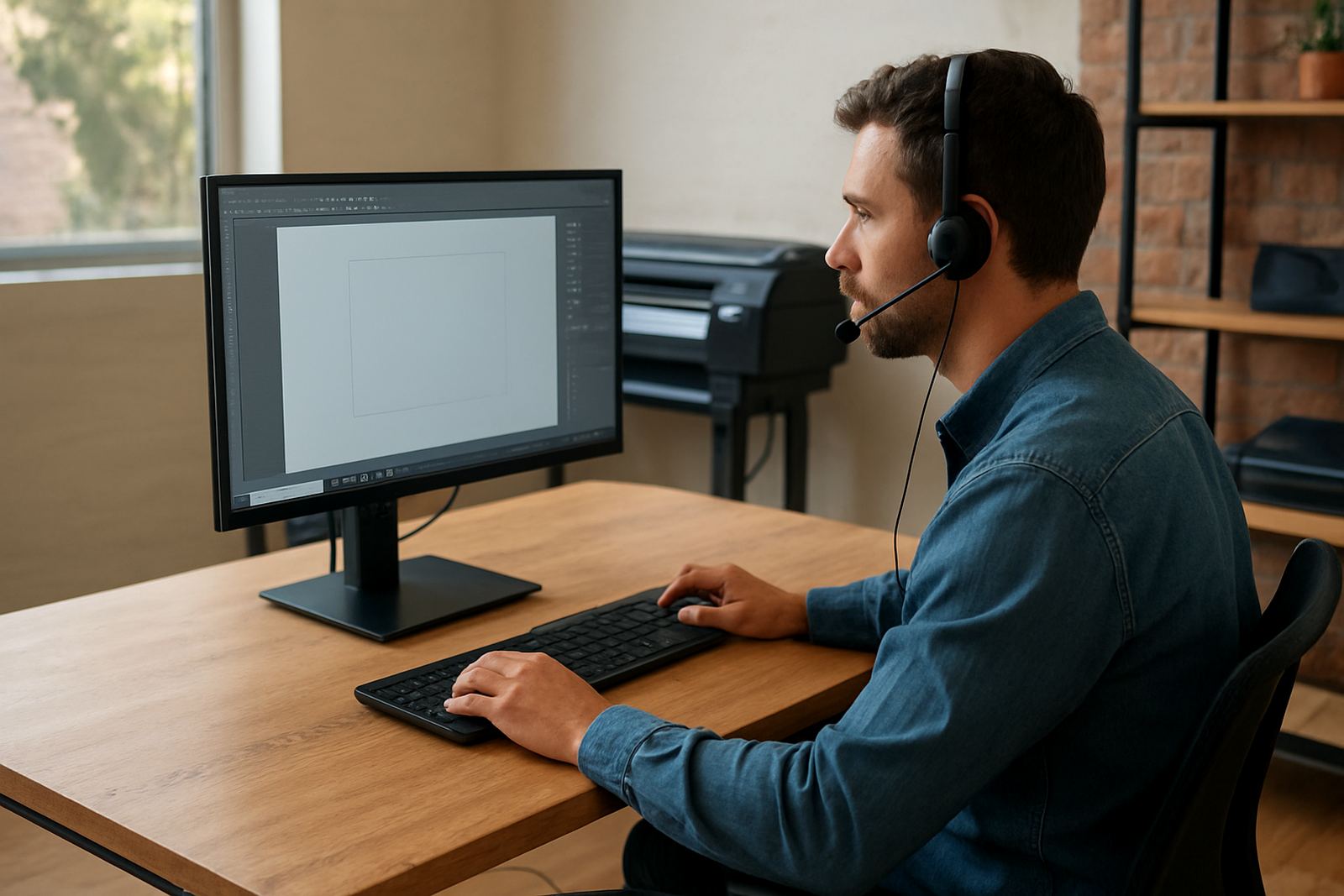
Remote support is for setup issues, output errors and workflow questions that can be handled without an onsite visit. We connect to your system with your permission, check the software settings, and work through the job step by step so you can keep production moving.
This service is useful for sign shops, vinyl cutting rooms and print service providers in Johannesburg, Pretoria, Durban, Cape Town, Gqeberha and surrounding areas. It also helps when a new operator needs guidance on a live job and you cannot afford to lose a full shift.
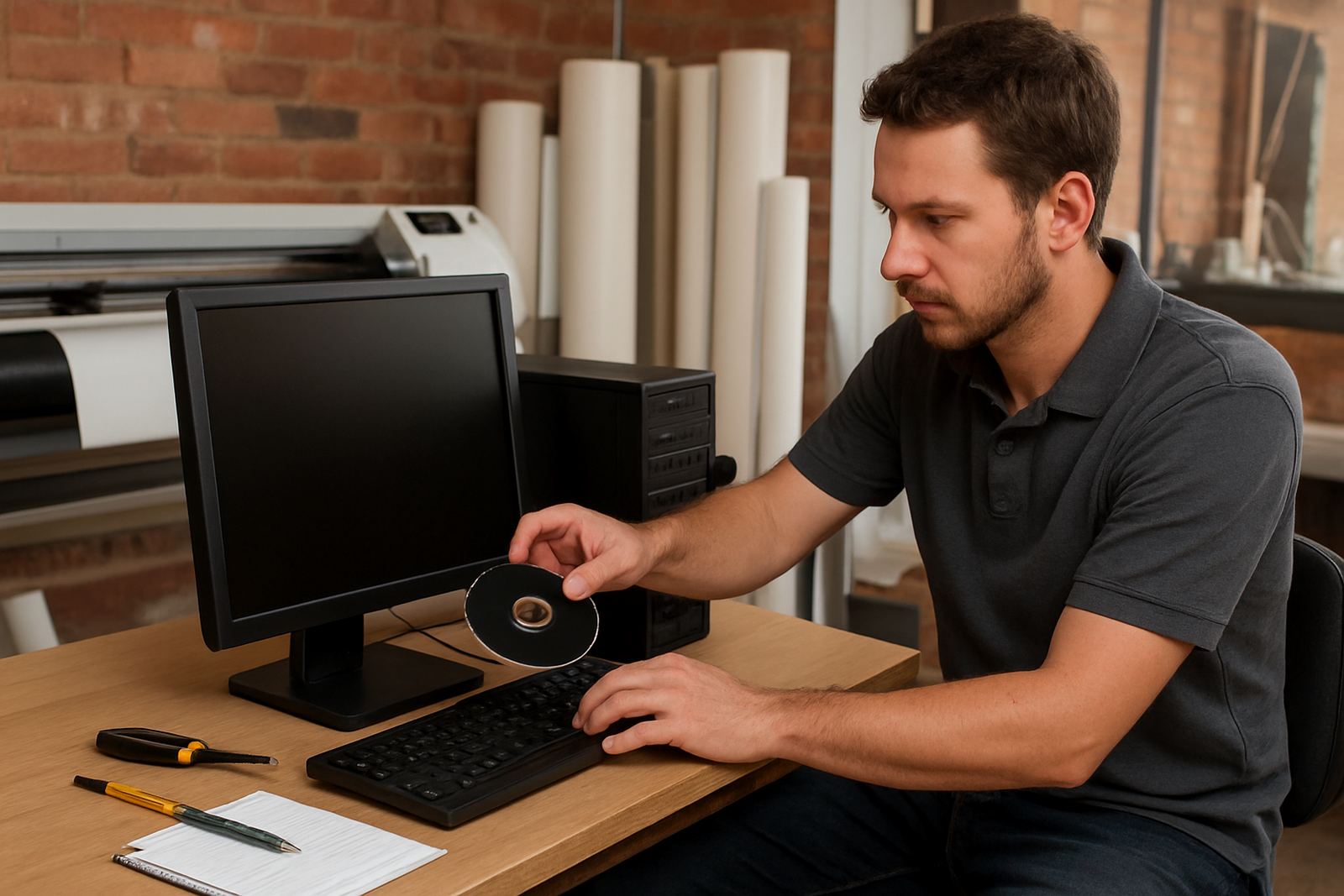
- Software installation checks and licence activation help
- RIP queue problems, missing files and output faults
- Cutting path issues, blade offset and weeding-related settings
- Colour management questions and profile checks
- Workflow setup for single-user or shared production systems
Typical Problems We Fix Remotely
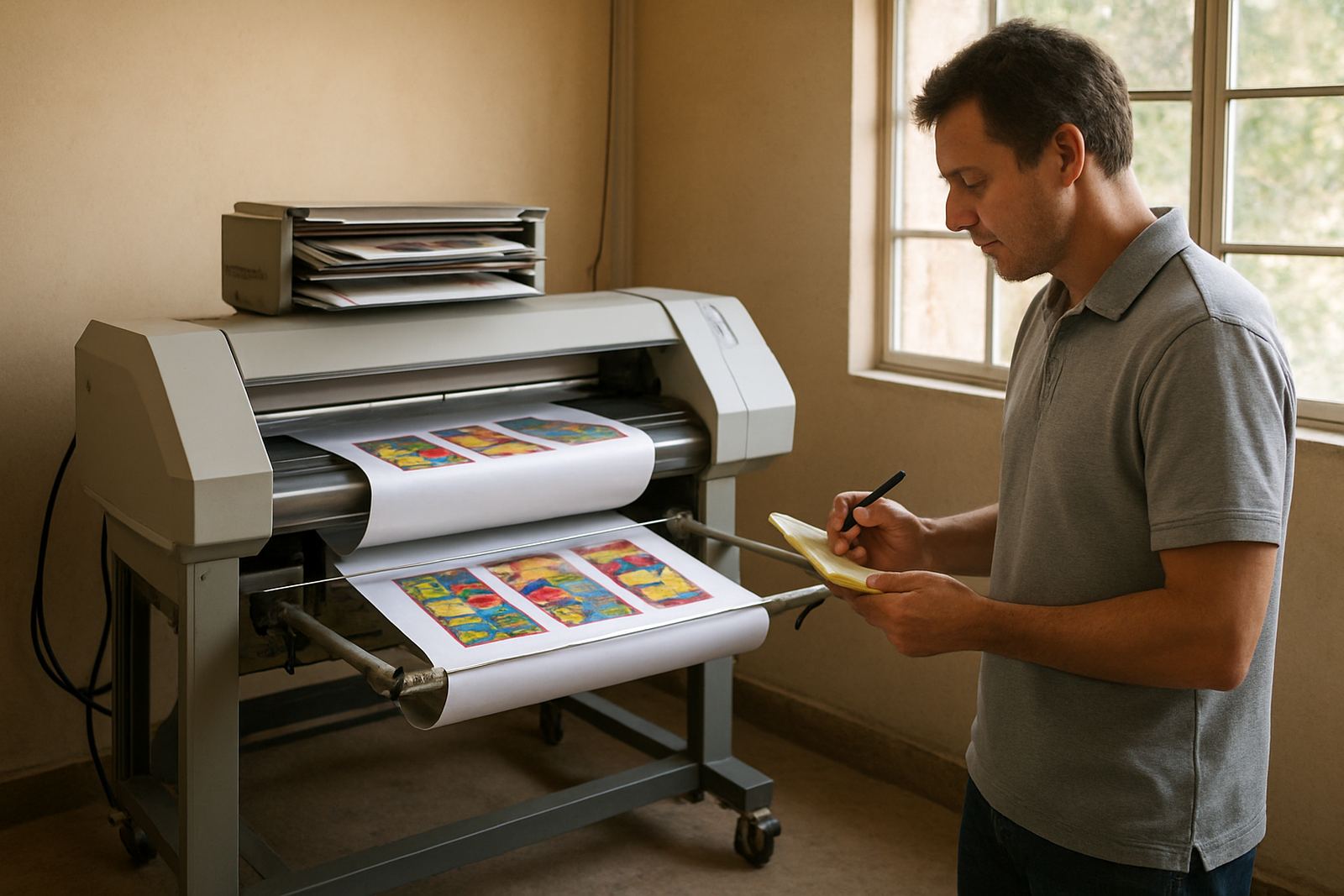
Most remote calls are short, practical sessions. We look at the exact symptom first, then trace it back to a setting, file issue or communication fault. That might be a cutter not receiving jobs, a RIP queue hanging on a late afternoon run, or print output that shifts when the media size is entered incorrectly.
We also help with environmental issues that affect production in South Africa, such as unstable power after load-shedding, network drops in shared workshops and coastal humidity that can affect media handling and print dry times. In many cases the fix is a small adjustment, but that adjustment can prevent repeat waste and save material.
- Communication setup between software and cutter or printer
- Incorrect page size, media size or nesting settings
- Colour mismatch between screen, RIP and output device
- Corrupt job files, missing fonts or broken paths
- Basic operator errors after staff changes or handovers
How We Work Through a Remote Session
We keep the process direct. First, you submit an enquiry through the contact page and describe the issue in plain terms, such as what happened, when it started and what device is involved. If needed, we ask for screenshots, file details or the exact wording of the error message.
Once the session is booked, our support consultant and the right specialist join the call. For example, Liezel Barnard handles support queries, while Lungile Ndlovu can assist where colour workflow is involved. Luthando Mlambo steps in for cutter communication or installation related issues, and Sifiso Mabena supports training questions if the fix needs a short refresher.
- Step 1: Log the issue and confirm the software version
- Step 2: Connect remotely with your permission
- Step 3: Test settings, queues and output behaviour
- Step 4: Apply the fix and confirm a working test job
- Step 5: Send a short summary of what was changed
Turnaround, Availability and Priority Help
Turnaround depends on the urgency and the type of fault. Simple setup queries may be resolved quickly, while more detailed workflow faults may need a scheduled session. If a production line is waiting on a single job, we prioritise that call where possible so you can get back to work without sitting on a backlog.
For teams in Randburg, Midrand and Centurion, same day assistance is often easier to arrange. For Durban, Cape Town and Gqeberha, remote support is especially helpful when time zones, travel and production hours make onsite visits harder to line up. If a fault cannot be resolved remotely, we will say so clearly and discuss the next step.
Pricing Approach and Support Plans
We price remote support according to the time needed, the complexity of the fault and whether the work is a once-off call or part of an ongoing support arrangement. That keeps the cost fair for small sign shops and larger production teams alike.
For regular users, an Annual Support Plan can be the better option. It suits businesses that need repeat help with licence renewals, queue settings, staff changes or seasonal production spikes. If you are only calling for a one-time issue, we will quote for that session before work begins.
- Once-off remote call for a specific issue
- Pre-booked support block for busy production periods
- Annual Support Plan for ongoing help and priority handling
- Upgrade planning when new software versions are being considered
Keeping Your Setup Healthy Between Calls
A good remote fix should last. We often recommend a light maintenance routine so problems do not keep coming back. That includes checking licence status, backing up presets, keeping job folders tidy and confirming cutter or printer communication after updates or power interruptions.
For active print rooms, a monthly review is usually enough. Busy environments may need a fortnightly check on queues, output presets and colour settings, especially if different staff members handle the same system. If you run on shared equipment or work across more than one branch, keep a simple log of changes so a fault can be traced quickly when it appears again.
- Monthly check for software updates, licence status and queue behaviour
- Fortnightly review for high-volume print rooms or shared systems
- After any power cut, verify communication and output presets
- Before new staff start, confirm training notes and saved workflows
Key facts
| Service type | Remote support for sign-making design and RIP software |
|---|---|
| How to request | Contact form, with photos of the cutter or printer error |
| Access method | Remote session with client permission and live screen guidance |
| Common systems | Design software, RIP software, vinyl cutter communication and colour workflow |
| Coverage | Randburg, Johannesburg, Pretoria, Durban, Cape Town, Gqeberha and national clients |
| Support options | Once-off call, scheduled block or Annual Support Plan |