Start with the parts that slow your shop down
Before you buy anything new, look at where work is stalling. In many South African print rooms the problem is not the software alone, but a mix of older PCs, full hard drives, small RAM, and a cutter or printer queue that has grown over time. We help you check the full setup so you can see whether the best fix is a software upgrade, a computer replacement, or a workflow change.
A good upgrade plan starts with the jobs you handle daily. If you do short-run vinyl cutting in Randburg, fleet marking in Midrand, or full signage packages for Durban humidity conditions, your needs will not be the same. We match the advice to your actual work, not a generic list of specs.
Check your current version, licence and file habits
Some issues are caused by working on an old version that no longer suits your operating system or hardware. Others come from poor file handling, such as large artwork folders, repeated exports, or mixed colour profiles. We review how your current setup is licensed, installed and used so you know what can stay and what should change.
- Confirm your installed version and licence status
- Check whether the PC can still handle the current workload
- Review how many users need access at the same time
- Look at file storage, backup routines and version control
- Identify where RIP queues or cutter output are backing up
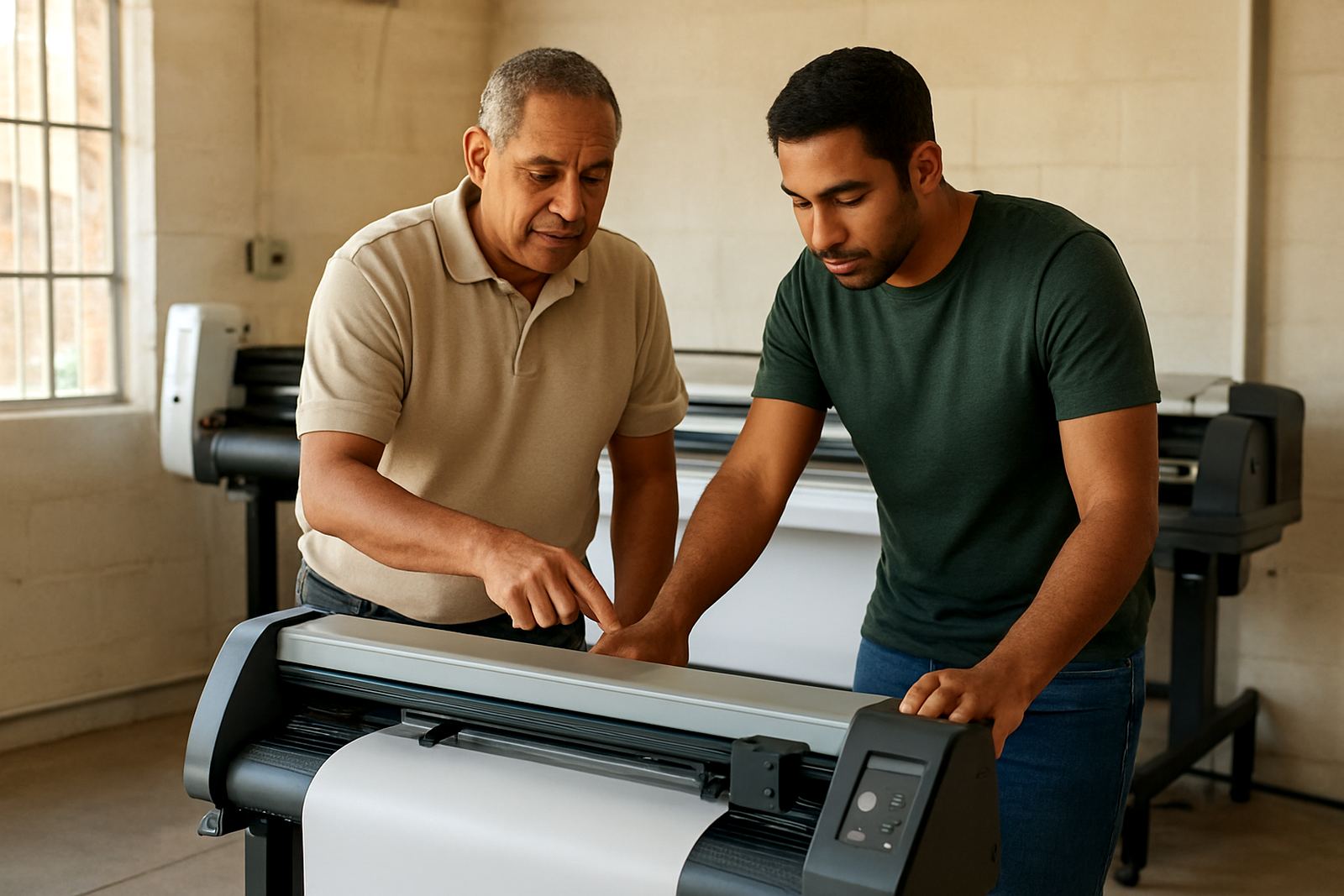
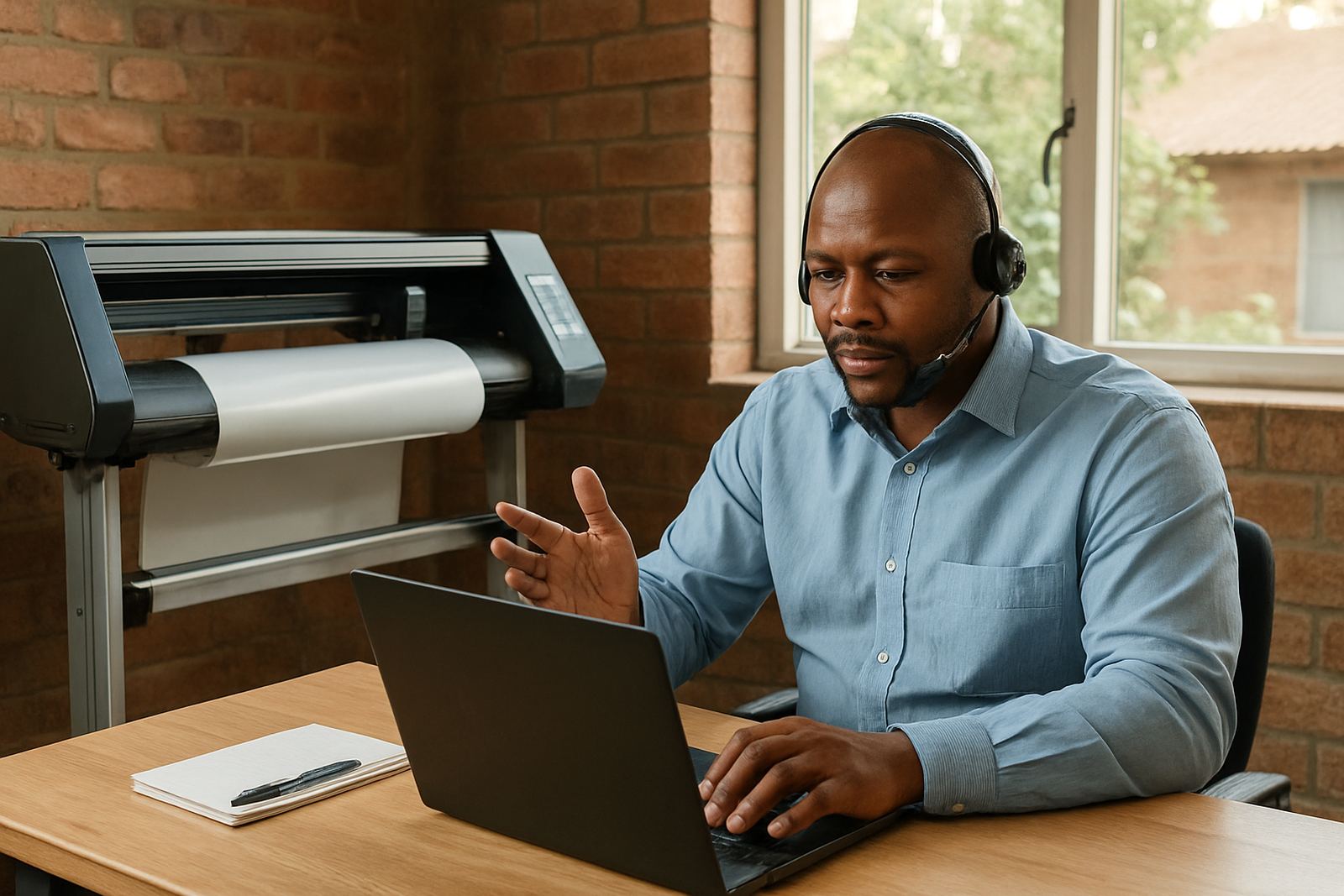
If you are unsure what release you are on, we can talk you through the checks step by step during remote support or onsite in Johannesburg, Pretoria, Cape Town, Durban or Gqeberha.
When a new PC is the better choice
Sometimes an upgrade to the software will not solve the real bottleneck. If a machine takes too long to open large files, freezes during RIP processing, or struggles with multiple users, a new PC may be the smarter spend. This is common in shops that are moving from single-station work to a small production team.
We usually advise on the practical side first: processor speed, memory, storage type, screen space and network access. If the new PC must sit near a cutter, printer or lamination area, we also consider dust, heat and power interruptions. In areas with load shedding, a more efficient machine can reduce restart time and keep the queue moving once power returns.
- Choose enough memory for large files and multiple open jobs
- Use fast storage for artwork libraries and RIP data
- Allow space for dual monitors if the operator needs them
- Make provision for backup power in load-shedding areas
Multi-user planning for growing sign shops
When more than one person needs to work on the same system, the upgrade plan needs proper structure. That includes who prepares artwork, who sends jobs to the RIP, who checks colour, and who controls the cutter output. Without clear roles, small mistakes start showing up in wasted media and repeat prints.
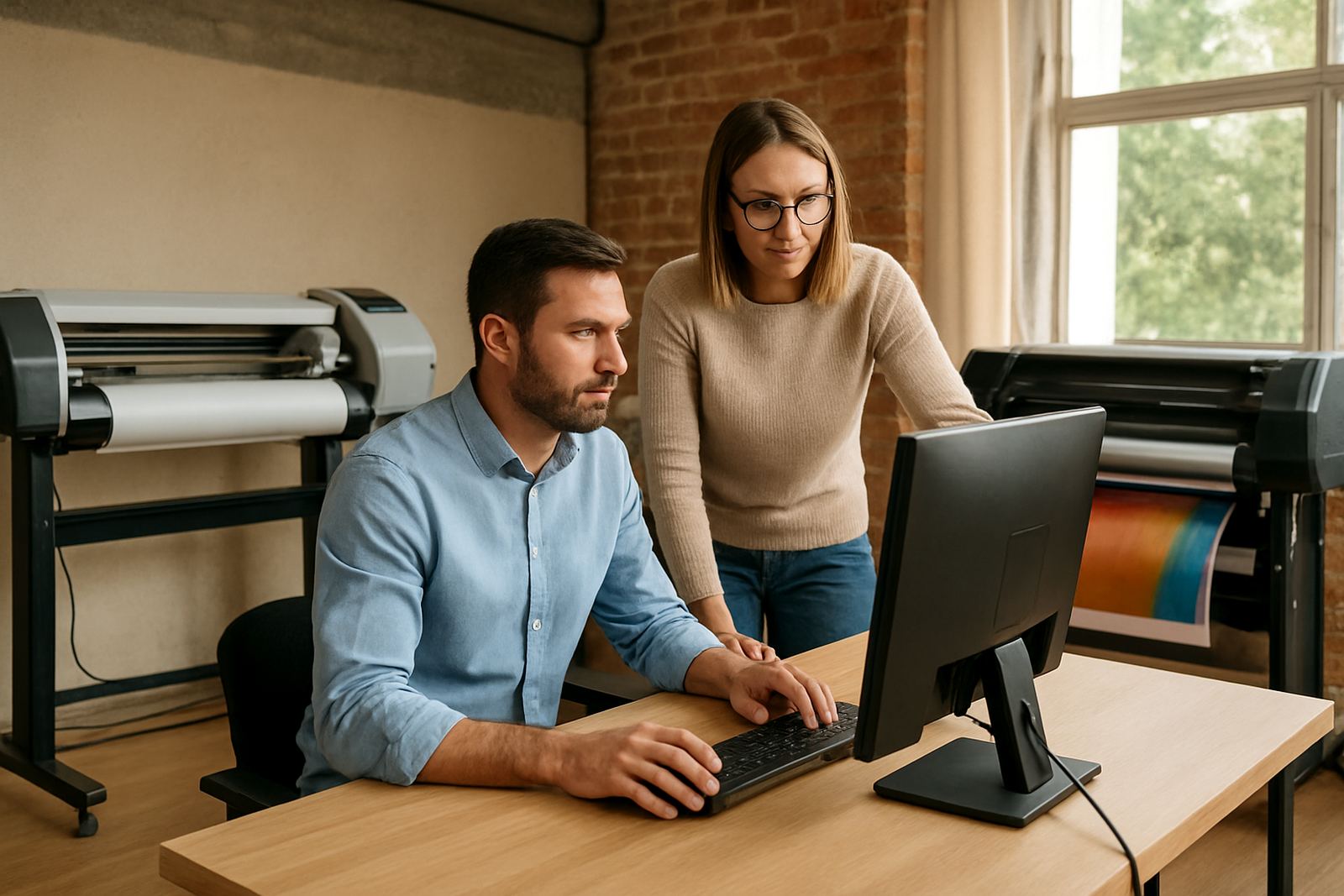
We help with multi-user planning for shops in Randburg, Centurion, Pretoria and beyond. That may include setting up shared folders, deciding on access levels, assigning print queues and making sure each station is set for the right task. If your team is growing, we can also help you decide whether you need one central production station or separate workstations for design and output.
Colour, cutter and RIP upgrades that pay off first
Upgrades are not only about speed. In many shops the biggest value comes from better colour control, cleaner cutter setup and shorter RIP queues. If your prints are coming out inconsistent, or if cutters need repeated corrections, the first upgrade may be a workflow and settings review rather than a brand new machine.
We focus on the areas that usually save time straight away:
- Colour management so repeat jobs match better
- Cutter setup help to reduce tracking issues and wasted vinyl
- RIP queue optimising for faster job handling
- Workflow setup for cleaner handover between staff members
- Upgrade planning so each step is bought in the right order
This is especially useful when you are balancing tight turnaround times and municipal signage requirements, where reprints can become expensive fast.
How we handle an upgrade review with your team
Our process is straightforward. We start with a support call or site visit, then look at your current setup, your daily output and any problem areas. After that we give you clear advice on whether to stay with your current system, upgrade software, replace the PC, or plan a staged move for more users.
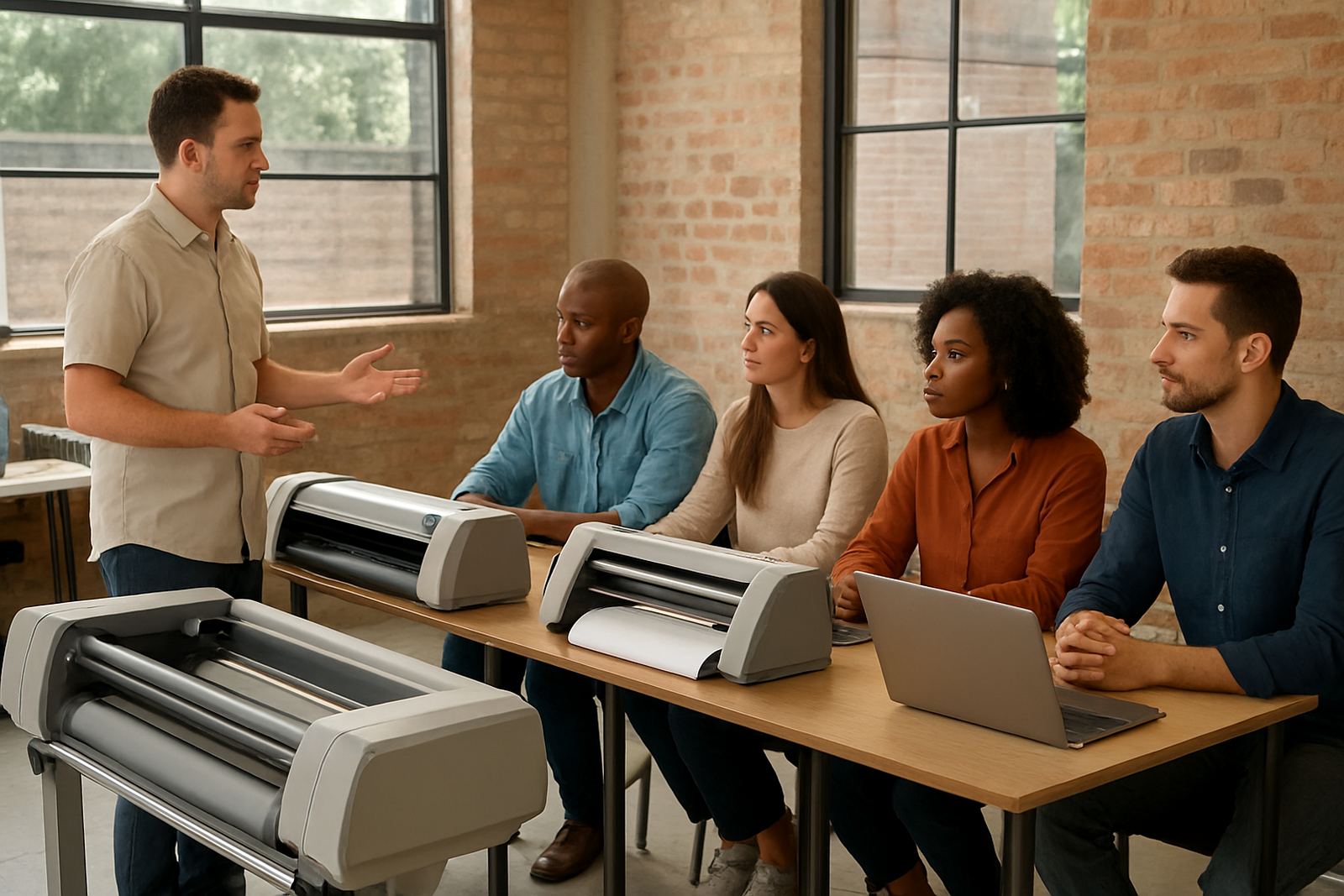
If you are ready for the next step, we can also help with licence activation, remote support, onsite training and new staff induction. That means your team does not just get new tools, they know how to use them properly from day one. We support sign shops, graphic designers and print service providers from our Randburg base, with help available across South Africa.