When a remote session helps most
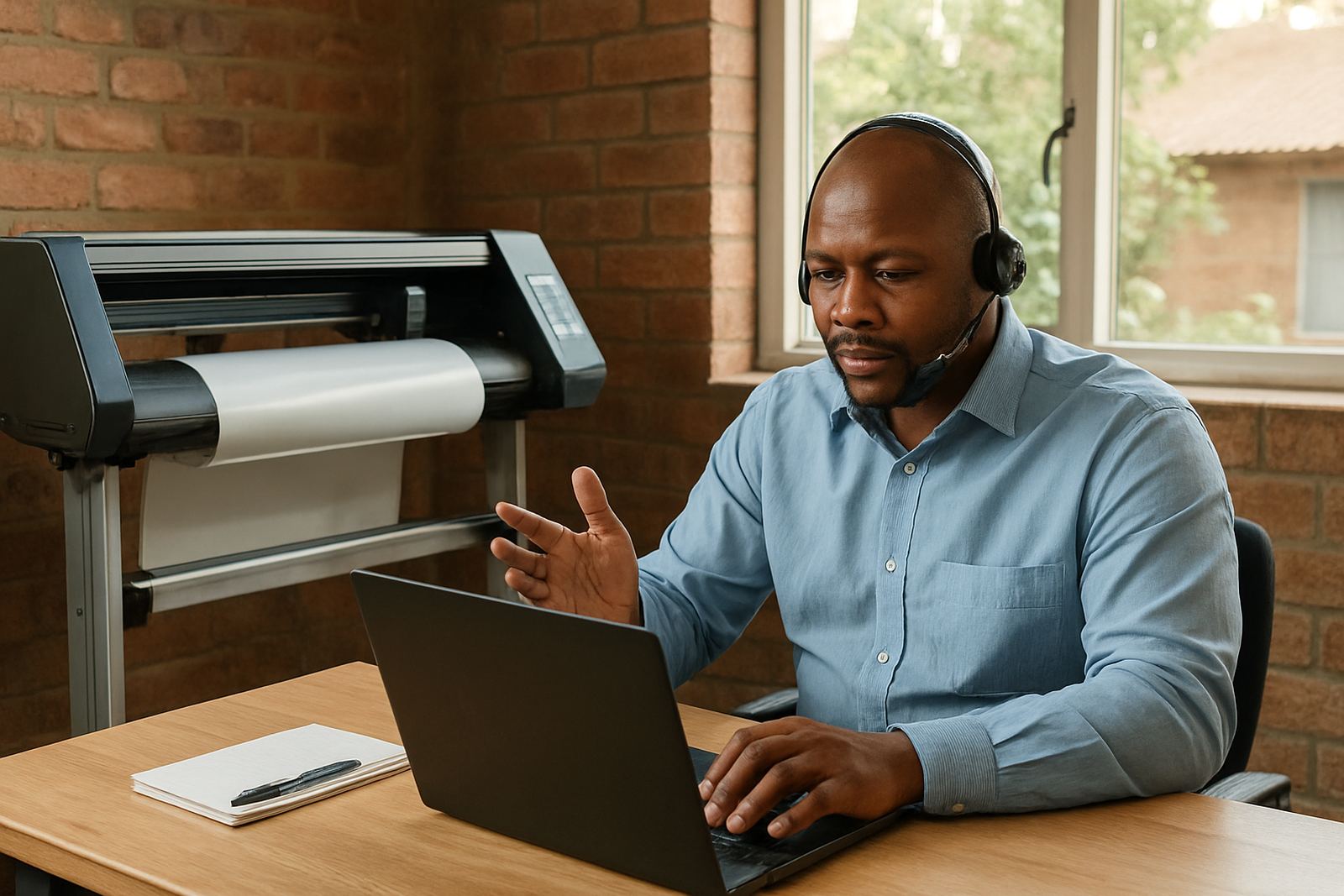
A remote session is best when you need hands-on guidance without waiting for an onsite visit. It suits urgent licence activation, RIP setup, cutter communication faults, print queue issues, colour profile checks and new staff who need clear steps before production starts again.
We work with sign shops, print rooms and small production teams in Johannesburg, Pretoria, Durban, Cape Town, Gqeberha and surrounding towns. If your team is dealing with load-shedding related shutdowns, a new computer, a stuck queue or a cutter that stopped reading jobs, we can log in with you and sort the cause step by step.
- Software installation and activation support
- Workflow setup for print and cut jobs
- Colour management checks and basic corrections
- RIP queue troubleshooting and output checks
How to prepare before we connect
Before your session, make sure the computer is switched on, connected to the internet and logged into the correct user profile. If the issue affects a cutter or printer, keep the machine powered, connected by the usual cable and ready for a live test. If you use a UPS or inverter after load-shedding, have that running too so we can see the full setup as it actually works.
It helps to keep these items close by: your licence details, the exact error message, the file that caused the problem and any recent change you made. If you have multiple machines, tell us which one is affected so we do not waste your time switching between systems.
- Keep the computer and machine available for the full session
- Have licence information and login details ready
- Note any recent updates, new drivers or power cuts
- Prepare one or two test files for live checking
What happens during the session
We start by confirming the problem and the outcome you want. Then we review the setup on screen, check the software path from file to output, and work through the fault in a calm sequence. If the issue is related to a setting, a queue, a port or a profile, we explain what changed and why so your team can repeat the fix later.
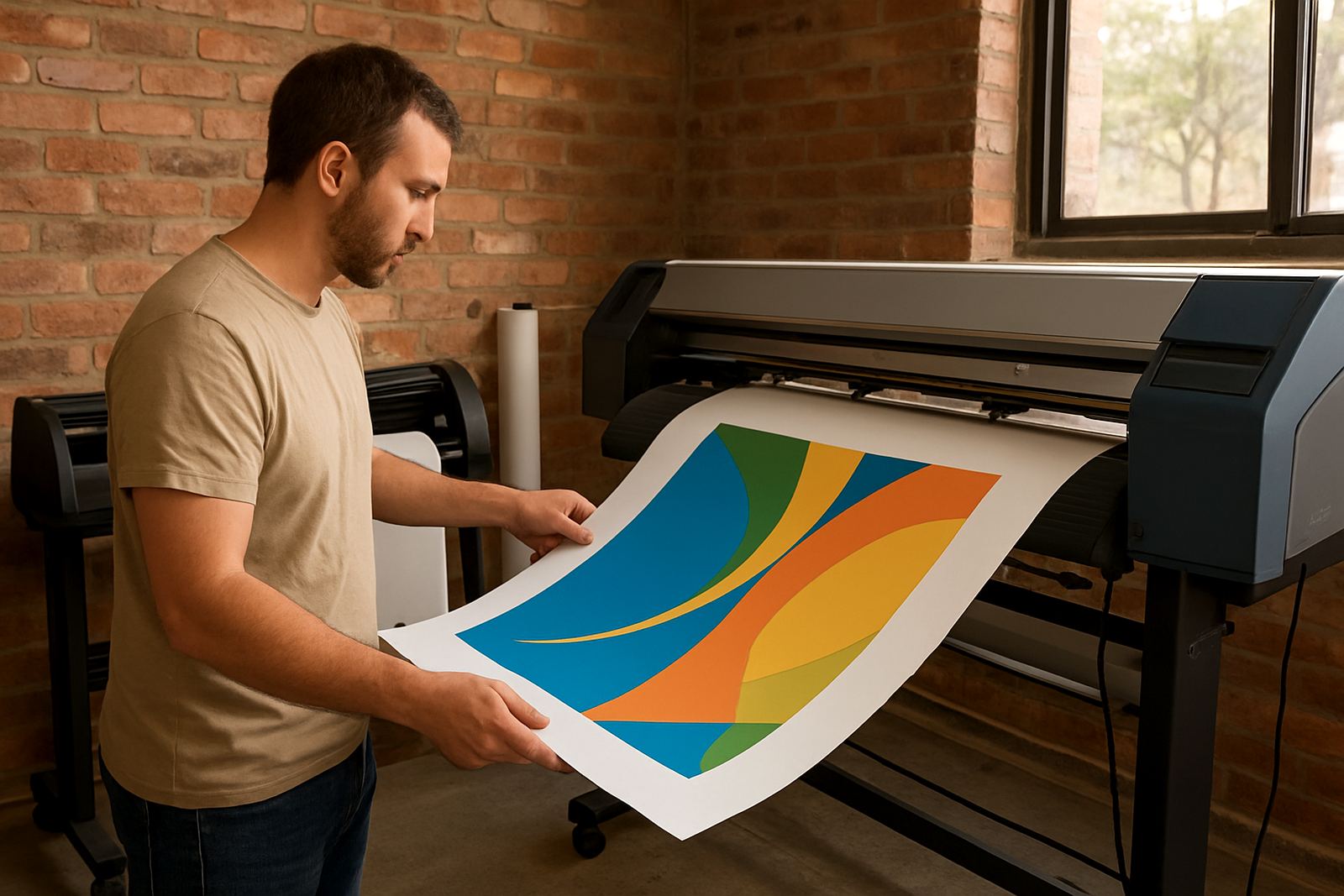
For colour issues we may compare the file, the RIP settings and the printer behaviour under your current media and ink combination. For cutter issues we check the driver, device selection and cut settings, then send a test job. You stay involved throughout so the person in your shop can learn the process instead of only watching it happen.
Common problems we solve remotely
Many sessions are used to rescue a job that should have printed already, or to stop the same fault coming back. We often help with missing cutters, random queue stoppages, incorrect blade offset, overcut settings, slow RIP processing and colour shifts after a computer change or software update. On some jobs the problem is simple, but hidden in three settings that were changed in different places.
If your team handles long hours, quick turnarounds and mixed media, we can also help organise the day-to-day workflow so jobs move in a better order. That includes file naming, queue structure, hot folders and basic production handover between design and production staff.
- RIP queue not releasing jobs
- Cutter not responding or cutting in the wrong direction
- Print and cut registration issues
- New computer setup after replacement or damage
- Workflow problems after staff changes or power interruptions
Remote support for branches and travelling teams
Our Randburg base supports clients across South Africa and we regularly assist teams that work between branches or mobile jobsites. Whether you are in Midrand for a site visit, Centurion for training, or managing production in Durban or Gqeberha, a remote session can keep things moving while you wait for parts, media or a machine visit.
It is also useful for businesses with more than one operator. We can help the owner, the designer and the machine operator get onto the same page, which matters when work is passed between people. If your shop is busy, we can keep the session focused and practical, no fancy theory just the steps you need.
After the fix, keep the workflow steady
Once the immediate problem is resolved, we can show you how to avoid repeat faults. That may include a cleaner queue layout, safer update timing, a better order for colour checks or a clearer process for opening and sending jobs. Small changes often prevent bigger delays later, especially when power cuts and last minute files are part of daily work.
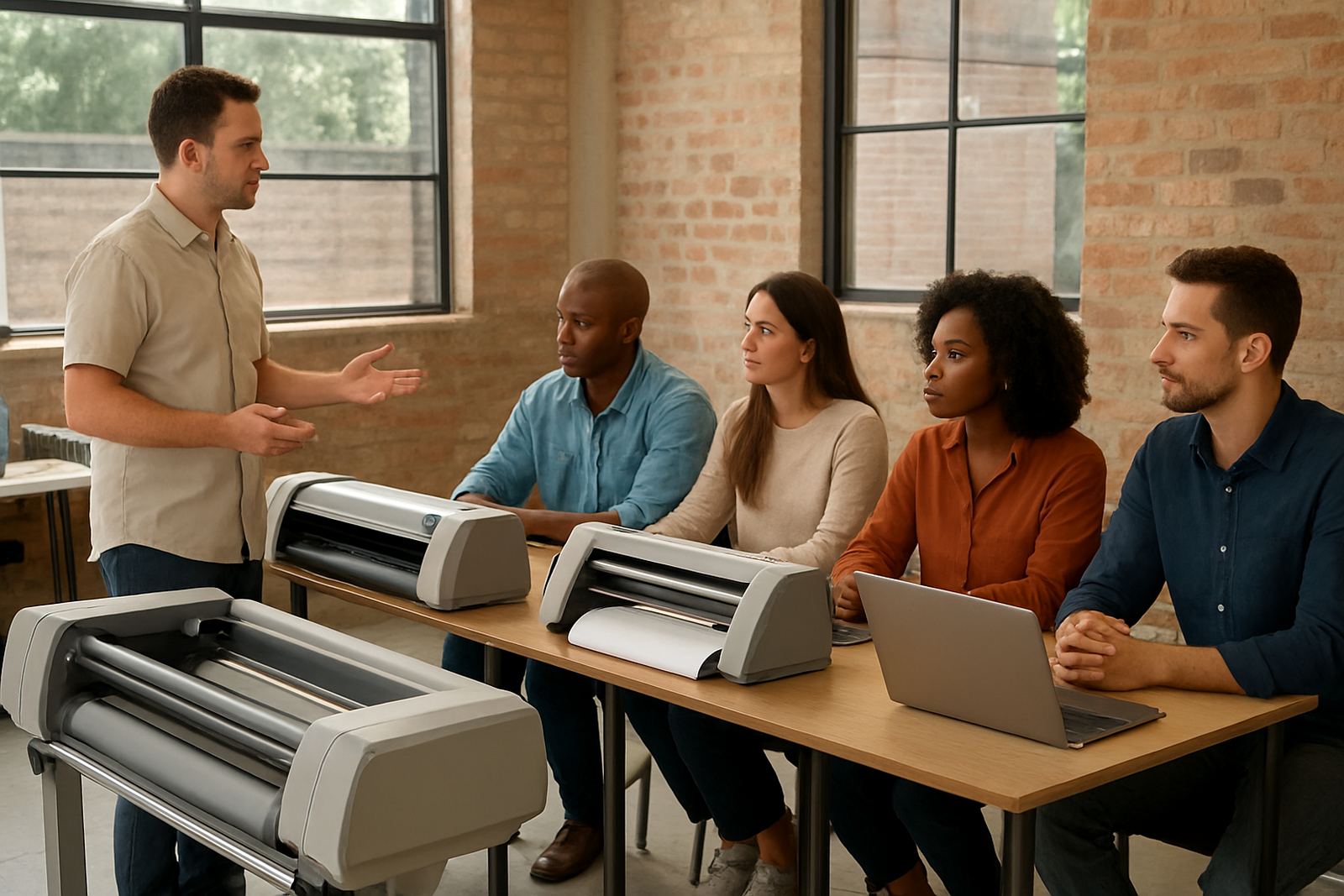
If needed, we can recommend an annual support plan or a follow-up training session for new staff. That way your team is not starting from scratch every time a setting gets changed. The aim is simple: less downtime, fewer errors and a production line that keeps moving when the pressure is on.