Choose the training format that fits your team
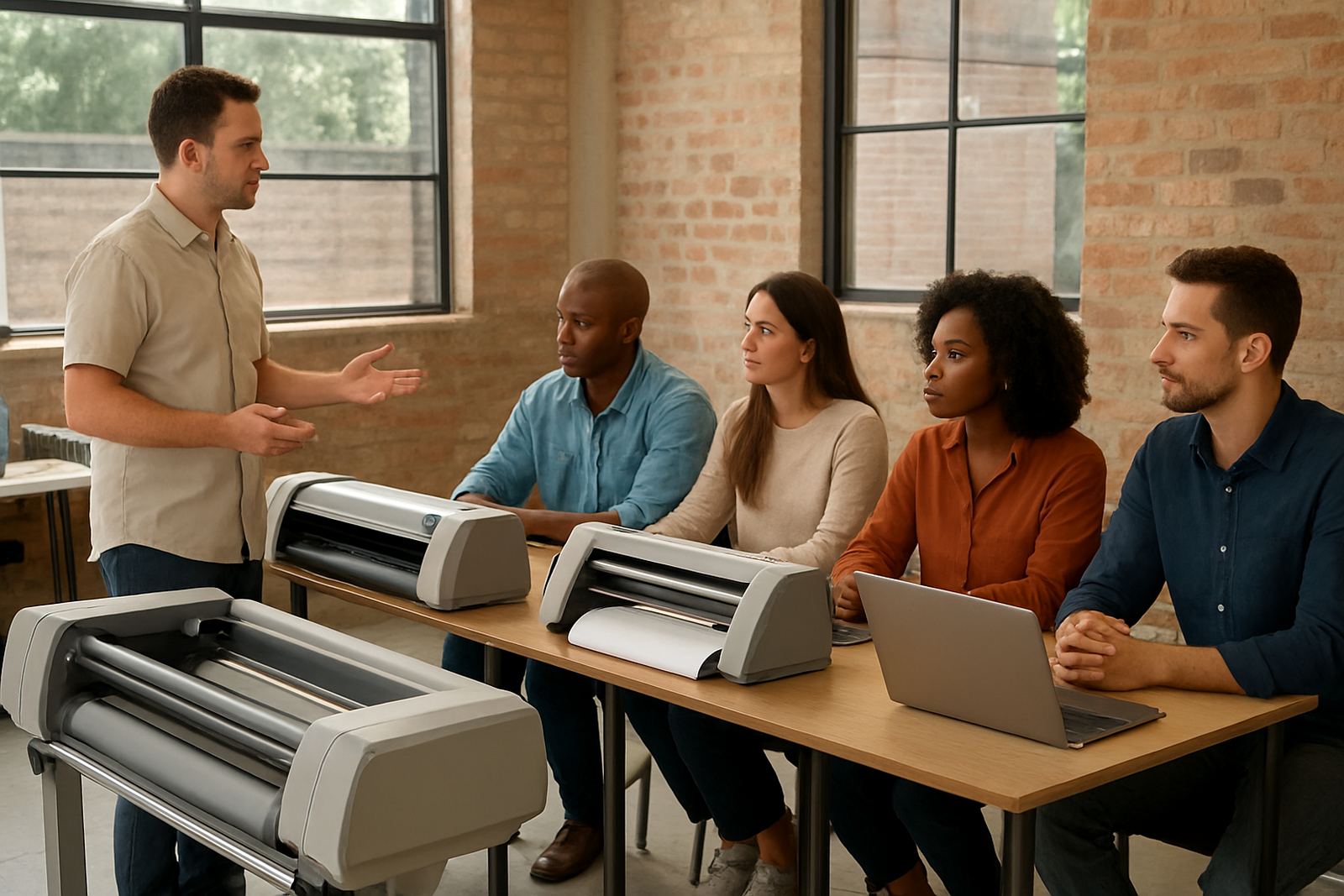
Start by deciding whether you want Randburg class training, an on-site visit or remote support. Randburg training suits small teams who want hands-on time in a controlled room, while on-site sessions work well when you need us to work on the exact cutter, printer or workstation setup in your own shop. For teams in Midrand or Centurion, a site visit is often the quickest way to sort out workflow questions without taking production offline for too long.
When you book, tell us what you need to cover, how many people will attend, and whether the main focus is installation, daily use, colour management or cutter output. That helps us allocate the right person from the team, whether it is Mandla Jacob Maseko for planning, Sifiso Mabena for training coordination, or Lungile Ndlovu for colour workflow support.
What to send with your booking request
Send your training request through the contact page form and include the key setup details. If you already know the software version, the type of cutter or printer and the number of workstations, add that too. The more accurate the information, the better we can prepare licence activation, file setup and any software updates before the session starts.
- Company name and town, for example Randburg, Pretoria or Durban
- Training type needed: class training, onsite training or remote support
- Number of staff attending and their experience level
- Equipment list, including cutter, printer and RIP computer details
- Main issues to fix, such as queue delays, colour mismatch or cut registration
- Preferred dates and whether the team needs after-hours support
If your shop is in a coastal area like Cape Town or Gqeberha, mention humidity or media storage concerns. Those conditions can affect print handling, drying times and cutter results, and it helps us plan the session properly.
Before the session, get the shop ready
A smooth training day starts with a few simple checks. Make sure the main computer is switched on and updated, the printer or cutter is connected, and the team has access to the files they use most often. If the business uses a generator or inverter during load-shedding, test that power path before the session so we are not troubleshooting electricity and software at the same time.
Also check that the work area is clear enough for printing, cutting and file review. If you want cutter setup help, place the blade, media and tool holder near the machine. For colour management or RIP queue optimising, have sample files ready from recent jobs. Small prep steps save time and make the session more practical, not just theory.
- Back up important job files and presets
- Have user logins ready for each staff member
- Confirm internet access for licence activation or remote support
- Keep test media and sample vinyl available
- Print a few recent problem jobs for review
What we cover during Randburg class training
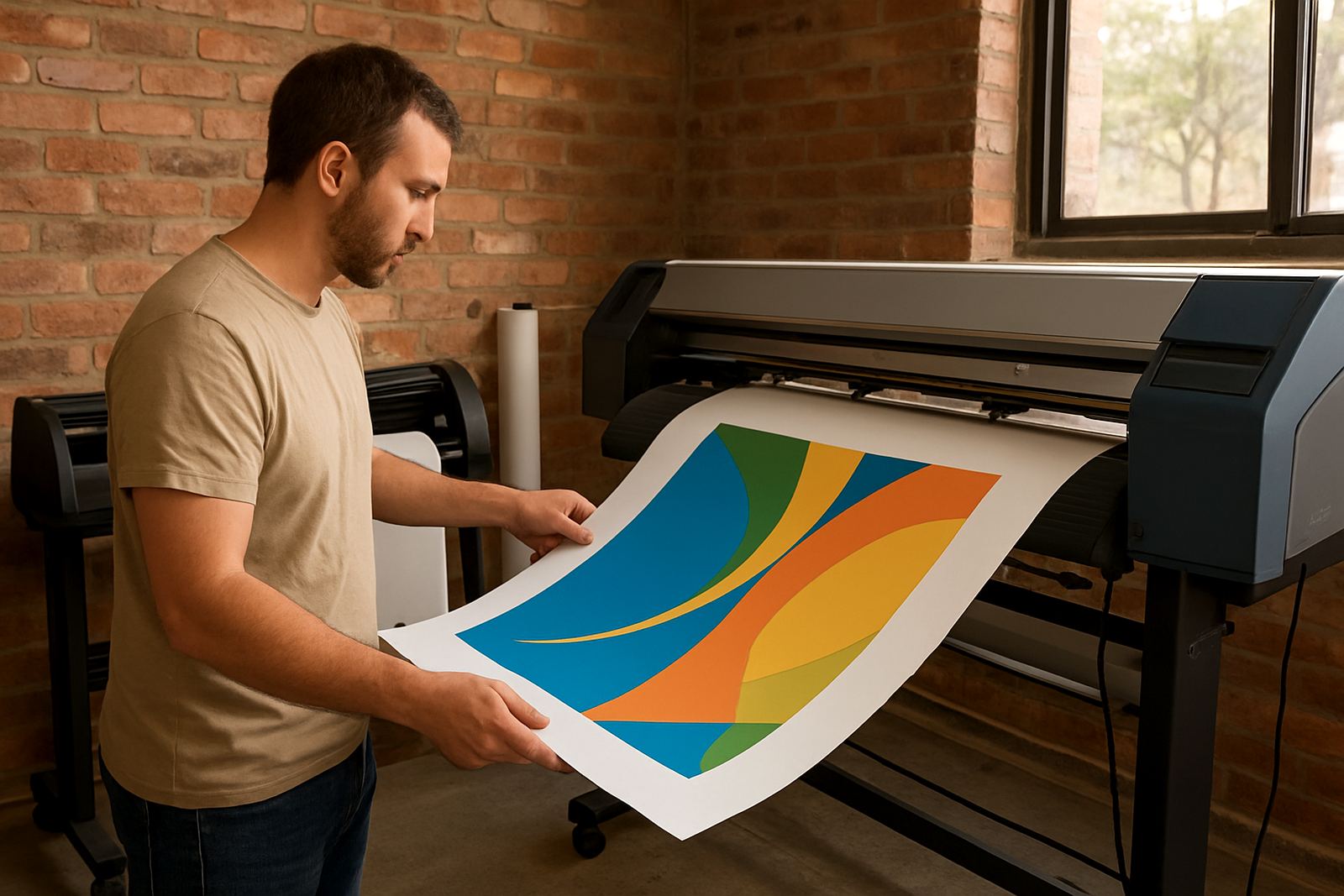
Randburg class training is useful for new staff, refreshers and teams that want a structured session away from production pressure. We normally cover the day-to-day tasks that matter in a busy shop, including file preparation, RIP queue use, cutter output, colour control and output checks. If your business is taking on new staff, we can include induction steps so they understand the full workflow before they touch live jobs.
We also go through practical handling rules for local conditions. That includes keeping media in a dry area, checking for static in winter, and avoiding heat or dust near the cutter. If you are planning to upgrade software or add a new printer, we can use the session to map the next steps and reduce downtime later.
- Software installation and licence activation
- Workflow setup for print and cut jobs
- Colour management and profile checks
- RIP queue organising and troubleshooting
- Annual support plan options for ongoing help
On-site sessions for active print floors
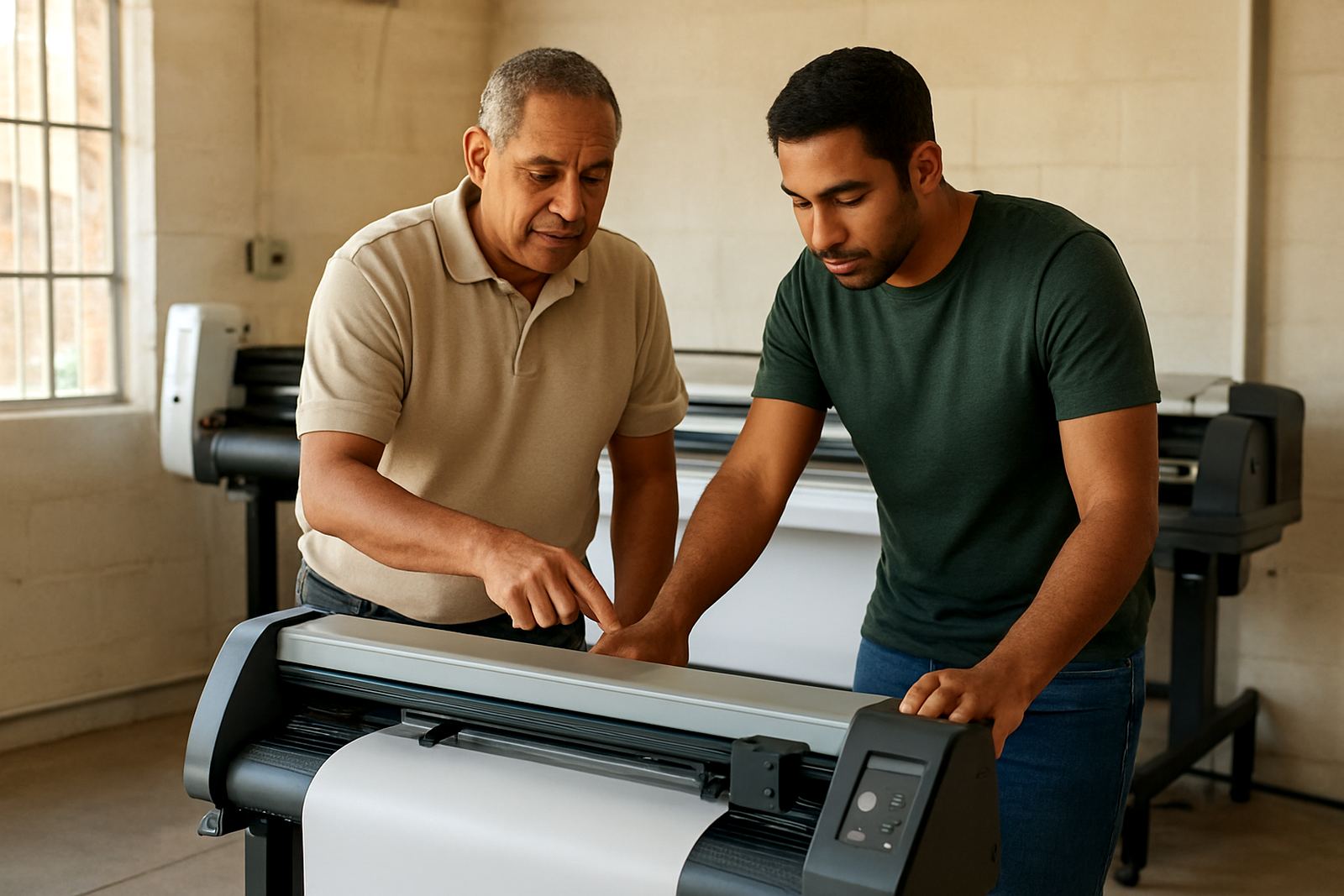
On-site training works best when the shop needs direct help with real equipment. Our installation specialist can work through setup on the actual machine, while the support consultant handles user issues and follow-up questions. This is often the right choice for shops in Johannesburg, Pretoria, Durban, Cape Town and Gqeberha where the production team cannot stop for long.
We can cover one station or several, depending on how your operation is arranged. If your staff share workstations, we show each person how to use the system without causing version conflicts or cut file mistakes. For larger teams, we split the training into clear sections so the operators, designers and production manager all get the right information.
After the session, what support looks like
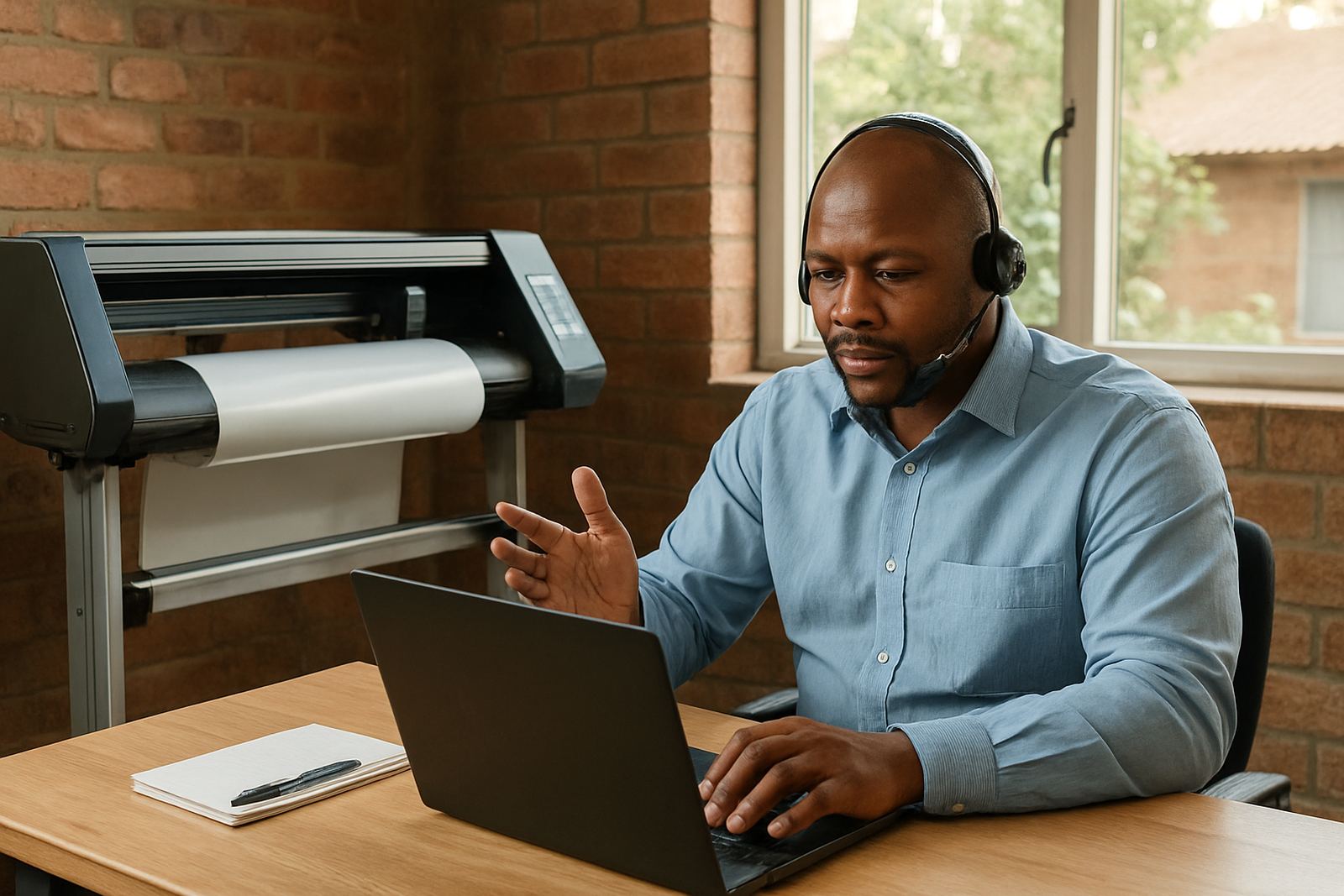
Training does not end when the session finishes. Once the team has had time to work through a few jobs, we can check whether the settings are holding up and whether any new issues have shown up. That may include a follow-up remote support session, a review of the RIP queue, or another visit if the shop has changed media, cutters or printers.
Many clients in Randburg and the wider Gauteng area book a follow-up after a week or two, especially when new staff are still settling in. That second check often catches small problems early, like a missed driver setting or a colour preset that was not saved properly. It saves time and keeps production moving with less frustration.
How to confirm your booking
Once you send your enquiry form, we review your details and come back with the recommended session type, timing and next steps. If you need urgent help, mention whether the problem is stopping production now or whether it can wait for a planned visit. We will then match the booking to the right support person and location, whether that is Randburg training, Pretoria training, Midrand visits or support for a shop further afield.
For best results, book as soon as you know your team’s availability. Good training slots can fill up quickly, especially before busy periods and month-end runs. If you are planning software changes, new staff induction or a cutter installation, it is better to schedule early than to try fit it in after orders are already late.