When you need licence help
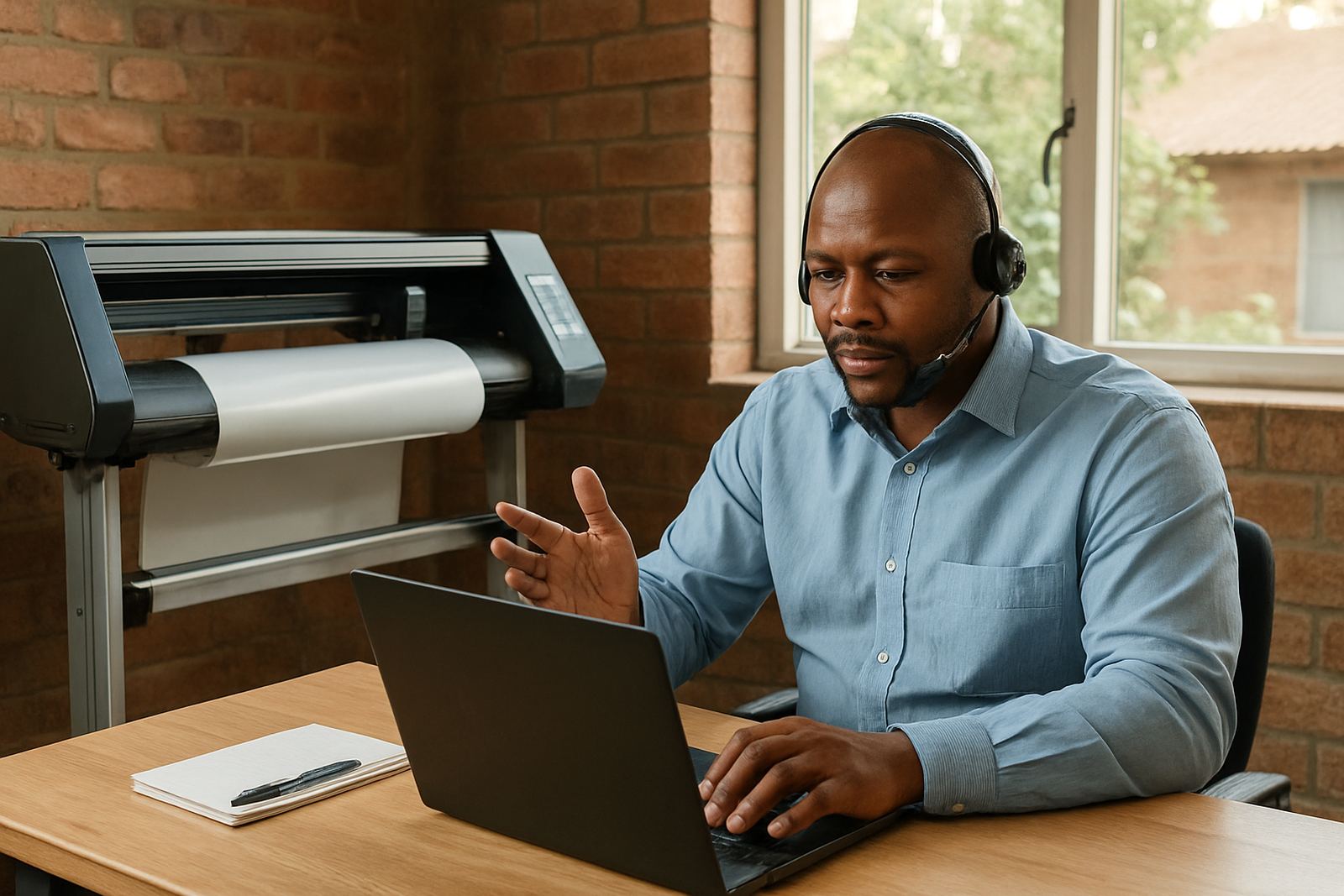
If your software will not open, says the licence is expired, or refuses to activate after a PC change, we can help you get back to work. This support covers new activations, renewals, seat moves, reinstalls, and access issues after an upgrade or Windows update. For busy print rooms in Randburg, Johannesburg and Pretoria, that often means sorting the problem before a cutter or RIP queue falls behind.
Typical licence problems include a key not being accepted, a machine showing the wrong user, or a licence that was active on one computer and needs to move to another. We also assist when a laptop has been replaced, a motherboard has changed, or a staff member cannot log in after a password reset.
What to have ready before you contact us
Having the right details ready helps us find the cause of the issue. Please send the exact error message, your company name, the software version, and the computer details. If the licence was moved from one machine to another, tell us which PC was removed and which one is now in use. That information helps us see where the process stopped.
If you are in Durban, Gqeberha or on the coast, mention whether the machine has had power interruptions or sudden shutdowns. Load-shedding and unstable power can interrupt activation files and leave the software halfway through a licence check. A clear note about what happened before the fault saves a lot of time.
- Company name and contact details
- Software name and version number
- Exact error message or screenshot
- Old computer name and new computer name
- Any recent changes, updates or power cuts
How we handle activations and renewals
Once we receive your details through the enquiry form on our contact page, we check the issue and guide you through the next step. If the licence is valid, we help confirm the activation path and get the software talking to the correct system. If the renewal has lapsed, we explain what is needed to restore access and what to expect before you begin printing again.
For many sign shops, the main priority is to keep jobs moving while the licence is being sorted. We can advise on timing so you can plan around production, especially when you have a queue of print, cut and finishing work waiting in Midrand, Centurion or Cape Town. If your team needs a clean handover after a payment change or staff change, we can also help with access control and user setup.
Seat moves, reinstalls and computer changes
A seat move is usually needed when the software must move from one computer to another. This comes up after a PC failure, a new machine purchase, or a workshop move. We help you remove the old activation correctly where needed, then move the licence to the replacement machine without creating a second conflict. If you are in Johannesburg or Pretoria, we can often assist remotely and keep the process straightforward.
If the computer has been rebuilt, reimaged or repaired, please tell us what changed. A change in hardware can affect the licence record even when the software itself looks fine. In many cases, the fix is not technical-heavy, it is simply making sure the activation is attached to the right machine profile and the right user.
- Old machine removed, new machine ready
- Licence tied to hardware that has changed
- Software reinstalled after a crash or repair
- Need to restore access for a replacement staff member
Access issues after updates or power interruptions
Sometimes the licence itself is fine, but the software cannot verify access because of a Windows update, network change or interrupted shutdown. This is common after load-shedding, power blips or an untidy restart at the end of a long production day. We look at the error, confirm whether the licence server or local activation is affected, and then guide the recovery step by step.
If you run a cutter, RIP station or multiple workstations, one small access fault can slow the whole room. That is why we keep the advice practical: restart order, connection checks, user permissions and any licence refresh steps that may be needed. For shops near the coast, humidity and power instability can also create repeated faults on older systems, so we may suggest a more stable setup after the immediate issue is fixed.
Getting help from our support team
Our support team works with sign makers, graphic designers and print service providers across South Africa, from Randburg and Midrand to Durban, Cape Town and Gqeberha. If you need on-site help, training after a licence move, or advice on how to avoid repeat access problems, we can point you in the right direction. For new staff, licence access is often part of a wider induction so the team can work without delays.
Send the details through the enquiry form on our contact page and we will take it from there. The exact error message and licence number help you move from error messages back to production.