A busy print unit that needed one clear process
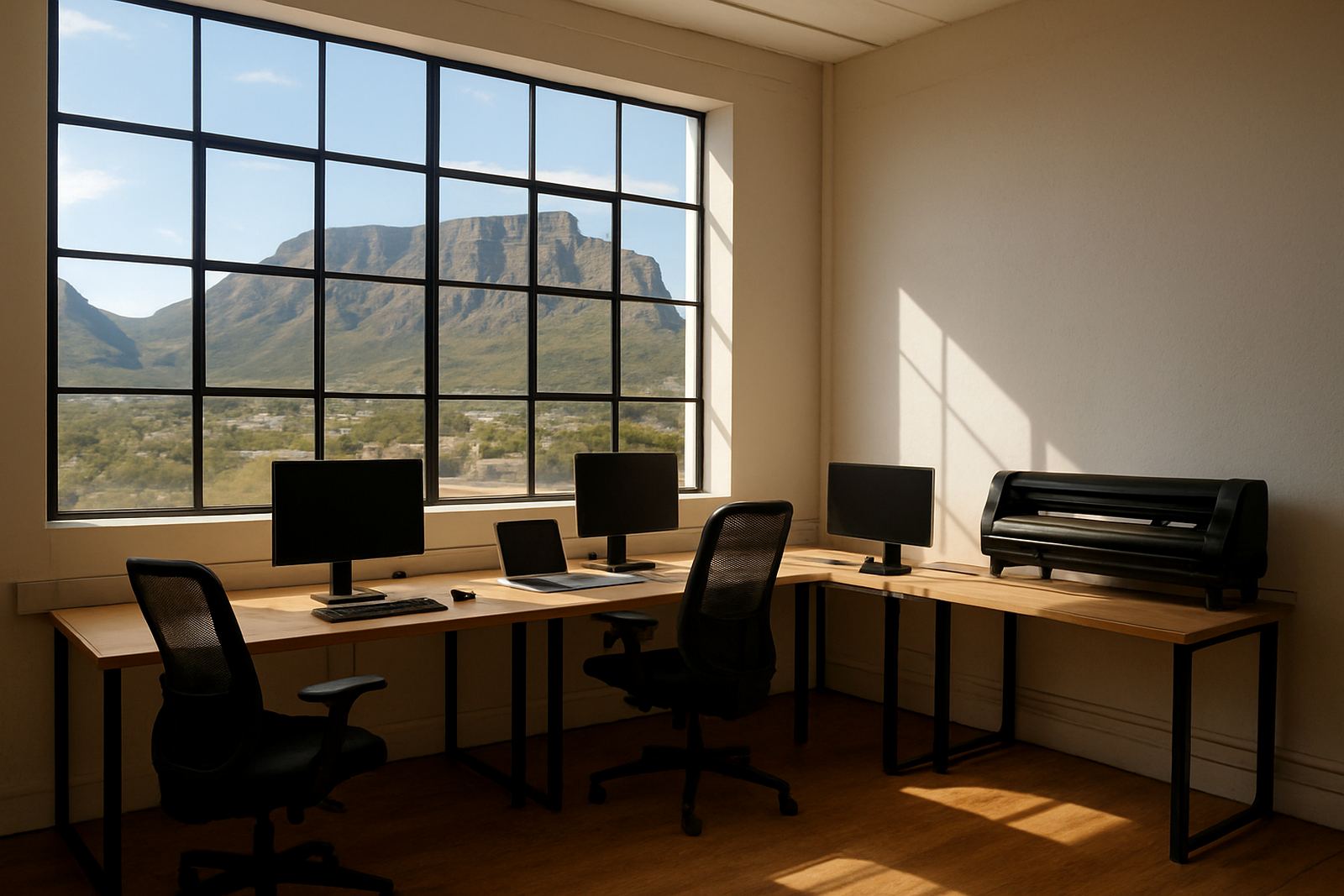
The client was an in-house print unit in Walmer, serving internal marketing and facilities teams with posters, wayfinding boards and temporary directional signage. Jobs came in from different departments, often with short notice and mixed artwork quality, so the team was spending too much time fixing files and rechecking output at the machine end.
The brief was straightforward: consolidate the workflow, reduce bottlenecks, and make the software easier for the operators to use day after day. They did not want a complicated setup that only one person understood. They needed a process that could carry on during leave, shift changes and load-shedding interruptions, with clear steps for printing, cutting and colour checking.
- Project type: in-house print unit workflow consolidation
- Town: Walmer, Gqeberha
- Main output: posters, directional signs and short-run internal graphics
- Key need: quicker job handling with less rework
What was holding the team back
The unit had a mixed workload and several people touching the same jobs, but the software setup had grown in pieces over time. That meant queue settings were not always consistent, cutter files were being prepared differently by different users, and colour output changed between operators. When a rush job arrived, there was a good chance of a delay at proofing or at the cutter stage.
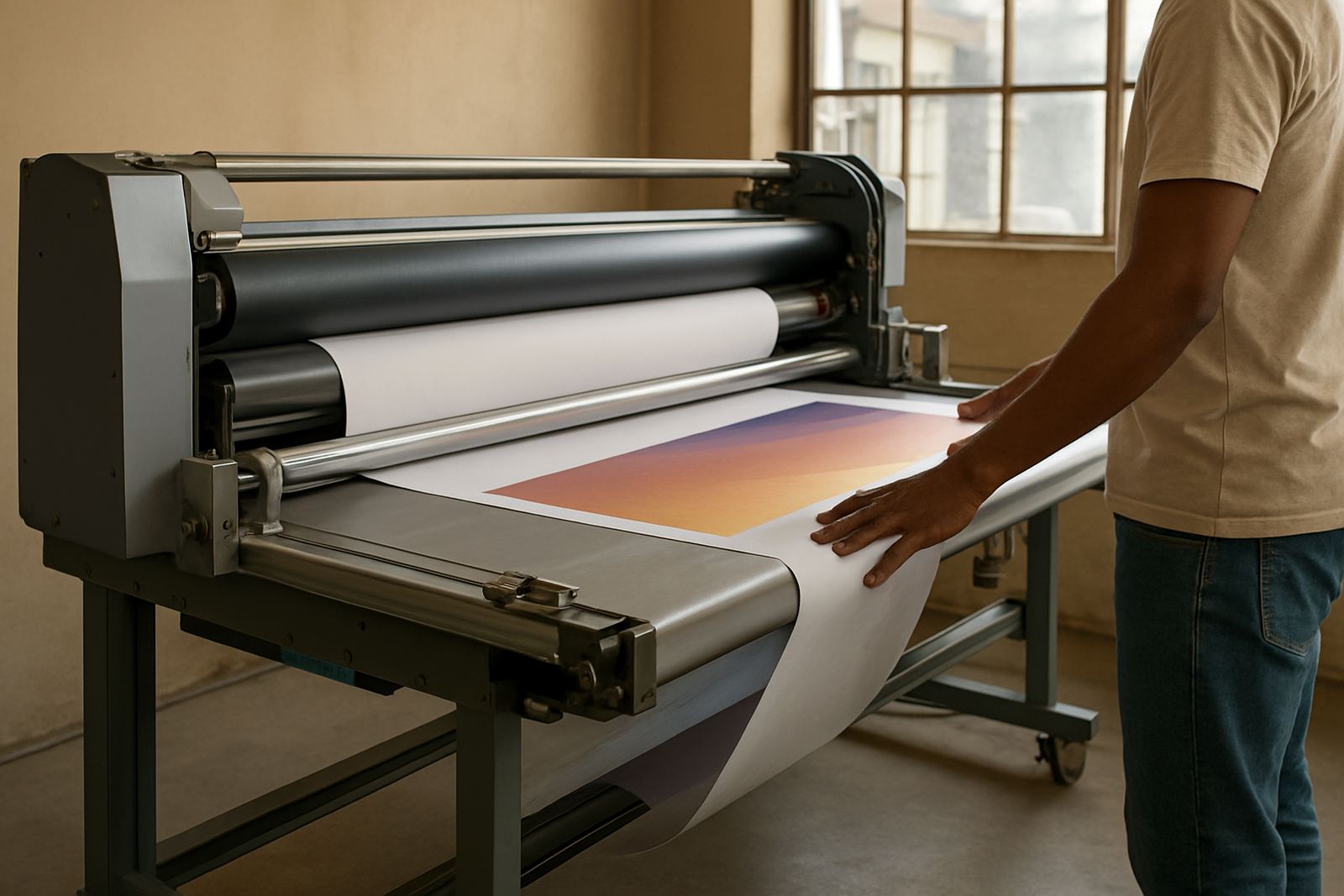
There were also practical site constraints. The unit had to keep working around municipal signage rules for certain internal wayfinding pieces, and they needed prints that would hold up in a coastal environment with humidity and regular cleaning. Because the team produced both posters and directional signage, they also needed a cleaner handoff between design, RIP processing and finishing, without overloading the computer used for production.
- Mixed file quality from multiple departments
- Different operators using different queue habits
- Colour variation between runs
- Need for stable output during power interruptions and restarts
Software setup, queue control and colour consistency
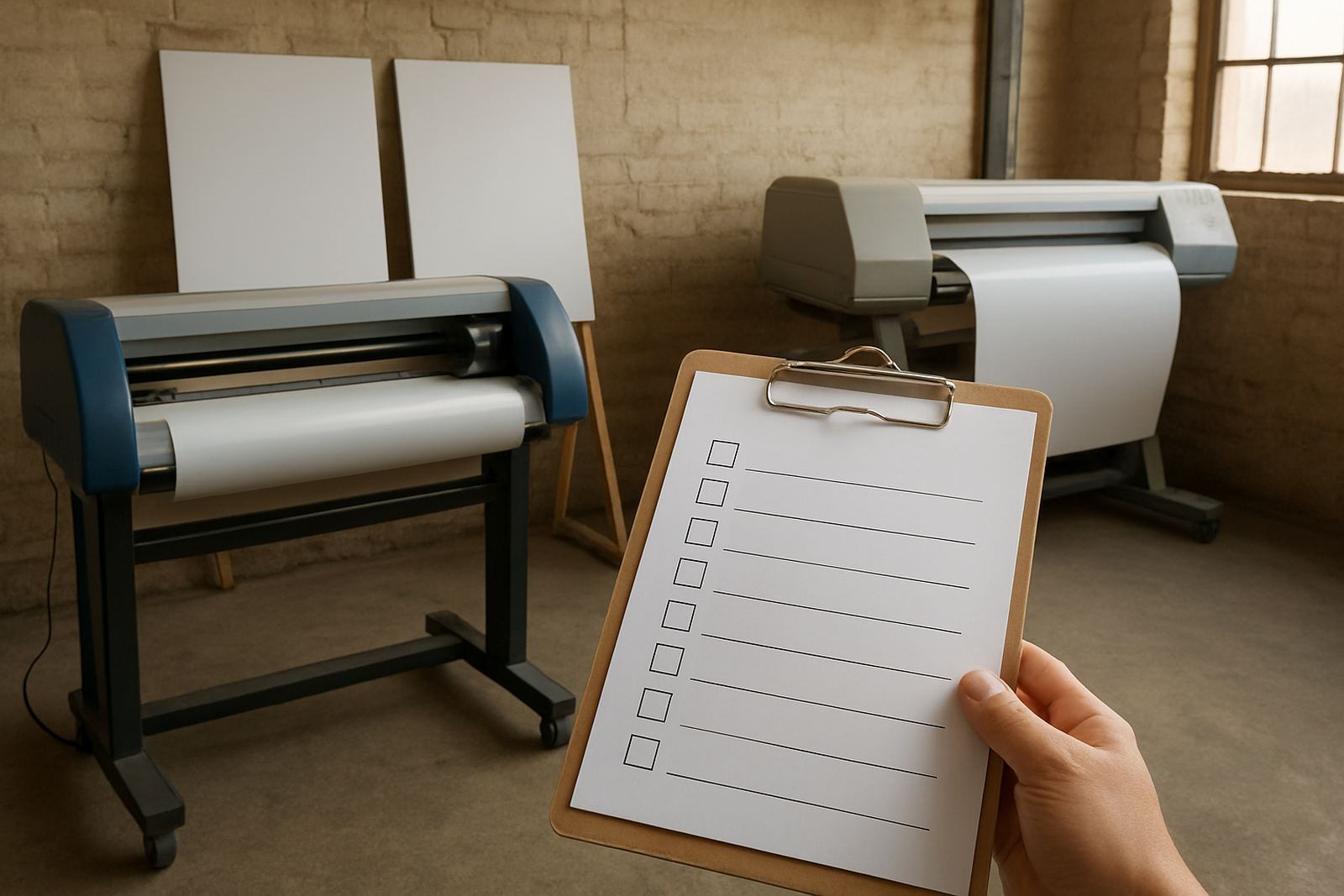
We supplied the software licensing, activation and workflow setup needed to standardise the unit’s production path. The main focus was on RIP queue management, cutter setup help and colour management, so that poster jobs and directional signage could move through the same system with fewer handoffs. We also helped align file handling for the common artwork types used in an in-house environment, including large-format posters, arrow signs and simple label work.
The installation was handled in stages over two weeks. First we set up the software and checked the licence activation on the production PC. Then we configured the output queues, cut paths and job presets so the operators could choose the correct media and finishing route without starting from scratch each time. After that, we worked on colour workflow, including practical checks for repeatable greys, brand colours and solid fills. That part matters more than people think when a signage panel has to match a previous run or sit next to existing wayfinding in a building.
We also introduced a clearer save-and-archive method for recurring jobs, which reduced the number of times a fresh file had to be rebuilt. That saved time during busy periods and gave the team a cleaner starting point when a project came back months later.
Training that matched the pace of a working print floor
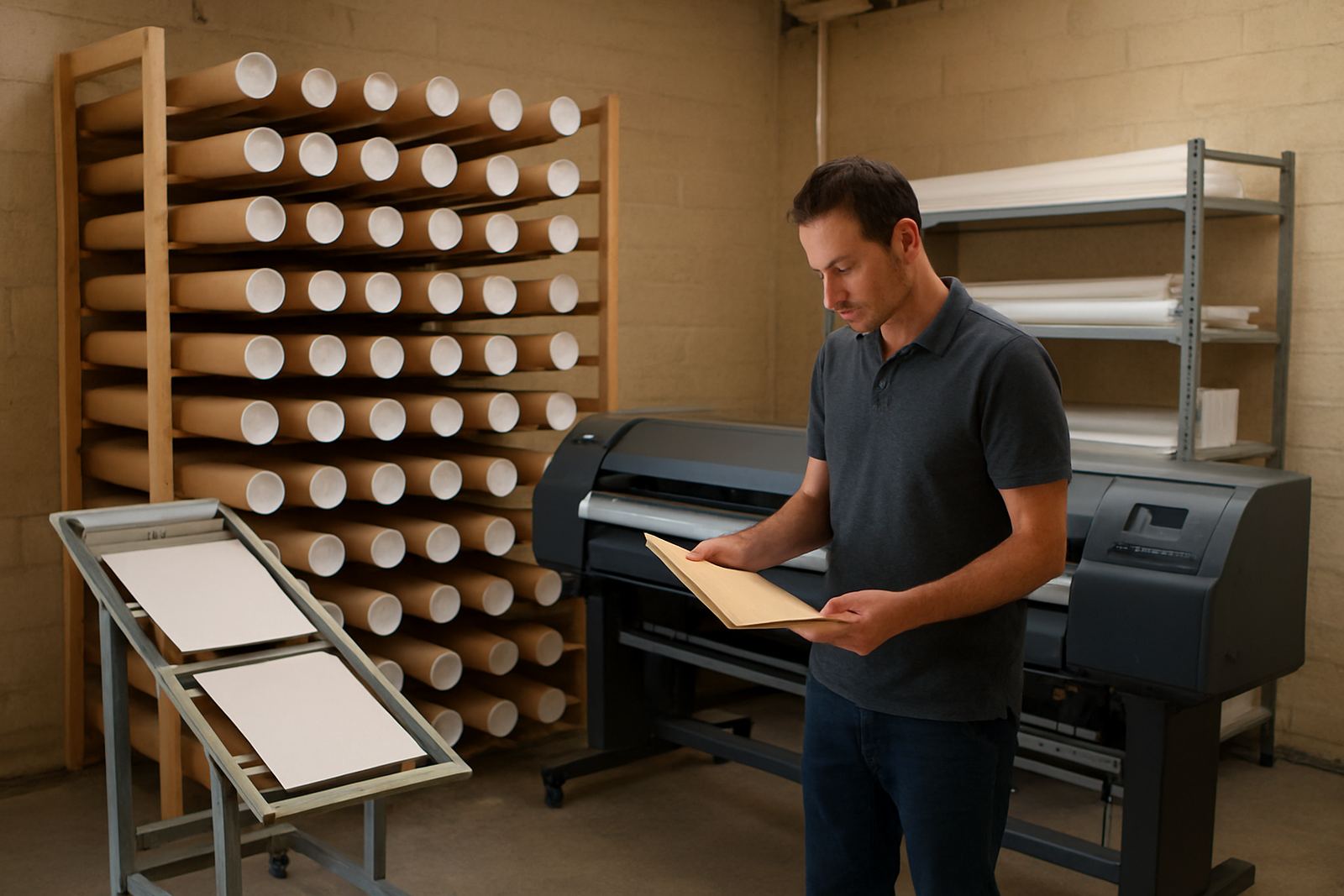
The client wanted training that would not interrupt the day’s output for too long, so we split the sessions into shorter blocks. The goal was to train the operators on the exact tasks they were doing, not a generic course that left them guessing once they were back at the machine. We covered queue control, reprints, colour checks, cutter preparation and basic troubleshooting for the most common errors.
New staff induction was part of the plan too. One of the main risks in a small in-house unit is that the knowledge sits with one experienced operator and the rest of the team depend on that person for every decision. We showed the staff how to follow the same steps from incoming artwork to final output, so if someone was away the workflow could continue. That included a few practical habits that save time, like checking artwork size before RIP, naming jobs properly and confirming media settings before sending a cutter file.
- Onsite training focused on live jobs already in the queue
- Remote support remained available for follow-up queries
- New staff were shown the full production path from file to finish
- Operators got a simple fallback method for urgent reprints
What changed after the rollout
By the end of the third week, the team had a more predictable workflow and less time was being lost to file correction. Jobs were moving through the RIP queue in a cleaner order, cutter output was easier to prepare, and the operators had a clearer idea of which settings to use for each media type. The biggest gain was not a single dramatic change, but the steady removal of small delays that had been building up over time.
For the client, that meant faster turnaround on routine posters, fewer surprises on directional signage, and better continuity when different staff members were on duty. There was also less pressure on the person who had previously been acting as the unofficial problem solver. A setup like this does not only improve output, it improves the working day.
- Shorter setup time for repeat jobs
- More consistent colour between reprints
- Less rework at the cutter stage
- Better handover between operators
What we would use again on a similar production site
If we were starting another in-house print unit with the same mix of posters and directional signage, we would follow the same approach again: first standardise the software path, then train the operators around real production jobs. That order matters. If the staff are trained before the queues and presets are settled, they end up learning workarounds instead of a proper process.
We would also keep the support plan simple and practical. A clear annual support plan helps when a team needs help with upgrades, licence checks or a new machine added later. In a place like Walmer, where local production teams often need dependable output with limited downtime, it is better to build a repeatable process than to chase quick fixes. The same applies whether the unit is running a few signs a day or handling larger batches for a campus, office block or retail site.
For this project, the best outcome was that the staff could take ownership of the workflow without needing constant outside help. That is the standard we aim for on every installation and training job.
Key facts
| Client type | In-house print unit |
|---|---|
| Town | Walmer, Gqeberha |
| Timeline | 3 weeks |
| Core services | Software installation, workflow setup, colour management and onsite training |
| Main output | Posters and directional signage |
| Support model | Remote support plus annual support plan |
| Team involved | Mandla Jacob Maseko, Nadia Blignaut, Luthando Mlambo, Sifiso Mabena, Liezel Barnard, Lungile Ndlovu |