A busy North End sign room needed one clear production path
The client was a mixed-output sign maker in North End, Port Elizabeth, serving walk-in retail customers, local contractors and a few regular accounts that needed quick turnaround. Their work ranged from simple cut vinyl panels to printed graphics, directional signage and laminated labels, so the team needed a system that could handle different file types without slowing the shop down.
The brief was straightforward. They wanted sign-making design and RIP software that could sit neatly between artwork creation, cutter output and print production, with proper support for the people using it. The owner was also keen to reduce mistakes caused by inconsistent colour, duplicated settings and rushed handovers between staff.
- Mixed jobs: vinyl cutting, print-and-cut and flatbed-style sign work
- Small team with changing shifts and different skill levels
- Need for predictable colour and cleaner job routing
- Local support planning for South African conditions and load-shedding downtime
What was slowing the shop down before the setup
The main issue was not the equipment itself, it was the way the jobs were being handled from file to finish. Artwork came in from different sources, some files were built correctly and others needed fixing before they could run. That caused delays, rework and unnecessary material waste on vinyl, transfer tape and print media.
They also had a few practical constraints that matter in a South African workshop. Power interruptions meant the team needed a safer save and restart routine. Coastal humidity in Gqeberha added another layer, because media handling and cutter feeding can get fussy when the air is damp. On top of that, the shop needed a setup that could be taught quickly to new staff without calling a senior person for every job.
- Inconsistent artwork formats arriving from customers
- Colour output not matching across repeat jobs
- Operators spending time on manual checks instead of production
- Need for simple recovery after load-shedding or a forced restart
The software and workflow plan we put in place
We supplied the software licence, completed installation and activated the system so the shop could start using it in a controlled way. The main focus was not just getting the software running, but setting it up around the way the team actually works. That meant cutter setup help, RIP queue organising, colour management and a clearer method for sending jobs to the right device.
We also mapped the colour workflow so repeat work could be matched more reliably. For a shop doing both cut vinyl and printed graphics, that makes a real difference. The aim was to keep settings tidy, avoid reconfiguring machines every week and make the process easier for the person on duty, even when the owner was off site.
- Software installation and licence activation
- RIP queue setup for print order and job grouping
- Colour management for repeatable output
- Cutter setup help for accurate weed lines and cut paths
- Upgrade planning so the shop could add more workstations later
Training delivered for operators and the owner
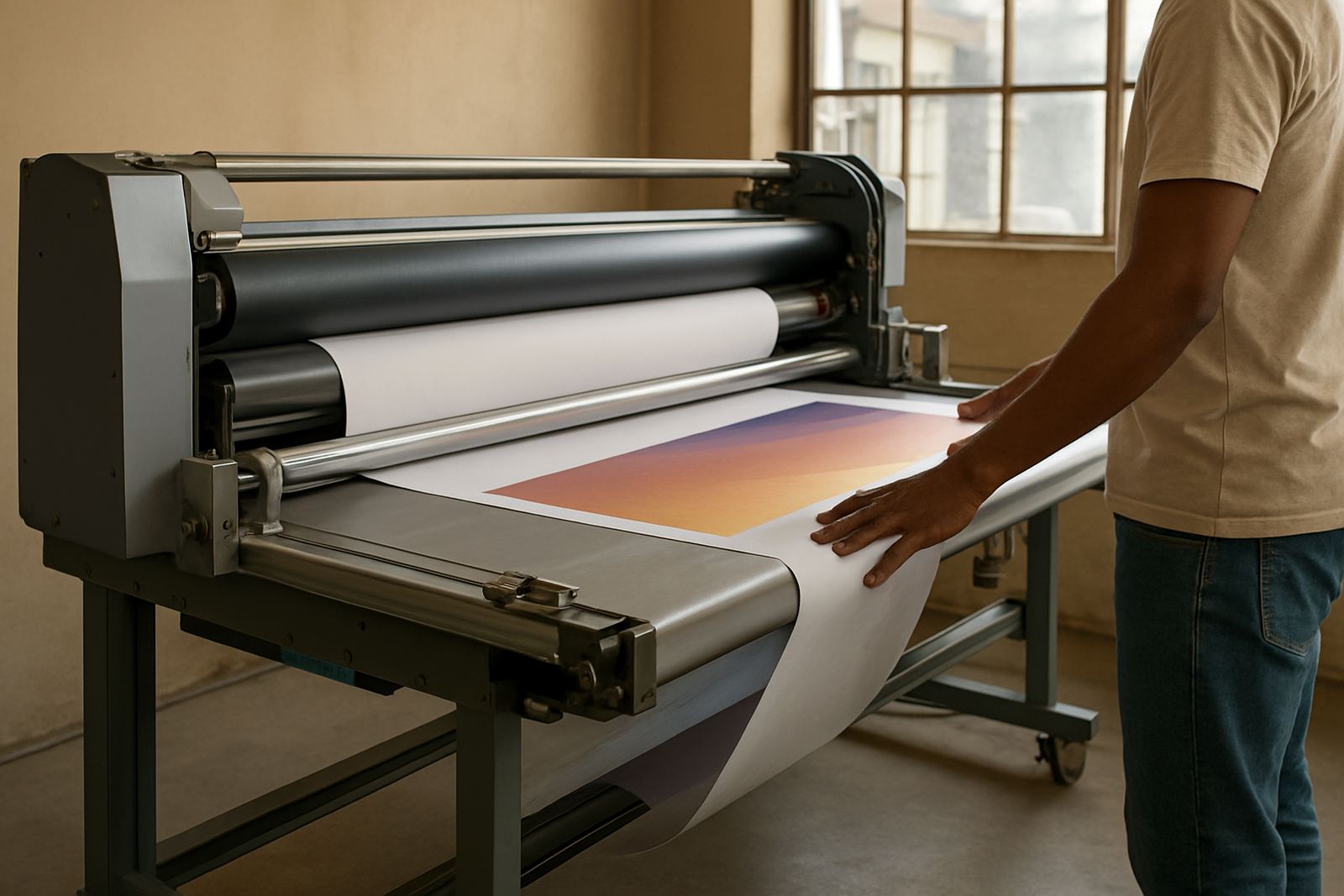
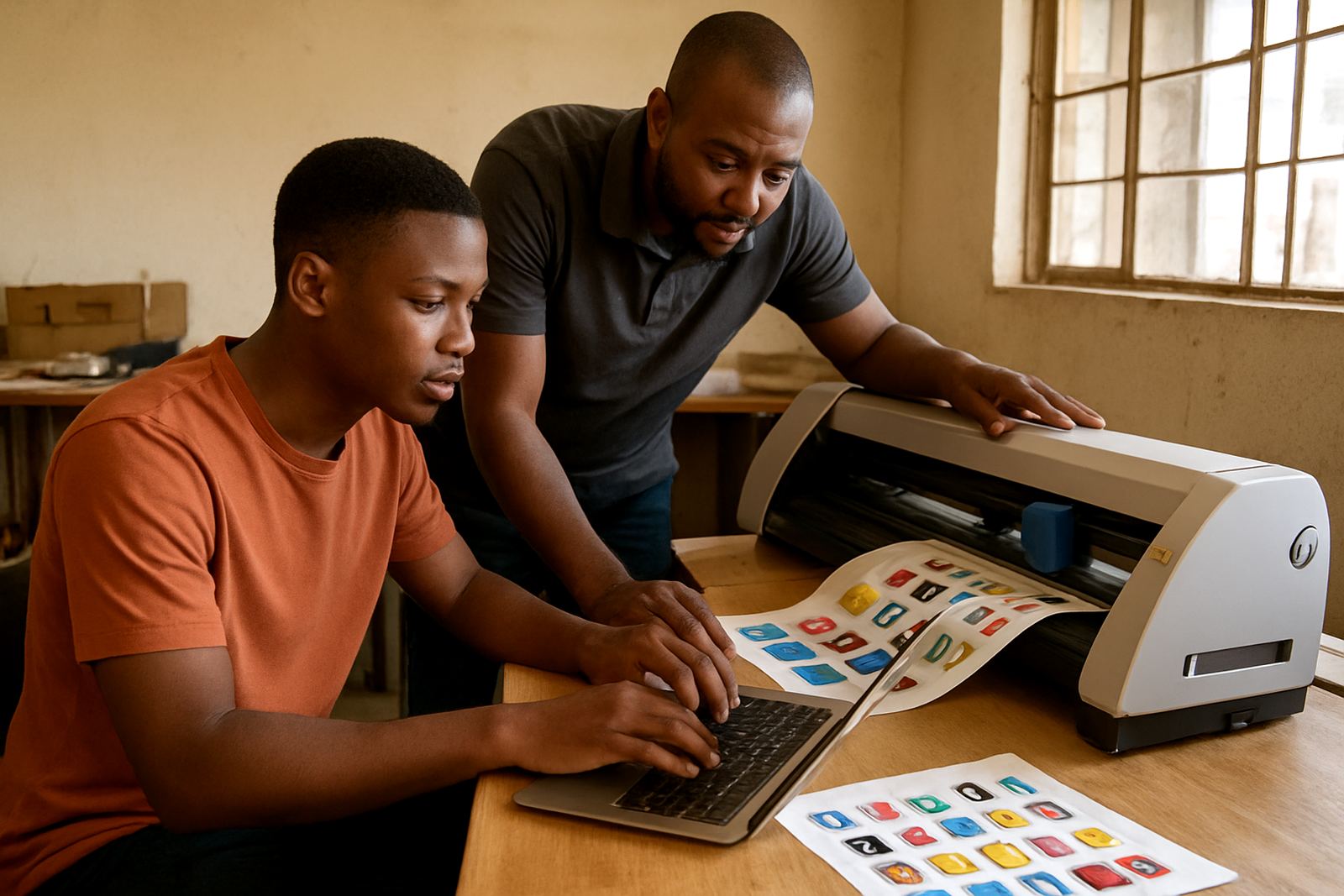
The setup worked best because the team received practical training while the system was being introduced. We did not treat it like classroom theory. The sessions were tied to real shop work, such as setting up a new vinyl run, preparing a print job for lamination and checking that cut marks were lining up properly.
Training was split so the owner, the designer and the production staff each got the parts they needed. That included new staff induction notes, basic troubleshooting and a simple way to hand jobs over between shifts. The North End team also wanted a local support route, so we planned how Randburg support, Johannesburg support and remote help would work if a problem came up during the week.
- Onsite training for day-to-day production tasks
- New staff induction for job setup and file checks
- Colour workflow guidance for repeat jobs
- Remote support steps for urgent issues after hours
Timeline, rollout and what changed in week one
We completed this setup over three weeks, from the first shop review to final handover. In week one we reviewed the shop setup, the current job flow and the devices in use. In week two we completed installation, activated the licence and tested the cutter and print output. In week three we trained the team, fine-tuned the queue setup and checked that the workflow held up under normal daily use.
By the end of the rollout, the team had a cleaner process for moving from artwork to output. Jobs were easier to track, the cutter was behaving more consistently and the owner had a better view of where delays were happening. It was not about making the shop look fancy. It was about making the daily work easier to run and simpler to hand over.
- Week 1: site review and workflow mapping
- Week 2: software installation, activation and device testing
- Week 3: training, queue checks and final handover
- Result: less waste, fewer setup errors and better job visibility
Results the North End team could measure
After the setup, the shop had more control over the full production chain. They could process mixed jobs without constantly changing settings, and repeat orders were easier to match. That matters in a sign room where a small error can mean re-cutting material or reprinting a panel that should have gone out the same day.
The support structure also gave them confidence. If the office in North End had a question, they knew whether it needed Johannesburg support, Pretoria training, or a remote fix from our team. That kind of planning saves time when the shop is under pressure, especially during a busy retail season or when municipal deadline work comes in close to closing time.
- Cleaner workflow from file to cutter or printer
- More consistent colour handling across repeat work
- Less dependence on one experienced operator
- Support plan suited to Randburg, Midrand, Centurion and the coastal centres too
What we would do again for a similar sign shop
If we were setting up a similar shop again, we would keep the same practical order: assess the jobs first, then install the software, then train the team on the actual work they do every day. That sequence keeps the rollout grounded in production instead of theory. It also helps when the shop has a mix of designers and machine operators who need different levels of detail.
We would also plan for a support rhythm from the start. Annual support planning, remote help and refresher sessions are worth building in early, especially where staff turnover is common or where the workload changes across seasons. In a place like North End, where delivery times matter and power interruptions are part of life, a good setup must be simple to recover and easy to keep running.
For shops in Johannesburg, Pretoria, Durban, Cape Town or Gqeberha, the lesson is the same: good output starts with a tidy workflow, clear training and a support plan that fits the way South African sign businesses actually work.
Key facts
| Project type | Sign-making design and RIP software setup |
|---|---|
| Client type | Mixed-output sign shop in North End, Gqeberha |
| Timeline | 3 weeks from assessment to handover |
| Core services | Installation, licence activation, onsite training and remote support |
| Workflow focus | Colour management, RIP queue organising and cutter setup |
| Support areas | Randburg, Johannesburg, Pretoria, Durban, Cape Town, Gqeberha, Midrand and Centurion |