Benoni banner work that needed tighter control
The client was a busy banner printer in Benoni serving retail promotions, school events, spaza shop branding and roadside advertising work across Ekurhuleni. Their job mix was simple on paper but messy in the shop: long runs, many repeated artwork changes, different finishing methods and urgent same day turnarounds. They needed better control inside the RIP software so the print room could keep moving without redoing files or wasting banner media.
The main issue was not the printer hardware itself. The team had good machines and enough experience, but the production setup was costing time. Panel joins were being handled job by job, hems were not always standardised, and the queue was filling with small correction jobs that interrupted bigger production runs. During load-shedding the situation got worse because staff were restarting jobs by hand and checking each file twice.
- Client type: banner printer and print service provider
- Town: Benoni, Gauteng
- Main output: banner signage, event graphics and promo runs
- Primary need: cleaner workflow from file prep to print queue
The brief and the production constraints
The brief was clear. Set up the software so the team could prepare banners with consistent overlap, joins and trimming allowances, then reduce mistakes in the queue before material went onto the machine. The client also wanted a practical setup that a new staff member could learn quickly, because seasonal work meant they often brought in extra help for a few weeks at a time.
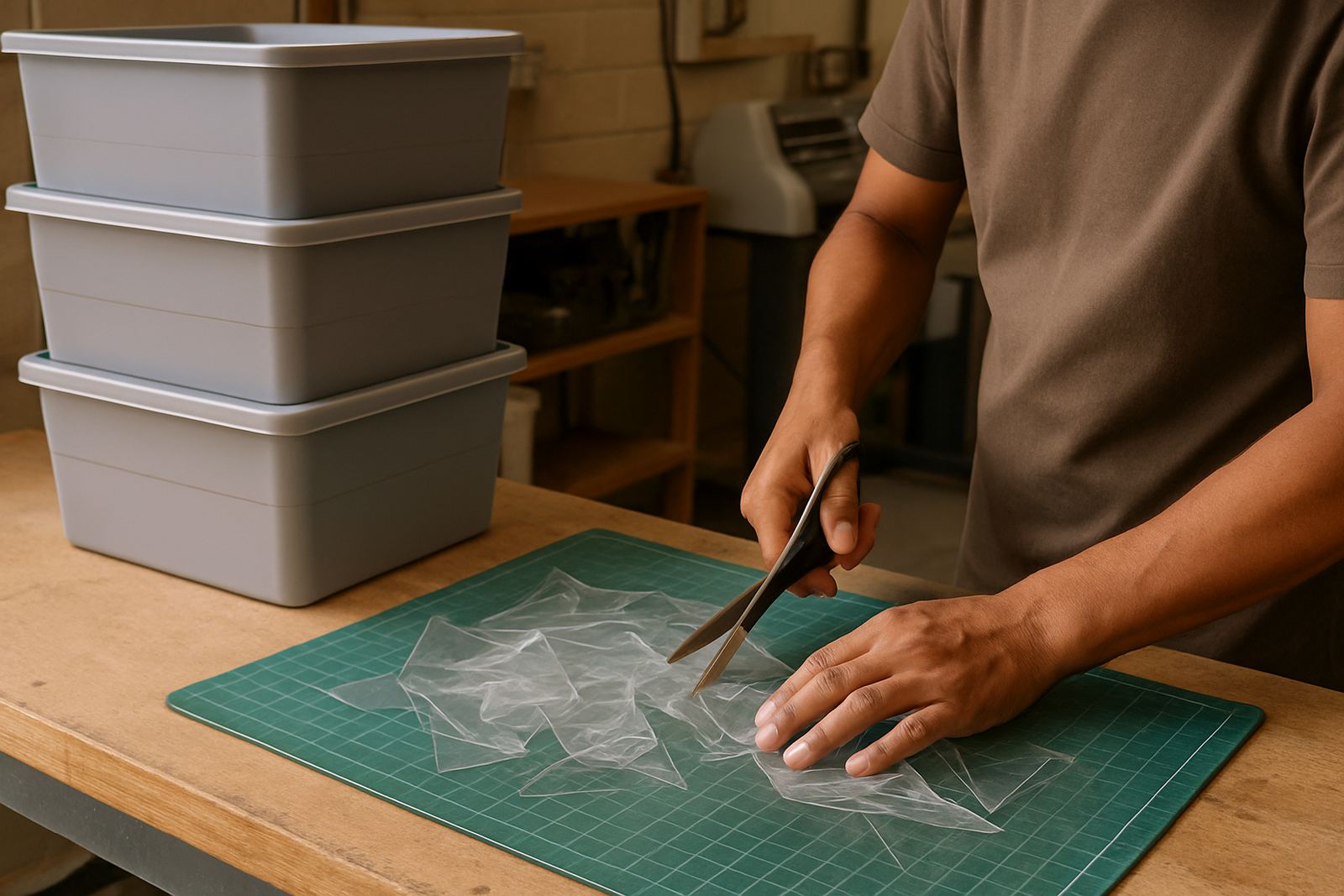
We also had to work around local realities. Their workshop had limited space, a mix of indoor and semi-covered storage, and dust that could affect vinyl, adhesives and cutter tracking if the environment was not kept tidy. Because the business serves customers across the East Rand, they also wanted a setup that could cope with repeated rush jobs, municipal ad campaigns and site notices that need production on the day. In short, the software had to support speed without making the finish look rough.
- Constraint 1: short turnaround times on banner repeats
- Constraint 2: staff changes and new operator handover
- Constraint 3: load-shedding interruptions and re-start control
- Constraint 4: clean output for hems, eyelets and overlap lines
What we supplied and the way we installed it
We supplied licence activation, software installation and workflow setup, then tuned the RIP side for banner production rather than general printing. The file presets were adjusted for the sizes they use most often, including 1.2 metre and 1.5 metre banner widths, plus longer multi-panel jobs for fence wraps and event backdrops. We set practical defaults for panel joins, bleed, trim marks and overlap so operators could start from a known standard instead of building every job from scratch.
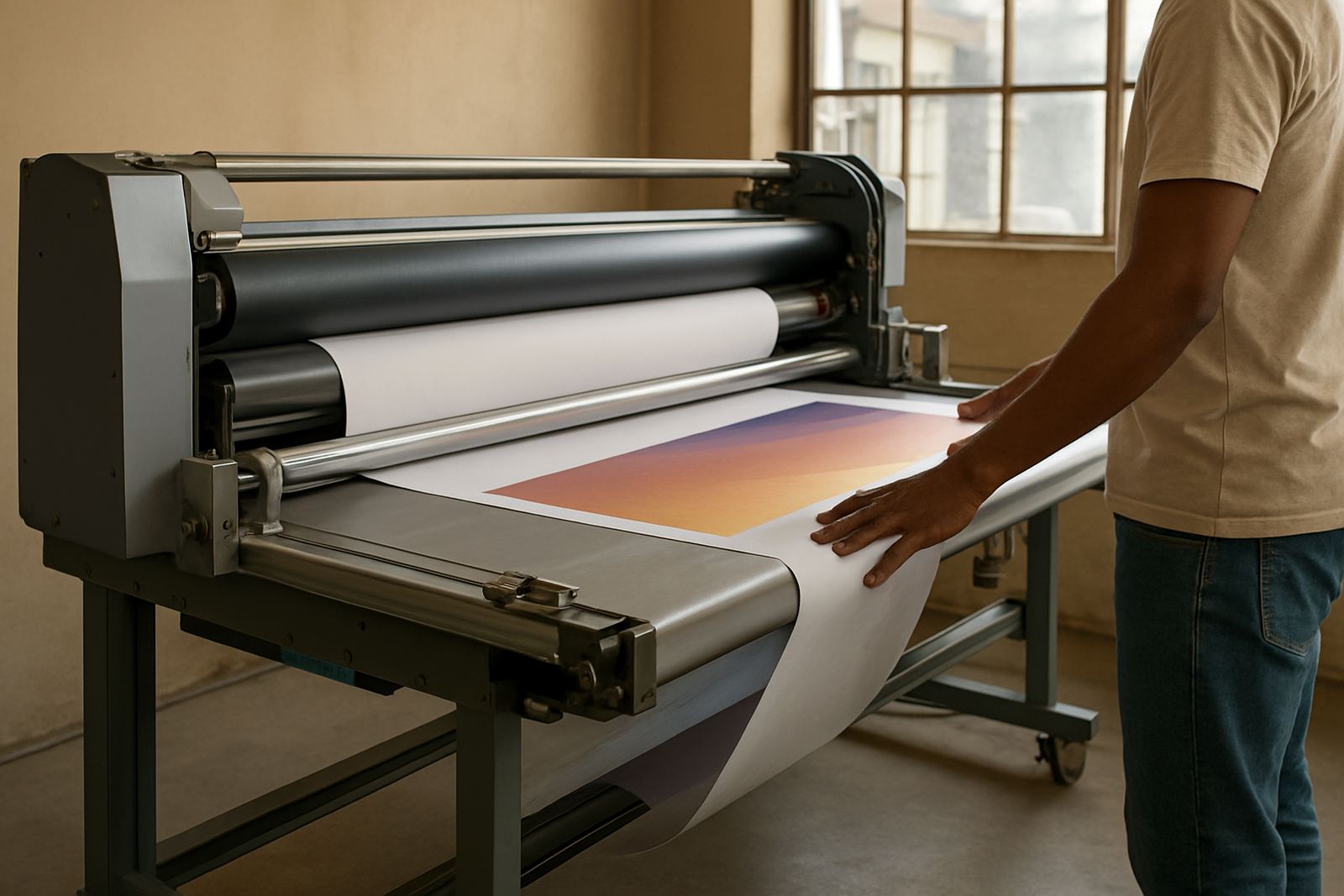
On the cutter side, we helped with cutter setup so contour work and finishing marks lined up properly after print. We also reviewed their colour management settings and queue structure, because their old process had too many stop-start steps. The aim was to keep the queue readable, reduce unnecessary re-rips and make sure the team could identify urgent jobs at a glance. It sounds basic, but that sort of housekeeping saves hours every week.
- Installed and activated the licence on the main production PC
- Created banner presets for common widths and repeat lengths
- Set overlap, bleed and trim defaults for panel joins
- Streamlined the RIP queue for high volume output
- Checked cutter registration and finishing marks
- Adjusted colour handling for consistent reprints
Training for the people who run the queue
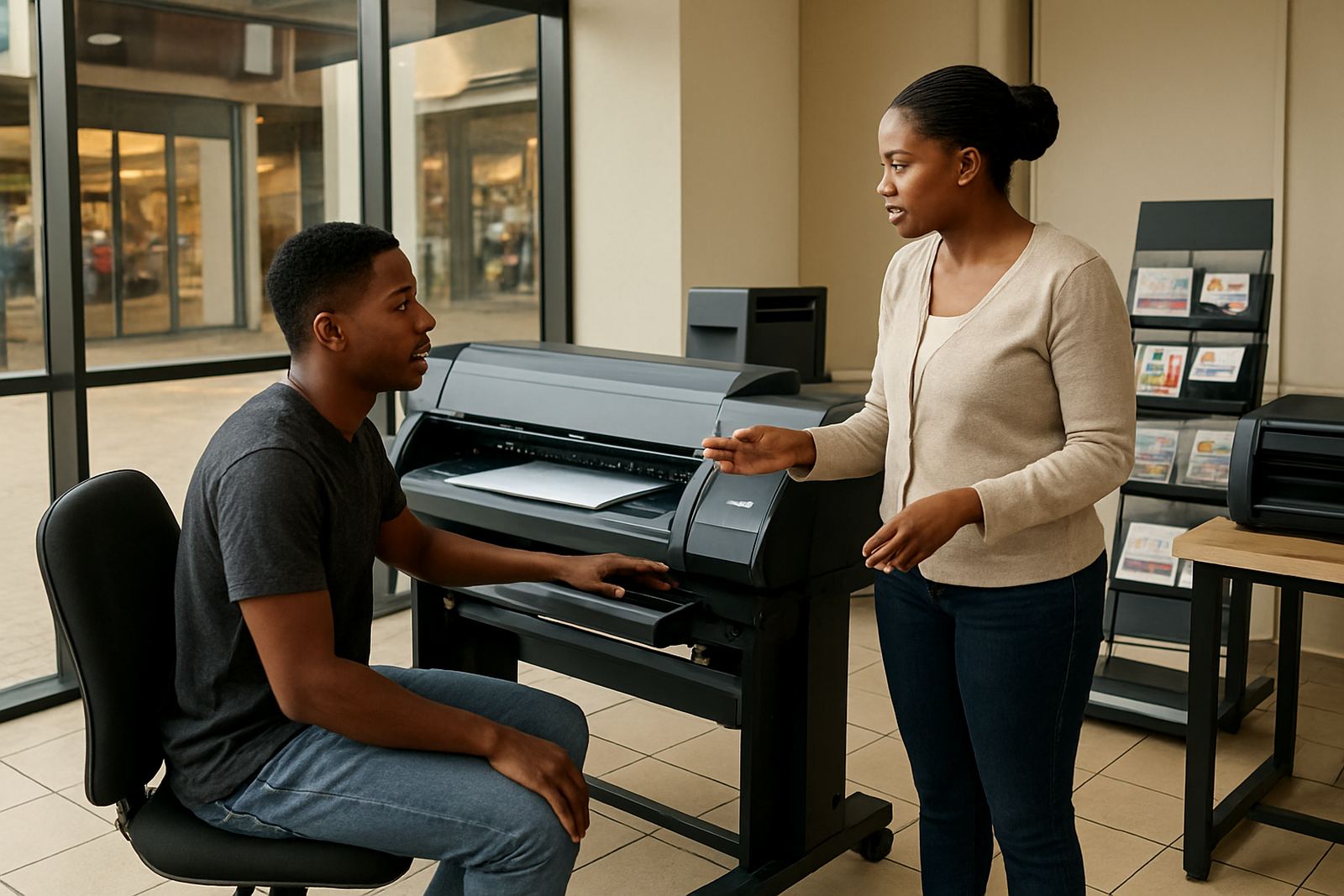
Software only works properly when the people using it understand why each setting matters. We spent time on new staff induction and hands-on training with the production team, including the person who manages the daily queue and the operators who finish and pack jobs. The training covered layout prep, queue ordering, rerun jobs, and how to handle a banner file that arrives with the wrong dimensions or missing margins.
We kept the training practical and local to their work. For example, we showed how to prepare a banner for a roadside promotion where eyelets must be placed evenly, and how to set up a multi-panel job for a school event with clear join points. We also covered what to do after a power interruption, because a job that restarts badly can waste material fast. The team was able to test the process on live work rather than theory alone, which helped the learning stick.
- New staff induction on basic RIP navigation
- Queue handling for urgent and scheduled jobs
- Panel join setup for long banner runs
- Recovery steps after a sudden shutdown
Timeline, results and what changed in the shop
The project ran over three weeks. Week one was the site review, software setup and licence activation. Week two covered workflow setup, queue tuning and colour management checks. Week three focused on training, test runs and a final round of adjustments after the team had used the system on real jobs. That short timeline worked because the business already had sound production habits, they just needed the software to support those habits better.
By the end of the project, the Benoni team had a cleaner handoff from design to print, fewer rejected banner files and more consistent joins on longer runs. They could batch similar jobs together instead of stopping for each one, which improved machine use and reduced wasted vinyl. The operators also felt more confident when a rush job arrived late in the day, because the queue was easier to read and the defaults were already set. Small detail, big difference.
- Timeline: 3 weeks from first visit to handover
- Result 1: faster queue handling on repeat banner jobs
- Result 2: cleaner panel joins and more consistent hems
- Result 3: less rework after file errors and restart events
- Result 4: easier training for temporary staff
What we would do again for a banner shop like this
If we were setting up another banner printer in Benoni or anywhere in Gauteng, we would follow the same pattern again. First get the queue structure right, then lock in print presets for the sizes that actually leave the shop every week. After that, train the people who do the work, not just the person who bought the licence. That order matters because software settings alone do not fix a busy floor if the team is still guessing their way through each job.
We would also recommend a simple annual support plan for any shop handling steady banner volume, especially where jobs are affected by load-shedding, dust, humidity or frequent staff changes. A short review every year helps keep presets current, check cutter alignment and make sure the colour setup still matches the output the customer expects. It is easier to maintain a system than to rebuild one after it has drifted.
- Review the main banner sizes first
- Set standard joins, bleeds and trims once
- Train the queue operator and backup staff
- Plan for power cuts and restart routines
- Check the workflow again after peak season
Key facts
| Project town | Benoni, Gauteng |
|---|---|
| Client type | Banner printer and print service provider |
| Timeline | 3 weeks |
| Core setup | Licence activation, RIP queue tuning, colour management, cutter setup |
| Key output sizes | Common banner widths from 1.2 metres to 1.5 metres, plus multi-panel runs |
| Main outcome | Faster banner production with cleaner joins and fewer rework jobs |