What the Cape Town studio needed from day one
The client was a growing graphics studio in Cape Town serving several sectors, including retail, hospitality, property and short-run promotional work. Their team had reached the point where one workstation was no longer enough. They needed sign-making design and RIP software set up for multiple users, with clear access rules and a practical handover that suited a busy production floor.
The main pain points were familiar: different staff members opening jobs on different machines, cutter files being prepared in more than one format, and output settings changing depending on who last touched the queue. They also wanted a system that could cope with load-shedding interruptions and still recover cleanly when power came back. That was a big concern because they run jobs through the day and can not afford a messy restart.
- Studio type: multi-user graphics and print production
- Location: Cape Town metro
- Use case: design, RIP processing, cutter output and reprints
- Pressure points: shared queues, colour consistency, power interruptions
The brief, and the constraints we had to plan around
The brief was to activate and organise the licence across more than one machine, then make sure the team could use the software without creating bottlenecks. They wanted enough structure for control, but not so much that every job had to wait on one senior operator. The studio also asked for guidance on colour management because they print across different materials and media types.
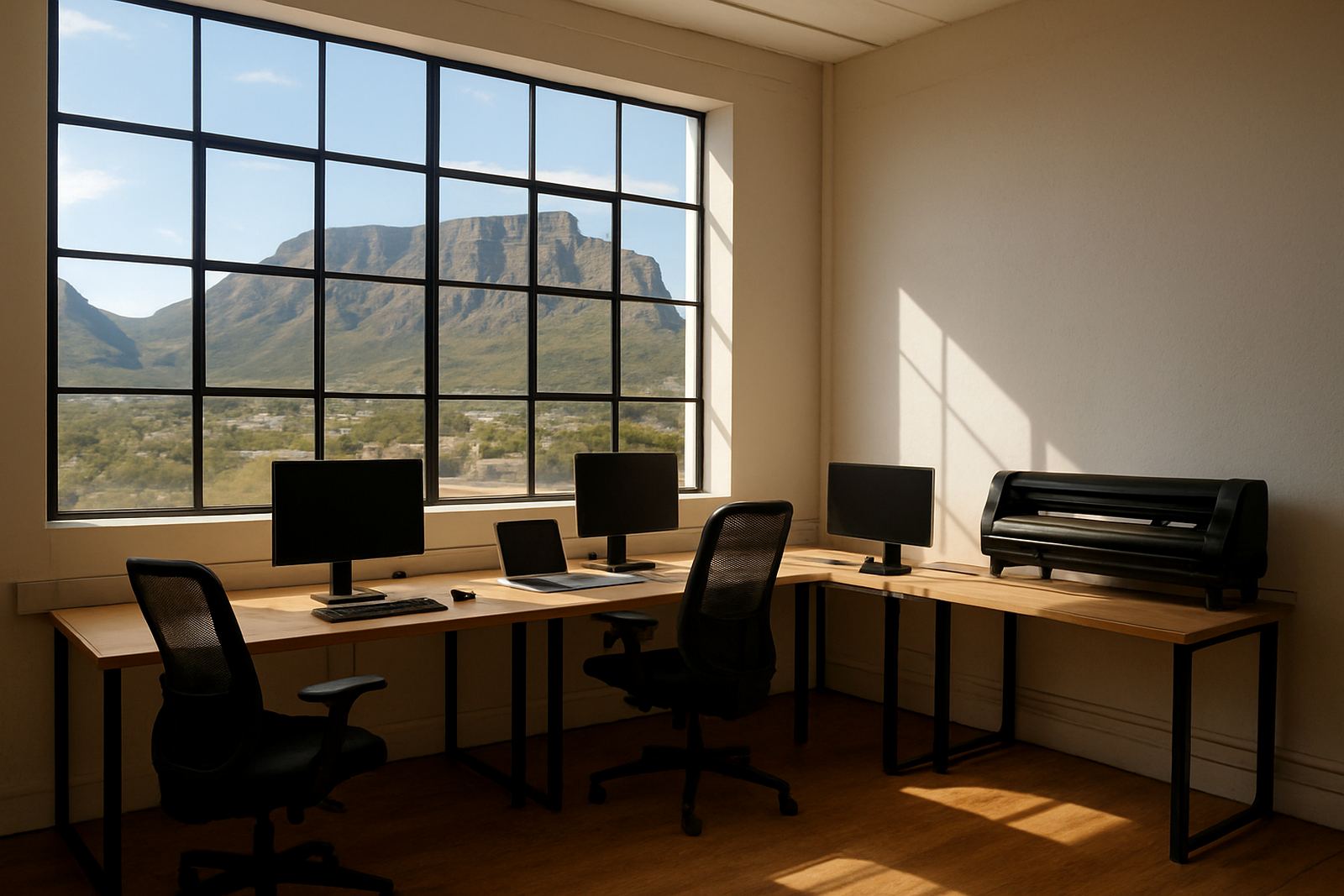
There were a few practical limits. The studio was in a part of Cape Town where space is tight, so we could not assume every workstation would be placed close together. Internet stability also mattered for licence verification and remote support, especially during peak traffic periods. On top of that, the team needed the setup to suit their own municipal and site rules around power, access and after-hours work. We planned the rollout around those conditions and kept the process simple.
- Multi-user access with controlled activation
- Shared RIP workflow without duplicate settings
- Colour management for mixed substrates and inks
- Remote support ready for follow-up changes
How we set up the licence and production workflow
We started with licence activation and a clean install on the primary machines that handled artwork preparation and RIP output. After that, Luthando Mlambo worked through the installation details while Liezel Barnard handled support checks and user access questions. We configured the queue structure so the studio could separate quick turnaround work from longer production runs, which helped the team avoid accidental overruns.
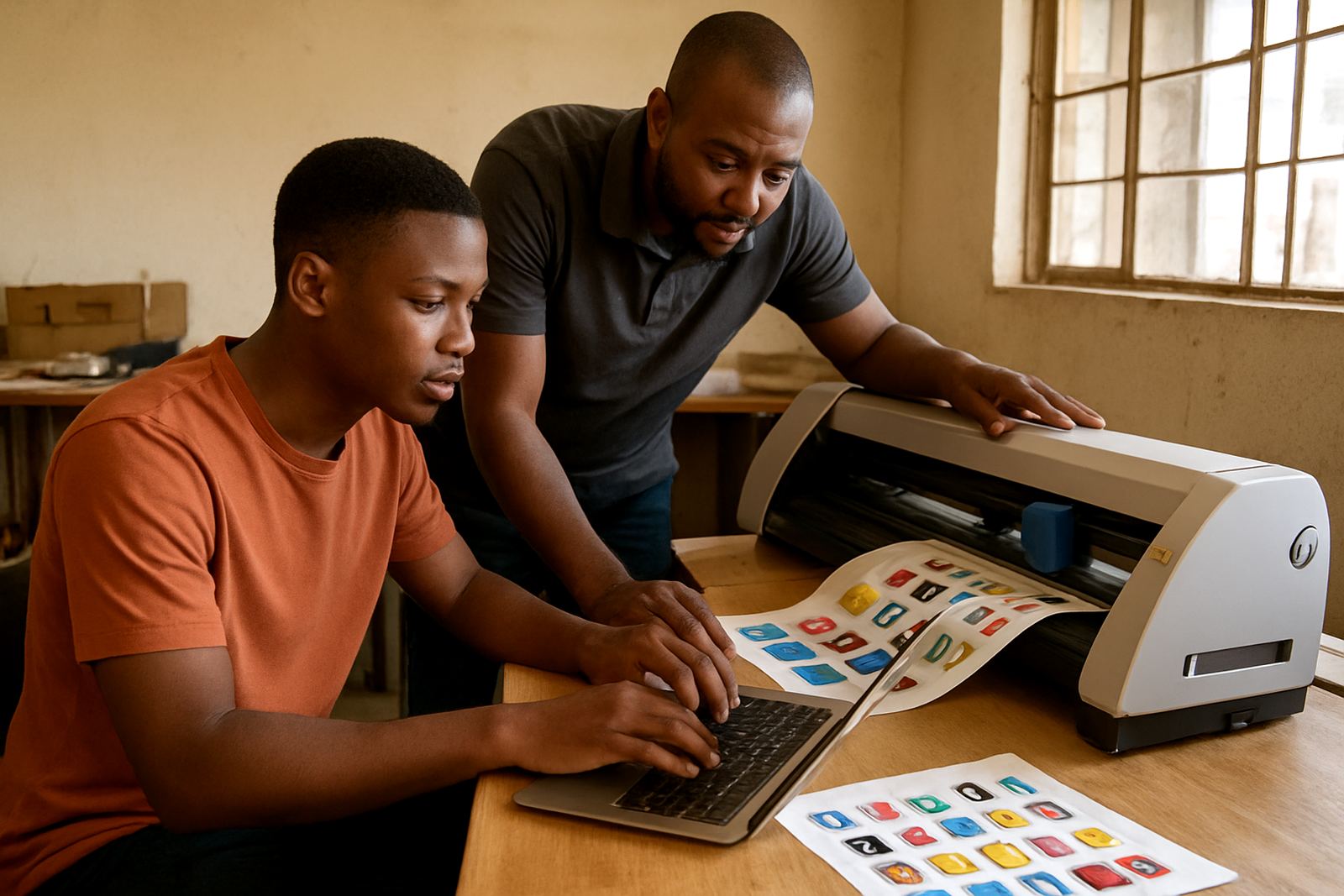
Sifiso Mabena then ran through the operating steps with the staff, showing them how to save common settings, check job order, and prepare cutter output with less rework. The team also received guidance on RIP queue optimising so the printer and cutter were not fighting for attention at the same time. This mattered because the studio often has several jobs on the go, and they need each one to land in the right place without guesswork.
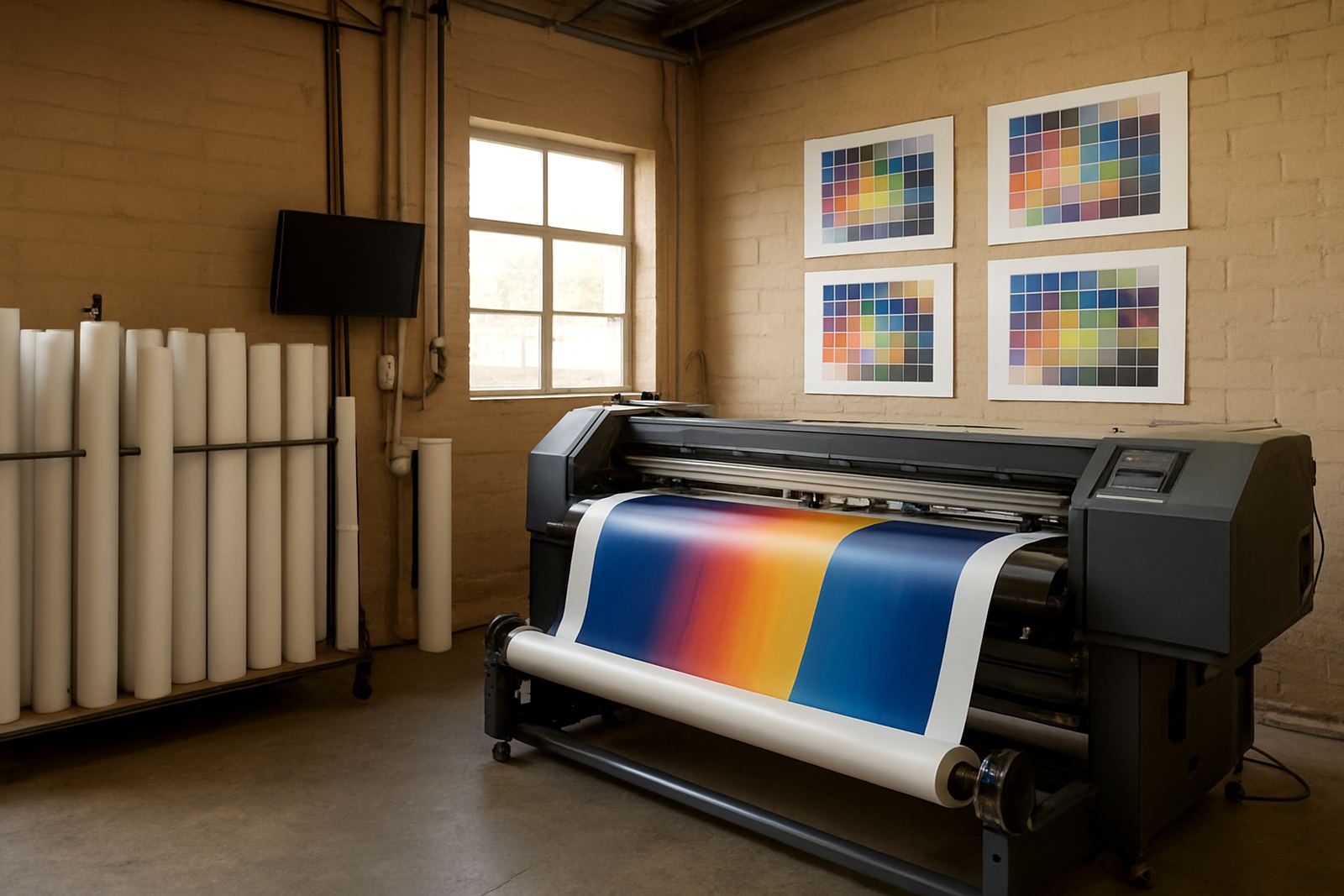
We also set up colour workflow checks with Lungile Ndlovu, who helped the team align their profiles, preview expectations and output habits. That part was important for proofs, especially when the studio is sending material to clients who want a close match before the full run. The setup was kept practical, with enough structure to improve repeatability but not so much that it slowed the team down.
Training the staff without stopping production
Training was split into short blocks so the studio could keep working while we covered the essentials. The first session focused on the daily tasks that cause the most trouble: opening jobs, checking file versions, sending output, and recovering from an interrupted queue. The second covered cutter setup help and how to confirm the correct cut path before sending work to the machine.
We also included new staff induction notes so the studio could onboard additional operators later without starting from scratch. That turned out to be useful because the client wanted a process they could repeat as the business grows. Nadia Blignaut worked through licence and upgrade questions with the owner, while Mandla Jacob Maseko reviewed the long-term support plan and the likely next steps as volume increases.
- Training format: short on-site and remote sessions
- Topics covered: queue handling, cutter output, colour setup, job recovery
- Extra support: new staff induction notes and follow-up call assistance
- Outcome: the team could run common jobs with less senior intervention
Timeline, handover and the results after go-live
The project ran over three weeks from first call to full handover. Week one covered review, licence planning and the initial machine list. Week two focused on installation, activation and workflow setup. Week three was used for training, queue adjustment and final support checks after the team had already started using the system on live work. That schedule suited the client because it let them keep producing while the new setup was put in place.
Once the process settled, the studio saw faster job turnover, fewer file handling errors and cleaner handoff between staff. Their RIP queue became easier to monitor, and they reported better consistency between proof and production output. The main improvement was not only speed, but better control of the queue and handoff. The team could see who was doing what, where the job sat in the queue, and what needed attention before material was committed.
We also helped them put an annual support plan in place so future changes would not become a scramble. That included practical guidance for upgrade planning, support response, and licence housekeeping. For a studio that handles mixed client sectors, that kind of routine support is worth a lot because it prevents small issues from turning into wasted media or reprints.
What we would repeat for another Cape Town studio
If we were doing the same project again for another Cape Town print team, we would repeat the same order of work: map the users first, then set the licence structure, then tune the RIP queue, then train the staff on the exact jobs they handle every week. That sequence keeps the rollout grounded in the day-to-day work, which is what matters on a production floor.
We would also keep the support windows short and specific. Cape Town studios often juggle client deadlines, traffic delays and power interruptions at once, so a practical plan saves time. The best results come when the software setup matches the real job flow rather than forcing the team to work around the system. That was the case here, and it is the way we approach most multi-user installations.
Key facts
| Project location | Cape Town, Western Cape |
|---|---|
| Client type | Multi-user graphics studio |
| Deployment period | 3 weeks |
| Core setup | Licence activation, installation and workflow setup |
| Key functions | RIP queue optimising, colour management, cutter setup help |
| Support format | Onsite training plus remote support follow-up |