A recurring display workflow for Umhlanga
The client was a small in-house marketing team in Umhlanga, serving a busy retail and hospitality catchment along the North Coast. Their work was not one-off artwork. It was repeat display graphics, seasonal specials, point of sale panels, cut vinyl text, and print-ready files that had to be turned around quickly without redoing the same setup every month.
The brief was straightforward on paper: put one sign-making design and RIP workflow in place, link it to the cutter side of production, and make sure more than one staff member could handle the process. In practice, the team needed a system that would stay steady during load-shedding, cope with coastal humidity, and keep colour output consistent across reprints and new campaigns.
They also needed something practical for a mixed skill team. One person was strong on layout, another knew the print queue, and the rest were rotating between approvals, changes and production handover. The software had to fit that real-world rhythm, not force them into a clumsy process.
What the brief asked us to fix
Before the rollout, the team had a few pain points that kept showing up on busy weeks. Files were being opened in different ways by different staff members, cutter settings were not always stored the same way, and colour expectations between screen and output varied from job to job. A small shift in setting could cost a few metres of material and push delivery back, which nobody wanted.
- Reduce repeat setup time on recurring artwork
- Standardise RIP settings for print and cut work
- Set up clear cutter presets for common vinyl jobs
- Improve colour handling for coated and uncoated media
- Make the workflow easy for new staff to learn
The client also wanted room to grow. They were expecting more seasonal work, more urgent turnaround requests, and more file changes from different departments. That meant the setup had to be tidy enough for daily use, but flexible enough for mid-stream adjustments when a campaign changed at the last minute.
The rollout and setup we supplied
We started with licence activation, installation checks and a review of the existing workstation layout. From there, we built a cleaner production path for design files, RIP output and cutter handoff. The aim was to keep the steps short and make it obvious who had to do what, and when.
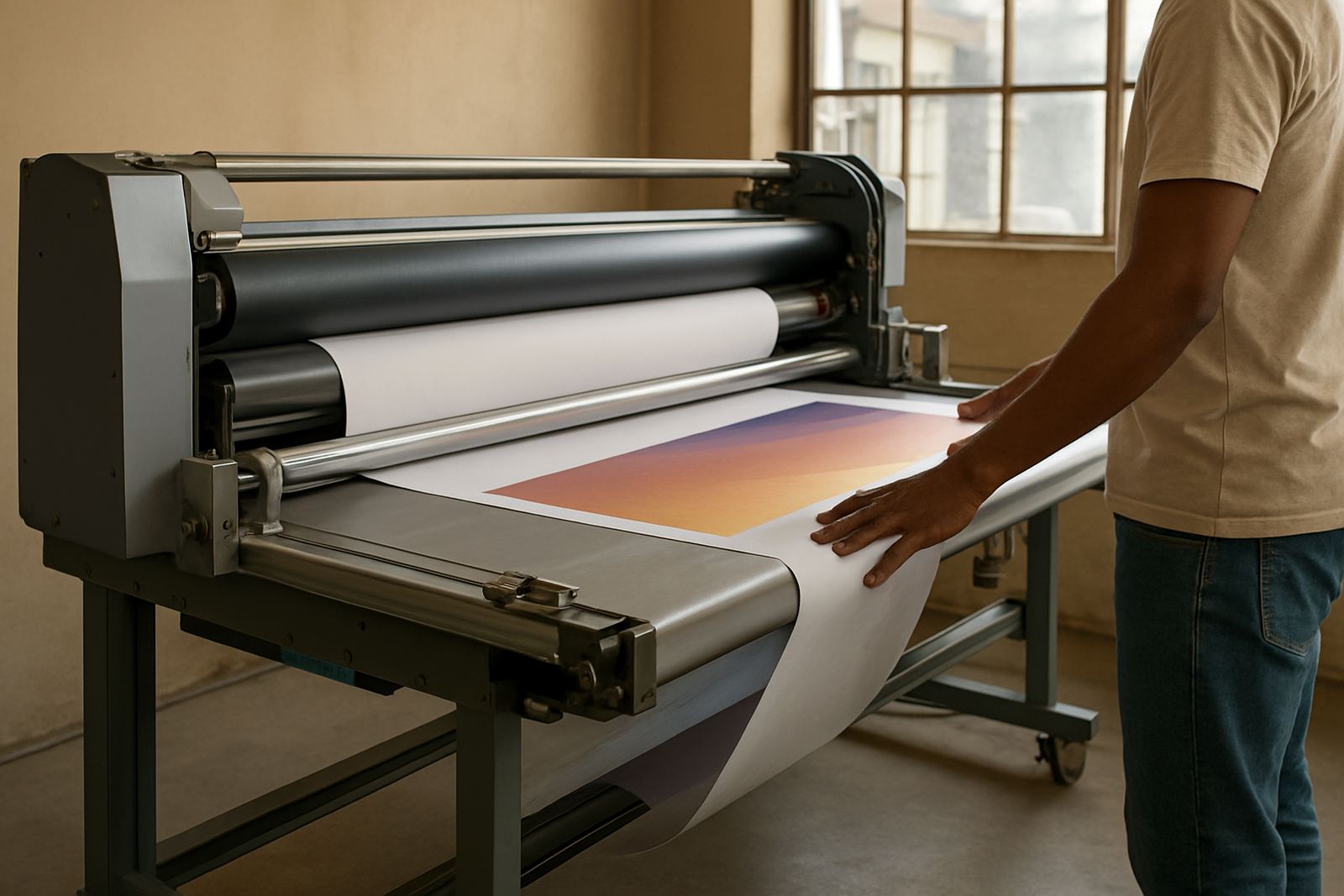
The setup included workflow configuration, RIP queue optimising, cutter setup help and colour management. We also worked through common material profiles used by the team, including vinyl, laminated print media and display panels used for indoor promotions. Coastal areas can be tough on media storage and machine stability, so we made sure the team had sensible checks in place for dust, temperature shifts and overnight shut-downs.
- Installed and activated the software on the main production machine
- Configured queue order for urgent and standard jobs
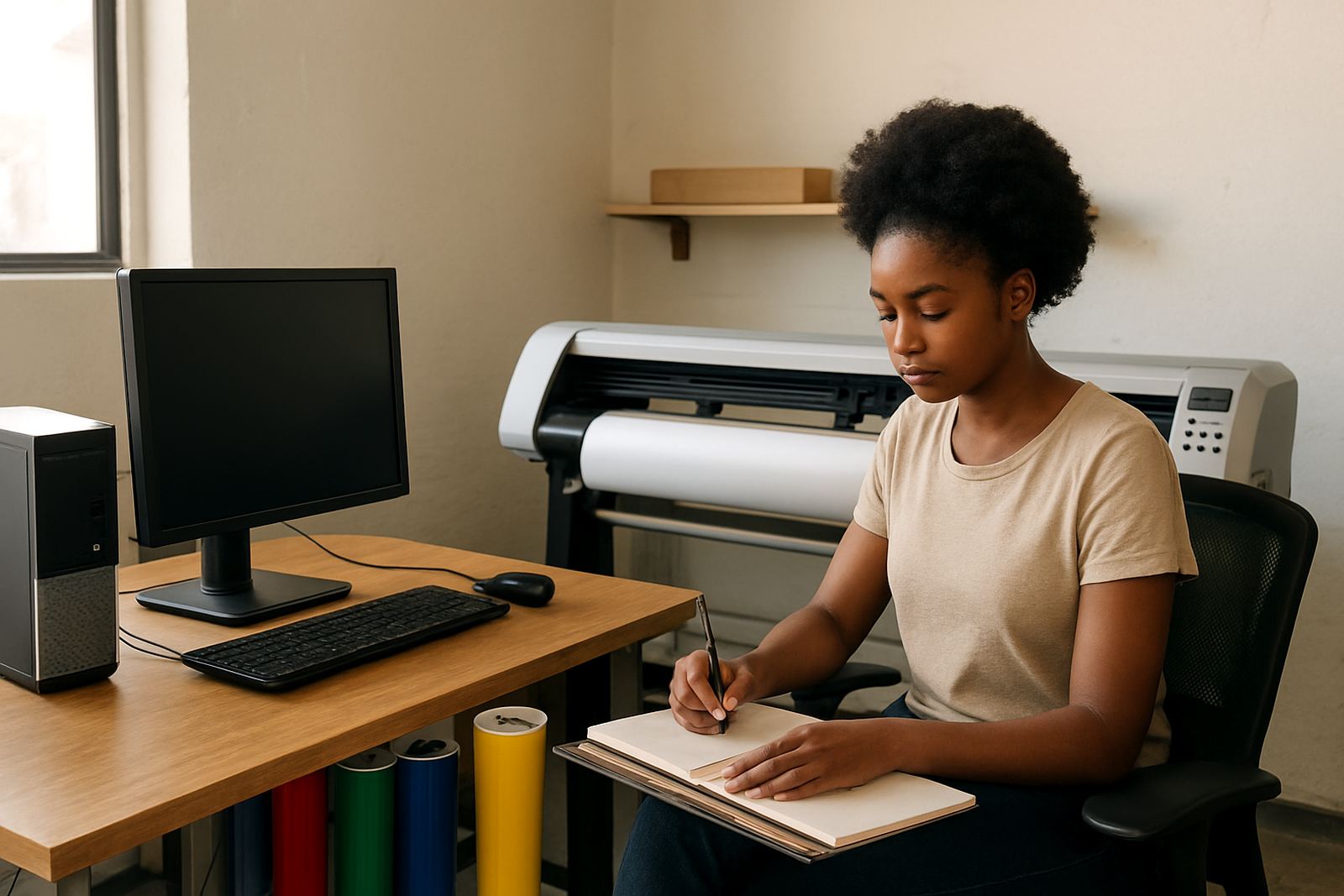
- Set cutter presets for common text, contour and repeat jobs
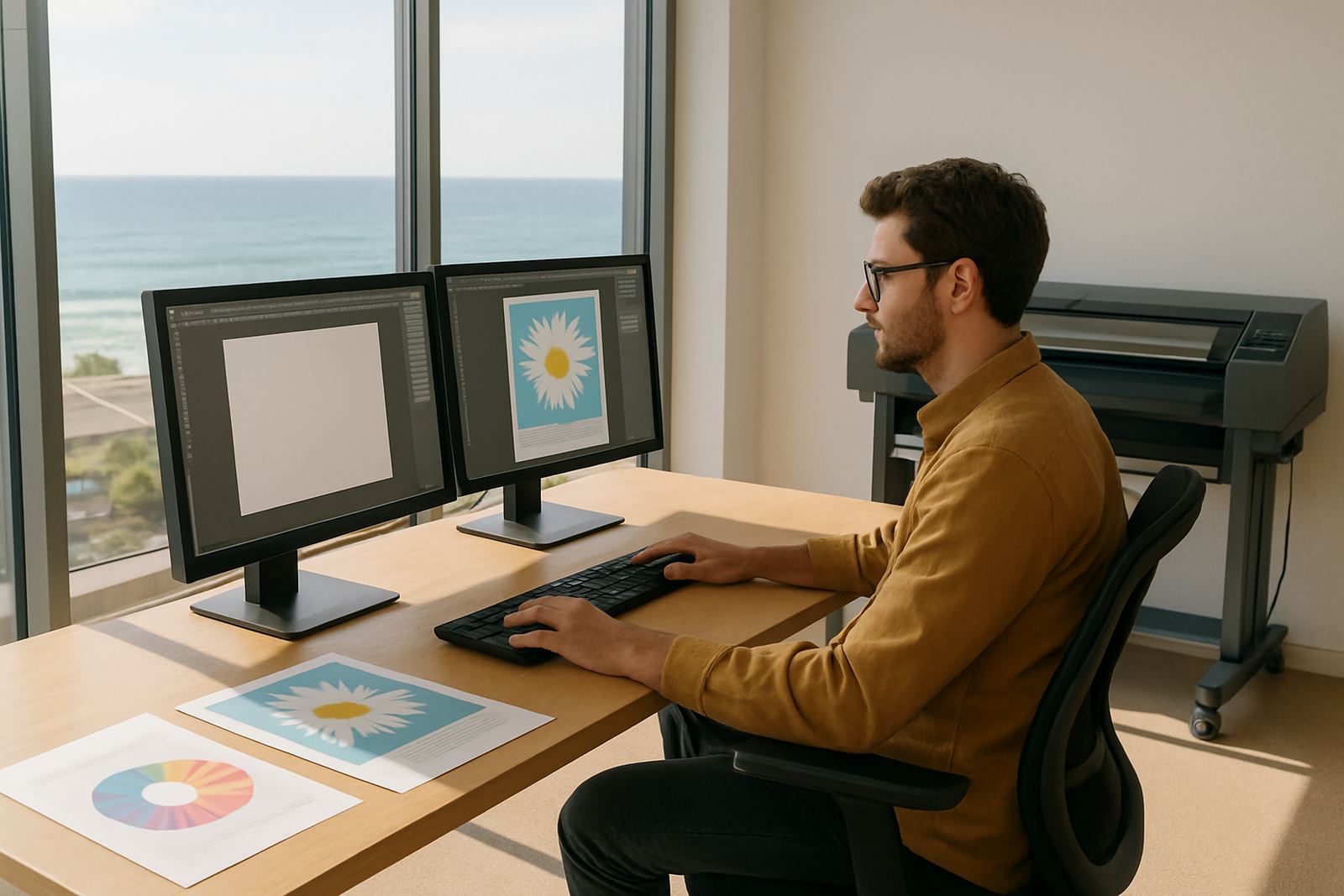
- Created basic colour workflow rules for print consistency
- Added save points for templates used in recurring campaigns
Where a file needed to move from design to output with no confusion, we kept naming and export habits simple. That sounds basic, but it saves a lot of time when three jobs land at once and one of them must go out the same afternoon.
Training the team without slowing production
The training plan ran across several sessions over two weeks, with a mix of remote support and onsite time in Umhlanga. We kept each session practical and tied to the jobs they actually produce, rather than giving them a long theory lesson that would be forgotten by Friday.
We covered new staff induction points, colour workflow, queue control and cutter handoff. The support consultant and training coordinator also worked through common mistakes, such as wrong page size settings, misread media profiles and jobs queued in the wrong order. One of the key lessons was how to spot a setup problem before material gets loaded, because catching it early is cheaper than re-cutting a full sheet.
- Training on recurring artwork templates and version control
- Support for colour checks before long production runs
- Guidance on using the cutter after file changes
- Simple handover steps for staff shifts and leave cover
By the end of the second week, the team was handling most of the common jobs on their own, with support still available for unusual files and bigger campaign batches. That meant they could keep production moving without waiting for one person to be available every time.
Results after the first month
After rollout, the biggest change was consistency. The team was no longer rebuilding the same job logic each time a repeat display ran. They had a clearer route from artwork to output, and the cutter side was less of a guess. That cut down on rework and gave them more confidence when a rush order came in.
Colour output also became easier to manage. The team had a better understanding of how to prepare files for different media, and they had a repeatable way to check output before full production. For a coastal office where humidity can affect media handling and storage, that consistency matters. It helps avoid curled vinyl, shifting registration and last-minute adjustments.
The client told us the setup was especially useful for weekly specials and seasonal changeovers, where they need to update artwork quickly without having to relearn the whole process. They could move faster, but still keep control over the final result.
What we would keep the same on a similar sign project
If we were doing a similar rollout for another coastal marketing team, we would keep the same structure. Start with the actual production flow, not the software menu. Train on the jobs they do every week. Lock in the cutter settings early. And build colour checks into the routine from day one.
We would also recommend a short annual support plan for teams that produce recurring display work. Software is only useful when the settings stay current and the team keeps using them in the same way. A quick review every few months can save a lot of trouble later, especially when staff change or production volumes increase.
- Keep templates for repeat campaigns in one agreed folder
- Review print and cut presets after any major upgrade
- Check colour workflow when adding new media types
- Refresh new staff induction before busy retail periods
For Umhlanga and other coastal towns, we would also keep an eye on power interruptions and storage conditions. Small changes there can affect output more than people expect. A simple backup habit and a neat workspace go a long way.
Key facts
| Project location | Umhlanga, KwaZulu-Natal |
|---|---|
| Client type | In-house coastal marketing team |
| Timeline | 2 weeks rollout, with follow-up support over the first month |
| Core setup | Design software, RIP workflow, cutter settings and colour management |
| Production focus | Recurring display graphics, vinyl text and print-ready output |
| Support cover | Remote support, onsite training and workflow review |