What the Randburg shop needed from day one
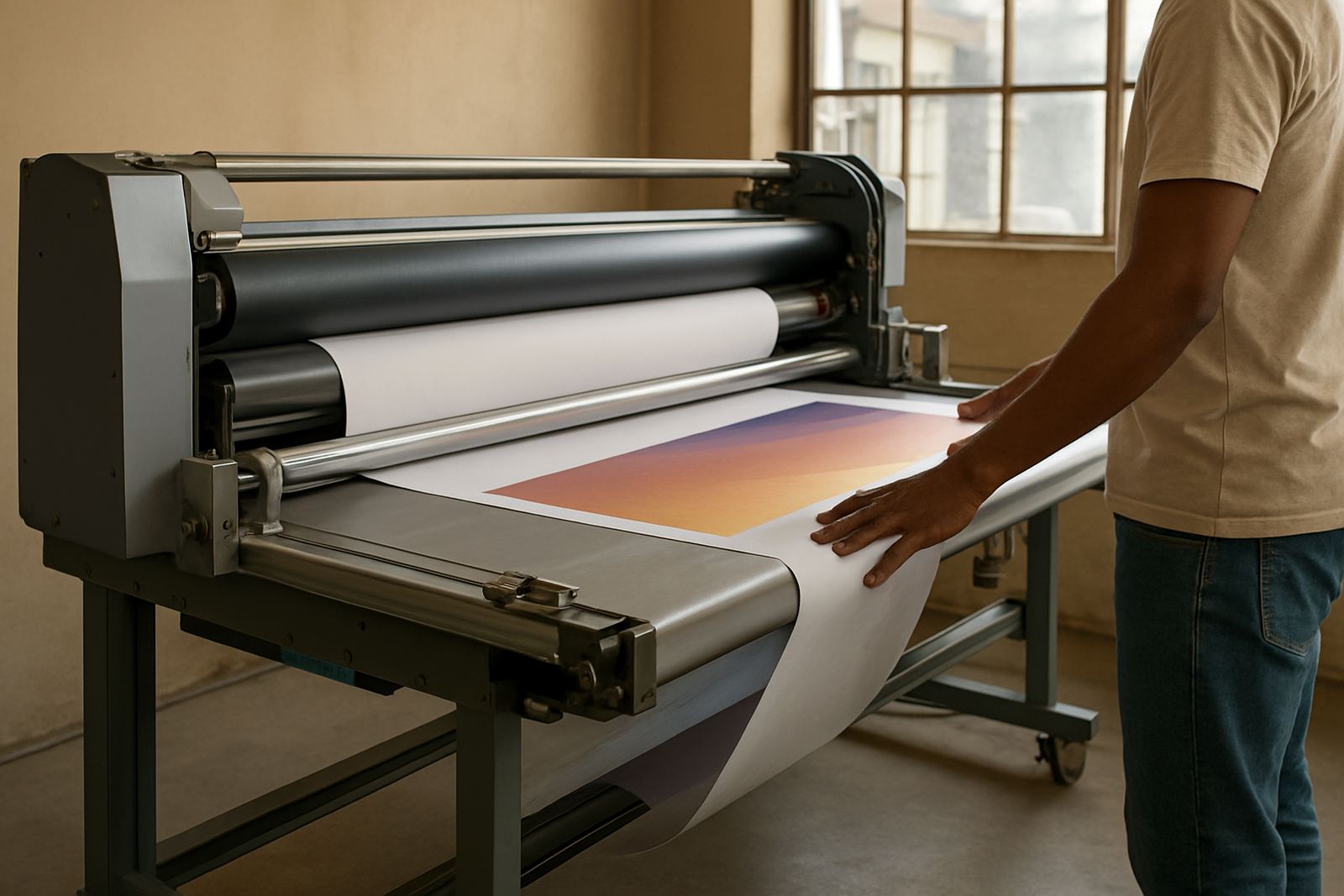
The client was a busy local sign shop working on vehicle decals, shopfront lettering, PVC banners and short-run print jobs for small businesses around Randburg and nearby business nodes. Their old workflow had started to slow the team down. Jobs were being prepared in more than one place, cutter settings were drifting between operators, and print files needed too much checking before they could go to RIP.
The brief was clear: install current sign-making design and RIP software, set up the cutter workflow properly, and train the team so that two operators could keep production moving even when the owner was off site. They also wanted a setup that would hold up during load-shedding changes and mixed shifts, without needing constant outside help.
- Location: Randburg
- Business type: sign shop and print service provider
- Core jobs: vinyl cutting, print preparation and RIP output
- Main issue: inconsistent file prep and cutter setup
The workflow problems we found during the first visit
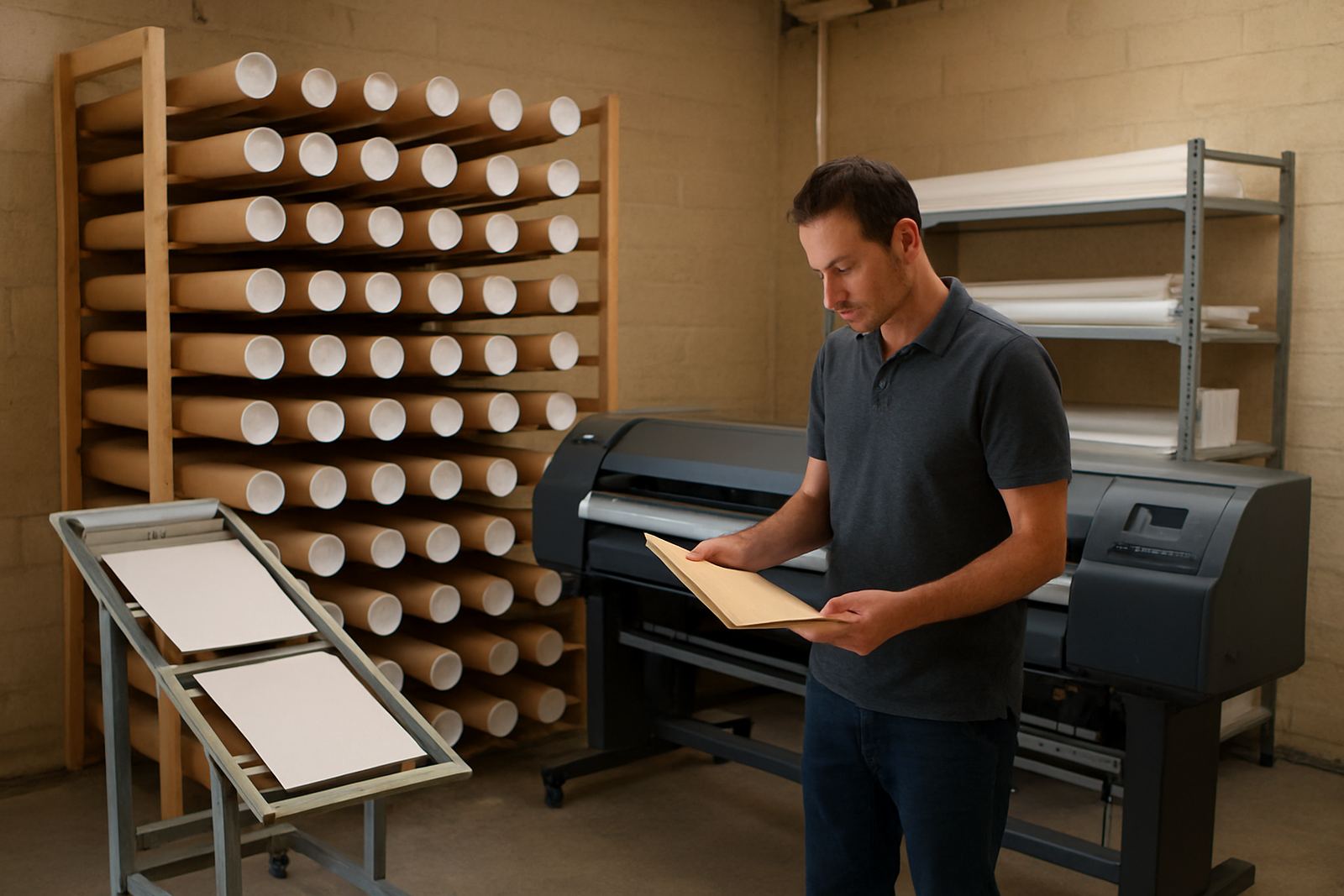
On the first visit we checked the workstation layout, cutter connection method and the way colour files were being handled. The team had been using a patchwork of settings, which meant the same artwork could cut slightly differently depending on who loaded it. There was also confusion around nesting, registration marks and queue order, so the RIP was not always running at the best pace.
We also found that the cutter origin point had not been standardised. That meant extra material loss on smaller vinyl jobs, especially when the operator had to re-run a cut after a power interruption. In Gauteng, a shop needs a setup that recovers quickly after a stop-start day and this one was not quite there yet.
- Uneven cutter origin and pinch roller setup
- Queue delays in RIP during busy periods
- Colour handling not yet standardised across jobs
- Too much manual checking before output
What we supplied and installed on site
We supplied the software installation, licence activation and workflow setup, then configured the design and RIP side so the shop could move from artwork to output with less back-and-forth. Luthando handled the installation side while Lungile checked the colour workflow, queue settings and output order. We also set the cutter up for the sizes the shop used most often, from narrow label runs to larger lettering and panel work.
The main setup work included device connection, preset creation and a clean file path for the operators. We also created a simple naming method for jobs, which helps a lot when several orders are open at the same time. No fancy process, just one that makes sense on a busy floor.
- Software installation and licence activation
- RIP queue setup and print order planning
- Cutter setup help and origin calibration
- Colour management with practical print presets
Training the operators without slowing production
Training was split into short sessions so the team could keep taking orders while learning. Sifiso covered the daily use side, from preparing vector files to sending work through the RIP and checking cut paths before release. We kept it practical and used the shop’s own jobs, not sample files, so the operators could see exactly how the new process behaved on real work.
We also gave the owner and senior operator a clear handover on what to check before a job leaves the workstation. That included the cutter blade depth, media feed tension, RIP queue order and basic print correction steps. With sign shops, small mistakes cost money fast, so the training was built around avoiding waste rather than just learning menus.
- New staff induction for the operator team
- Onsite training with live jobs
- Queue handling and job priority rules
- Basic fault checks before calling for support
Timeline, from first call to final handover
The full job ran over three weeks. Week one was the needs check and site review. Week two covered installation, activation and initial cutter testing. Week three was for operator training, colour checks and follow-up support once the team had started using the new workflow under normal shop pressure.
Because the client was already busy with active orders, we planned the rollout around quiet production windows. That kept disruption low and gave the team time to adapt. The handover was completed once they could prepare, queue and cut jobs without rework from our side.
- Week 1: assessment and workflow review
- Week 2: installation and cutter setup
- Week 3: training, testing and handover
What shifted once the new setup was in daily use
After the upgrade, the shop saw quicker turnaround on everyday vinyl work and fewer mistakes during file preparation. Operators had a repeatable process, which meant less second-guessing when a job moved from design to output. The cutter was also easier to run on repeat orders, so the team spent less time recalibrating between jobs.
The biggest gain was consistency. Jobs now start the same way, queue the same way and finish the same way, which matters when you are handling customer orders that need to go out the same day. The owner also had better visibility over support needs, so small issues could be dealt with before they became production delays.
- Fewer material errors on small vinyl runs
- Cleaner handover between operators
- Better queue control during busy periods
- More confident use of colour and cut settings
What we would repeat on the next Randburg upgrade
If we repeated this Randburg changeover, we would still assess first, install in stages and train on live work.: assess the shop first, install in stages, then train on the actual jobs the team produces every week. That approach works well for Randburg businesses that need to keep orders moving while making a proper software changeover. It also helps where there are mixed skill levels on the floor.
For sign shops across Johannesburg, Pretoria or Midrand, the same pattern usually holds true. Start with workflow, not just software. Set the cutter properly. Lock in the queue order. Then train the people who will use it every day. That is how you get steady output without stopping production for too long, and it saves a lot of back and forth later on.
- Always map the real production flow before changing software
- Standardise cutter settings before new staff touch live jobs
- Keep training short, practical and tied to current work
- Build in follow-up support after handover
Key facts
| Project type | Randburg sign shop software upgrade |
|---|---|
| Client base | Local sign shop and print service provider |
| Main services | Software Installation, Cutter Setup Help, Onsite Training |
| Software work | Licence activation, RIP queue setup, workflow setup |
| Timeline | 3 weeks from assessment to handover |
| Output focus | Vinyl cutting, print prep, colour control and faster turnaround |