What the Boksburg team needed from the workflow
The client was a busy signage team in Boksburg handling everything from vinyl cut graphics to printed panels, short run labels and day to day shop signage. Their main issue was not one single machine, but the gap between design files, cutter output and print ready artwork. Jobs were being rebuilt more than once, layouts were inconsistent, and staff members were spending too much time correcting file issues before production could start.
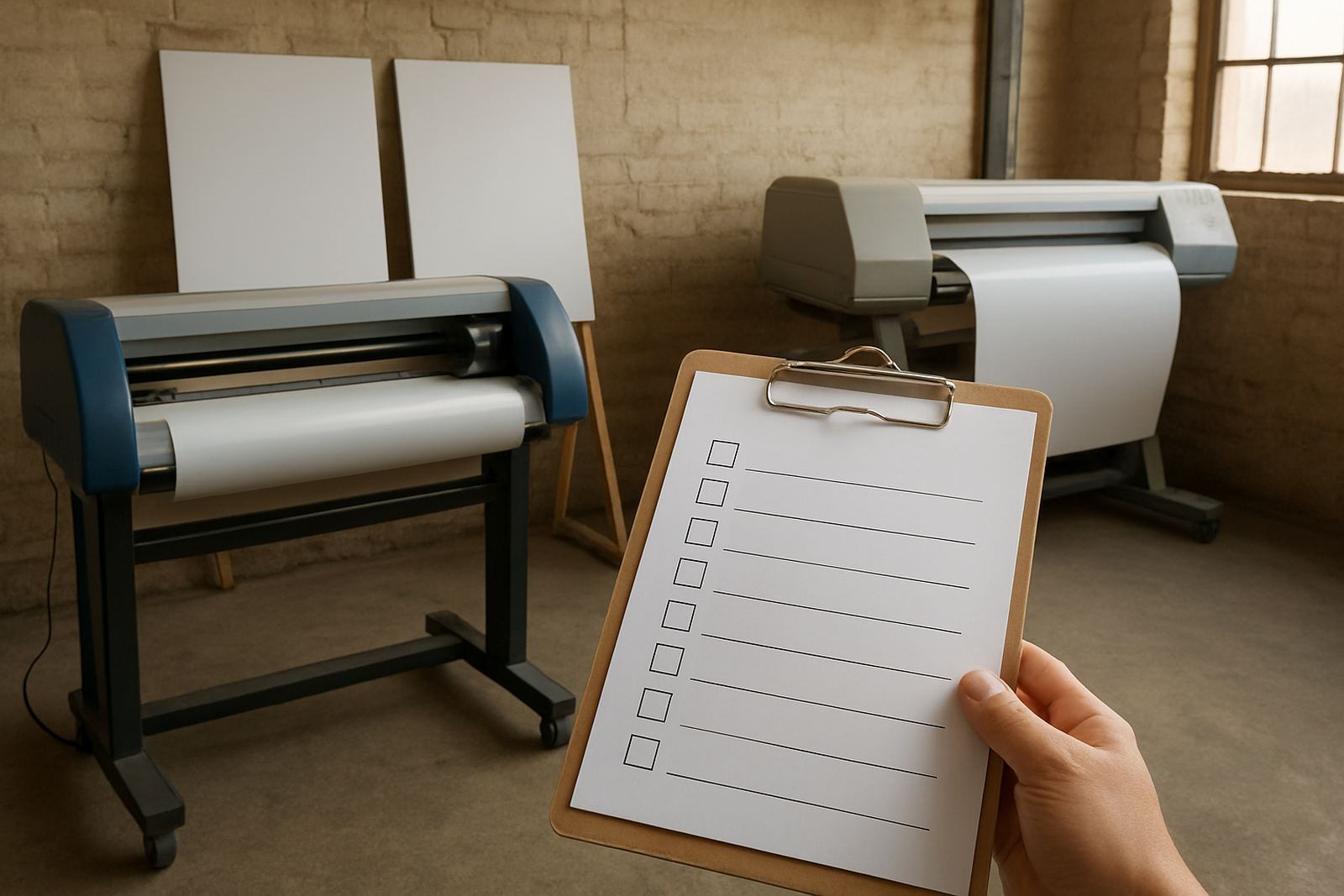
The brief was practical. They wanted a cleaner sign-making setup with templates for common jobs, better nesting on media rolls, reliable output checks and a way to train newer staff without slowing down the whole shop. They also needed the process to work for load-shedding periods and for a team that sometimes had to hand work between two stations quickly.
- Job types: vinyl cuts, printed signs, small stickers and basic display work
- Production issue: repeated rework caused by inconsistent file setup
- Priority: faster setup, less media waste and clearer output control
- Location factor: Boksburg access, with production time pressure on weekdays
Constraints on site and in daily production
The shop had a mixed setup with older and newer equipment, so we had to keep the workflow flexible. Some jobs were routed to a vinyl cutter, others to print output and then contour cutting. Because the team works with different board sizes and roll widths, the software needed sensible defaults rather than a one-size-fits-all setting. We also had to account for power interruptions and the fact that staff rotations change during busy weeks.
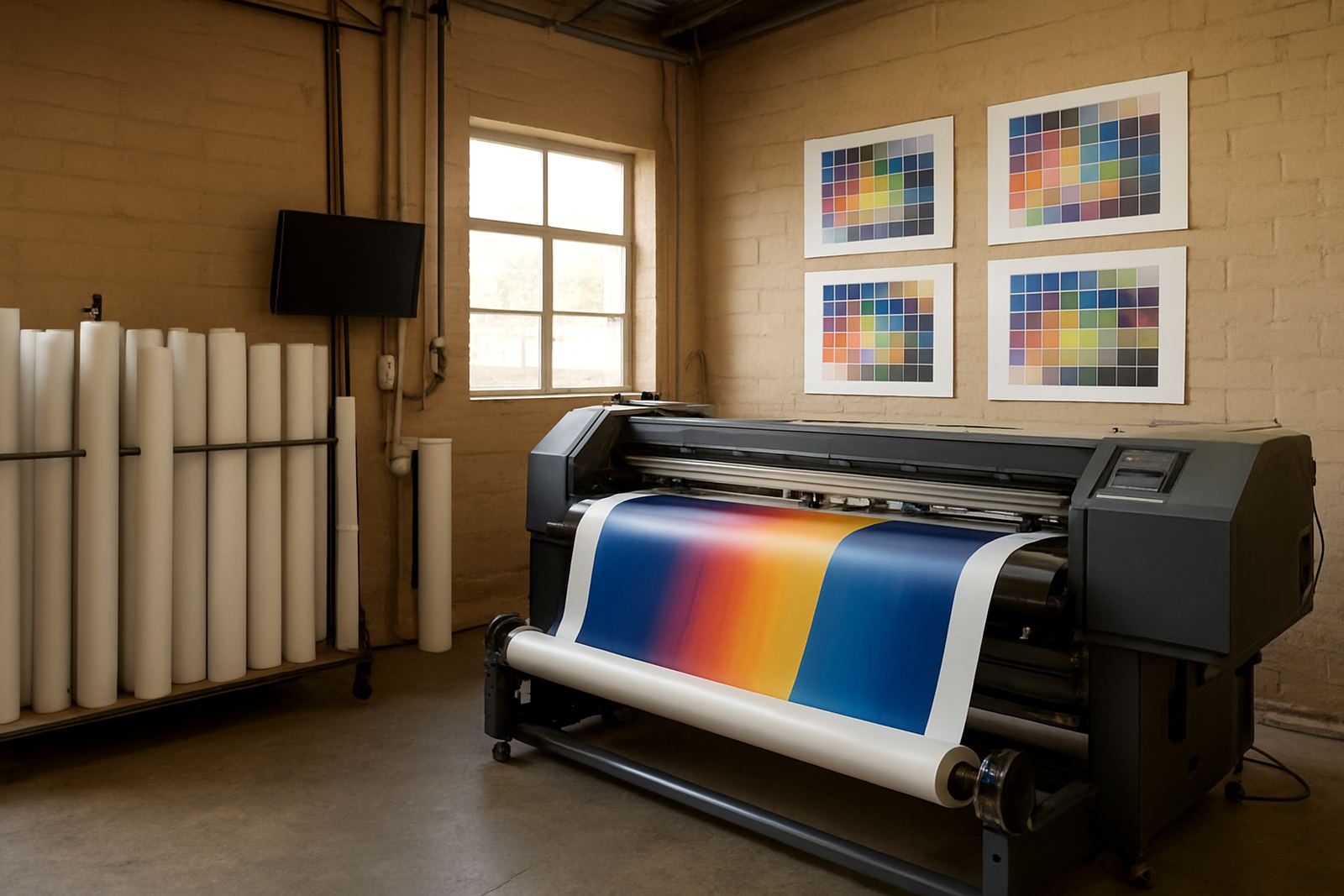
There was also the issue of colour consistency. The team had a few clients who expected repeat jobs to match closely from one month to the next, especially for retail notices and branch branding. On the media side, humidity affected storage and handling in the work area, so output checks had to happen before a whole run was sent through. That saved material and avoided the usual last minute panic when a sheet came off slightly out of line.
- Constraints: mixed equipment, staff turnover and intermittent power
- Output needs: cutter files, print files and repeat job templates
- Quality needs: consistent colour, correct sizing and clean nesting
- Environment: workshop handling affected by humidity and storage conditions
What we supplied and set up
We set up the software so the team could standardise common jobs and reduce manual rebuilding. That included template layouts for recurring sign formats, cutter-ready output rules, media nesting for efficient use of roll stock and output checks before a job was released. We also helped align the RIP queue so print jobs were grouped in a more practical order, which reduced stop start work on busy days.
Training covered the day to day tasks the team actually uses, not just the menu functions. We showed them how to prepare artwork for cut and print, how to check line weight and contour paths, how to manage output size for different substrates and how to keep a simple record of repeat settings. For the staff handling colour work, we reviewed profile use and basic workflow notes so the same job could be reproduced later with less guesswork.
- Software installation and licence activation
- Template creation for repeat signage formats
- Nesting setup for roll media and sheet use
- RIP queue organising for print production
- Colour workflow notes for repeat orders
Training over three weeks with live production examples
The rollout ran over three weeks. Week one was the install, setup and checks on their main production PC, followed by basic file handling with the team lead. Week two focused on live training using current jobs from the shop floor, including cutter setup help and print queue testing. Week three was support and correction, where we watched how the new process held up during real work and adjusted the templates where needed.
This approach worked because the Boksburg team did not need theory, they needed a working rhythm. We kept the sessions short and used the same stock sizes and artwork formats they already sell. That meant the staff could carry on with active jobs while still learning the new method. By the end of the third week, the team had a clearer handover process between design, output and finishing.
- Week 1: install, activation and setup checks
- Week 2: live training and cutter output testing
- Week 3: support, corrections and workflow tuning
- Training style: real jobs, not sample files only
Results seen after the new setup went live
The main result was a cleaner production path. Jobs moved from design to output with fewer corrections, and the team spent less time rebuilding layouts for repeat orders. Media use improved because nesting was set up properly, which helped on longer roll jobs and on board work with limited offcuts. The output checks also caught sizing and path issues earlier, so less material was wasted in the final stage.
The staff told us the new process made it easier to hand work between operators. That mattered because a sign shop often has one person designing, another loading media and another checking output. With clearer templates and naming rules, the handover was simpler and the chance of a wrong file being sent to the cutter dropped noticeably. It was not a flashy change, just a proper one, and that is what a working shop needs.
For repeat retail and industrial signage, they now have a better base for keeping files consistent from one run to the next. It also made annual planning easier because they can see when an older setup needs an upgrade or when a workflow review is due before a busy season.
What we would repeat for another Gauteng sign shop
If we were doing the same type of project again in Boksburg, Benoni or elsewhere in Gauteng, we would follow the same pattern. Start with live production issues, set up the most used templates first, then build the training around real jobs already in the queue. That keeps the staff moving and stops the project from becoming a long interruption to trading.
We would also repeat the habit of checking cutter files, print queue order and colour notes together rather than separately. In a sign shop, those three parts affect each other. If one is out, the whole job slows down. With a practical setup and clear support, the team can keep working even when the week is busy and the power is not ideal.
- Best practice: fix the most repeated jobs first
- Support method: short sessions with active production files
- Follow up: output checks after the first live run
- Planning note: review templates before peak trading periods
Key facts
| Client type | Sign shop with mixed cut and print production |
|---|---|
| Town | Boksburg, Gauteng |
| Timeline | 3 weeks from setup to support handover |
| Core work | Templates, nesting, RIP queue setup and output checks |
| Training | Live production training for design and shop floor staff |
| Outcome | Fewer reworks, better media use and cleaner job handover |