The brief from a busy Pinetown production floor
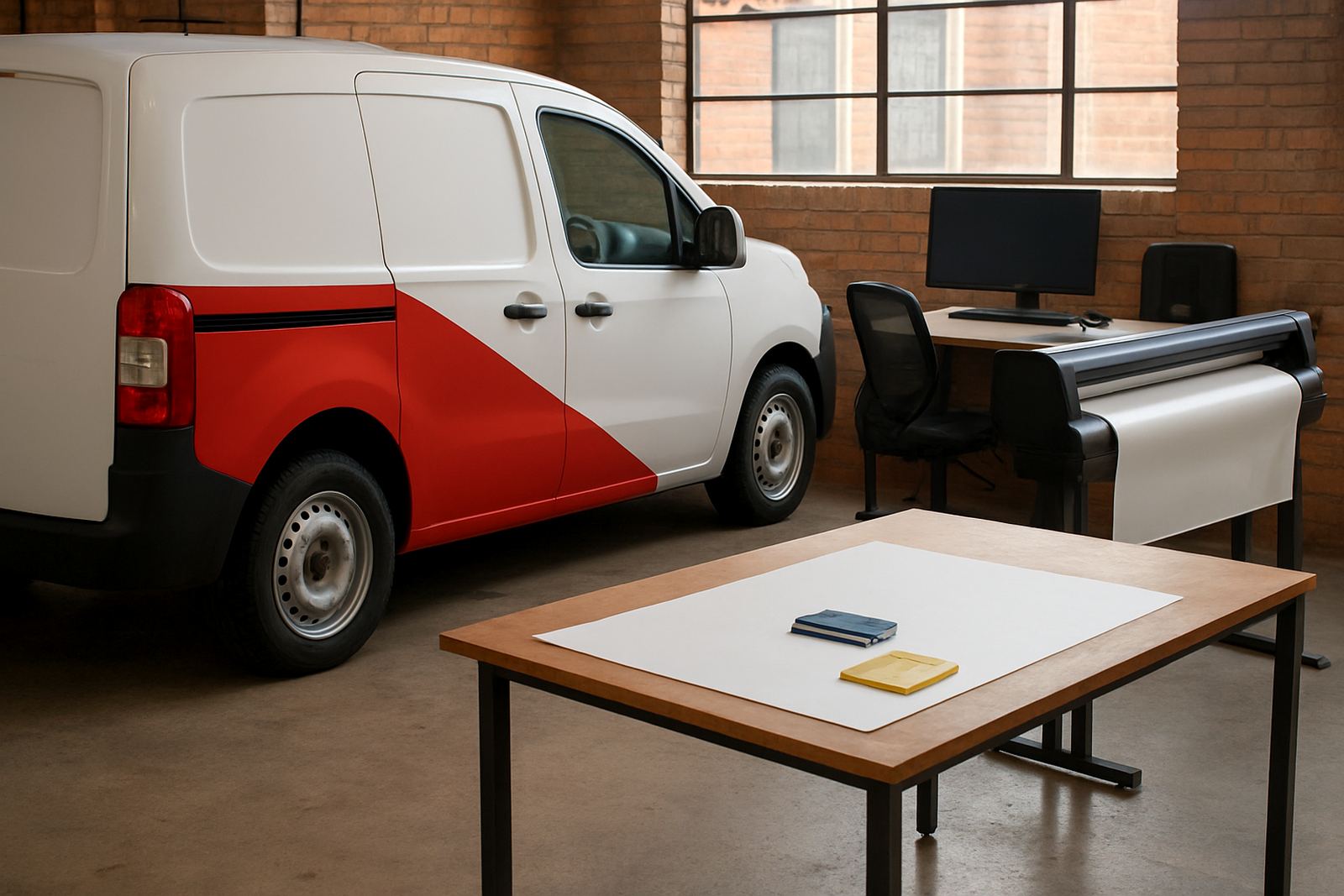
The client was a print and sign production team in Pinetown handling a constant flow of labels, vinyl work, signage panels and short-run print jobs. Their floor had grown fast, and the old process was costing time in job setup, colour tweaks and reprints. They needed one RIP workflow that could sit between design and output, and they wanted staff to be trained properly so the system would hold up on a busy week, not just on day one.
The brief was practical: install the RIP software, connect it to the existing production machines, create a cleaner job queue, and make sure the operators understood the basics of nesting, cut marks, colour control and file handover. The team also wanted support for new staff induction because their shifts changed often and one person missing should not slow the whole floor down.
- Client type: sign and print production floor
- Town: Pinetown, KwaZulu-Natal
- Work profile: mixed daily jobs with urgent turnaround items
- Main need: reliable RIP setup and staff training
What was getting in the way
The main challenge was not one big fault, but a chain of smaller issues that kept piling up. Jobs were arriving in different file formats, cutter output was not always lining up first time, and the colour output needed less guessing and more repeatable settings. On a floor like this, even a few wasted sheets per day adds up, especially when jobs are being pushed through before courier collection or same-day dispatch.
There were also physical site constraints. The production area had a mix of older and newer equipment, limited space around the machines, and a work rhythm that could not stop for long. Power interruptions are a normal part of life in South Africa, so the team needed settings that would survive load-shedding and a process that could be restarted quickly if a job was interrupted. Coastal humidity also meant media handling and storage habits mattered, particularly for vinyl and printed stock that had to stay flat and usable.
- Mixed files from different designers and customers
- Colour drift between repeat jobs
- Cut line and contour alignment issues
- Limited downtime for setup and testing
- Need for practical load-shedding recovery steps
Installation, activation and floor setup
We started with software installation and licence activation, then checked the machine connections and operator stations one by one. The RIP was configured to suit the floor’s day-to-day job mix, including presets for common media sizes, queue ordering, and output settings for both print and cutting work. Where the queue needed tighter control, we simplified the handover steps so operators could move from incoming file to output with fewer clicks and less room for error.
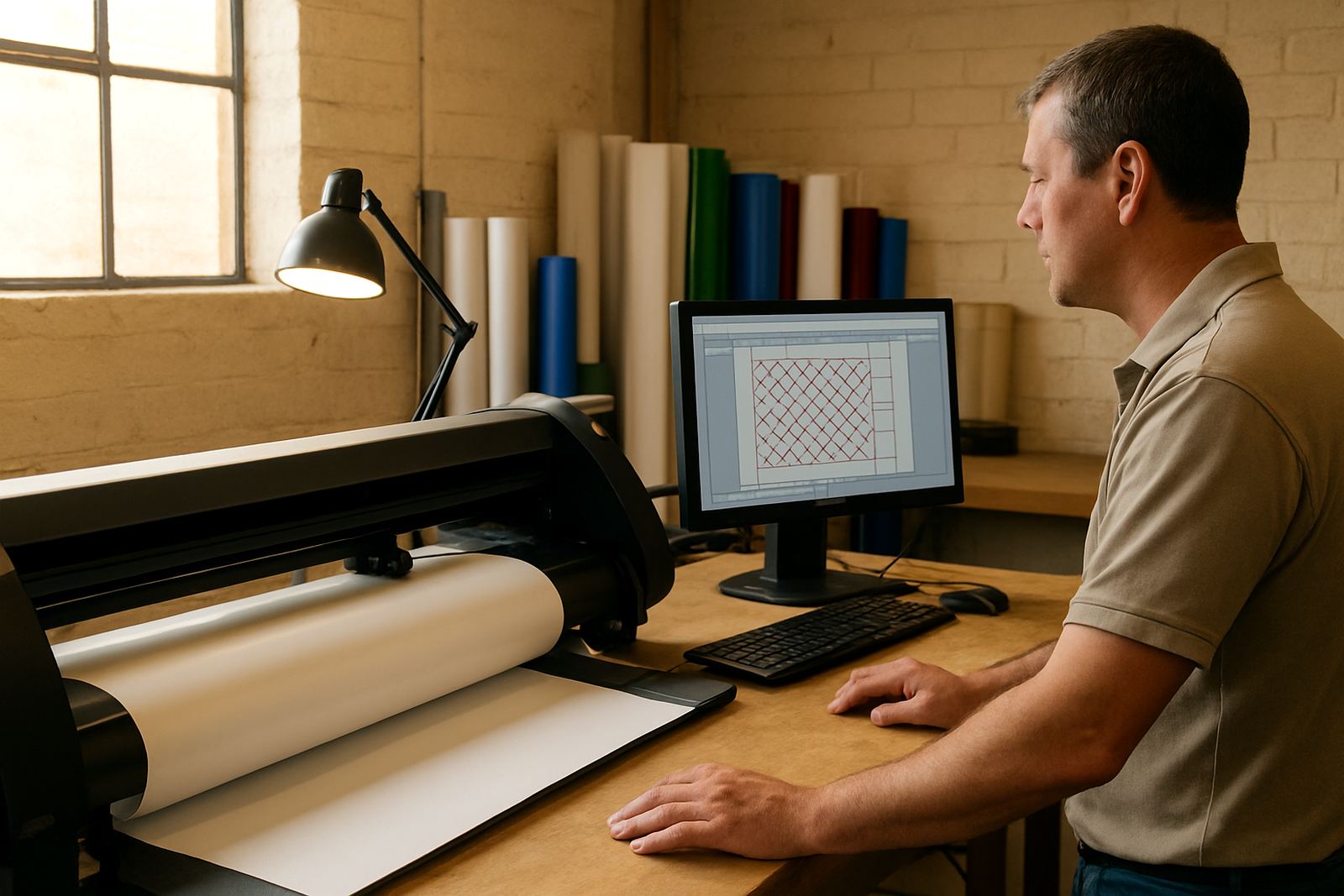
The colour workflow was set up to help the team keep repeat work consistent. That meant basic profiles, sensible defaults for daily production, and a cleaner process for deciding when a file needed adjustment before it went to output. We also helped with cutter setup so contour jobs could be processed with more confidence. The aim was not to overcomplicate the floor, but to make the software fit the way the team already worked, only better.
- RIP installation and licence activation completed on site
- Queue settings set for mixed print and cut work
- Colour workflow parameters aligned to daily production needs
- Cutter setup checked for contour and register accuracy
- Recovery steps explained for interrupted jobs
Training for operators, supervisors and new staff
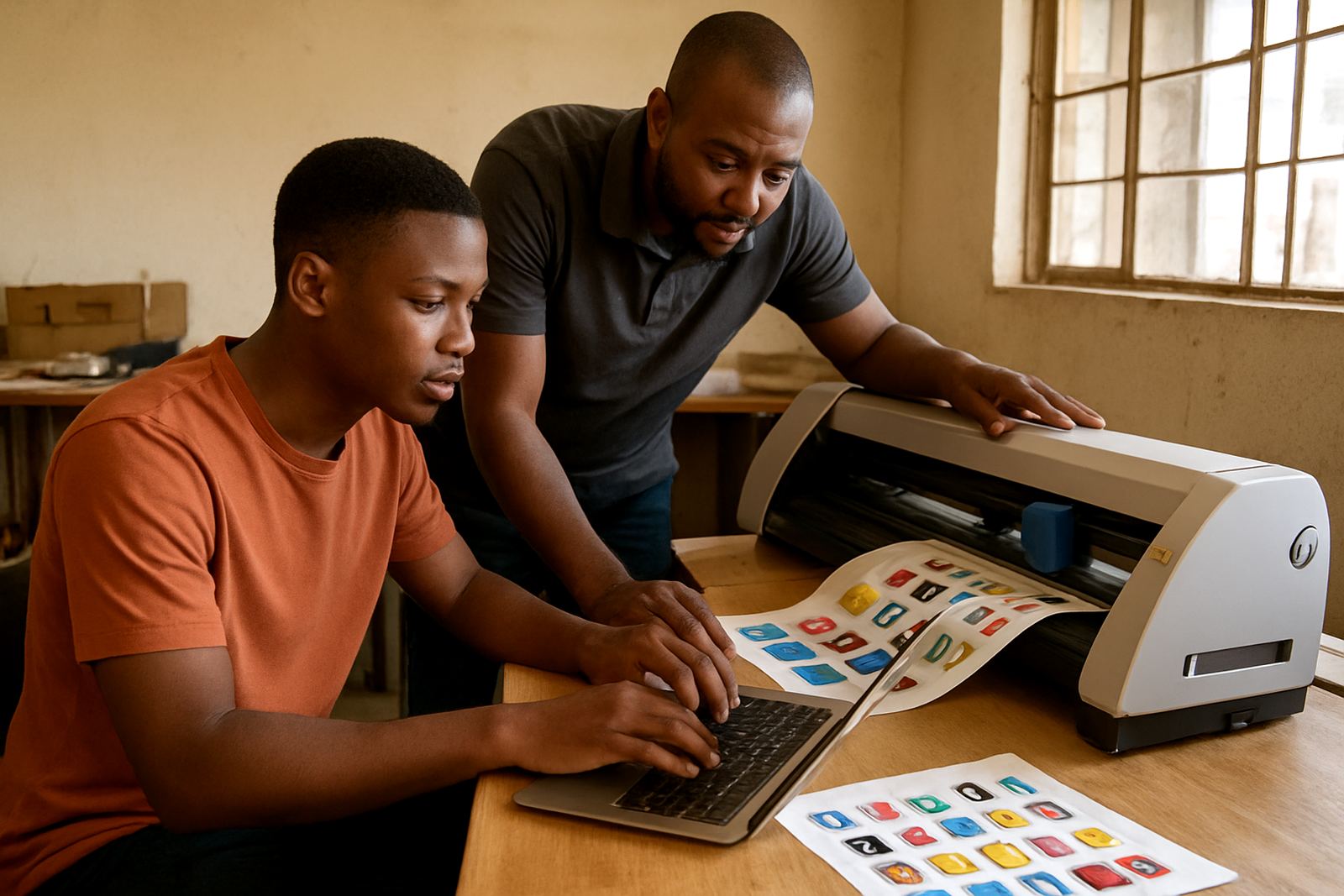
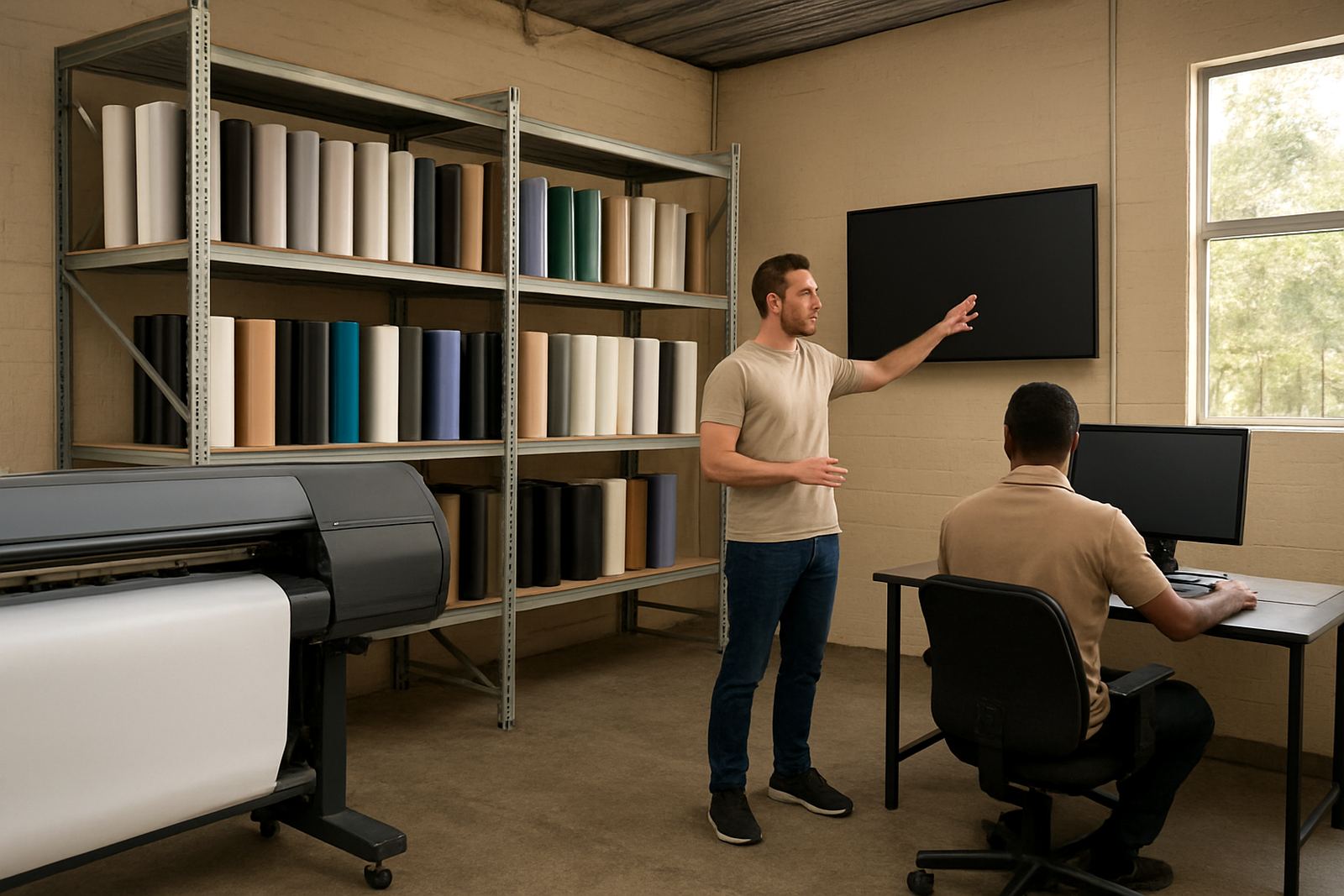
Training was split into short practical sessions so the operators could keep working while learning. We covered file preparation, queue control, basic RIP functions, cutter setup help, and how to spot problems before a job went too far. The supervisors were shown how to review output faster, and the team also received new staff induction notes so a new operator could be brought in without slowing the floor.
Because the team worked across different shifts, we kept the training direct and repeatable. That matters in a production room where one person may be fluent in the process and the next person only sees it once a week. We also spent time on colour management and job naming habits, since those little details are what keep a busy floor from getting tangled. A small mistake in setup can cost a whole roll, so the training was about confidence as much as skill.
- Training covered design handover, RIP queue use and output checks
- Supervisors were shown how to manage repeat jobs and reprints
- New staff notes were left for quick induction
- Colour management was explained in production terms, not theory only
Timeline and delivery over two weeks
The full project ran over two weeks. The first week focused on installation, activation and initial setup, with a follow-up visit for job testing and queue tuning. In the second week we worked through live production examples, adjusted a few presets, and watched how the team handled actual work under pressure. That approach helped us catch small workflow issues that only show up when the floor is busy and a job has to move fast.
We kept the handover practical. Instead of leaving the team with a thick pile of notes, we tested real files, corrected what needed correcting, and made sure the operators could repeat the same steps without help. By the end of the second week, the client had a working system that matched their production pace, with clearer output control and less back-and-forth at the machine.
- Week 1: install, activation, setup and first tests
- Week 2: live production support and workflow tuning
- Follow-up support available through the enquiry form on the contact page
Results on the floor after go-live
The biggest result was calmer production. Jobs moved through the RIP queue with fewer stops, the operators had clearer steps to follow, and repeat jobs became easier to match. The team saw better consistency on cutter output and a more controlled colour workflow, which reduced the number of avoidable reprints. On a floor that handles varied daily jobs, that kind of gain makes a real difference by the end of the week.
The client also gained a better way to bring in new staff. Instead of relying on one experienced operator to explain everything from scratch, the process could be handed over in a structured way. That matters in towns like Pinetown where production teams often work hard to meet tight deadlines and still need dependable systems when the lights go out or the order book changes at short notice. The setup was not flashy, but it was built for actual work and it held up.
- Less time wasted on job setup and repeat corrections
- Cleaner cutter output and better file handover
- More consistent colour handling across common jobs
- Faster onboarding for new operators
What we would apply again on a similar print floor
If we were doing the same project again for another busy production floor, we would keep the same order: install first, test with live jobs, train in short sessions, then return for fine tuning once the team has used the system under pressure. That sequence works because it respects the pace of a real South African print shop. You do not get perfect answers in a quiet room; you get them when the queue is full and the deadline is close.
We would also repeat the focus on practical colour control, cutter setup, and recovery after power interruptions. Those are the parts that protect time and material over months, not just during the handover week. For a site like Pinetown, where production must stay moving even when the day turns messy, that is the bit that counts. If the floor can keep working after a disturbance and the operators know exactly what to do, the software has done its job.
- Start with live production testing, not classroom theory only
- Keep the queue simple enough for shift work
- Plan for load-shedding and quick restart steps
- Leave the team with clear contact and support procedures
Key facts
| Project type | RIP installation and training for production floor use |
|---|---|
| Town | Pinetown, KwaZulu-Natal |
| Timeline | 2 weeks from setup to follow-up tuning |
| Scope | Software installation, licence activation, workflow setup, colour management and cutter setup help |
| Training format | Onsite training with shift-friendly sessions and new staff induction |
| Support model | Remote support and onsite visits available across South Africa |