Label room brief for a Centurion production team
The client was a small label and finishing team in Centurion handling repeat orders for product labels, asset tags and small promotional runs. Their daily work mixed barcode labels, short vinyl runs and cut jobs that had to line up properly on the cutter without wasting media or time. The brief was simple on paper: get the design and RIP side of the job under control so every operator could follow the same process.
They needed a setup that would work with a compact print room, limited floor space and a team that rotates between artwork prep, output and finishing. They also wanted a cleaner way to handle reprints, because older jobs were being rebuilt manually each time and that caused small changes in size, colour and cut position. In a label environment those small changes become expensive very quickly.
- Town: Centurion, Gauteng
- Job type: repeat label production and cut workflow
- Main output: barcodes, short runs and alignment-sensitive labels
- Focus: consistency, quicker reprints and fewer setup errors
Constraints on site and why they mattered
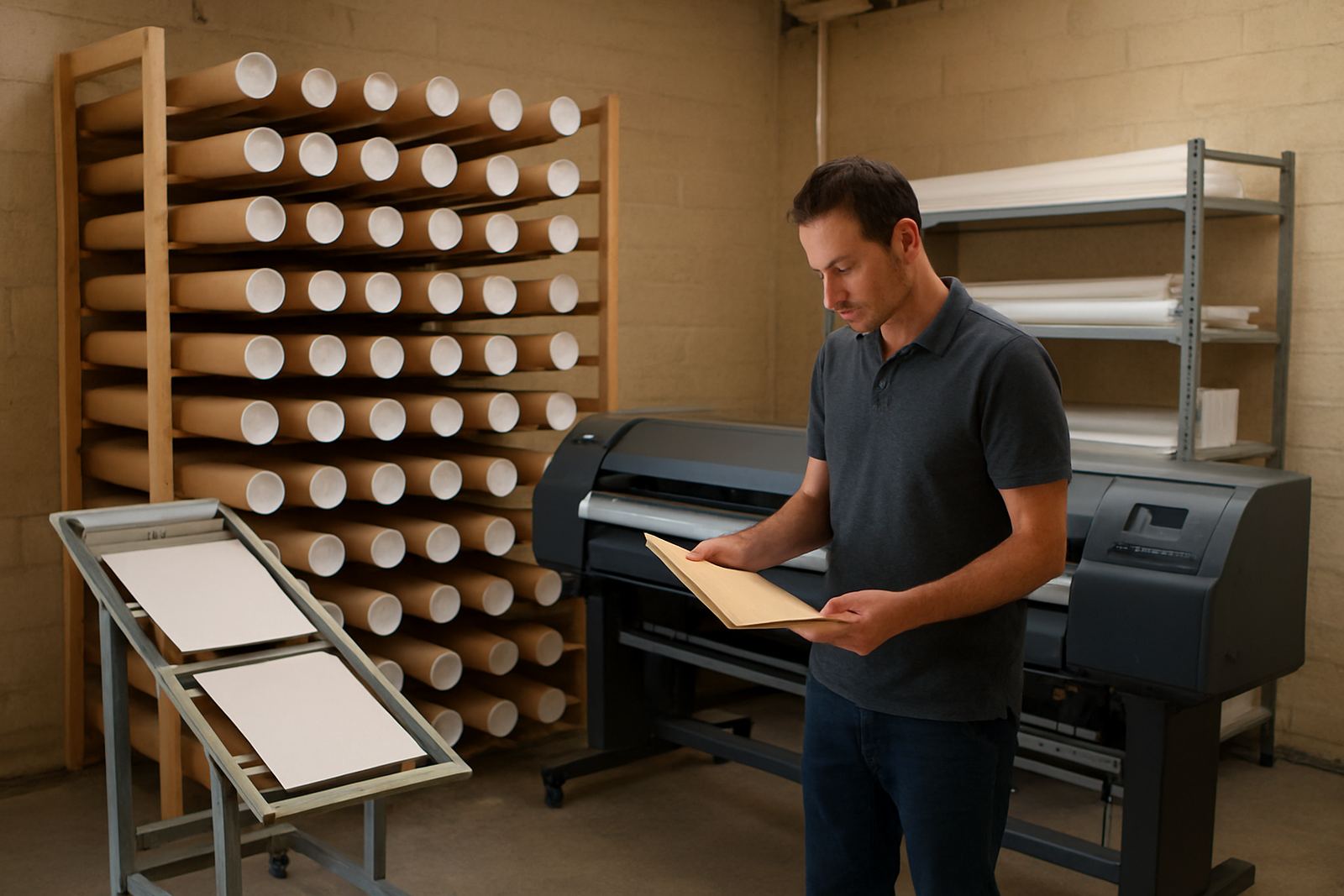
The space was tight and the printers sat close to the cutter, with one workstation doing most of the artwork prep and queue control. That kind of layout can work well, but only if the software settings are disciplined. There was not much room for trial and error, and the team could not afford long down time while they relearned the process after every update or staff change.
Another issue was the mix of jobs. Some labels were plain black barcode output, while others needed spot colours, registration marks and accurate cut paths. On a good day that is routine. On a bad day, when the power flickers or a file is handed over in the wrong format, it can quickly hold up the whole afternoon. We also had to keep the setup practical for Centurion conditions, where dry indoor air and seasonal dust can affect cutters, media feed and static build-up around vinyl handling.
- Short runs had to stay economical
- Barcode output needed clean contrast and repeatability
- Cut alignment had to stay accurate across batches
- The team needed a method they could repeat without supervision
Software setup, licence work and queue control
We supplied and configured the sign-making design and RIP software for the label unit, then activated the licence and matched the job presets to their actual production flow. The aim was not to add more buttons, but to remove guesswork. We created job presets for labels, barcodes and cutter output so common tasks could be started the same way each time.
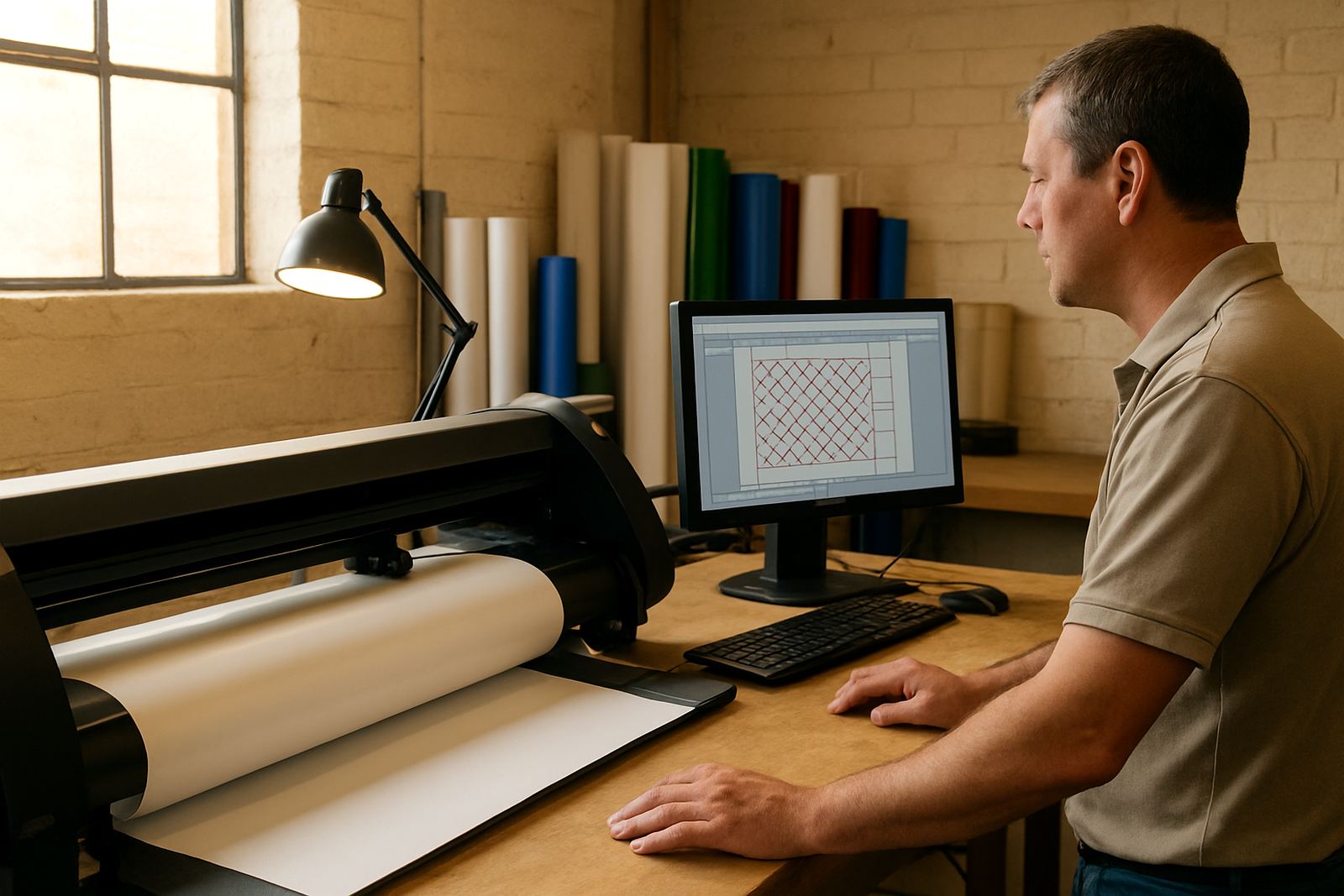
RIP queue settings were adjusted so jobs could be grouped by media type and output priority. That helped the team manage rush work without mixing slow colour jobs with fast black-only work. We also checked the cutter communication settings, which is often where small delays and alignment faults begin. Once those were stable, the operator had a cleaner handover from file prep to output.
- Licence activation and software registration
- Preset creation for repeat label work
- Queue setup for priority jobs and media changes
- Cutter setup help for reliable send and cut response
Colour control and repeatability for small labels
Although this project was not about large format display work, colour control still mattered. The client had a few branded labels that needed to look the same from one order to the next, especially where product names and warning blocks had to stand out clearly. We set a simple colour workflow so the team could manage black, rich black and limited-colour work without guessing.
We also tightened the file preparation steps for repeats. That included cleaning up cut paths, checking overprint settings and making sure the barcode areas stayed sharp after output. For a label unit, the real win is not a dramatic change in appearance. It is getting the same result on Monday afternoon that you got on Friday morning, even when the operator changes or the job comes back months later.
- Colour management for repeatable label output
- File checks for barcodes and fine text
- Cut-line verification before production runs
- Workflow notes for future reorders
Two-week rollout and hands-on training in Centurion
The full rollout took two weeks. Week one covered setup, activation, queue tuning and a live run through the main label types. Week two focused on training and handover, with staff shown how to open the right preset, check the cut path, send the job and confirm the output before moving on to the next task. We kept the training practical, using their own files rather than generic examples.
The team also wanted a plan for new staff induction, because label production often suffers when one experienced person carries all the knowledge. We built a simple internal process for that, including how to name files, where to save repeat jobs and how to avoid overwriting working presets. That way the unit can stay consistent even if one operator is away or shifts change.
- Week 1: install, licence activation and queue setup
- Week 2: live training, file review and handover
- Induction notes created for new staff onboarding
- Remote support path agreed for follow-up help
Results after the first production cycle
After the first production cycle, the team was able to handle repeat labels with less rework and fewer cut corrections. Barcode output became more predictable, and the operators had a clearer sense of which preset to use for which job. That reduced back-and-forth on the production floor and helped them move from one order to the next with less interruption.
The biggest result was not just speed. It was control. The team could now plan short runs better, avoid unnecessary reprints and keep a cleaner record of what had been used before. That matters in a Centurion business where production time is valuable and every small waste of vinyl, label stock or labour gets noticed quickly.
- Fewer manual rebuilds for repeat orders
- Cleaner barcode and cut output
- Shorter setup time for common label jobs
- Better use of stock and fewer avoidable reprints
What we would repeat on the next label project
If we were doing the same type of project again, we would keep the approach almost exactly the same: start with the job mix, simplify the presets, test the cutter path early and train the people who will use the system every day. That sequence works because it deals with the real production issues first instead of polishing the paperwork and hoping the floor catches up later.
For a compact label unit, the best results come from practical setup and steady support. Keep the queue clean, keep the file names sensible and keep the workflow easy enough that a new operator can follow it under pressure. That is how you get repeatable output in a shop that has to deal with busy weeks, power interruptions and changing customer demands without losing control of the job.
- Start with the production flow, not the software menus
- Build presets around actual repeat jobs
- Train the people who do the work every day
- Leave a clear support path for future adjustments
Key facts
| Project type | Compact label workflow setup |
|---|---|
| Town | Centurion, Gauteng |
| Timeline | 2 weeks |
| Main use | Repeats, barcodes and cut alignment |
| Services | Software installation, licence activation, workflow setup, cutter setup help, onsite training |
| Support model | Remote support and follow-up training available |