Parow Sign Centre Needed Better RIP Setup
The brief came from a sign centre serving Parow, Bellville and the wider northern suburbs, with work going out to retail fronts, vehicle graphics, estate signage and short-run print. Their design and RIP setup was still doing the job, but the operators were losing time to older workflows, inconsistent queue handling and a few habits that had crept in over the years.
They asked for a practical software upgrade, not a big theory session. The main goals were simple: open files quicker, send jobs to the cutter and printer with fewer mistakes, clean up colour handling across different stock types, and get newer staff up to speed without slowing the floor down. It was a working shop, so the plan had to fit around daily output and the reality of load-shedding, last-minute rush orders and the odd municipal delivery delay.
What we assessed before the upgrade
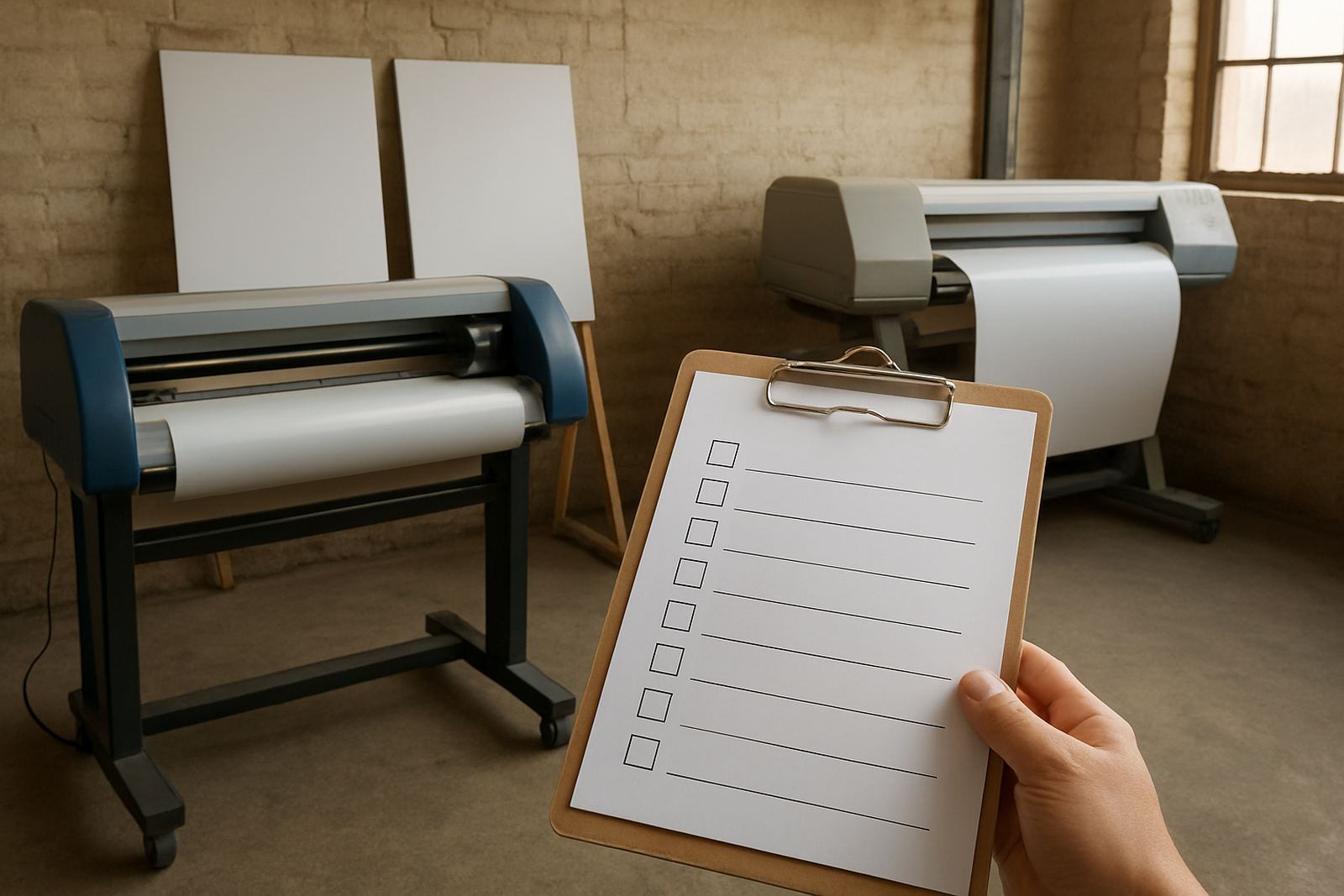
We started by checking the current setup, including the computer workstation, RIP queue structure, cutter connection path, file naming habits and the way the team handled repeat jobs. We also looked at the way their profiles were being used on glossy vinyl, matte films and printed self-adhesive media, because those materials behave differently in Cape Town humidity and in air-conditioned spaces.
The biggest risk was not the software itself, but the way the team had adapted around it. Some operators were saving steps in their own way, others were leaving older presets in place, and one or two jobs were being reworked twice because of colour mismatch or cutter settings that were not being carried through properly. That told us the solution had to include operator refresh training, not just a licence change.
- Existing RIP queues were carrying too many old presets
- Cutter settings were not matched to material width every time
- Colour handling differed from one operator to the next
- New staff needed a faster handover process
Software installation and licence activation
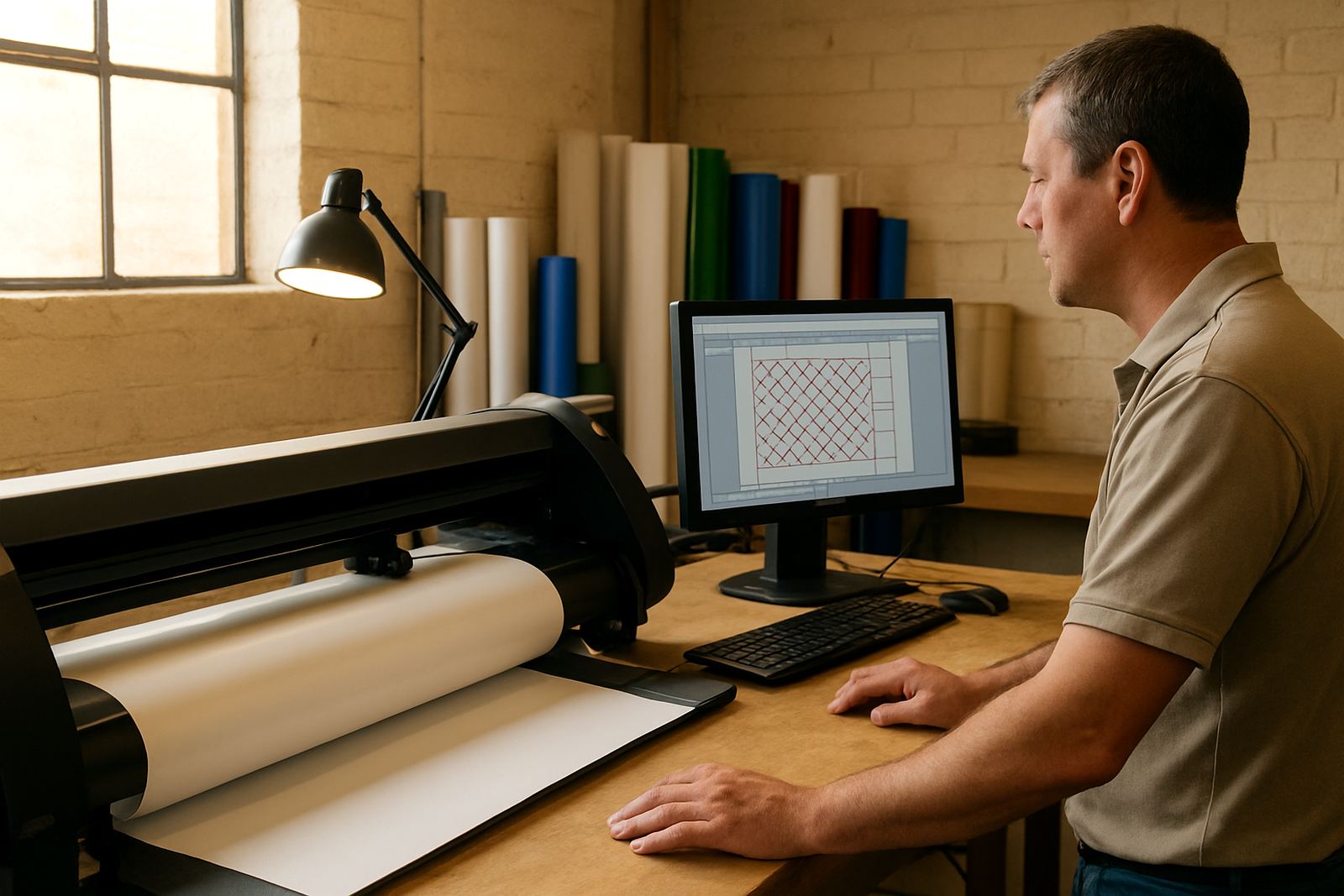
We carried out the installation in a controlled sequence so the production computer stayed useful through the handover. The licence was activated, the core modules were checked, and the queue settings were rebuilt around the shop’s current output mix. That included vinyl cutting, print and cut work, contour jobs and straight RIP output for flat graphics.
We also set the workspace up for quicker day-to-day use. Common tools were placed where operators could reach them fast, the file import process was simplified, and the team was shown how to keep artwork clean before sending it to production. A few existing shortcuts were retired because they were causing confusion. Nothing dramatic, but it saved time from the first day and reduced the number of small errors that usually add up by lunch.
- New licence activated and verified
- RIP queues reorganised for daily job types
- Cutter output checked against material width and blade settings
- Import and send-to-production steps simplified
Operator refresh training on the shop floor
The refresher training was done with the people who actually run the jobs, not just the supervisor. We covered the full path from artwork check to output, with a strong focus on repeatability. Operators were shown how to spot file issues before they hit the RIP, how to manage job nesting sensibly, and how to keep queue names clear enough that the next person on shift could pick up without guessing.
We kept the training practical and worked through their own sample files, including signage for panels, decals, shop fascias and promotional boards. That made the learning stick much better than a general demo would have. By the end of the session the team was handling reprints more confidently and using fewer trial runs, which matters when material is expensive and delivery time is tight.
It also helped that we set aside time for new staff induction points, so the centre now has a repeatable way to bring in another operator if volumes rise. One small tweak to the workflow made a big difference: jobs were grouped by machine type before output, which cut down on mix-ups.
Colour management and cutter setup details
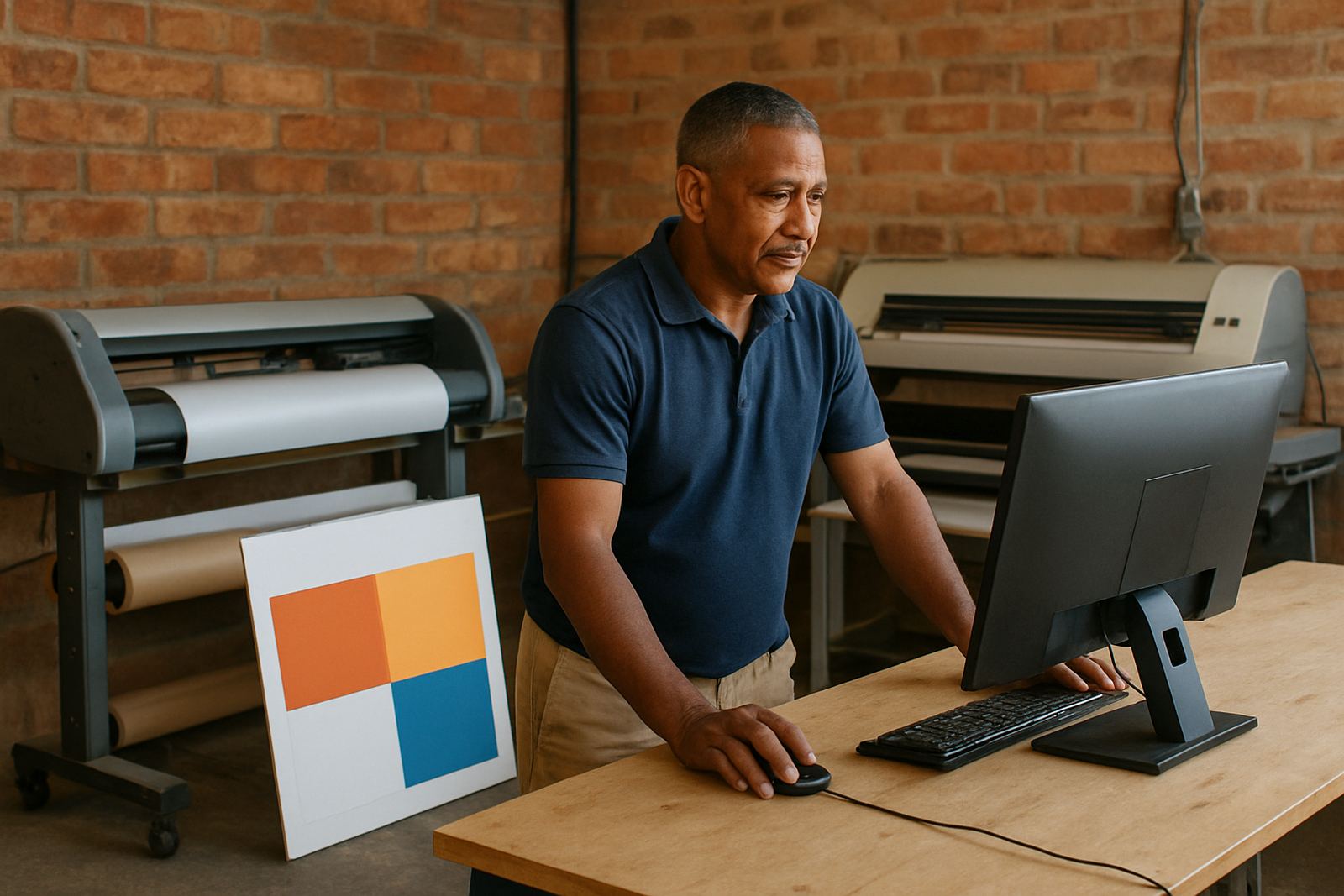
Colour work was a key part of the brief. The client needed more predictable output across different media, especially when moving between indoor prints and daylight-facing signage. We adjusted the colour workflow, reviewed profile use and aligned the RIP settings so the team could get steadier results without constant manual correction.
The cutter setup got the same attention. Blade depth, feed behaviour and contour alignment were checked, then matched to the material they use most often. That is important on a busy floor because a small setting drift can waste metres of vinyl before anyone notices. We also discussed how temperature changes and coastal moisture can affect material handling, particularly during winter mornings and after a power cut.
- Colour workflow reviewed for repeatable output
- Profiles matched to the shop’s most used media
- Cutter alignment and feed path checked
- RIP queue optimising reduced wasted media
Timeline, support and the result after two weeks
The work ran over two weeks in stages. Week one covered assessment, installation and licence activation. Week two focused on operator refresh training, workflow tuning and follow-up support while the team used the updated setup on live jobs. That staggered approach kept disruption low and gave the shop time to settle into the new habits without stopping production.
By the end of the second week the centre had a cleaner handover process between operators, faster queue management and fewer colour corrections on repeat runs. The staff reported less uncertainty when sending jobs through, and the supervisor had a clearer view of what was in the queue at any given time. The result was not just a newer version on the screen, but a better working rhythm on the floor.
What we liked most was that the change stuck. The team did not need a lot of chasing after the handover because the new setup was built around how they already work, just more neatly. That is usually the difference between a software update that looks good and one that actually helps on Monday morning.
What we would do again for a busy sign centre
If we were doing the same project again for another Parow or Cape Town sign centre, we would follow the same pattern: assess the live workflow first, upgrade in stages, and train the people who are on the machine every day. That keeps the changes practical and avoids the common mistake of overcomplicating a shop that just needs clearer settings and better control.
We would also keep a close eye on support planning after the handover. A sign centre that is producing under pressure needs a direct route for help when a queue gets stuck, a licence needs checking or a new staff member needs a quick run-through. That is where ongoing support and a sensible annual plan make sense, especially for shops working through seasonal spikes, municipal compliance jobs and retail deadlines.
- Start with the live production process, not just the software version
- Keep the upgrade in stages so the floor keeps moving
- Train operators on their own files and real job types
- Build in support for the first few weeks after the handover
Key facts
| Project type | Software upgrade and operator refresh training |
|---|---|
| Client location | Parow, Cape Town |
| Timeline | 2 weeks |
| Services used | Software Installation, Licence Activation, Remote Support, Onsite Training, Workflow Setup, Colour Management, Cutter Setup Help, RIP Queue Optimising |
| Key systems | Design software, RIP queue, vinyl cutter workflow, print and cut output |
| Outcome | Cleaner queues, steadier colour handling, faster operator handover and fewer rework cycles |