Why the Midrand team needed tighter print control
The client was a busy print room in Midrand handling short-run signage, labels and vinyl work for local commercial customers. Their team had more than one operator sending jobs into the same production line, so artwork names, queue order and media settings were being managed by hand. That was workable for a while, but once the jobs increased it started causing delays, colour drift and avoidable waste.
The brief was clear. They wanted one central RIP workflow that could prioritise urgent work, keep repeat jobs consistent, and help the operators stop guessing at colour settings. The team also needed a proper handover because a few staff members were new to print production and had not yet worked with queue-based RIP control or profile-based output. The site was running on a standard office network with a mix of Windows workstations, and the print room had to keep moving during business hours, so any setup had to happen without shutting the room down for long.
- Location: Midrand industrial area
- Client type: In-house print room for signage and display work
- Main pain points: queue confusion, repeat print mismatch, slow handovers
- Production mix: vinyl graphics, poster work, cut vinyl and small display runs
What we mapped before touching the software
We started with a full workflow check. That meant looking at how jobs came in, who named them, which operator processed them, how artwork moved from design to RIP and how the printer and cutter were being used together. We also checked the media library, the current colour settings and whether the team had a proper fallback plan if a file needed to be reprinted after hours.
On site, we found that the queues were being used more like a holding tray than a production tool. Jobs were waiting in the wrong order, some repeat files had slightly different output because settings had been changed locally, and the cutter was often set up after the print had already been completed. That added extra handling and made finishing slower than it needed to be. One of the main constraints was space, because the print room had a narrow work aisle and limited room around the finishing table. Another constraint was time, since the team still had to keep taking live orders while we worked.
- Queue control needed to be standardised across operators
- Colour profiles had to be refined for repeated media types
- Cutter setup had to line up with print production, not happen as a separate step
- The room needed a workable process for load shedding and restart recovery
What we supplied and configured
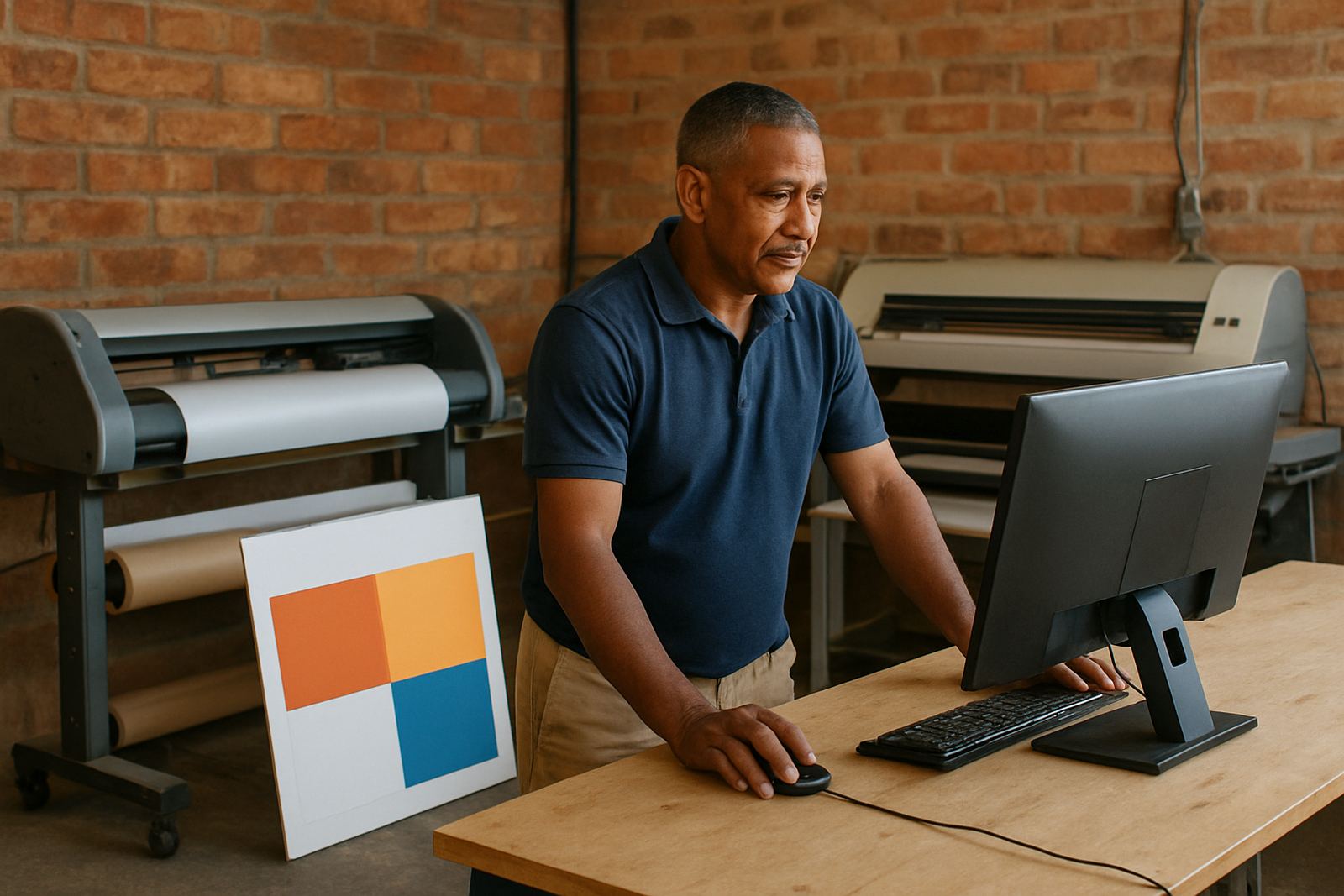
We handled the software installation, licence activation, workflow setup and RIP queue optimising as one package. The print room needed a cleaner job path from design to output, so we created a queue structure that separated urgent work, repeat work and batch runs. We also set naming rules for incoming files so the team could find the right job fast, even when several orders came in before lunch.
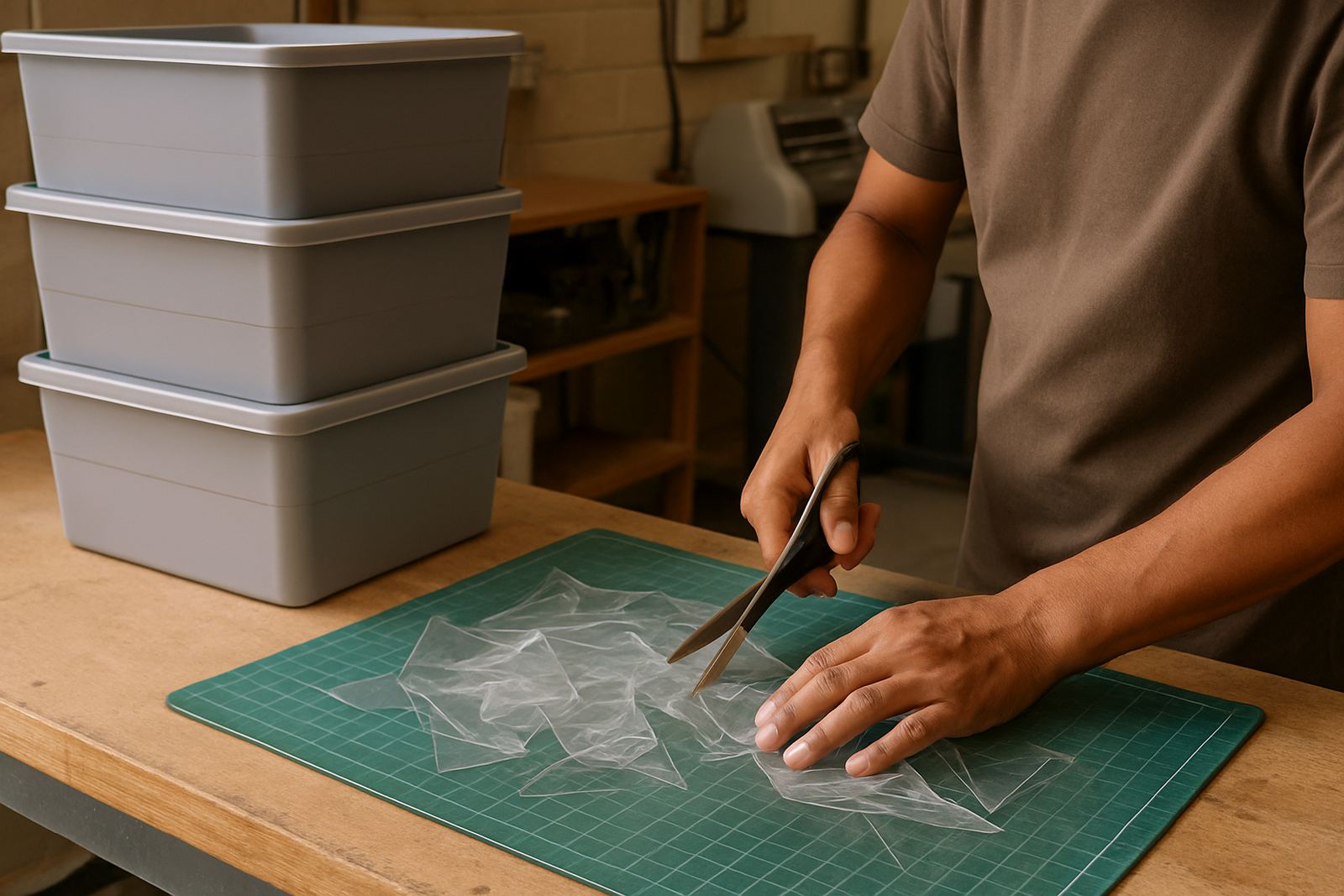
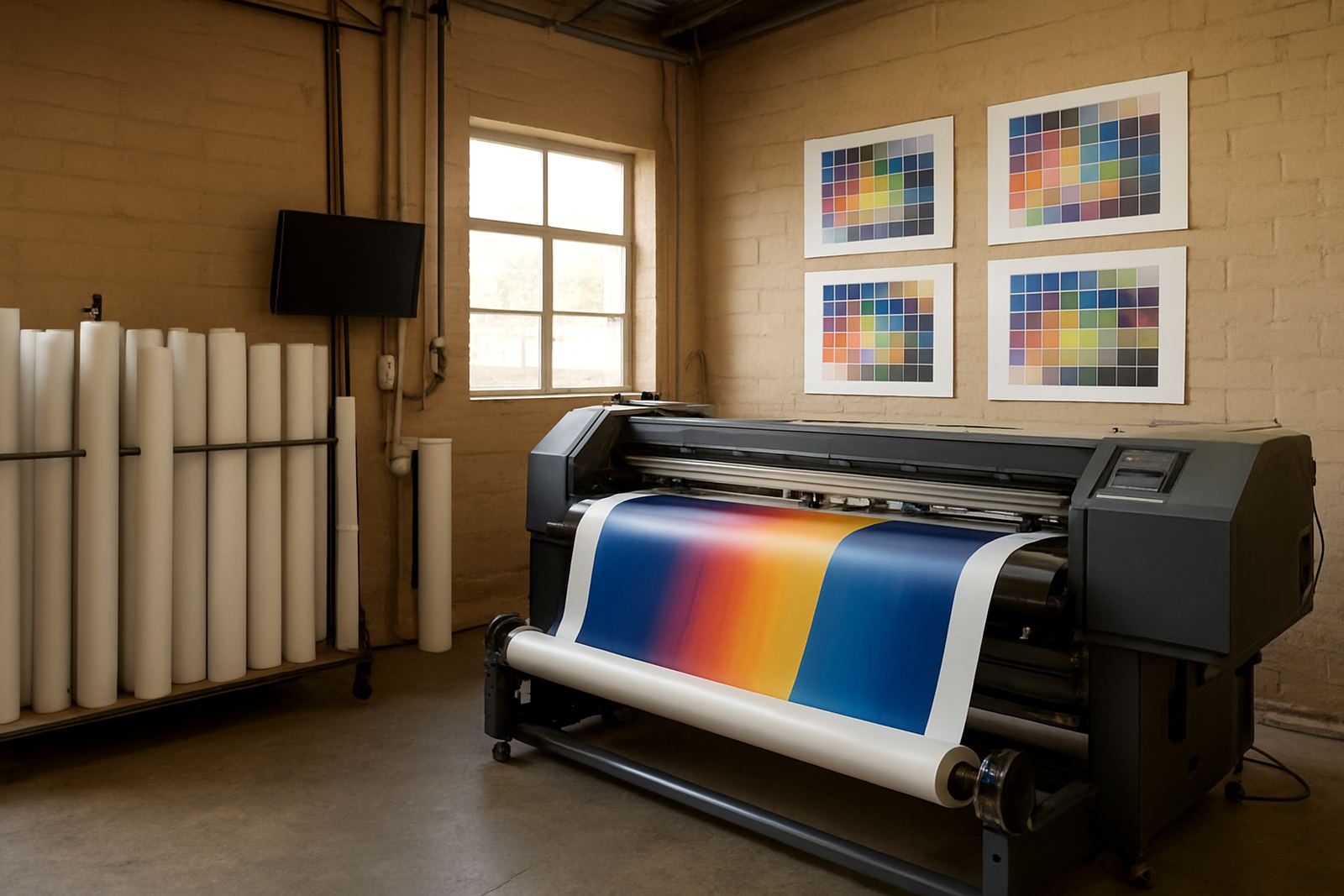
For colour management, we refined the profiles for the main media types used on site, including coated print stock, self-adhesive vinyl and common banner material. We checked ink limits, drying behaviour and black generation so the prints would hold their colour better across different jobs. The cutter setup help included registration checks, contour cut alignment and a simple method for matching print and cut files without wasting media. The team also asked for upgrade planning advice, so we reviewed the current version and mapped what should be updated first and what could stay in place for now.
- RIP queue control for urgent and repeat jobs
- Colour profile refinement for three common media groups
- Cutter setup help and alignment checks
- Licence activation and version review
- Workflow setup for file naming and handoff steps
Training the operators without stopping production
The job was completed over three weeks. Week one covered the initial audit, installation and queue structure. Week two focused on colour workflow, test prints and cutter alignment. Week three was for handover, staff training and fine-tuning the settings once the team had used the new process on live work. The idea was not to overwhelm the room with theory. It had to be practical, with each person learning the steps they would actually use during the day.
We ran onsite training for the core operators and then followed up with remote support for the support questions that came up once production settled in. The new staff induction section covered file checks, queue placement, repeat-job handling and basic troubleshooting when a job pauses or a cutter mark is not reading correctly. We also explained how to keep things stable during power interruptions so the team could restart without losing the whole queue. The operators picked up the process quickly once they could see the same settings being used across the different machines, which cut down on guesswork quite a bit.
- Timeline: 3 weeks from audit to handover
- Training format: onsite sessions plus remote follow-up
- Staff trained: operators, supervisor and new joiners
- Support focus: reprints, queue handling and restart steps after load shedding
Colour results and production gains after handover
After the setup, the team had better control over repeat work and less variation between print runs. The colour profiles made the output more predictable, especially on jobs that needed a second run days later. They no longer had to keep adjusting settings on the fly, which saved time and reduced waste. The cutter alignment also improved, so finishing moved faster and there were fewer spoiled sheets from offset cutting or missed contour marks.
The biggest day-to-day gain was better queue discipline. Instead of every operator working differently, there was now a clear way to handle urgent jobs, batch output and repeats. That helped the room stay organised during busy periods, including afternoons when work would come in from sales or design. The print room also had a better plan for ongoing support, which made it easier to keep the setup steady as staff changed and order volumes shifted. The client told us the room felt more settled, and in a print environment that matters more than people think.
- More consistent repeat colour across standard media
- Less wasted material from incorrect queue handling
- Faster handoff from print to cutting
- Clearer process for new staff and temporary cover
What we would repeat on the next Midrand site
If we were setting up another Midrand print room tomorrow, we would follow the same structure. Start with a workflow audit, then standardise the RIP queues, then tune the colour profiles once the real production media is known. That order matters because it keeps the setup grounded in what the room actually prints, not what the menu says it should do. We would also keep the training short and hands-on, because people remember the steps better when they are working on their own jobs.
For larger rooms, we would add a more formal annual support plan so the profile library, licence status and operator process can be reviewed before problems build up. We would also keep the restart procedure simple for load shedding days, especially in facilities that run on shared power and cannot afford a long stop-start recovery. Midrand has plenty of commercial print activity and the pace can get hectic, so a stable RIP and colour workflow gives the team a proper base to work from.
- Repeat the setup with an audit first, not after installation
- Keep queue rules simple enough for new staff to follow
- Review colour profiles whenever media or ink changes
- Build in restart steps for outages and after-hours reprints
Key facts
| Project town | Midrand |
|---|---|
| Project duration | 3 weeks |
| Core focus | RIP queue control and colour profile refinement |
| Services used | Software Installation, Workflow Setup, Colour Management, Cutter Setup Help, Onsite Training |
| Operating environment | Windows-based print room with live daily production |
| Output types | Vinyl graphics, poster work, cut vinyl and small display runs |