The brief from a busy Gqeberha label room
The client was a label production team in Gqeberha handling short runs, re-orders and seasonal batches for local manufacturers, packers and trade resellers. Their main problem was not a lack of work, it was the time lost when each job had to be rebuilt, checked and adjusted before printing. Files came in from different sources, cut marks were inconsistent, and the team needed a cleaner method for repeat jobs and version control.
They asked for a setup that would work with their existing vinyl cutter, their wide format print process and their daily need for fast turnarounds. Coastal humidity was also part of the picture, because labels stored in the room could curl or shift if the workflow was not managed properly. The aim was simple: fewer errors, less operator guesswork and a repeatable system that new staff could follow without stress.
- Town: Gqeberha
- Client type: Label workshop and print service provider
- Main need: Repeat job handling with clean cut paths and file structure
- Environment: Coastal conditions, frequent short runs, mixed file sources
What we supplied for the production workflow
We supplied sign-making design and RIP software with licence activation, then mapped the workshop process from artwork intake through to output. The setup included job naming rules, folder structure, cutter registration support and a RIP queue that separated test pieces from live production. We also helped them standardise cut marks, bleed settings and spot colour handling so each operator could open the same file and get the same result.
Our work was practical and focused on day to day use. We did not overcomplicate the room with extra steps. Instead, we built a workflow that matched the way the team already worked, but with better control at each stage. That meant the print operator, cutter operator and production lead could all use one system without the usual back and forth.
- Software installation and licence activation
- Workflow setup for labels, stickers and repeat batches
- Cutter setup help with registration and feed checks
- RIP queue optimising for short runs and grouped jobs
- Colour management for mixed substrates and reprints
Constraints we had to work around
The biggest constraint was time. The workshop could not shut down for a long installation, so we planned the work around live production windows and kept the changeover tight. They also had a mix of older and newer file formats, which meant we had to check artwork behaviour carefully before the first live jobs went through. Some labels were small enough that even a slight shift in cut marks would waste material, so we tested alignment at different speeds and output sizes.
Power interruptions were another factor, especially during load-shedding periods when the team needed to restart work without losing job settings. We set up the workflow so saved presets, repeat templates and queue settings could be recovered quickly after a shutdown. That kind of prep matters in a workshop that cant afford to rebuild jobs from scratch at 6pm when orders are due the next morning.
- Live production could not stop for long
- Mixed artwork sources needed checking before output
- Small labels required accurate cut and bleed settings
- Power interruptions meant recovery planning was essential
Training for the people who run the room
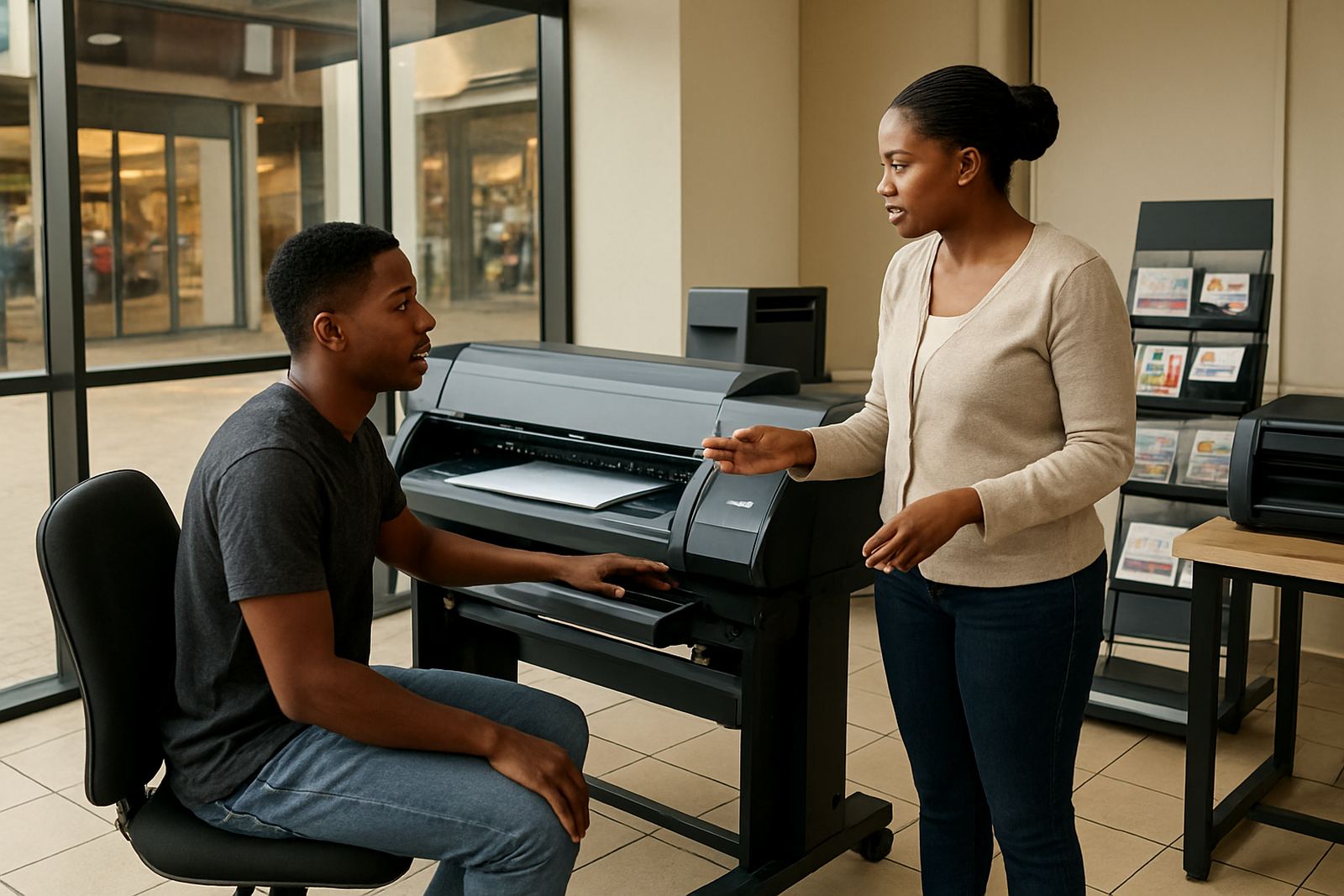
Training was a key part of the project because the workshop wanted a setup that would hold up even when different staff members were on shift. We ran sessions on file preparation, queue handling, cutter setup, repeat job recall and basic colour control. Sifiso led the practical training side, with Liezel handling support follow up after the live sessions. The team also got guidance on how to pass jobs between design, print and finishing without losing cut marks or version notes.
We kept the sessions hands on and direct. People worked on their own sample jobs, checked the output, then adjusted the settings themselves so they could see what changed. By the end, they had a clear routine for reprints and a better way to handle urgent label orders when someone was off sick or the day got busy.
- New staff induction on the core workflow
- Repeat job recall and version naming
- Cut mark checking and registration steps
- Basic colour matching for reprints
Timeline and rollout in weeks
The project ran over three weeks from first planning to handover. Week one covered needs review, file audit and the software plan. Week two covered installation, licence activation and queue setup. Week three covered onsite training, test output and final adjustments to the cutter and RIP workflow. This staged approach kept the workshop running while we changed the process underneath it.
Because the team wanted limited downtime, we split the practical setup into smaller tasks instead of doing everything in one block. That made it easier to catch issues early, especially with repeat jobs that had already been saved under old naming patterns. The final handover included a simple workflow sheet for the team to use at the print station.
- Week 1: Review, planning and file audit
- Week 2: Installation, activation and queue setup
- Week 3: Training, test runs and final sign-off
- Handover: Workflow sheet for daily use
What improved after the setup
The workshop started handling repeat orders with less rework because files were stored in a cleaner structure and the cut settings were tied to the job type. That cut down on wasted media and reduced the time spent checking old artwork. The RIP queue was easier to manage too, especially for grouped label runs where the team needed to print one batch, pause, then move to another without losing the setup.
They also gained better consistency on reprints, which mattered for customers who expected the same label size and colour across multiple orders. The cutter behaviour was steadier, the team had a clearer naming system, and the workshop could take on urgent local jobs with more confidence. In practical terms, the room became easier to run when staff changed over or when a job had to be picked up after hours.
If we were doing the same job again, we would start with the file structure first, then build the RIP and cutter settings around that. In a label workshop, the files are the job, so if they are tidy from day one the rest of the process behaves properly.
- Less rework on repeat jobs
- Cleaner file structure for faster job recall
- More consistent cut marks and output settings
- Better handling of urgent reprints and batch runs
Key facts
| Project type | Label workshop setup |
|---|---|
| Town | Gqeberha |
| Timeline | 3 weeks |
| Core focus | Repeat jobs, cut marks and clean file structure |
| Supplied services | Software installation, workflow setup, cutter setup help, onsite training |
| Key result | Faster reprints with less waste and more consistent output |