What the Durban kiosk needed to do
The client was a small retail print operation in Durban serving walk-in customers who wanted same-day labels, window decals, shelf strips and simple point-of-sale signs. The team did not need a large production room. They needed a practical setup that could fit in a kiosk style space, run quietly enough for an open retail area and keep jobs moving even when the mall was busy and the power supply was not always predictable.
The brief was clear. They wanted reliable print production for short runs, clean colour output and a process that did not depend on a highly skilled operator for every job. The client also wanted a system that could handle frequent artwork changes, reprints and quick price label updates without wasting media or slowing down the counter. In Durban, humidity is part of daily life and vinyl can curl or shift if storage is poor, so media handling was also part of the plan.
- Fast turnarounds for labels, decals and POS signs
- Compact footprint for a kiosk style retail area
- Simple operator workflow for daily use
- Stable output in warm, humid coastal conditions
Space, power and turnaround limits
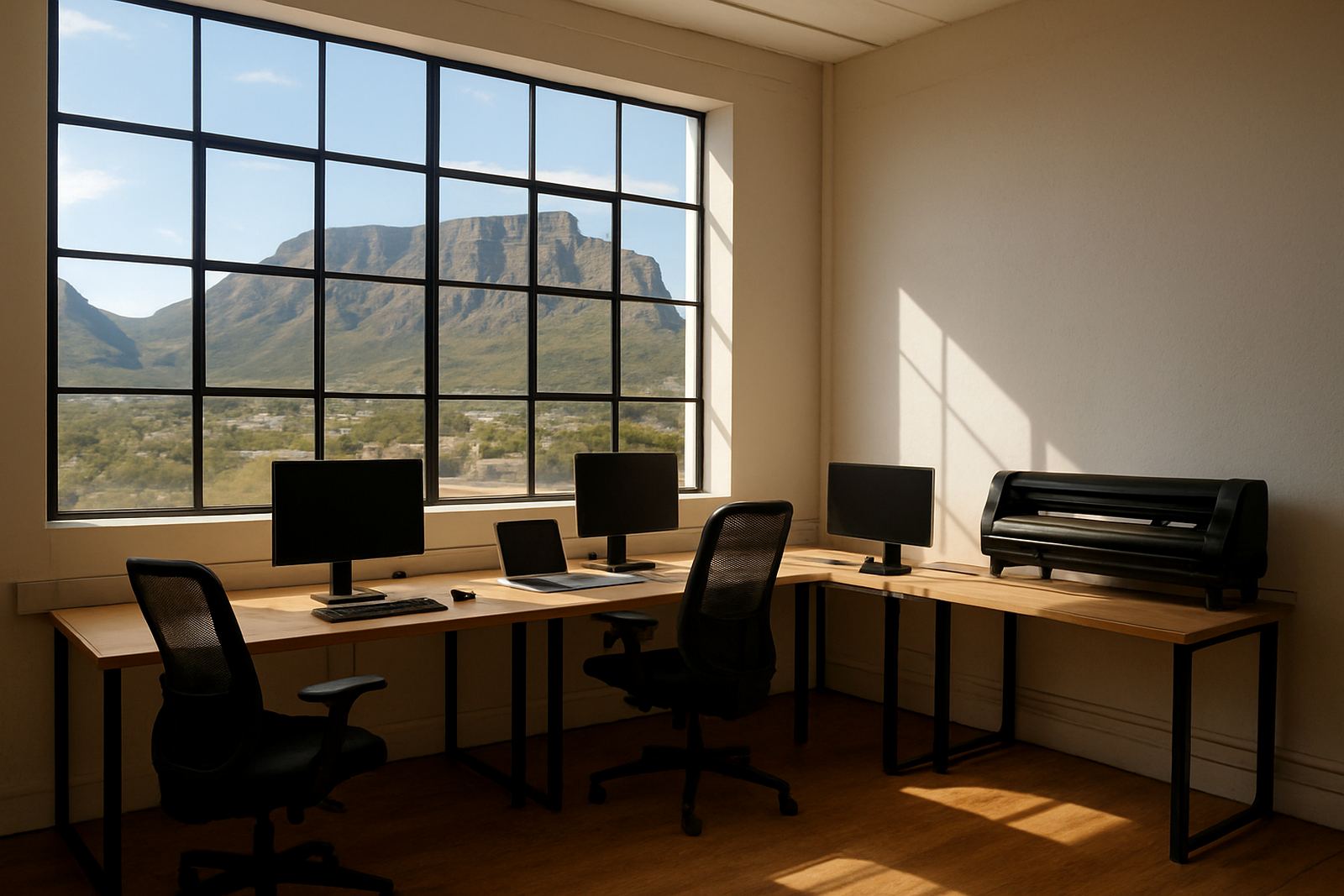
The biggest constraint was floor space. The client had just enough room for a small work table, a cutter stand and one print station, with storage under and beside the counter. There was no spare room for a separate prepress area, and staff had to work around live customer foot traffic throughout the day. That meant the software setup had to be tidy, fast to learn and easy to support remotely if needed.
Power stability was another concern. The store had already experienced load-shedding interruptions, so we planned for proper save points, orderly shutdowns and a queue setup that would not corrupt jobs if the power dropped. We also factored in municipal retail rules around sign visibility and mall management approvals for window decals and temporary specials, so the workflow could handle compliant sizing and quick changes without last-minute panic.
Because the team served daily retail customers, they wanted a short implementation window. We worked to a three week timeline from site review to go-live. That gave enough time to check equipment compatibility, prepare the RIP settings, load the staff training and test sample jobs before opening the system to the public.
Software installation and RIP setup
We supplied and configured the sign-making design and RIP software for the kiosk workflow, then set up the print queues for small retail jobs, decal sheets and cut-ready artwork. The installation included licence activation, colour workflow setup and a cutter communication check so the operator could send print-and-cut jobs without stopping to adjust settings for every file.
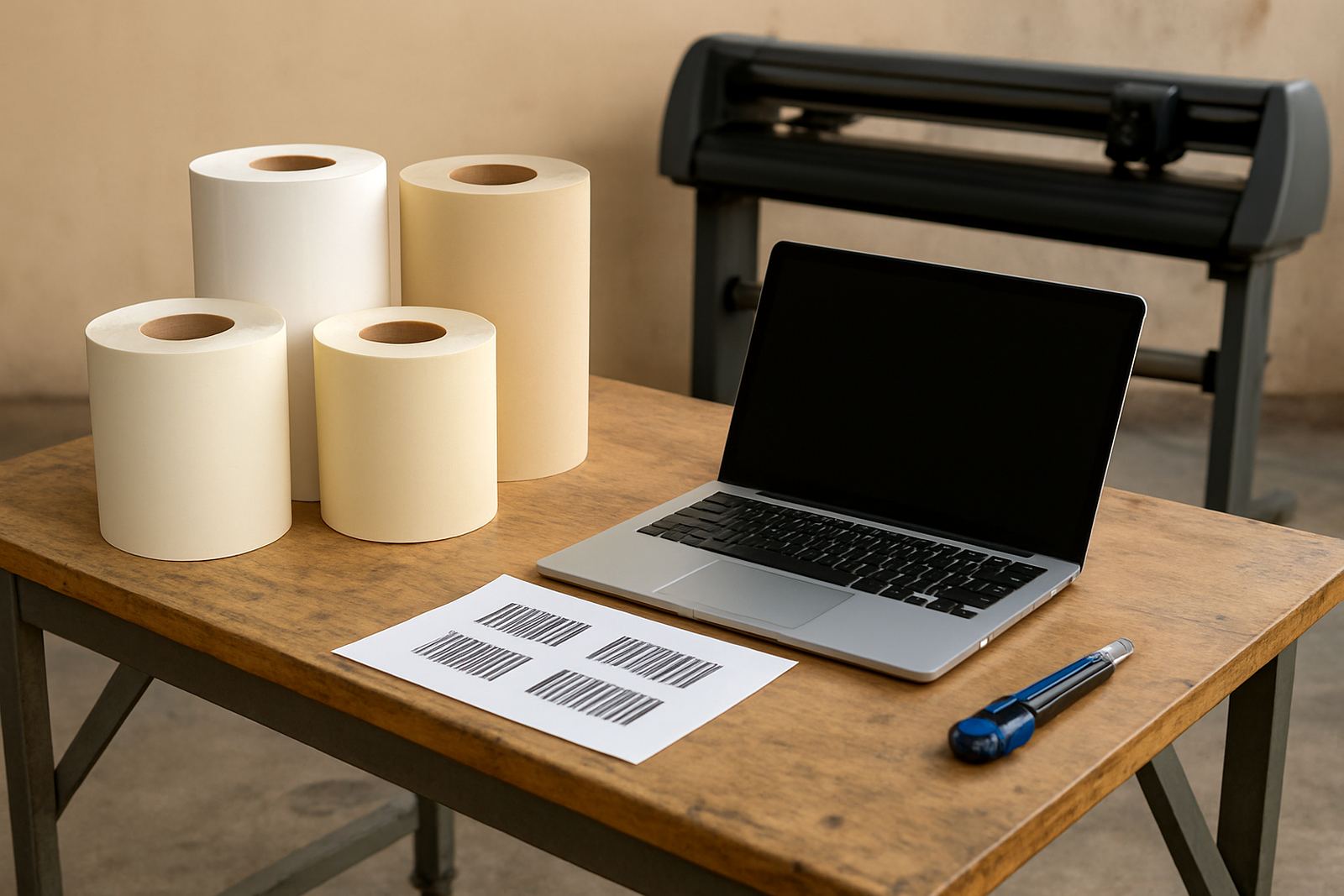
The RIP queues were arranged for common retail tasks. One queue was set for quick black text labels, one for full-colour point-of-sale signs and another for decal work that needed tighter contour cutting. We also set media presets for small vinyl widths, poster stock and adhesive label material. That reduced setup time and helped the team avoid waste on short runs where every metre counts.
- Licence activation and software installation
- RIP queue setup for labels, decals and POS signs
- Colour management adjusted for retail proofing
- Cutter setup help for print-and-cut work
- Backup workflow notes for staff handover
Training for a busy counter team
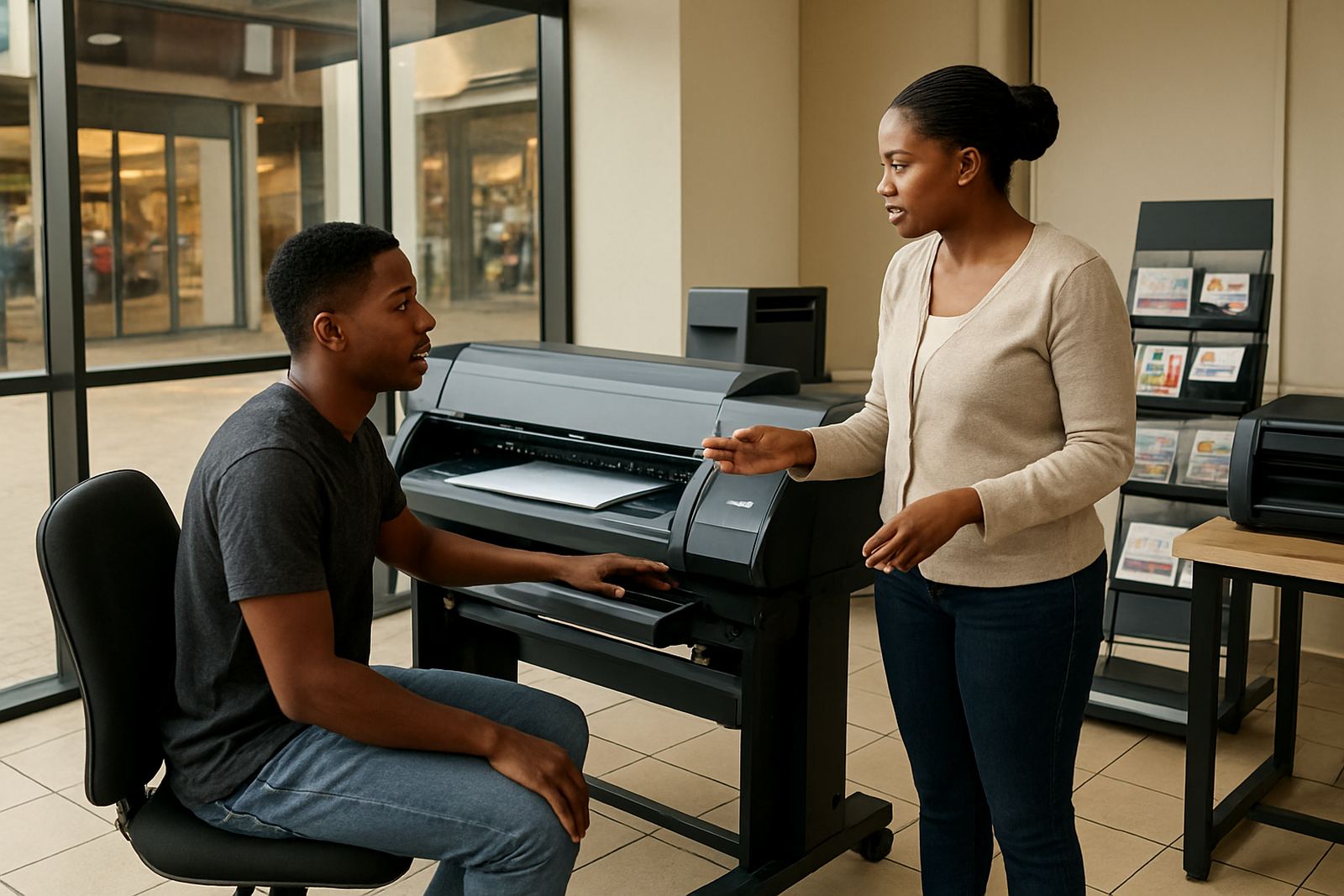
Training had to be practical. The staff were not looking for theory, they needed to take a file from a customer, check it quickly, run it through the RIP, print and finish it without holding up the queue. We ran onsite training at the Durban location and kept the lessons focused on the jobs they do most often.
The training covered new staff induction, file checking, basic colour correction, queue selection and simple troubleshooting. We also showed the team how to handle artwork from different sources because retail customers often bring logos, phone photos or old files in mixed formats. Better structure in training saved them time in the workshop and reduced reprints later in the week.
- Opening artwork and checking size, bleed and cut lines
- Choosing the right queue for the job type
- Basic colour management for brighter retail output
- Handling reprints and urgent customer changes
- Daily shutdown steps for power safety
What changed after go-live
By the end of the third week, the kiosk was producing faster output with far less hesitation from the staff. Jobs that once needed back-and-forth checking were now moving through a clear process, and the counter team could tell customers realistic collection times without guessing. The cleaner queue structure also reduced mistakes on short label runs and small decal batches.
The client saw the biggest change in order handling. Instead of reworking files for each customer, they had a set path for common products and could switch between them quickly. The print area remained compact, but the business felt more organised and less reactive. That matters in a retail space where a few minutes of delay can build a queue at the counter.
They also noticed better colour repeatability across reprints. That is important for signage with specials, shelf branding and simple logo work where the same job may need to be run again a week later. With the profiles and queue settings in place, the output stayed closer to the approved sample and the team spent less time adjusting by eye.
What we would repeat on the next kiosk job
If we were setting up another Durban kiosk printer, we would use the same approach again: keep the workflow small, define the most common job types first and train the staff before the first live customer order lands. That sequence works well for compact retail spaces because it reduces stress and gives the team a clear system from day one.
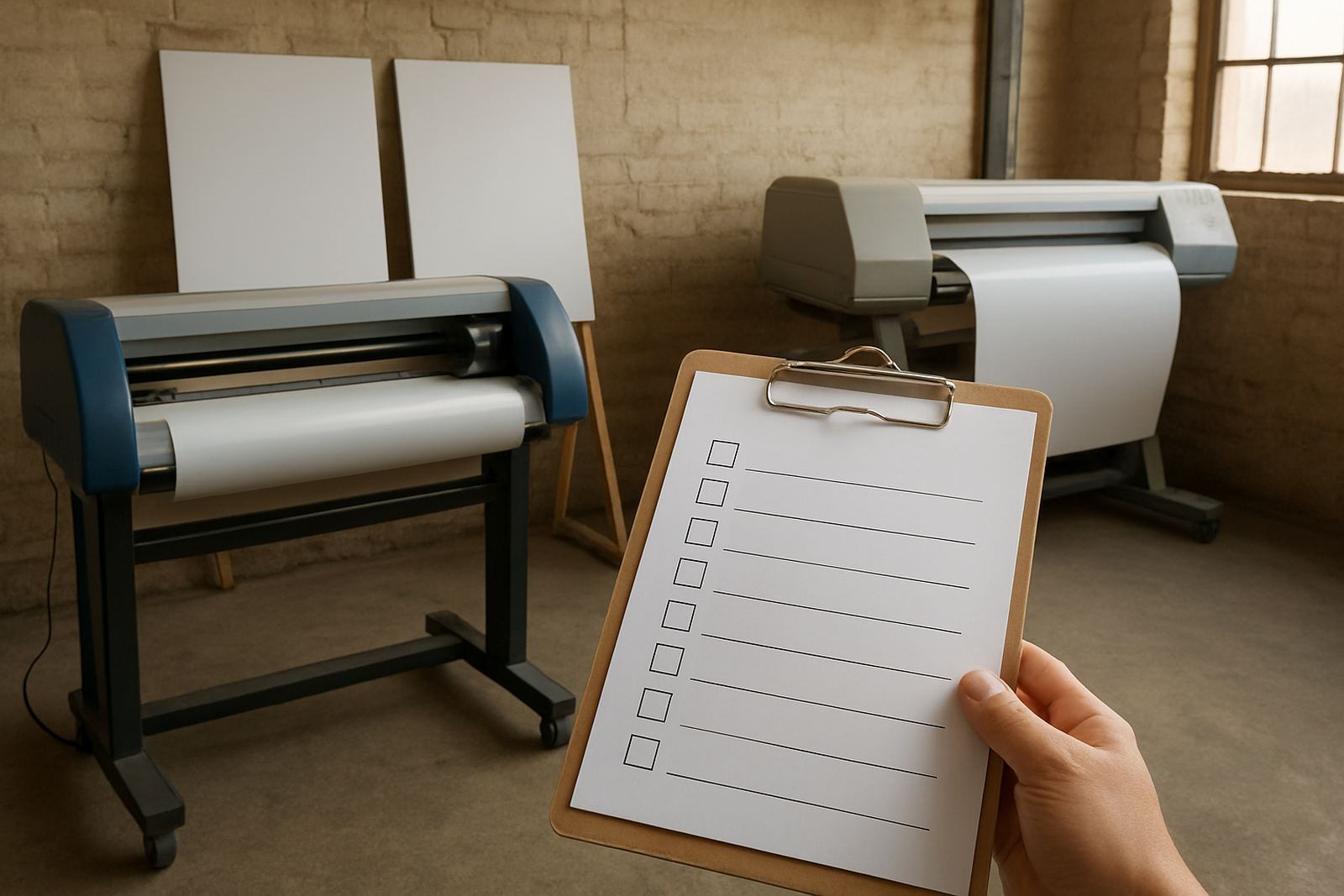
We would also repeat the maintenance plan. In a coastal town, media storage and clean shutdown habits matter as much as the software itself. A small service checklist for heads, cutters and file handling saves time and helps the setup stay stable through humid weeks and busy trading periods. For a kiosk, simple discipline beats complicated process every time.
For clients in Durban, Johannesburg, Pretoria, Cape Town or Gqeberha, this kind of setup suits small shops that need fast turnaround without a full production floor. It is a practical option for label work, decals and point-of-sale signs when space is tight and the work needs to keep moving.
Key facts
| Project type | Compact retail print setup |
|---|---|
| Town | Durban |
| Timeline | 3 weeks from review to go-live |
| Core software | Sign-making design and RIP software |
| Main output | Labels, decals and point-of-sale signs |
| Support scope | Installation, training, colour workflow and cutter setup help |