Start with a strict intake check before anything is sent to print
The biggest mistake on a rush job is starting too soon. Before a file reaches the RIP, someone must confirm the size, material, quantity, finish, delivery town and deadline. If the job is for a Pretoria branch opening at 3 pm, that is a different setup from a vinyl banner going out to Durban for collection at noon. The front end of the job should be quick, but it must still be controlled.
For urgent work, a short intake list helps the whole team stay focused. It reduces guesswork and saves time later when the print room is under pressure. When the order comes in from Randburg, Midrand or Centurion, make sure one person owns the job from intake to handover, otherwise messages get split across too many hands.
- Confirm size in millimetres, not estimates.
- Check substrate type, indoor or outdoor use and whether the job must withstand coastal humidity.
- Confirm delivery, collection or onsite installation.
- Check if the client has approved colour, spelling and layout.
- Write down the exact deadline and who signed it off.
Prepare files for speed, not surprises
Rush jobs fail when the artwork arrives messy. Missing fonts, linked images, broken transparency and wrong bleed settings all slow the queue. A clean file is not just nicer to work with, it is the difference between a one-hour turnaround and a long afternoon of rework. In a busy sign shop, file prep needs to happen in the same way every time.
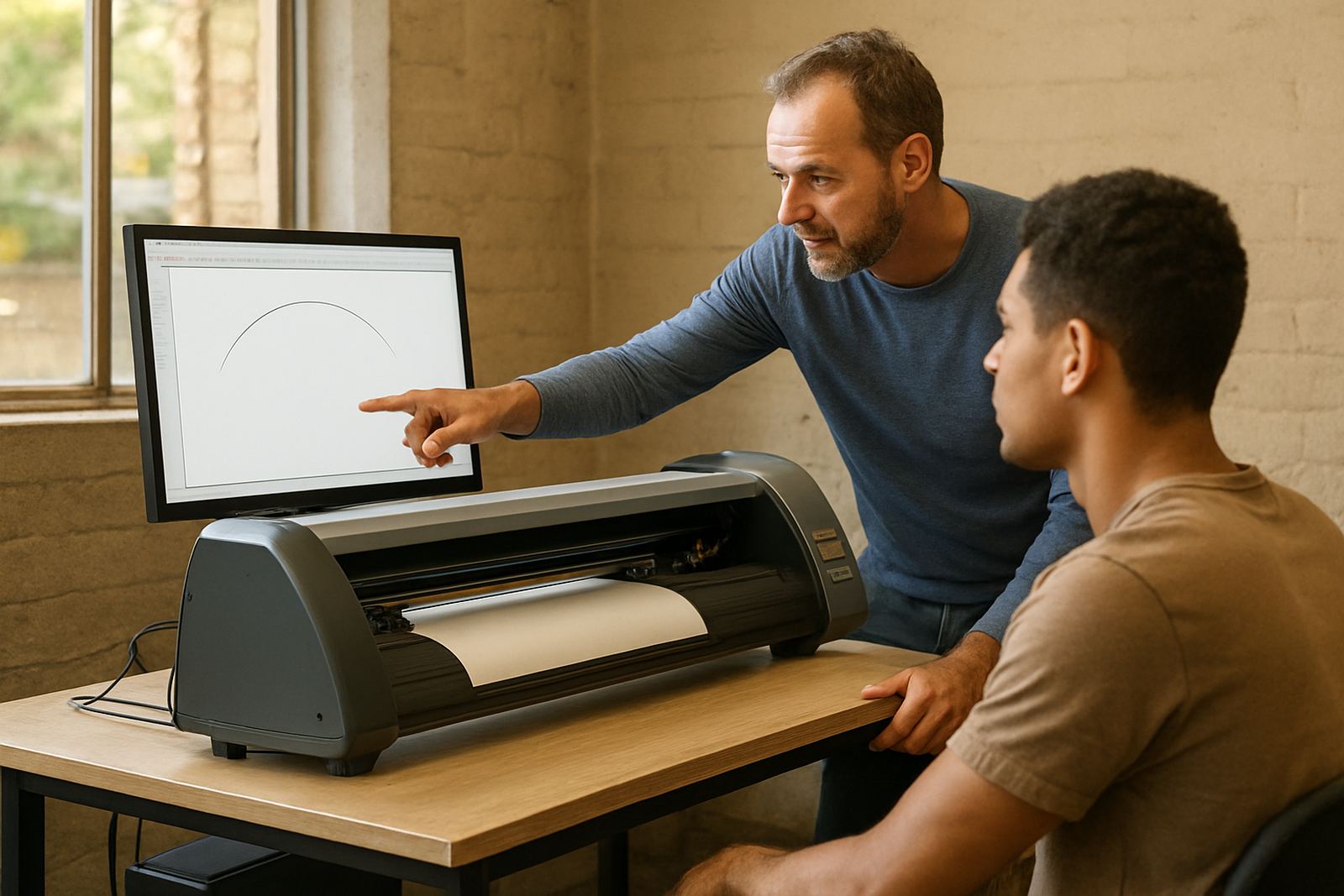
For shops using sign-making design and RIP software, the goal is to standardise the checks before output. That means naming files clearly, keeping artwork at final size, and confirming cut paths before the job is allowed into the print queue. If the job needs contour cutting, the cutter setup must be verified before print starts, not after the last sheet comes out.
- Flatten artwork only when needed, and keep a clean editable copy.
- Set the correct media profile before colour adjustments begin.
- Check bleed and safe area for boards, decals and banners.
- Save common job types as repeatable presets for faster turnaround.
- Keep cutter marks and print marks consistent across operators.
That small bit of discipline saves hours when the shop is under load and the phone keeps ringing.
Use queue discipline so one rush job does not block five others
Same-day work can quickly clutter the RIP queue if nobody manages priority properly. A rush job should be placed where it belongs, but it should not quietly push every other urgent order into chaos. The team needs one clear rule for what jumps the line and what must wait. That rule should be simple enough for new staff to follow on their first week.
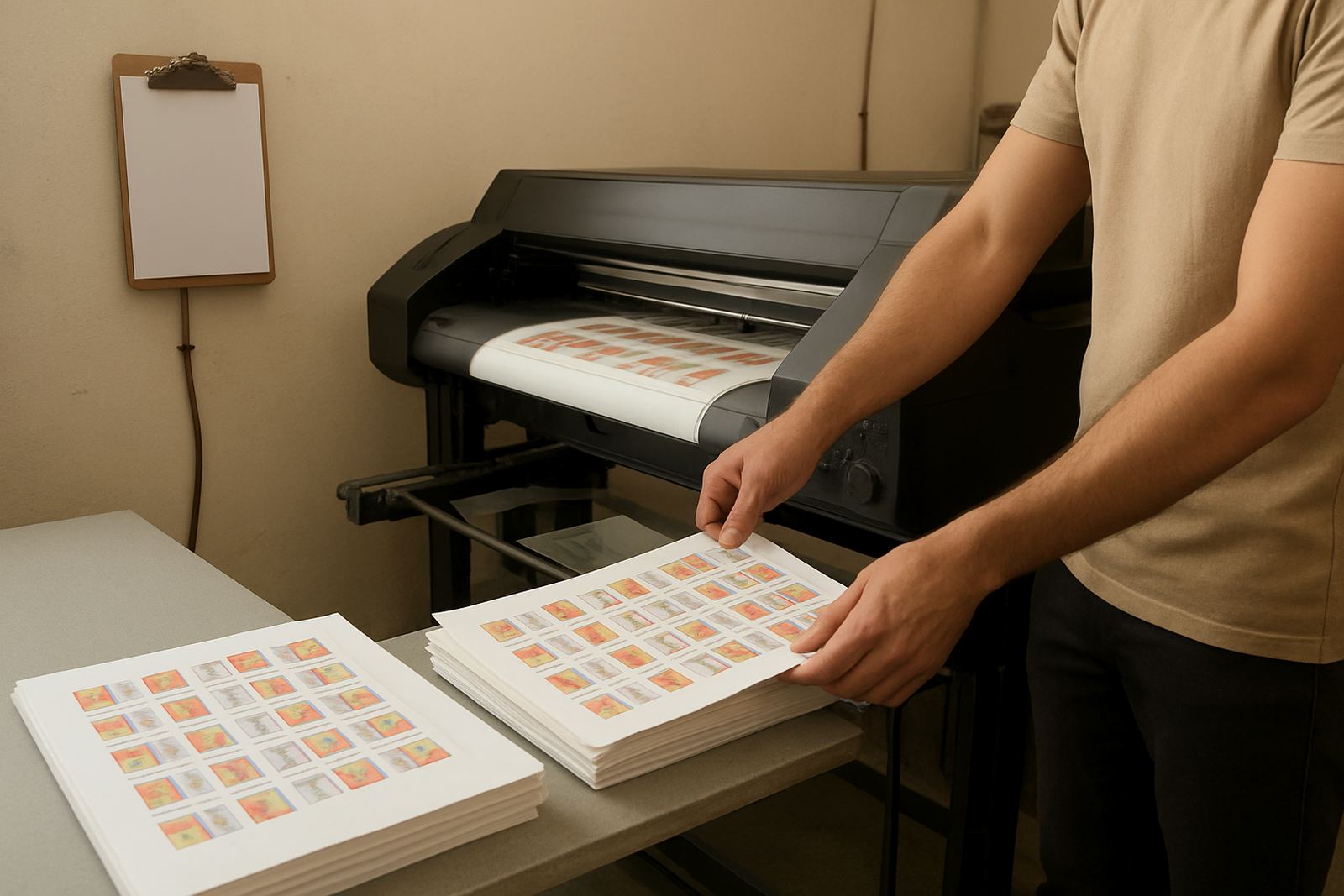
Good queue control also protects the machine. If every job is forced to the front, operators start skipping checks, and that usually ends in waste. A better method is to group by media, ink type or finishing route where possible. That way the printer and cutter move in a logical sequence instead of starting and stopping for every single order.
- Batch similar media together to reduce changeovers.
- Separate true emergencies from general urgent work.
- Keep a visible live list of jobs waiting for print, cut or finish.
- Assign one operator to approve queue changes.
- Mark each job with current status: held, printing, curing, cutting or ready.
Match colour workflow to the real conditions in South African shops
Colour management matters even more on rush jobs because there is less time to fix mistakes. A client in Cape Town may need the same artwork matched for a second site in Johannesburg, and the printed result still has to look consistent under different lighting. That is where a controlled colour workflow pays off. If your settings are all over the place, the final output changes from job to job and the reprint risk climbs fast.
Humidity, dust and power interruptions all affect output in local shops. Coastal jobs often need extra drying or curing care, while inland shops may face static and dust during dry months. If load-shedding interrupts production, the workflow should show exactly where a job stopped so it can resume cleanly. A good setup reduces panic when a printer restarts and the queue needs to be checked again.
For print service providers handling signage, a stable workflow means profiles, media settings and approval steps are documented and easy to repeat. That helps with window vinyl, exhibition boards, vehicle graphics and large format banners alike. It also keeps the team from guessing when the clock is tight.
Train staff to work fast without cutting corners
Rush jobs expose weak training very quickly. If a new team member only knows how to send a file to print, they may not know how to confirm cutters, handle reprints or spot an incorrect profile. That is why new staff induction should include the full route of a job, not only one machine or one screen. The more the team understands the process, the less likely they are to panic when a customer wants same-day delivery.
Training also helps experienced staff move faster because they stop second-guessing routine steps. A shop that runs the same process each time can hand off work between operators more easily. That matters in Randburg, Johannesburg and Pretoria where busy sign shops often have several jobs running at once and one late file can affect the whole day.
- Show staff the complete job path from quote to handover.
- Teach the difference between urgent, same-day and planned production.
- Explain how to read queue status and machine alerts.
- Review common errors that cause delays, including wrong sizes and missing cut lines.
- Practise a full rush-job run with one supervisor watching the timing.
Know when to ask for help before the deadline gets tighter
There is no prize for struggling alone on a bad rush job. If a licence will not activate, a cutter is misreading marks, or the RIP queue has become unstable, get help early. The earlier the problem is raised, the more likely the job will still ship on time. Waiting until the last sheet is loaded usually means the client waits too.
Support is most useful when the shop has already documented the problem. Keep the file name, machine model, software version, media type and the exact point where the workflow stopped. That makes remote support far more practical and often cuts the downtime to a manageable window. For onsite work, a technician can arrive better prepared if the fault is described properly first.
For many South African sign shops, the best approach is a support plan that combines setup, training and ongoing help. That way the team is not starting from zero every time a rush order lands on the floor.
A simple same-day workflow that keeps the shop moving
A rush workflow does not need to be complicated. It needs to be repeatable. The shops that handle urgent work well are the ones that use the same structure every time, whether the job is a small decal run for Midrand or a larger sign board order for Gqeberha. Order, not speed alone, is what gets the work out the door on time.
Here is a practical sequence that works in most sign rooms: intake and approval, file check, queue placement, print setup, output check, cutter setup, finishing and handover. If each step has one owner and one status, the job keeps moving without chaos. The team knows what has been done and what still needs attention, and that makes a busy day far easier to manage.
When the process is clear, even a tight deadline becomes workable. Not easy, but workable, and that is what matters when the client needs the job today.