1. Set one file rule before the team gets bigger
The fastest way for a growing studio to lose time is when every operator brings a different way of preparing artwork. One person names files by job number, another by customer, and a third saves three versions for the same print. Once the shop reaches a few operators, that habit turns into delays at the cutter, the printer and the finishing table.
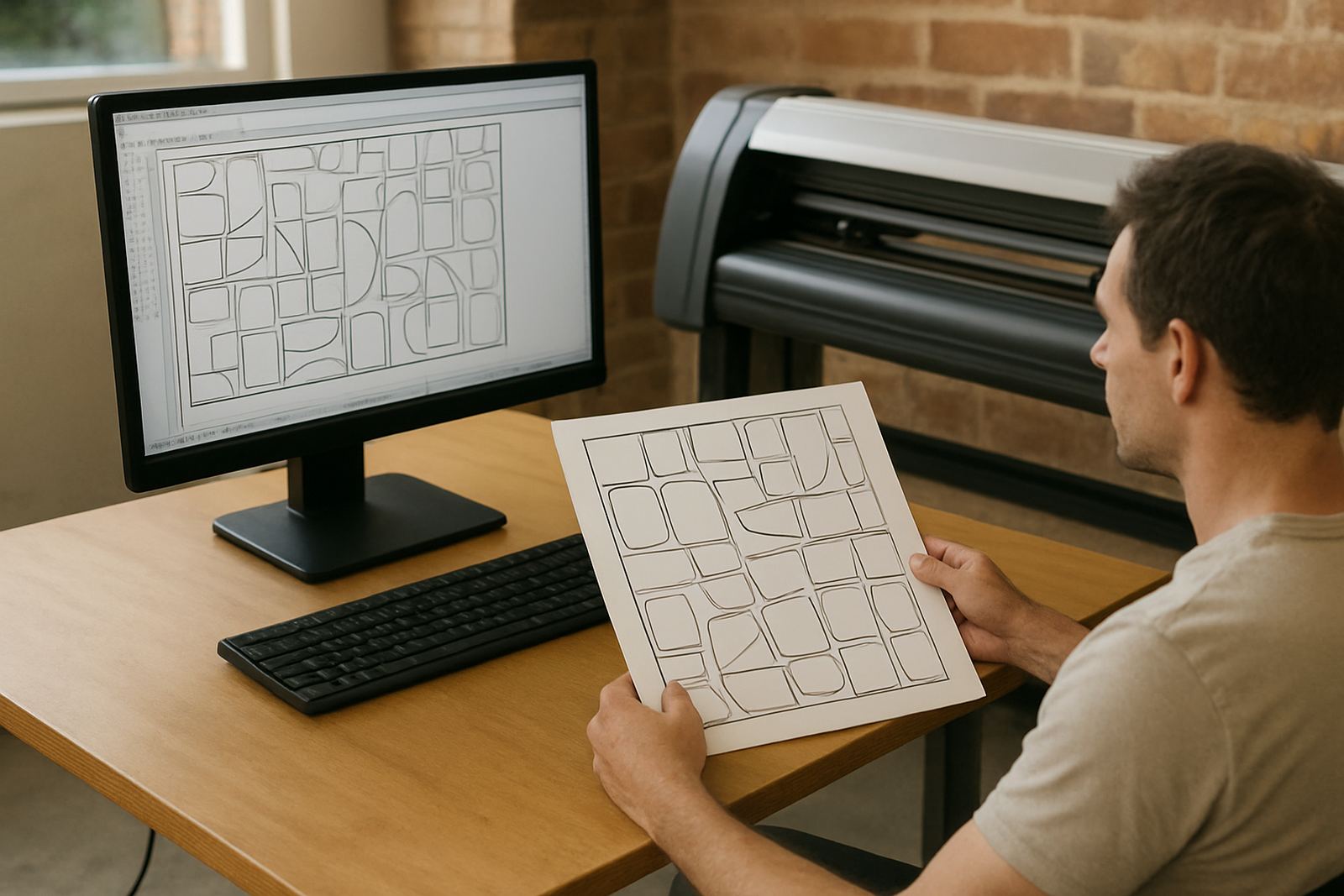
Standardise how files are named, where artwork is saved, and who may change a production file. Keep the same folder structure for print jobs, contour cut jobs and reorders. If you run from Randburg and handle work across Johannesburg, it also helps to keep suburbs and sites in separate job groups, so the team can find reprints quickly when a client in Sandton or Roodepoort calls for a repeat run.
2. Lock in colour settings before new staff start matching by eye
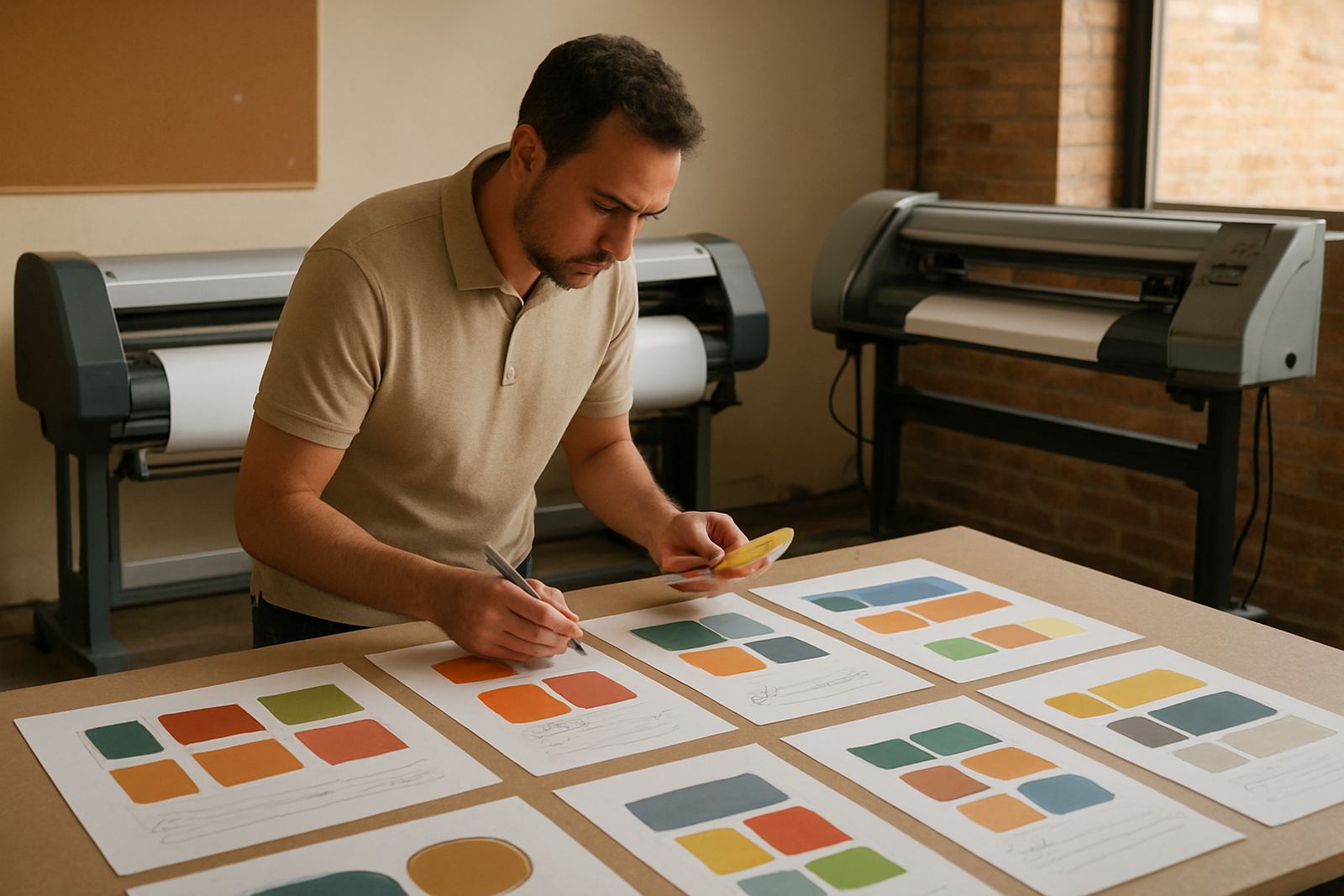
Colour disputes grow quickly when a business scales. A customer wants the same red on a banner, vinyl cut graphic and vehicle panel, but one operator is working from memory and another is adjusting by eye at 6:30 in the morning before load-shedding. That is where printed samples, profile settings and a clear colour workflow matter.
For studios handling multiple machines, the colour process should be written down and checked often. Use the same media settings, keep approved profiles with the RIP, and make sure staff know which substrate belongs to which profile. In Johannesburg, where humidity swings between dry winter air and summer rain, material behaviour can change enough to affect output so the team needs a repeatable method not guesswork.
- Use one approved colour reference for each common material.
- Store media notes beside the RIP settings, not in a separate book.
- Check colour output after maintenance, head cleaning or software updates.
- Keep a sample board for repeat jobs and customer approvals.
3. Make the RIP queue easy enough for a junior operator
If your queue only makes sense to the person who built it, scaling becomes a risk. A busy Johannesburg sign shop should be able to hand a job to a new operator without a ten minute explanation every time. That means clear presets for print, cut, nested jobs and reprints, plus a queue order that matches how the floor actually works.
Jobs that need urgent turnaround should not be hidden behind long-running prints. A reliable queue also helps when the power goes off and work resumes later. The operator should know what was paused, what was completed, and what still needs a cutter pass. This is simple to set up, but it saves a lot of wasted vinyl and media.
- Create named presets for common products, such as window graphics, site boards and labels.
- Keep emergency restart steps next to the machine.
- Separate rush jobs from standard work in the queue.
- Review the queue layout after every new operator joins.
4. Standardise cutter setup before adding another shift
Many studios blame staff when the real issue is cutter setup. Blade depth, pinch roller pressure, speed and offset should be set the same way every time for each material type. If the team in Johannesburg is cutting vinyl one day and reflective material the next, those settings need to be written down and kept close to the machine.
When cutter setup is standard, training gets shorter and waste drops. New staff can learn the basics without chewing through media. This matters for shops that run jobs from Midrand to Pretoria and need the cutter to behave the same way across shifts. A cutter that needs constant adjustment will slow the whole floor and the problems usually show up first in weeded edges and lifting corners.
5. Train for the job order, not only for the software buttons
Good software training is more than learning which icon starts the RIP. Growing studios need operators who understand the full route from artwork check to final packing. They should know when to fix a file, when to send it back, and when to stop a job before material is wasted.
That is why induction for new staff should cover the actual production order in your shop. Start with file intake, move through colour check, queue preparation, output and finishing. Include support steps for common faults. In a busy team, one person should not carry all the knowledge otherwise the shop becomes stuck whenever that person is off sick or out on site.
- Train new staff on the exact machines and media used in the shop.
- Teach the difference between print ready files and files that still need checking.
- Include restart steps for power interruptions and dropped jobs.
- Keep a short support guide beside each workstation.
6. Build support rules for Johannesburg, not just one-off fixes
As a studio grows, small problems become expensive if they are handled as one-off calls each time. Better to decide in advance who handles licence activation, who checks upgrades, and who approves workflow changes. That way the team does not stop production to hunt for answers every afternoon.
For Johannesburg businesses, support should also reflect site conditions. A shop in a mixed-use area may need fast remote help in the morning, while an installation at a client site in Sandton or Germiston may need onsite backup because the job cannot wait. Clear support rules keep the work moving and make it easier to plan annual support before the busy season hits.
7. A local example: the busy shop that grew too fast
A common case is a Johannesburg studio that starts with two operators, then adds a third when the print work picks up. At first the extra hands seem enough, but within a few weeks the team is losing time on colour matching, cutter setup and redoing files. The real issue is not the extra staff. It is the lack of standard settings, clear training and a stable RIP workflow.
Once the shop standardises its file naming, sets fixed colour presets, and gives every operator the same queue layout, output becomes easier to plan. Jobs move faster, the cutter stops being the bottleneck and the new staff member can contribute without slowing the senior team down. That is what scaling should feel like practical, steady and easier to measure.