Start with the job flow, not the buttons
New operators usually want to learn every menu at once, but that is the fastest way to slow a shop down. Start with the real production path: open the file, check size, set colour, nest the job, send it to the cutter or RIP queue, then verify output. When the sequence is clear, the software becomes less intimidating and the operator can work without leaning on the senior person for every small decision.
At our Randburg base, we often see teams lose time because one person knows the shortcuts while everyone else guesses. A better approach is to teach one repeatable method for everyday work, then add the more advanced settings later. That keeps the learning curve practical and avoids confusion when the shop is busy with a Friday deadline or a batch of same-day vinyl jobs.
Train in short blocks during quieter production windows
There is no need to shut down the whole floor for a full day just to train one new operator. Short blocks work better. A 45 minute session before the first rush, or just after lunch when the queue is lighter, gives the trainee enough time to absorb the steps and enough room to ask questions. The rest of the team can keep printing, cutting and finishing without feeling sidelined.
This matters even more in South African shops where power interruptions, municipal water issues or sudden courier collections can already upset the schedule. If you build training around quiet windows, the floor keeps moving and the new operator learns under real conditions instead of in a perfect, unrealistic setup.
- Use one live job and one test file in each session
- Keep the checklist on the wall near the workstation
- Limit each lesson to one main task, such as activation or cutter setup
- Let the trainee repeat the same steps on the next shift
Give them a safe test path before live work
Confidence grows faster when new operators can practice without risking a costly reprint. Create a test path with a few standard files, a sample cutter profile, and known colour settings. That way the trainee can learn how the software reacts when a file is too large, a font is missing, or a queue is not set correctly. Mistakes are still learning moments, but they are contained.
For shops in Johannesburg, Pretoria, Durban, Cape Town and Gqeberha, this is especially useful when teams work across different branches or shared production spaces. A training file set makes the process consistent, whether the operator is learning on a sign shop machine in Midrand or supporting a busy print service counter in Centurion.
- Keep a “practice only” folder with standard artwork
- Use the same workstation settings for every trainee
- Record common errors and the fix beside the machine
- Teach how to cancel a job cleanly before teaching advanced nesting
Colour management should be taught early
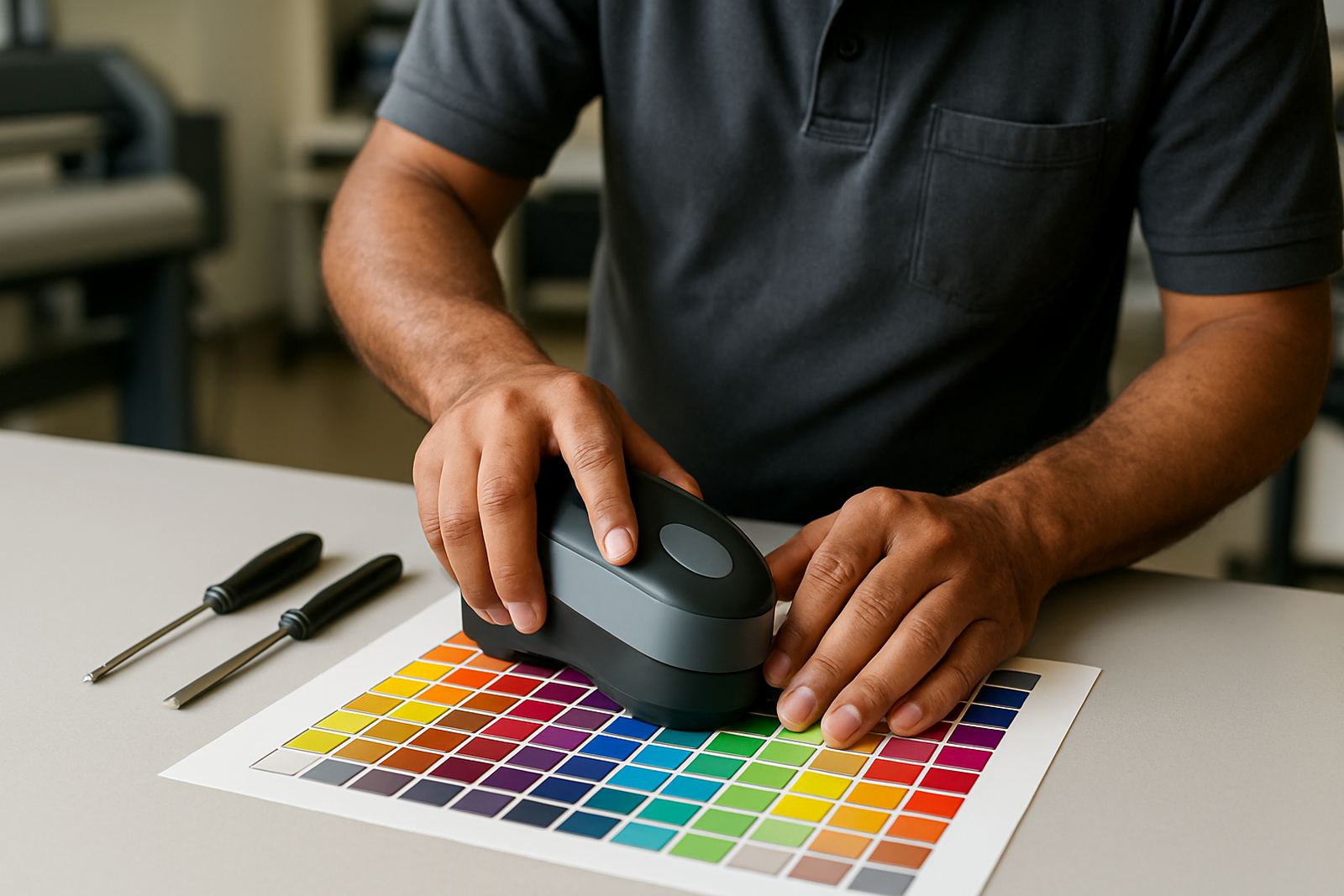
Many production delays start with colour confusion, not with the cutter itself. If the operator learns early how profiles, queue settings and output intent work together, the whole workflow becomes more reliable. This is particularly important when customers expect repeat work to match older samples, or when a retail client wants the same red on a second branch sign. Colour management is not just for senior staff, it is part of daily production.
We often advise teams to link colour training to one live example, such as a simple window vinyl run or a small board print. Let the trainee compare screen preview, RIP output and finished media. Once they see how the software handles colour changes, they understand why a rushed override can create waste.
- Teach monitor awareness and output checking together
- Show how to save a stable preset for repeat jobs
- Explain why different media can shift the final colour
- Keep a written reference for common media and laminate combinations
Make cutter setup part of the induction, not a side lesson
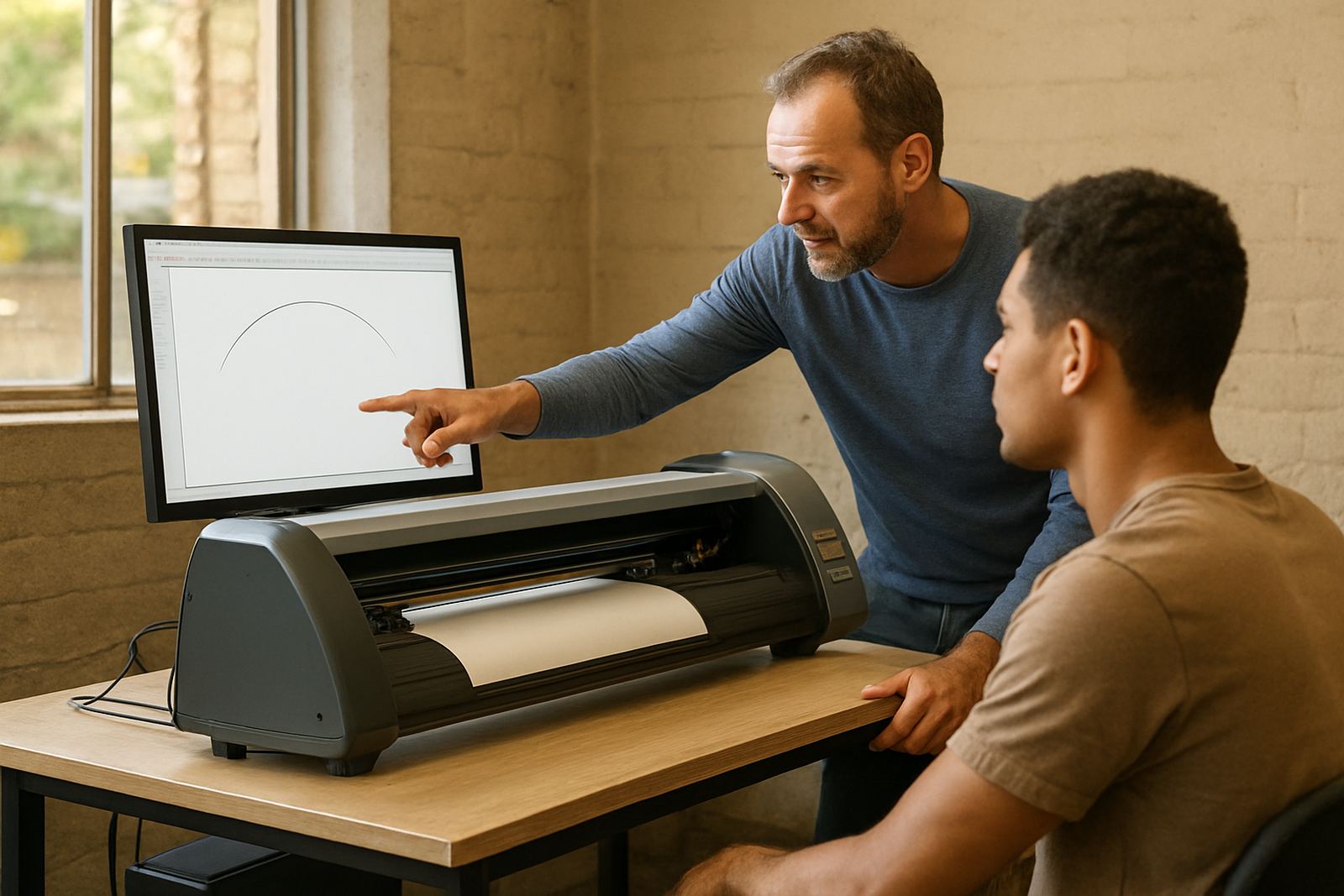
New operators often see the cutter as a separate machine, but in practice it is part of the same production chain. If the cutter is not set up correctly, a neat RIP queue will still produce poor results. The trainee should know how to load vinyl, check pinch roller pressure, confirm the origin point and test a simple contour path before a full run. These are basic habits that save material and time.
For coastal clients, especially in Durban and Gqeberha, humidity can affect how media feeds and how static builds up on warm days. A trainee who understands this will be less likely to blame the software when the real issue is handling or setup. A little context goes a long way in keeping the operator calm and practical.
Use a simple sign-off method before they work alone
No one should be left to handle live jobs on day one without a clear sign-off process. The best method is a short checklist that confirms they can complete the core tasks without help. It does not need to be formal or complicated, just clear enough to show when the operator is ready for independent work. This protects the shop, the client and the trainee at the same time.
A useful rule is to sign off only after the person has completed the same workflow correctly more than once. That includes opening the file, checking the setup, sending the job, and handling the output without panic. Once that happens, they can work more freely and the rest of the team does not have to stop and explain the basics every hour.
- Check that they can follow the full workflow on their own
- Confirm they know where to find saved presets and support notes
- Review how they handle errors, cancellations and reprints
- Make sure they know when to escalate a problem instead of guessing
Local support helps the learning stick
The real test starts when operators use the software on live jobs. The strongest results come when the shop has a support path for questions that come up later, especially during busy periods or after a software upgrade. In Randburg and the wider Gauteng area, we support teams with installation, remote help, onsite training and workflow setup so the learning can be reinforced in the real production environment.
That matters for sign makers, graphic designers and print service providers who cannot afford long interruptions. When a new operator has a clear contact point, a written process and a trainer who understands the pressure of live production, they settle in much faster. The result is steadier output, fewer mistakes and less strain on the experienced staff who are already juggling deadlines.