Why template libraries matter in a busy sign shop
A template library is a set of prebuilt layouts for common jobs such as shop boards, safety signs, vehicle panels, window vinyl, pull-up banners and price boards. Instead of starting each job from scratch, your team opens a saved file, changes the text or size, and moves straight into production. That is useful when a client in Randburg wants the same estate agent board remade every month, or when a Pretoria shop needs three branches updated with the same artwork and measurements.
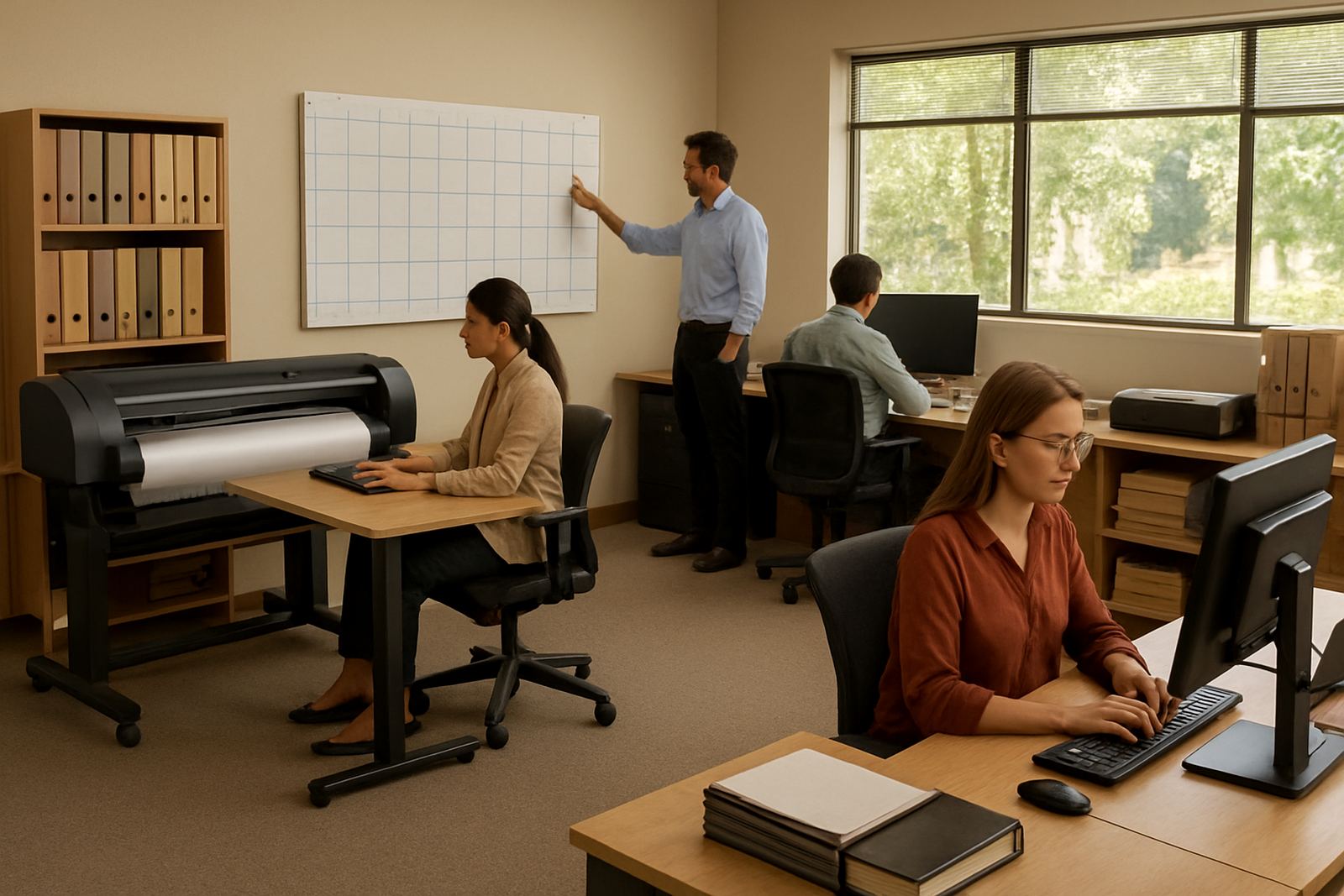
The real value is not only speed. A good library reduces small mistakes that cost time and material, especially when a cutter or printer is busy and the queue is full. It also gives junior staff a clear starting point, which matters in shops where one person handles artwork, another runs the RIP and someone else weeds the vinyl. With load-shedding and short turnaround times, consistency becomes a practical advantage not a nice extra.
- Repeat jobs stay in the same size and format.
- Common items are easier to price and quote.
- New staff can follow a known layout instead of guessing.
- Artwork handover is simpler when the library is well named.
What should go into a useful template set
A useful library is built around the work you actually sell. A print shop in Durban may need more outdoor signage and municipal notice boards because of humidity and weather exposure, while a Cape Town team might keep more window vinyl and retail promotion files ready for quick seasonal updates. The point is to store the jobs that keep coming back, then keep each one tidy and easy to find.
Good templates should include the details that save rework. That means proper bleed, cutter marks where needed, layer names that make sense, and text frames that are locked or clearly marked for editing. If your shop runs colour-managed print work, save the correct profiles and production settings with the file notes. That way the person on duty does not have to remember everything from memory at 4pm on a Thursday when the inverter is already under pressure.
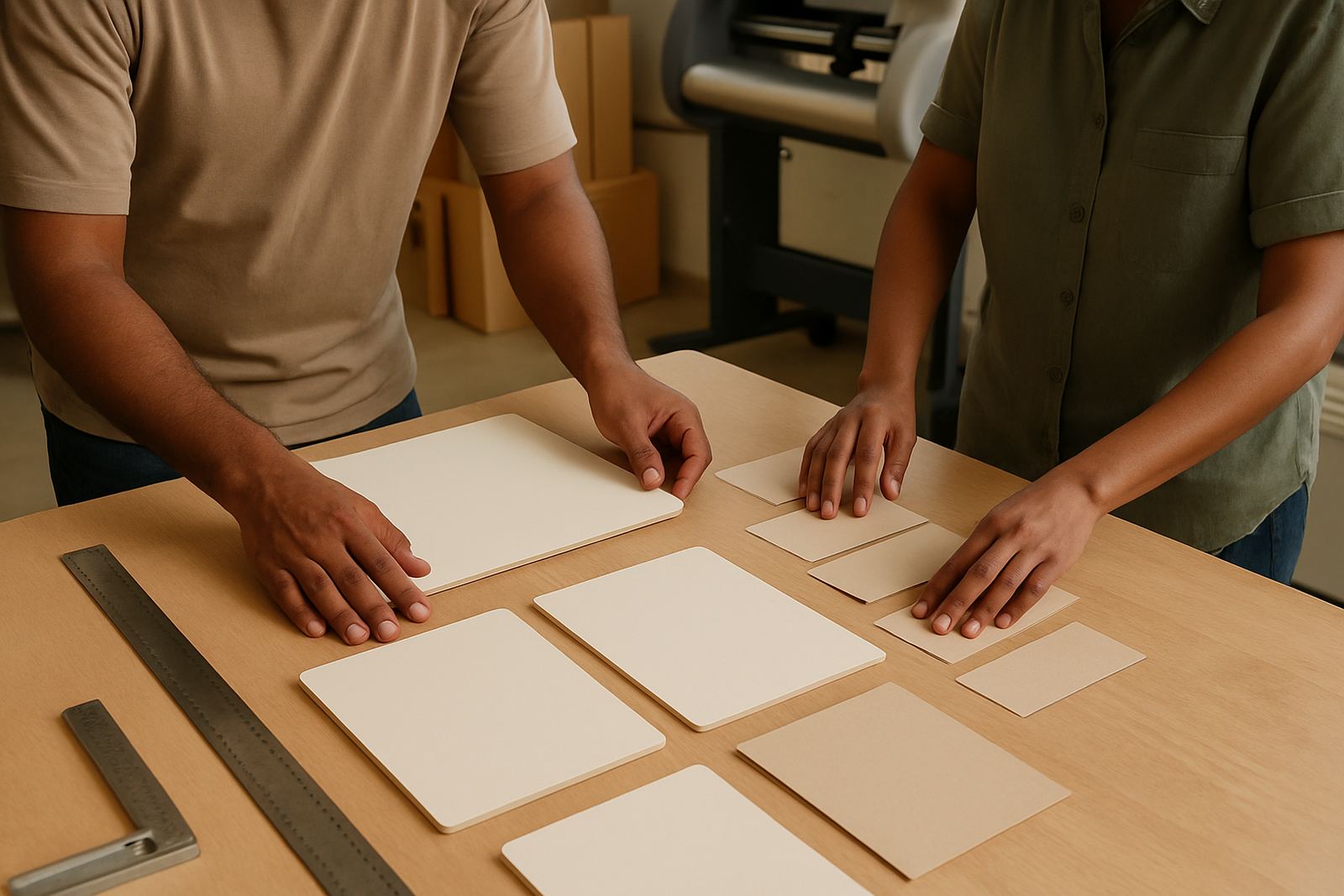
- Standard sign sizes and common mount options.
- Layered artwork with editable text and fixed brand elements.
- Cut paths, registration marks and overcut settings where needed.
- Notes for substrate type, finish and installation method.
How to keep libraries organised for the whole team
The biggest problem with template libraries is not making them, it is keeping them ordered. If the same file is saved under three different names, the benefit disappears fast. Shops should agree on a simple naming system that tells staff what the file is, what size it is, and whether it is for print, cut vinyl or a combined job. That keeps the library usable when the team grows or when someone is out on an onsite job in Midrand.
Good folder structure helps too. Many shops split libraries by product type, then by customer or recurring use. For example, a sign shop may keep one folder for shop fronts, one for safety signs and one for vehicle branding. Within each folder the team can store the current approved version only, while older artwork is moved out of day to day use. It is a simple habit but it stops confusion and saves a lot of back-and-forth.
- Use one naming rule and apply it every time.
- Keep approved files separate from working drafts.
- Store print, cut and combined jobs in different folders if that helps the team.
- Review the library once a month and remove dead files.
Using templates with RIP and cutter workflows
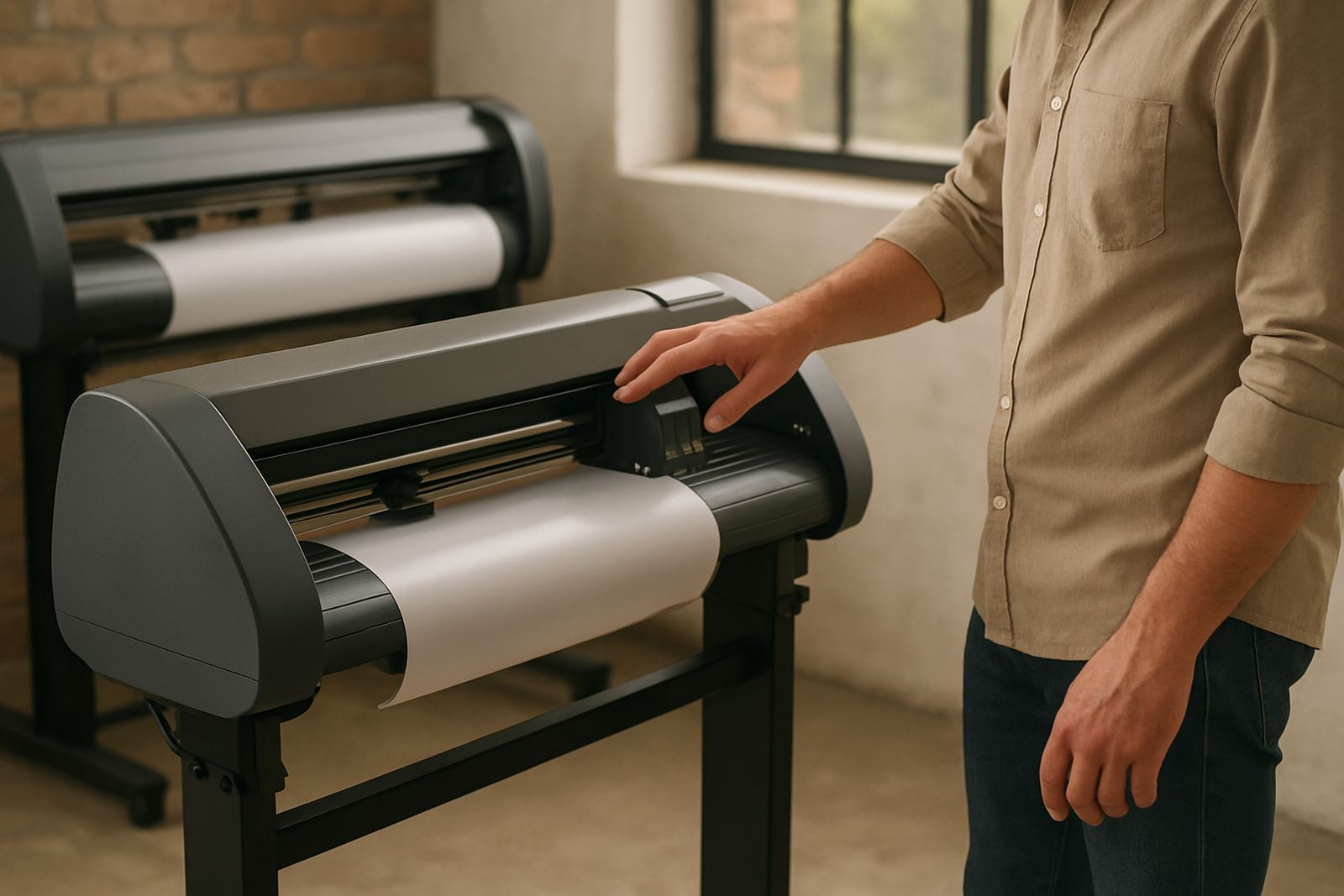
Template libraries work best when they match the rest of the production line. If a layout is built for print and cut, the RIP settings should already reflect the right media, ink limit and pass count. If a job is going to a vinyl cutter, the cut lines need to be clean and simple so the machine reads them without extra editing. This is where setup discipline pays off, because one bad file can slow down the whole queue.
For shops handling both printing and cutting, templates are also a way to standardise colour and output settings. Save the settings that suit your main materials and use them as the default. That is especially useful when a shop in Johannesburg is doing a rush batch for same day collection while another branch is training a new operator. The less time spent hunting through settings the better. It sounds small, but over a week it adds up.
- Check that cut paths are closed and easy for the machine to follow.
- Save RIP presets for common media and ink limits.
- Keep an eye on nesting and queue order for repeated jobs.
- Test one sample before sending a full batch to production.
Training new staff without slowing production
Template libraries are one of the best ways to bring new staff up to speed because they show the shop standard in a real file, not in a long explanation. A new designer can see how a vehicle panel is set up, how the text is spaced and how the final artwork should be saved. A new production operator can see which version is approved for print and which one still needs changes. That kind of structure reduces errors during induction.
In a practical training session, we often start with three or four recurring jobs and build from there. A Centurion shop might begin with road signage, business boards and vinyl lettering, while a Gqeberha team may need templates that handle coastal moisture and stronger outdoor exposure. Once staff understand the logic, they work faster and ask fewer repeated questions. It also makes support easier when the same template structure is used across branches.
- Show the team the approved version first, not the working draft.
- Explain which fields can be edited and which must stay fixed.
- Use real jobs from your own shop, not generic examples.
- Keep a short checklist beside the library for handover and approval.
A Randburg example of cleaner repeat work
A Randburg sign shop handling several retail clients may have the same monthly work order for seasonal promotion boards, safety notices and store window specials. If those files are stored as templates, the team can update dates, prices and contact details in minutes instead of rebuilding the layout each time. That means less artwork drift from one month to the next and fewer complaints when a client notices the logo has shifted or the border width has changed.
The difference shows up in production too. The cutter gets a cleaner file, the printer spends less time waiting on corrections, and the installer gets the same size panel each time. It also helps when jobs are moved between branches or sent for support. A clear library means another operator can pick up the job without phoning around for basic instructions. That saves time, reduces waste and keeps the day moving even when the shop is busy and the light is out for a while.
For many South African sign makers, that is the real point of a template library: not fancy files, but repeat work that stays predictable. When the library is clear and the workflow is set up properly, the whole team works with more confidence and fewer surprises.
- Repeat jobs are easier to price, produce and hand over.
- Templates reduce mistakes when work is shared across staff or branches.
- A tidy library helps during load-shedding, rush periods and training weeks.