Why one small error can turn into a full rerun
In sign-making, a minor file issue does not stay minor for long. A missing bleed, a wrong spot colour or an outdated artwork version can run through the RIP, reach the cutter or printer, and only show itself when a panel is already on the table. By then you are looking at wasted media, extra labour and in many cases a delayed install.
This matters even more on long runs and vehicle graphics where one panel sets the standard for the rest. If the first print is slightly off, every repeat panel may follow the same fault. The result is not just one reprint, but a chain of corrections that affects your schedule for the day.
In Randburg and the wider Gauteng market, many shops are handling quick-turn work for estate agents, retail outlets, builders and fleet clients. Those jobs often come with tight handover times, so the cost of a mistake is not only the material. It is the call back to the client, the installer waiting on site and the extra pressure on the whole team.
Start with the file before the RIP ever sees it
The best time to catch an error is before output begins. A proper pre-flight check should become part of the handover between design and production, whether the job is a one-off poster or a full shopfront package.
- Check that the artwork version matches the approved proof.
- Confirm trim size, bleed and safe area on every panel.
- Make sure text is outlined or embedded correctly for output.
- Review images for resolution and colour profile consistency.
- Check that layers, cut lines and contour paths are named clearly.
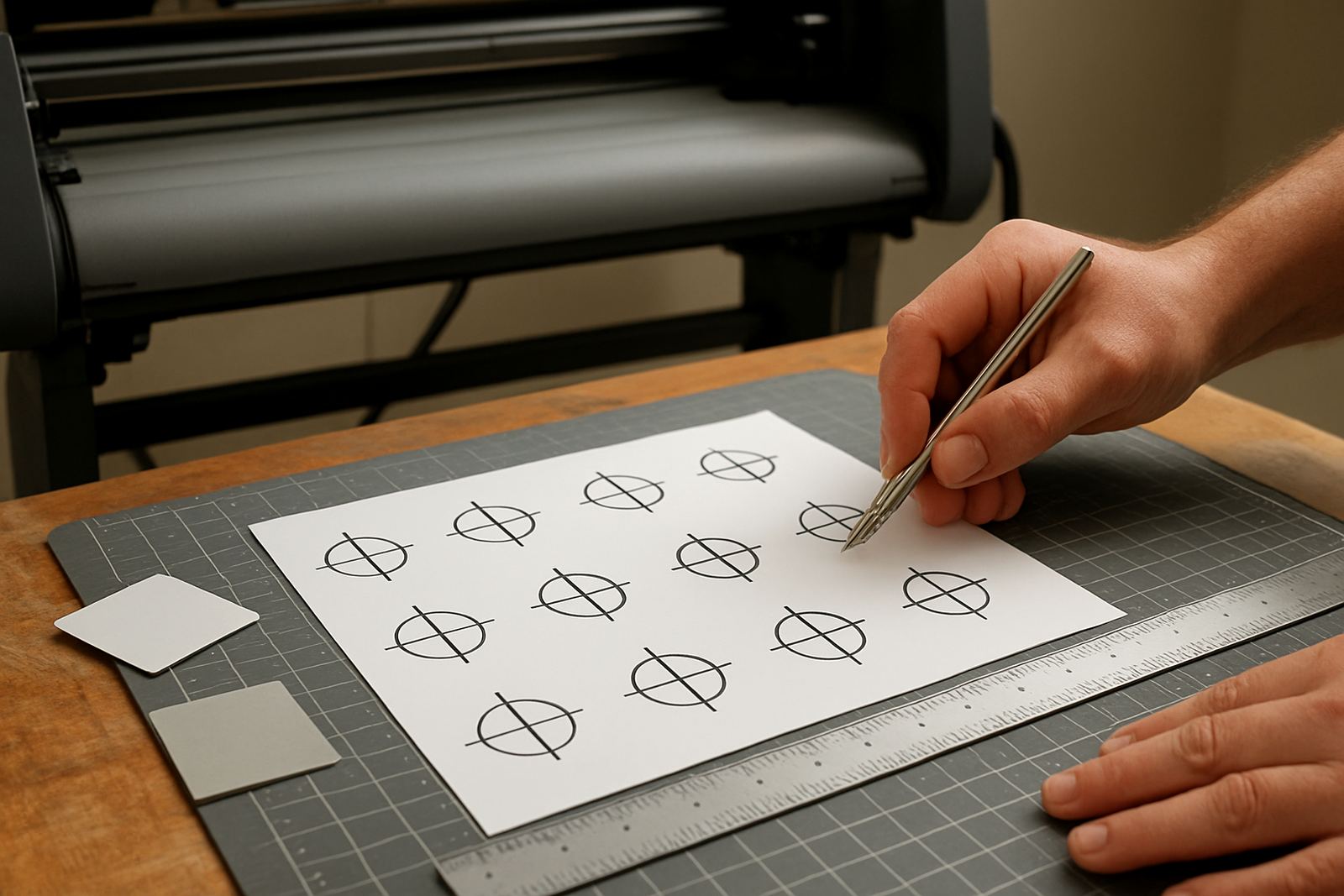
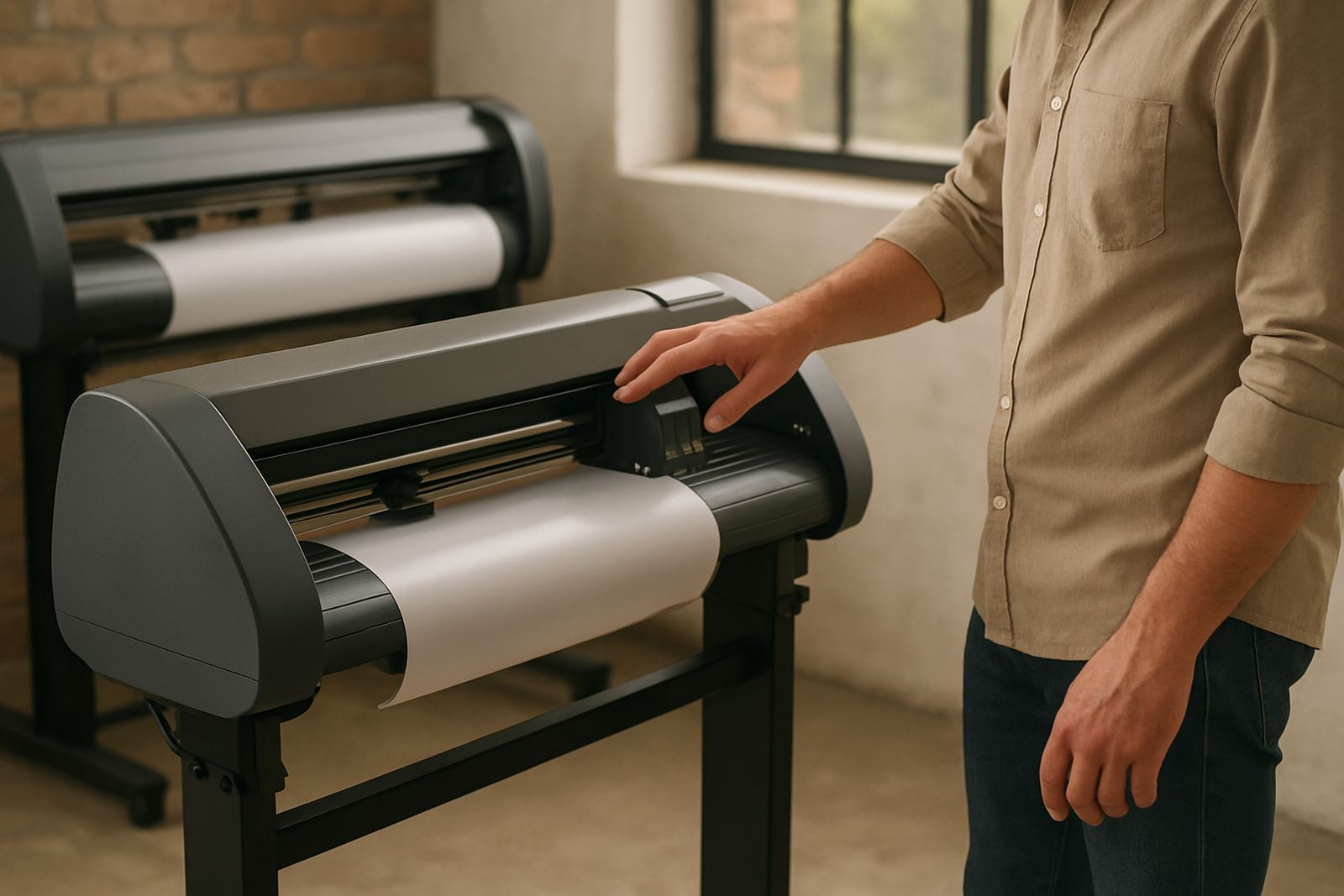
If the job includes a cutter, the print file and cut file must agree. A tiny shift between them can waste vinyl or leave a border that looks uneven once the job is weeded and applied. That is why cutter setup help and RIP queue checking should sit close together in the production process, not be treated as separate jobs.
Colour checks save more money than most shops realise
Colour is one of the biggest causes of repeat work because the fault is not always obvious on screen. A client may approve a warm blue on one monitor and then reject the printed result because the final output looks dull, too dark or too green. On a large batch, that can mean starting again with media and ink already used.
Good colour management reduces this risk. It begins with matching the source file to the output device, then testing the profile on the actual material being used. Vinyl, board, synthetic banner and canvas all respond differently, and coastal humidity in places like Durban or Gqeberha can also change how a material behaves during production and application.
Before a long run, print a small sample and compare it under proper light. If the job is heading to a retail store or corporate site, check it in daylight and indoor light where possible. That extra 10 minutes often costs far less than a full rerun on a 12 metre panel set.
- Use the same lighting when checking proofs and final prints.
- Keep a record of successful settings for common media.
- Recheck colour after any software upgrade or machine service.
- Do not mix old and new RIP presets on the same campaign.
Build a pre-flight routine that your whole team follows
Reprint risk drops when every operator follows the same order of checks. A routine keeps rushed staff from skipping steps when the queue is full. It also helps with new staff induction, because the process becomes clear rather than dependent on memory.
A practical routine can be simple. Confirm the job ticket, open the correct file, verify size, inspect fonts and images, then send a test output to the RIP queue. After that, check the preview for any traps, overlaps or hidden objects that might cause trouble on press. Only once that is signed off should the full job proceed.
For teams working across Johannesburg, Pretoria and Midrand, consistency is key because one branch may be handling artwork while another handles the machine. If the same checklist is used in every location, less gets lost between sales, design and production. It also makes support much faster when a problem does come up.
- Keep one checklist for pre-flight, colour and cutter setup.
- Assign a named person to approve the final file before output.
- Store the approved proof together with the production note.
- Log any machine or software changes that affect output quality.
A local example: one shop, one saved rerun
A sign shop in Randburg was preparing a set of retail window graphics for a branch rollout into Centurion and Pretoria. The artwork looked fine on screen, but the first test print showed that the black background was printing slightly brown on one media type and the cut path sat just outside the edge on another. If the team had pushed straight into the full run, they would have lost a stack of material and had to remake the set.
Because the file was checked before the full output, the team adjusted the colour settings, corrected the contour path and reran only a small test piece. The main job went ahead that afternoon and the install was still completed before opening time. The savings were not dramatic on paper, but the avoided reprint protected the margin on the whole contract.
That is the real value of pre-flight discipline. It is not about slowing the job down. It is about catching the fault while the fix is still cheap.
When training and support should be part of the workflow
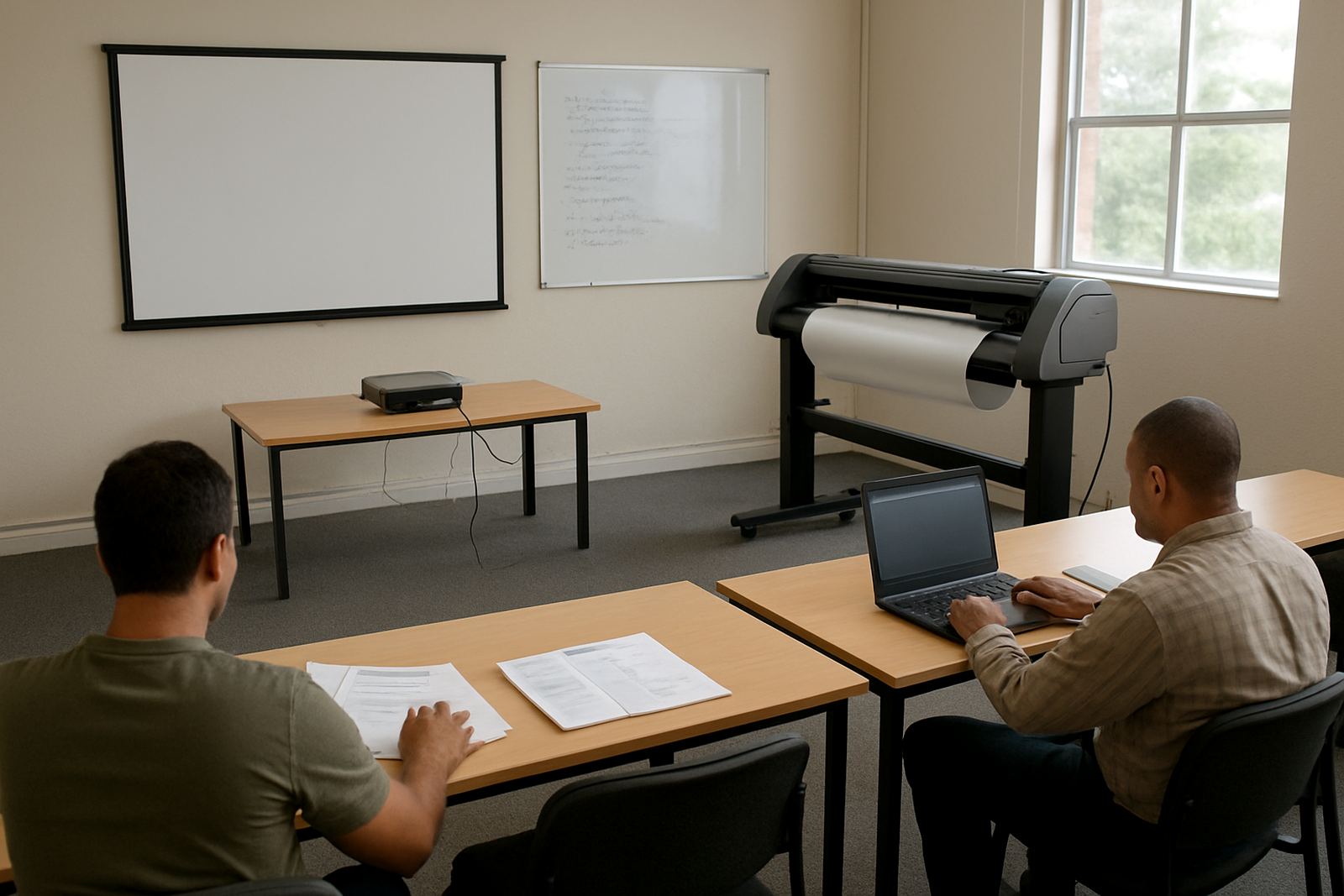
Some reprint problems keep coming back because the root cause is not the printer, the cutter or the media. It is the process. If the same fault appears on multiple jobs, the team may need a better setup, clearer queue management or refresher training on the RIP software itself.
That is where structured support helps. Installation, workflow setup and annual support planning can make a real difference when a shop is trying to reduce waste and keep jobs moving. The goal is to make the production line predictable, so staff know what to check and what to ignore.
For busy sign shops in Cape Town, Durban, Johannesburg or Gqeberha, remote support can solve many issues quickly, while onsite training is useful when a team needs hands-on help with new staff, upgraded software or a machine that has started behaving differently after a power interruption. Load-shedding, inverter switches and unexpected restarts can all affect output settings if nobody checks the queue after power returns.
Keep the next rerun out of your schedule
Managing reprint risk is mostly about habits. Check the file, verify the colours, confirm the cut line, and make sure the approved version is the one going to print. The shops that do this well do not avoid every problem, but they catch most of them before they become expensive.
For South African production teams working under tight deadlines and changing site conditions, that discipline is worth more than a quick fix after the fact. A few minutes of checking can protect a full day of production and stop a small mistake becoming a costly rerun.
If your team needs help tightening that process, the right training and support can turn a risky workflow into a dependable one.