Start with the job file before it reaches the printer
Most waste prints start long before the first sheet or roll moves through the machine. A file that is missing bleed, has the wrong size, or carries hidden images and old layers can look fine on screen and still fail in production. In a busy shop, that means a second pass, a reprint, or a panic trim that leaves no usable stock behind.
Build a short file check routine for every job. It does not need to be complicated, but it must be done the same way every time. One person can save the shop a lot of money by catching a missing contour cut, a low resolution logo, or a file saved in the wrong colour mode before it reaches the RIP queue.
- Confirm final size and bleed before RIP.
- Check that all fonts are outlined or packaged properly.
- Remove hidden objects, duplicate layers and unused artboards.
- Verify cut paths, overprint settings and spot colour names.
- Keep naming clear so the operator knows which version is current.
Use a proper RIP queue instead of sending jobs one by one
When print jobs are sent in a rush, operators often restart queues, print test strips more than once, or send the wrong file to the wrong device. A good RIP setup helps you keep work organised by media type, machine and finish. That matters in places like Randburg or Midrand where a shop may run stickers, banners and short run boards in the same shift.
Queue control is one of the simplest ways to cut waste. Set clear presets for common work, such as vinyl cutter output, indoor poster jobs, and heavier outdoor media. If the queue is already tuned for that stock, you are less likely to waste metres on trial prints. It also helps new staff work with more confidence and fewer mistakes.
- Create separate queues for each printer or cutter.
- Save presets for common media widths and profiles.
- Lock in the correct cut order for contour jobs.
- Use proof settings for client approval before full production.
- Clear old jobs so the queue does not get mixed up.
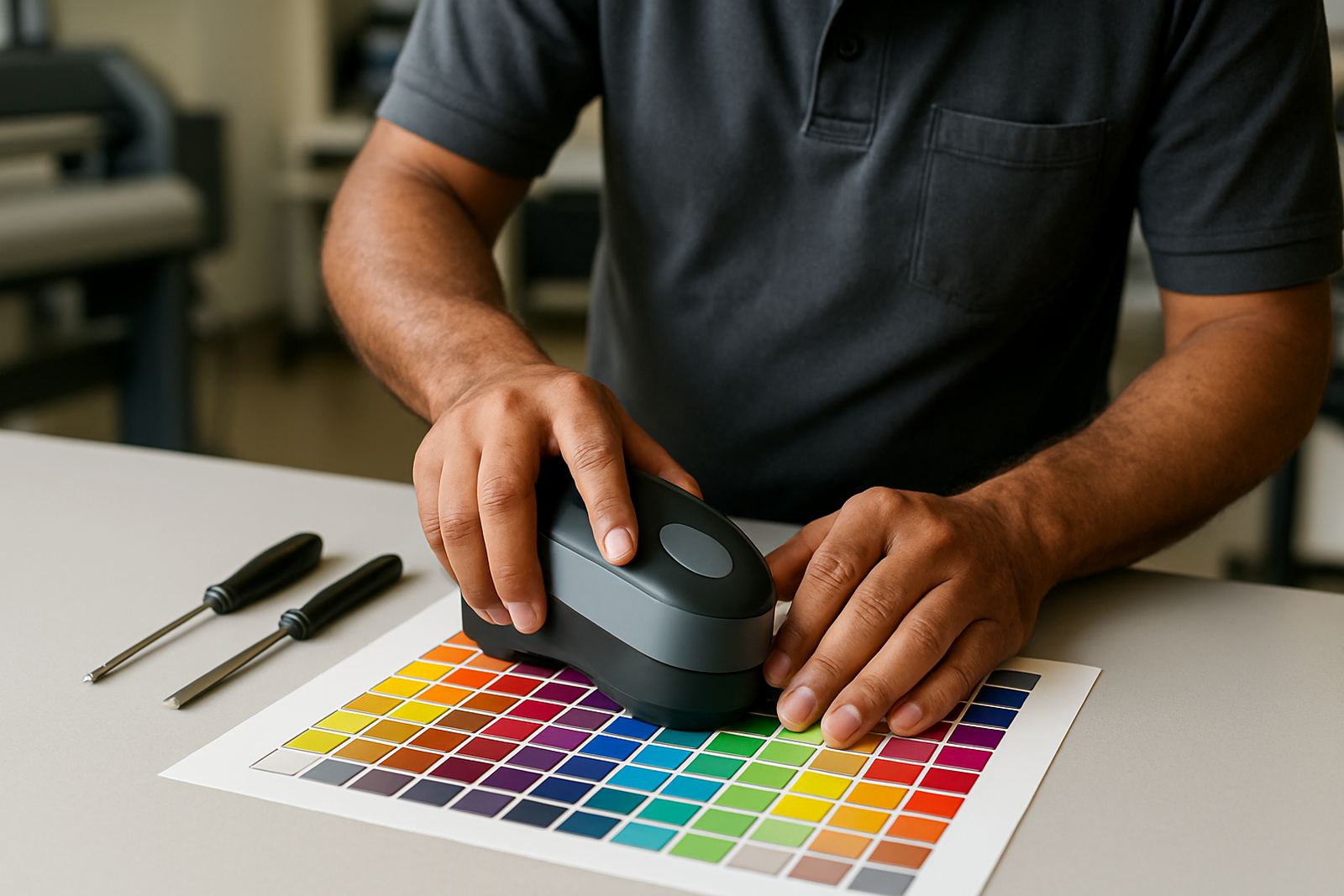
Colour control reduces the back and forth that burns stock
Colour issues are a common reason for waste prints. A job may look too dull, too dark, or too warm and then gets reprinted after the first run is already on the floor. On coated media the result can be different again, and in humid coastal areas like Durban or Gqeberha the change can be even more noticeable. Paper and vinyl both react to temperature and moisture, so a profile that was fine last week may not behave the same today.
Good colour management starts with consistency. Keep your profiles matched to the actual ink, media and machine combination. If one operator uses a different setting each day, the printer will never settle into a predictable result. A simple target is better than a perfect guess, especially when a client needs 50 panels by Friday and the courier will collect at 3 pm.
- Use the same profile for the same media and finish.
- Check calibration after head cleaning or maintenance.
- Store standard reference files for repeat clients.
- Print a small proof first when switching stock.
- Review the output under proper light, not only under office lights.
Cutters and contour jobs need tighter setup than most shops think
A lot of waste comes from cutter setup rather than the print itself. If the blade force is too high, the media tears. If the origin is set badly, the cut starts in the wrong place. If the registration is off by even a few millimetres, the operator may scrap a whole sheet because the printed shape does not match the cut path.
For sign makers working across Johannesburg and Pretoria, this is where training pays for itself. The time spent on proper cutter setup is often less than the time spent recovering from a failed run. Keep test cuts short, use the same test pattern every time, and confirm the pinch rollers are gripping evenly across the full width. Small setup issues create big waste when the order is large.
Train operators to stop problems early, not after the stack is ruined
Even a good workflow will produce waste if the operator is guessing. Training should cover the basics of file checking, queue management, cutter setup and colour control, but it should also teach people when to stop. A person who notices a shift in ink density at metre three should be able to pause the job and ask for help, not carry on and hope it sorts itself out.
New staff usually waste more material in their first few weeks because they are unsure what normal looks like. That is why short induction sessions and a written process sheet matter. The goal is not to turn everyone into a specialist. The goal is to make sure each person knows the correct order of steps, and knows who to call when something looks wrong.
- Show staff how to recognise common colour and cut faults.
- Keep a short troubleshooting sheet near the printer.
- Teach the difference between a proof and a production run.
- Record repeat errors so the same mistake is not made again.
A Randburg sign shop example: fewer reprints, faster turnarounds
A small Randburg shop handling shopfront vinyl, exhibition graphics and vehicle work was losing time on repeated test prints and contour cut errors. The operators were skilled, but each one used slightly different settings and the queue was treated like a holding area instead of a production tool. On busy days, the team would print twice just to be sure, which pushed up ink use and chewed through media faster than expected.
After tightening the workflow, the shop introduced standard presets for common jobs, a basic file check at intake, and a fixed proof step for new artwork. The result was not magic, just less drift. Fewer jobs went back into the queue, the cutter needed fewer corrections, and the team had more usable stock at the end of the week. That kind of saving matters when overheads are high and the machine must keep moving.
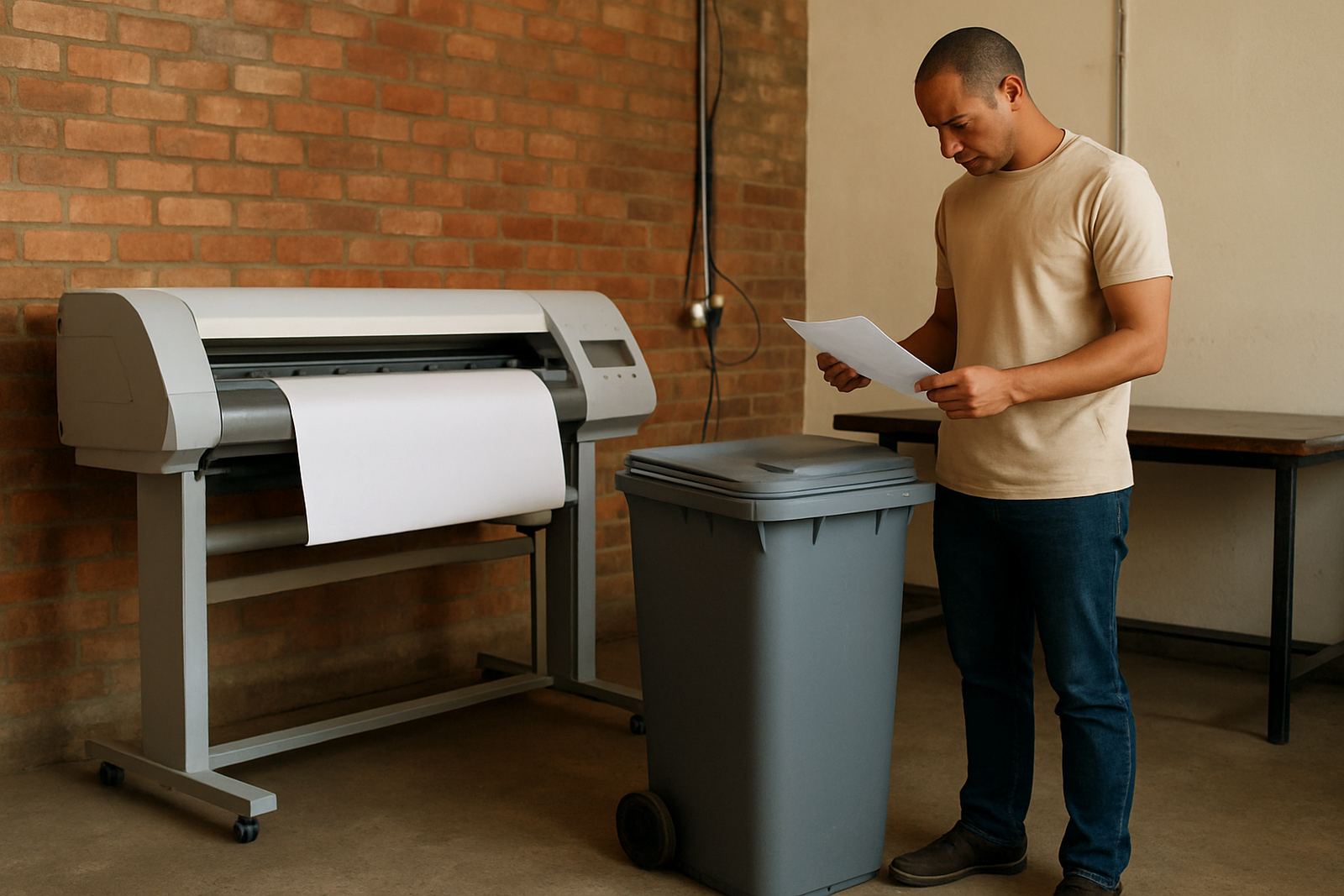
Waste prints are not only a material problem. They also cost labour, slow the schedule and create pressure on the whole team. When the process is controlled properly, the printer spends more time producing sellable work and less time feeding the bin.