Start with the jobs that keep slowing you down
Before you change anything, look at where the delays happen. In a small Randburg studio, it is often the same pain points every week: artwork waiting for approval, RIP queues backing up, cutters pausing for manual setup, or colour matching taking too long between reprints.
The best upgrades are the ones that remove repeat work. If your team keeps re-entering media settings, rebuilding cut paths or seperating print and cut jobs by hand, that is where a tighter workflow pays off first. A practical review can show whether you need licence activation, a cleaner queue setup or training for new staff before you spend on new machines.
- Track where time is lost on a normal day, not on a quiet one
- Note which jobs are reworked because of colour shifts or cutter errors
- Check whether each operator uses the same saved settings
- List any manual steps that can be removed from the process
Use a layout that fits the room you actually have
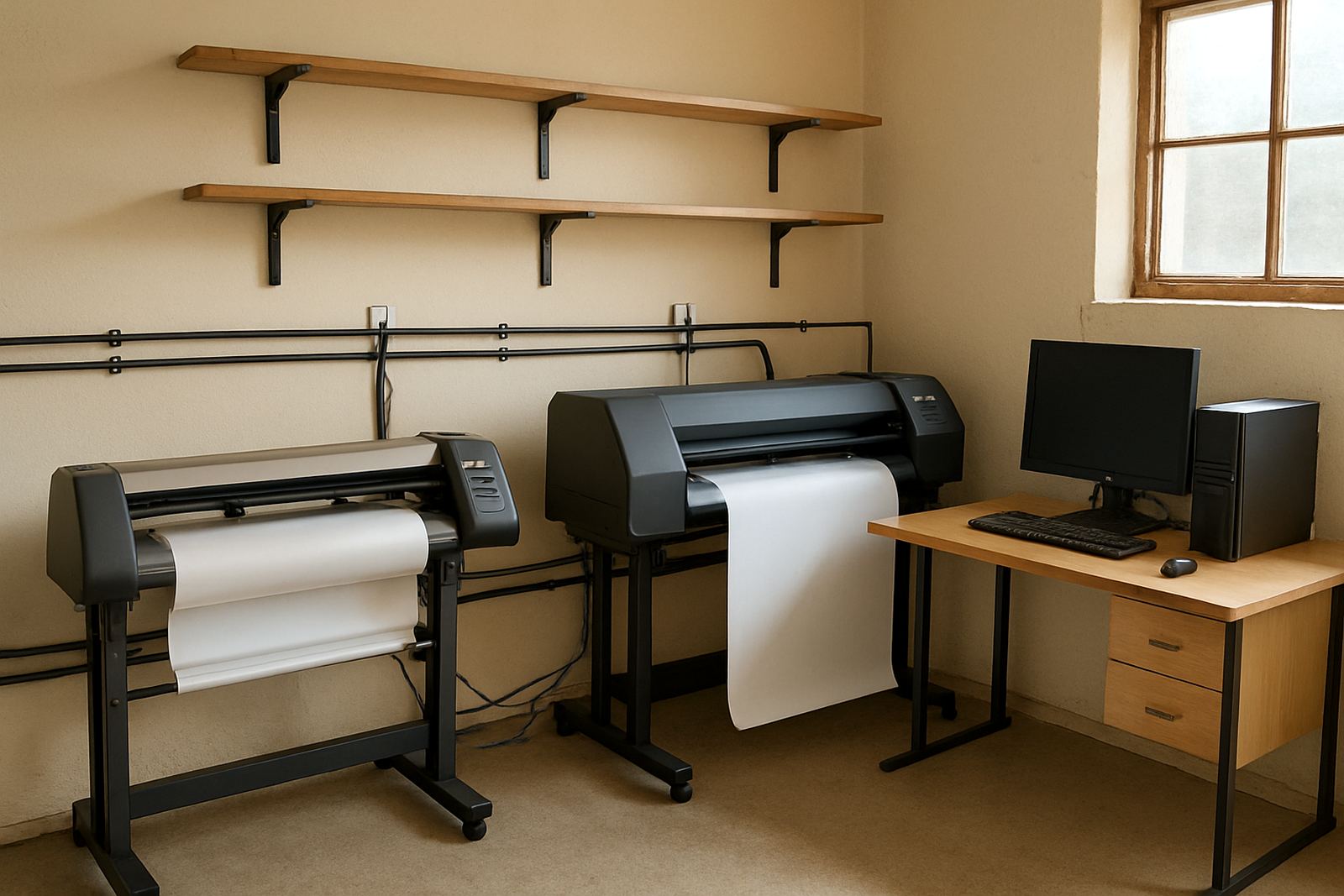
Many compact studios try to do everything on one crowded surface. That usually means print files mixed with cutters, waste vinyl in the wrong place, and operators crossing paths when a rush order lands. A better layout does not need new walls, just a clearer flow.
Put the RIP station where the operator can see queue status without standing in the way. Keep the cutter area separate from packing and finishing, even if it is only by a metre or two. In a small Gauteng studio, that kind of spacing helps avoid accidental damage, and it makes it easier to train someone new without slowing the rest of the team.
- Keep media, laminates and tools near the machine they support
- Mark a clean area for finished jobs so they do not get scratched
- Store colour samples and job notes where everyone can reach them
- Leave a clear path for moving rolls, boards and packed orders
Tighten the RIP workflow before it tightens your deadlines
RIP software can either speed up a studio or quietly clog it. A small upgrade often starts with queue order, preset media profiles and cleaner job naming. That way the person sending files does not have to guess which settings to use every time.
For shops handling both signage and print work, queue planning matters. You want short retail jobs to pass through quickly, while longer vehicle graphics or full colour panels sit in the right order. A support review can help with RIP queue optimising, workflow setup and upgrade planning so the studio does not lose time between design, print and cut.
- Use clear job names that match the quote or work ticket
- Save media profiles for common substrates and finishes
- Group repeat jobs so settings are reused properly
- Review whether older profiles still suit current output needs
Colour control for matching repeat print runs
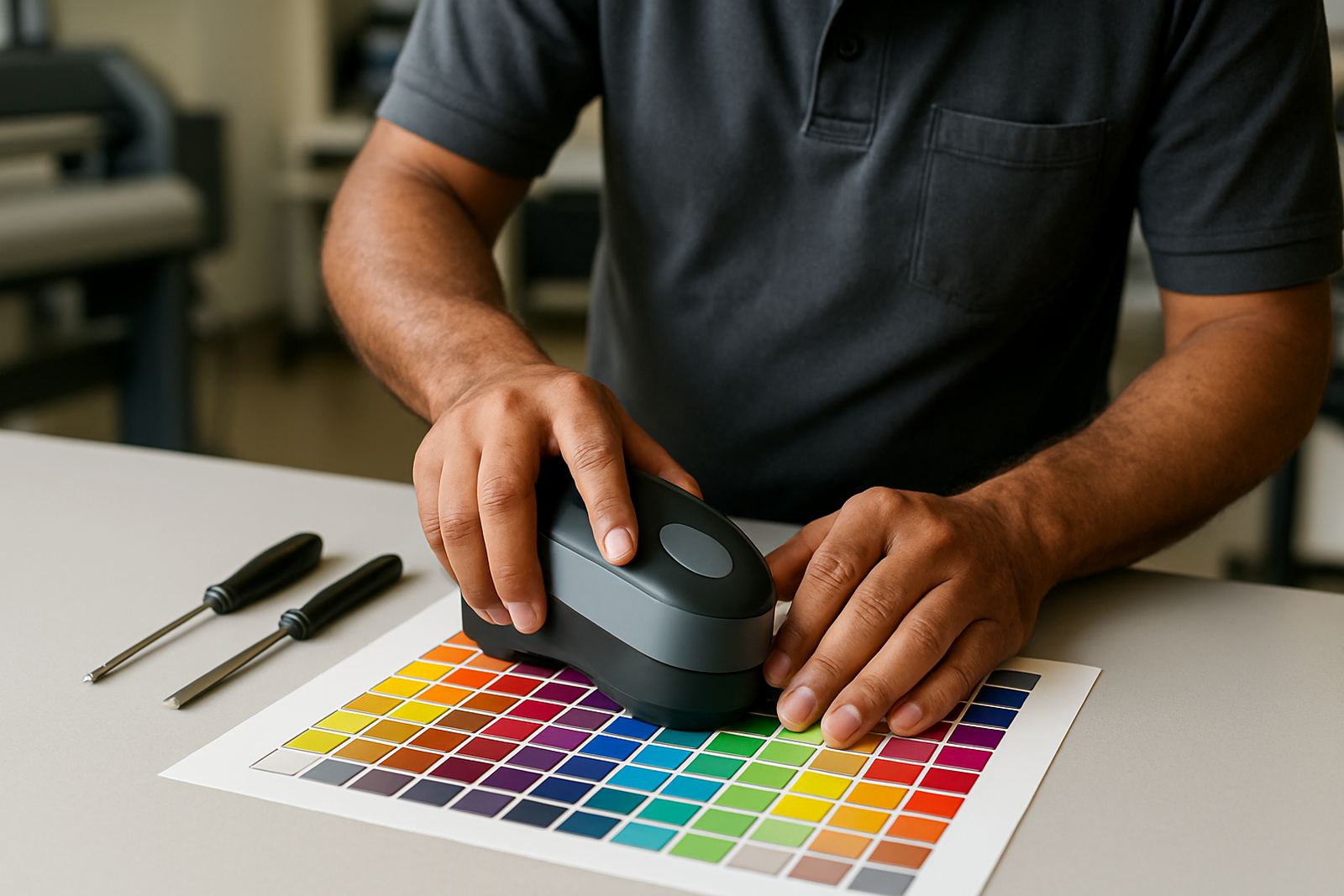
Small studios often lose margin when a reprint does not match the first run. That can happen on indoor graphics, point of sale items, shopfront branding and long-run signage, especially when different staff members handle the file at different stages. Colour management is not only for large print rooms. It matters just as much when you are working from a compact space in Randburg or Midrand.
A sensible upgrade is to set one colour workflow and keep it consistent. That may include better monitor judgement, print profiles for key media and a simple proofing process before production starts. It also helps when the coastal humidity changes media behaviour in Durban or Cape Town, because the team can adjust with a known baseline instead of guessing.
- Keep a standard reference print for your common substrates
- Check how media, temperature and humidity affect output
- Use the same colour notes for every reprint request
- Train one person to oversee final colour checks before release
Cutter setup is where many small studios lose time
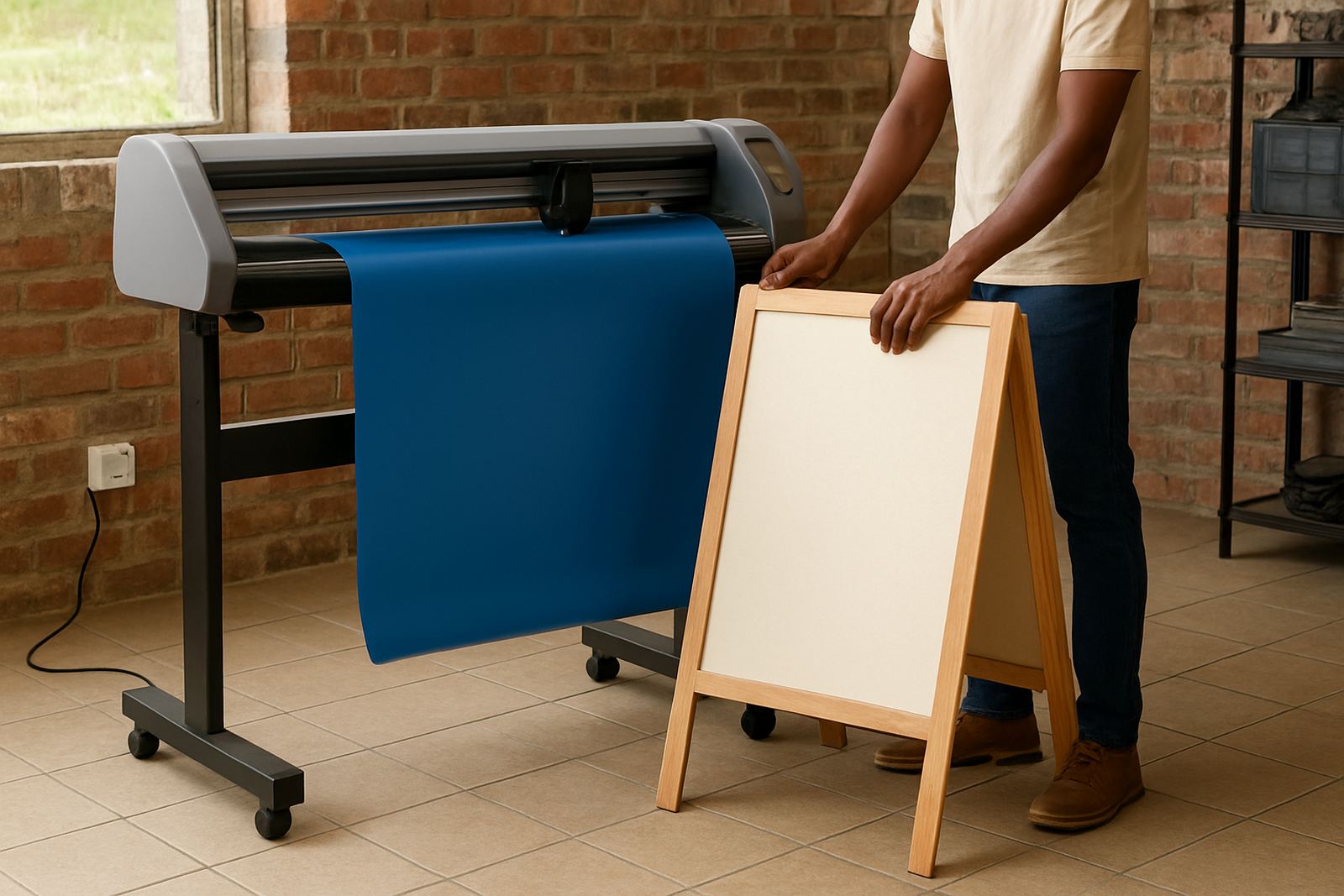
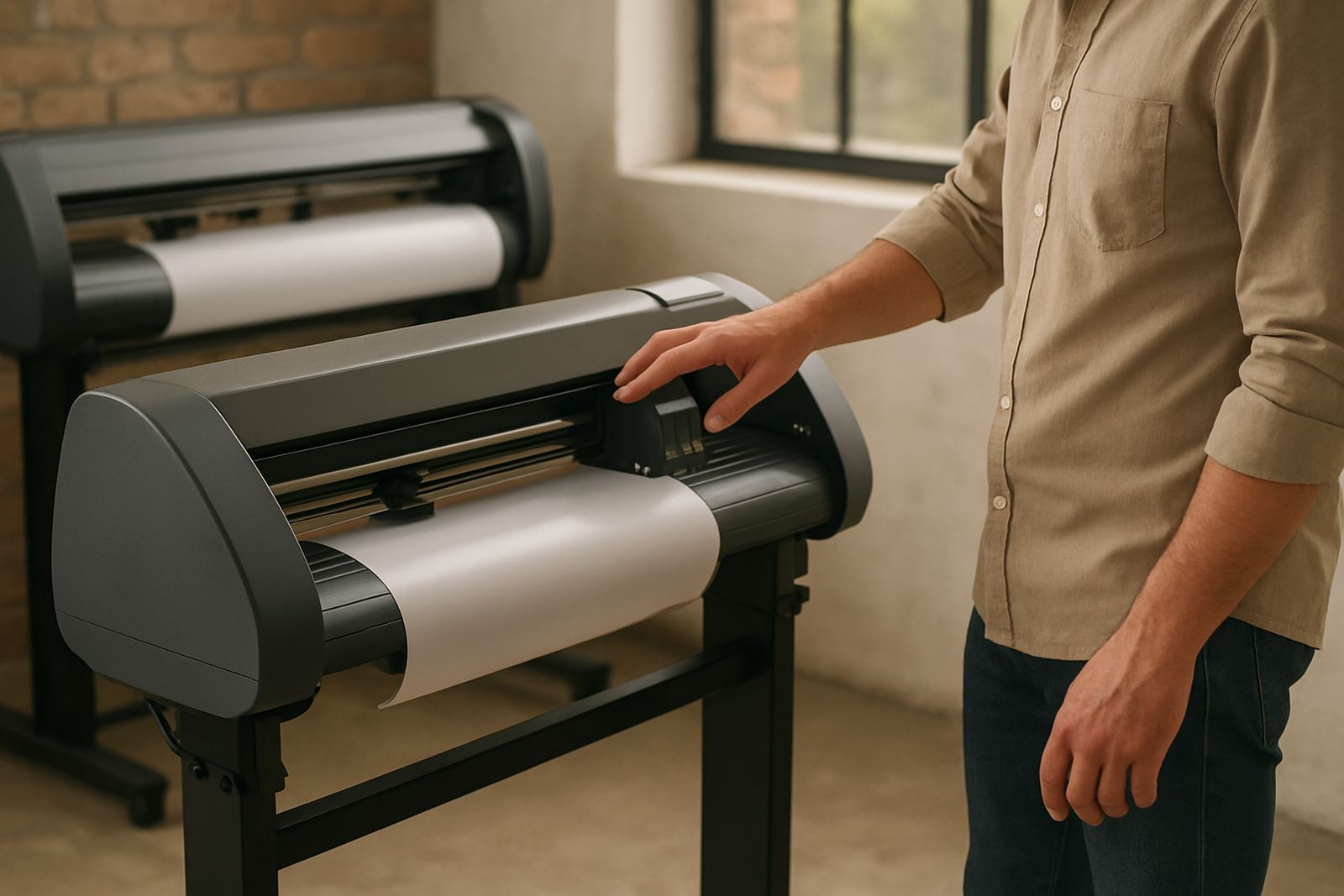
Vinyl cutter problems are often blamed on the machine when the real issue is setup. Blade depth, pinch roller placement, media feed and cut order all affect how well a job runs. If a studio is doing a lot of decals, window graphics or cut lettering, that setup needs to be reliable every day.
We often see shops in Pretoria and Johannesburg gain time simply by resetting the cutter workflow and training staff to use the same method each shift. That can include cutter setup help, new staff induction and onsite training if the team is split across design and production. When the basics are right, there are fewer test cuts, fewer wasted metres and less pressure when a rush order lands after lunch.
- Set one standard method for media loading and cut testing
- Keep spare blades and holders labelled for quick checks
- Record common cut settings for the materials you use most
- Show every operator how to spot feed issues early
A local upgrade plan for a busy Randburg studio
One Randburg print shop came to us with a simple problem: the team was busy, but every small job took too long to release. They had one workstation doing artwork, queue control and support calls, and the cutter was constantly waiting on fresh settings. There was no big rebuild, just a sequence of low-disruption changes.
We tightened the RIP queue, reset the cutter workflow, set clearer job naming, and scheduled short training blocks for the staff who handled daily production. The result was not dramatic in a flashy sense, but it was useful. Orders moved faster, reprints were cleaner and the studio could handle a few more urgent jobs each week without adding more floor space or new equipment.
That is the real value of small studio upgrades. They do not need to interrupt trading for days. With the right installation, remote support, or onsite training, a compact studio can work more neatly and keep its turnaround times under control, even when the month-end rush or load-shedding puts extra pressure on the team.