What a colour target sheet is really testing
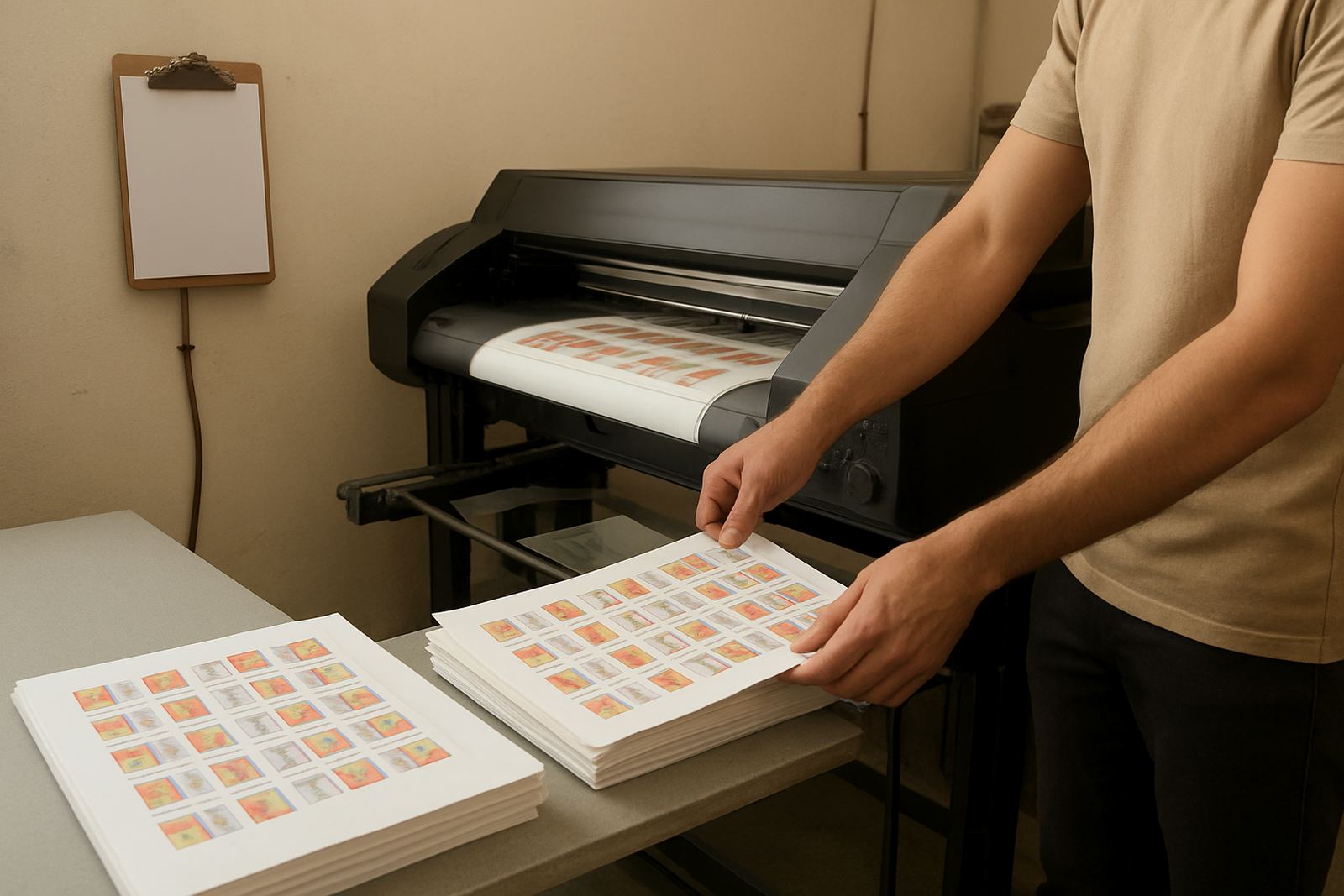
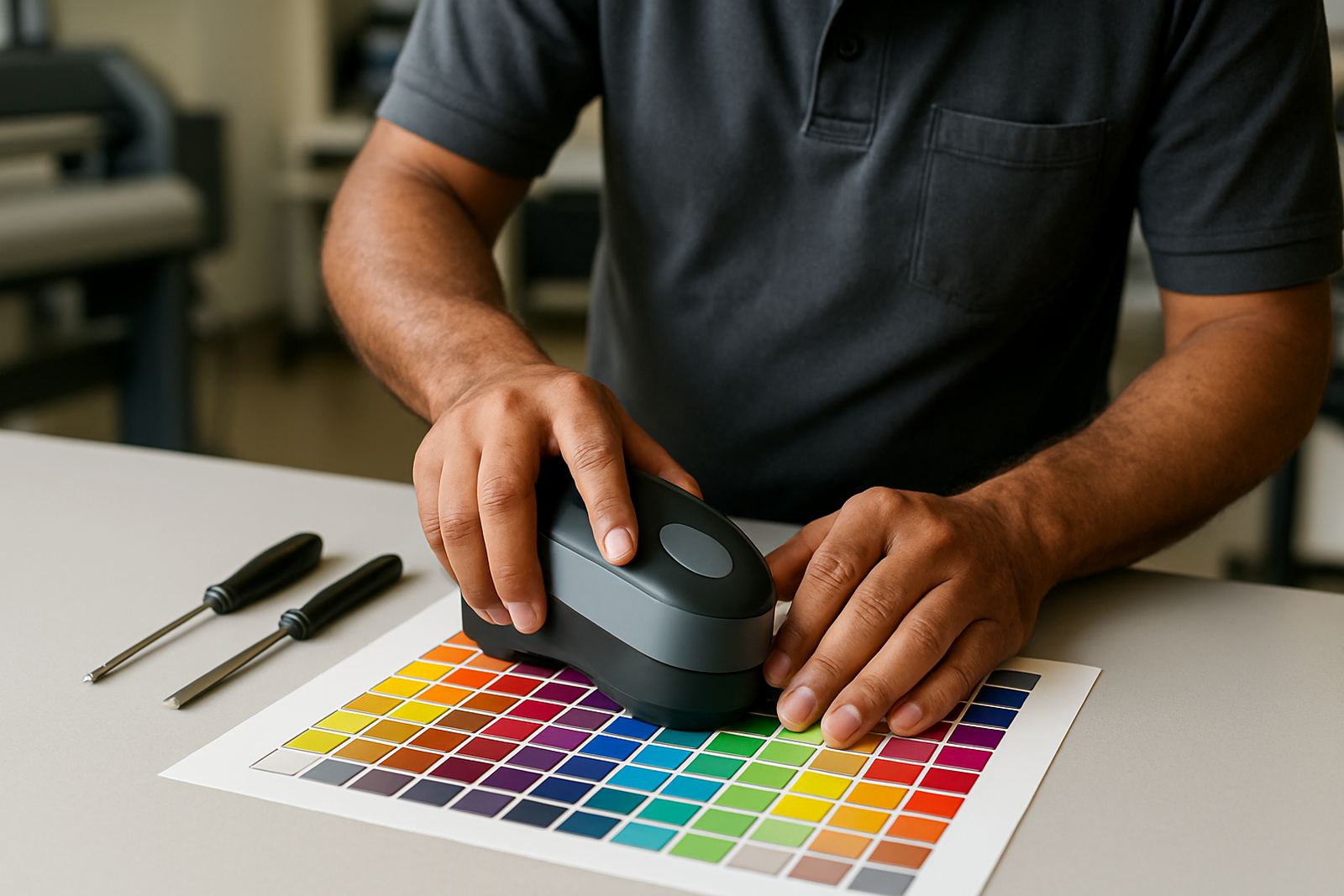
A target sheet is a controlled pattern printed so you can judge how the RIP, printer and media are working together. It is not only about pretty blocks of colour. It tells you whether solids are filling properly, whether gradients are stepping, and whether neutral greys are staying neutral or drifting warm, cool or dirty.
For sign shops in South Africa, that matters because the same vinyl roll can behave differently in Randburg, Durban or Cape Town. Heat, humidity and storage all affect how ink sits on the surface. A target sheet makes those changes visible before a full wrap panel, retail sign or fleet decal goes out the door.
When a customer says the blue looks fine on one job and flat on the next, the problem is often not the artwork. It is usually media setup, colour profiling, ink limits or a change in the queue settings. Reading the target sheet is how you catch that early.
The signs your output is drifting
A target sheet should look repeatable from one print run to the next. If it does not, the sheet will show the pattern. You may see one corner casting a stronger tint, or blacks that turn muddy instead of deep. Sometimes the issue is a slow drift across the day, which happens when temperature in the workshop rises or the media absorbs moisture overnight.
Watch for these common warnings:
- Greys shifting to magenta, green or yellow
- Skin tones looking dull or sunburnt
- Dark fills showing banding or uneven density
- Fine details filling in when they should stay open
- Solid spot colours printing differently after a media roll change
These are not just cosmetic faults. They usually point to a setting that needs checking in the RIP, the cutter workflow, or the media preset. A small adjustment can save a lot of vinyl and ink on a full production run.
Reading the target on different media types
Gloss vinyl, matte vinyl, banner material and self-adhesive media all take ink differently. A target sheet helps you compare how each surface behaves without guessing. On coated media, you may get cleaner detail and better shadow separation. On more absorbent stock, the same settings can spread too much and lose edge sharpness.
That is why media settings should never be copied blindly from one job to the next. A setting that works on a smooth indoor grade may fail badly on a textured outdoor vinyl. In coastal areas such as Durban or Gqeberha, humidity can make the difference even bigger, especially if rolls are opened and left exposed in the print room.
Use the target sheet to check:
- Ink laydown on glossy versus matte surfaces
- Drying time before lamination or cutting
- Whether the media is curling after print
- Colour stability after 24 hours of curing
Why cutters and RIP queues need the same colour discipline
Many shops treat print quality and cutter setup as separate jobs, but they are linked. If a target sheet shows colour drift, your print and cut workflow can suffer too. Registration marks may still scan, yet the final decal can look mismatched because the printed colour is not landing where the design intended.
That is why queue setup matters. A clean RIP queue keeps media size, ink limits and cut marks consistent from one operator to the next. It also helps when new staff are learning the system. If the target sheet is part of the routine, they can compare output against a known standard instead of relying on memory.
For shops doing fleet work, retail signage or municipal jobs, this matters a lot. A traffic-related sign or directional panel should not change shade halfway through a batch. Once the target sheet is approved, the team can keep production tighter and reduce reprints.
A Randburg example: same file, different result
A practical example comes from a Randburg print room handling short runs for shops in Sandton and Midrand. The team printed the same branded panel on two different mornings, but the second run looked darker and less lively. On the surface, nothing had changed. The file was the same, the operator was the same and the printer had no visible fault.
The colour target sheet showed the clue. The neutral strip had shifted slightly green, and the darker tones were closing up earlier than expected. The cause was a combination of overnight humidity and a media preset that had been copied from another roll type. After adjusting the media profile and rechecking the queue settings, the job returned to a more stable result.
That is the value of a target sheet. It turns a vague complaint into a specific fault, so you can act on it instead of guessing.
A practical reading routine for busy production teams
You do not need a long process to get useful answers from a colour target sheet. A short routine done the same way every time is better than an occasional detailed check. The point is consistency, not ceremony.
- Print the target on the media you actually use for the job
- Let it dry fully before judging the colour
- View it under the same lighting each time
- Compare it with a known good sample from the same workflow
- Note any change in temperature, humidity or stock batch
If a change appears, check the basics first. Confirm the correct profile, confirm the ink limits and confirm that the cutter or finishing step is using the right marks. Small faults often come from settings that were rushed during a busy period, especially when a team is trying to finish before load shedding or a courier cut-off.
What good support should help you verify
Good support is not only about fixing a fault after it has already cost you material. It should help you read the target sheet, match the result to the media and tighten the workflow so the problem does not keep returning. That includes training staff to notice drift early, checking the colour management setup and planning upgrades before the old queue setup becomes a bottleneck.
For South African sign makers and print service providers, this also means having support that understands local working conditions. A shop in Pretoria may have a different issue from one in Cape Town or Durban. The same target sheet can reveal a dusty environment, a media storage problem or a setting that no longer suits the production mix.
When colour is handled properly, the target sheet becomes part of daily control, not a repair tool. That is what keeps output steady across jobs, sites and seasons.