Why small teams lose time in the RIP room
Most small sign shops do not lose time because staff are lazy. They lose time because every job arrives differently. One customer sends a PDF, the next a CorelDRAW file with missing links, then someone else drops off a JPEG and asks for same-day vinyl. If each job is handled from scratch, the team spends too much time deciding what to do instead of doing it.
In Gqeberha, where coastal humidity can affect vinyl handling and dry weather can change static and dust behaviour, small production delays quickly become print errors. A neat workflow keeps the process steady even when load-shedding has interrupted the day or a rush job lands late afternoon.
The aim is not to make the team work harder. It is to make every file move through the same steps, every time. That gives a print provider a better chance of consistent output, fewer reprints and less confusion between design, output and finishing.
Set one file standard and stick to it
File discipline starts before the RIP software opens. The whole team needs one standard for file names, page size, colour mode and export settings. If the sign shop uses one method for artwork approval and another for production, the mistakes multiply. A simple naming rule saves far more time than people expect.
- Use one project name for each customer and keep it on every file version
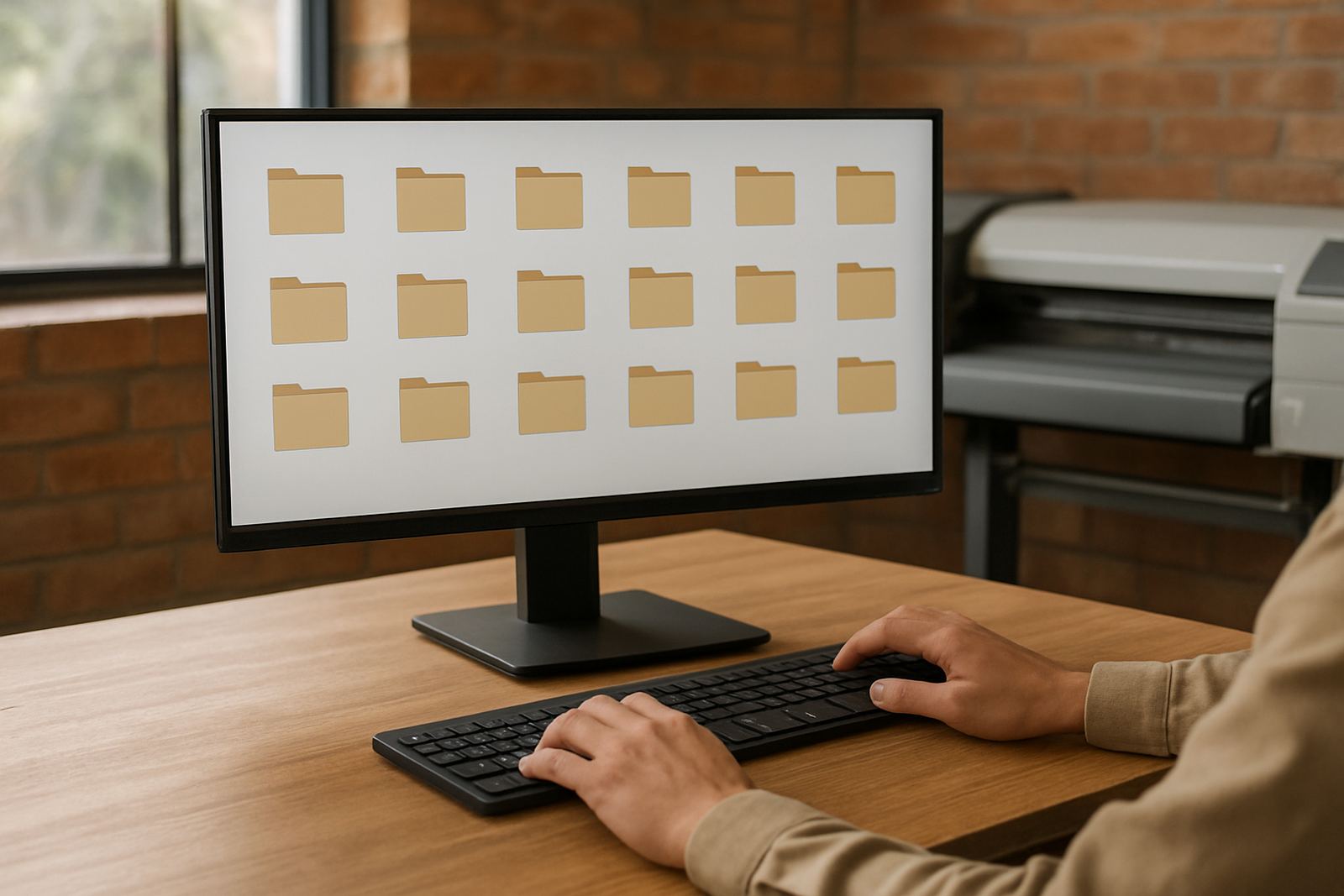
- Save print files in a fixed folder structure for artwork, approval and output
- Convert linked images before the job enters production
- Keep text outlined unless the workflow specifically needs editable type
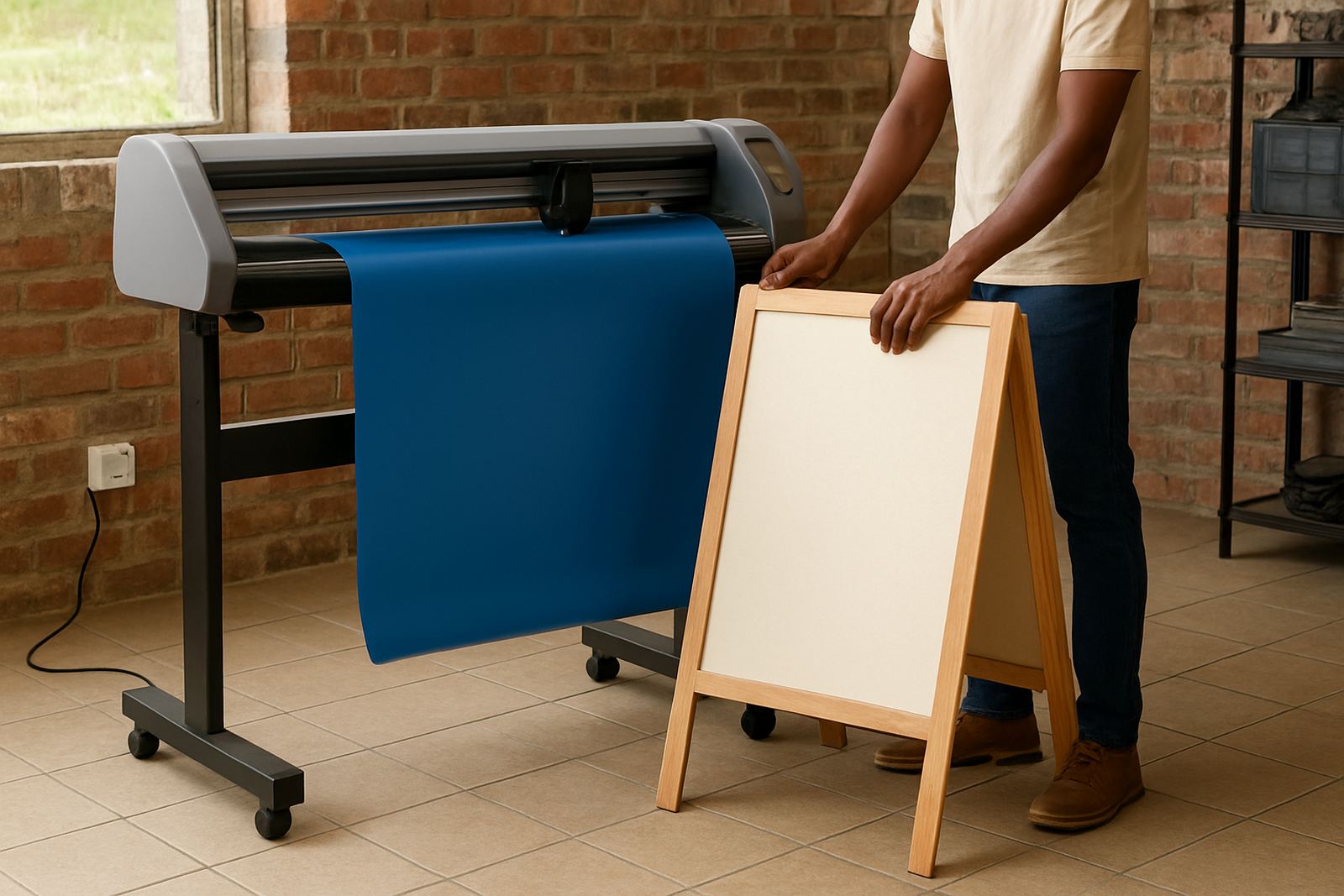
- Check the size in millimetres or metres before the file reaches the cutter
For a compact team in Walmer or Newton Park, this can be the difference between finishing a run before lunch or spending the afternoon trying to find the correct version. If one person is away, the next person should still be able to open the job and understand it at a glance.
Make colour and output rules part of the job card
Colour management is often treated as a specialist task, but small teams need it to be practical and repeatable. A sign shop printing vinyl graphics, boards and promotional material cannot afford to guess every time a new material is loaded. The same artwork can look very different on gloss vinyl, textured board or backlit film.
A strong workflow uses fixed settings for the common materials the shop handles most often. That includes media profiles, queue presets and cutter settings where relevant. When the team knows which preset is used for which material, the learning curve gets shorter and the results are easier to repeat.
- Label presets by material and application, not by a staff member's name
- Keep a printed reference sheet near the output station
- Test new media on a short run before committing to a full batch
- Record the approved settings for future repeat orders
This matters even more when a shop serves schools, estate agents, churches and contractors across Gqeberha and nearby areas. Reorders should match the original job as closely as possible, especially when the customer expects the same shade or layout six months later.
How to divide work so everyone knows their lane
Small teams work best when each person knows where the job sits in the process. One person may handle customer intake, another may prepare the file, another may check the RIP queue and another may manage installation or collection. The point is not to create paperwork for its own sake. The point is to stop jobs from bouncing around the room.
A clear handover also reduces stress during busy periods. If the business owner is on site in Port Elizabeth Central and the production room is under pressure, staff should still know who confirms artwork, who checks dimensions and who releases the job for print.
- Customer enquiry and brief
- Artwork check and corrections
- Approval and final save
- RIP setup and queue check
- Print, cut and finish
- Pack, install or collect
When those stages are written down and followed, a compact team can work with more confidence. It also becomes easier to train new staff without pulling the whole shop off its feet for a week.
A practical Gqeberha example from a busy sign shop
Consider a small shop in Gqeberha that handles vehicle graphics, cut vinyl and short-run printed boards. The owner, one designer and one production operator are trying to manage school signage, tenant boards and retail specials at the same time. Before they tightened their workflow, every job needed a fresh explanation, and the cutter queue was often full of files with different sizes and naming styles.
After standardising the process, they used one folder structure, one approval method and one preset for their common materials. The operator no longer had to guess which version was final. The designer knew how to save the file for output. The owner could check the queue and see exactly what was next.
The result was not magic. It was simply fewer interruptions. Jobs moved faster because people spent less time asking basic questions. For a small business, that is often the difference between staying ahead of the day and chasing it all afternoon.
Training that keeps the workflow alive after setup
A workflow only lasts if the team can use it when things get busy. Training should cover the actual jobs the shop does, not only the theory. That means software installation, licence activation, queue setup, cutter setup help, colour management and the daily habits that keep files tidy.
For Gqeberha businesses, support can be arranged remotely or on site depending on what the job needs. A short session can help a team tighten up the output room, while a more detailed visit can sort out new staff induction, upgrade planning or annual support planning.
- Remote support for queue issues and quick corrections
- Onsite training for production teams and supervisors
- Workflow setup for repeat jobs and common materials
- RIP queue optimising for faster turnarounds
- Colour management for more predictable results
Once the basics are stable, the shop can spend more time producing work and less time recovering from avoidable file problems. That is where a small team starts to feel much bigger than it is.