Start by separating beginners from daily operators
When a new team member joins a sign shop, they usually need a different approach from the person who has been running jobs for two years. A beginner should learn the job flow first, not every button on day one. That means file setup, how artwork moves into the RIP, where cutter settings are entered, and what to check before sending a print or cut. If that foundation is weak, mistakes follow through the whole workshop.
In Randburg and the wider Johannesburg area, we often see shops with one person doing artwork, RIP setup and cutter output all at once. That can work when volumes are low, but once orders pick up the pressure builds. A beginner needs calm, repeatable steps. Daily operators need speed, clean handovers and clear rules for naming files, checking profiles and confirming output size. Training should match those two realities.
- Beginners need process first, software shortcuts second.
- Daily operators need faster setup, fewer errors and better troubleshooting.
- Supervisors need enough knowledge to spot bad habits before they cost material.
Use refresher training when the shop has grown too quickly
Refresher lessons are not only for people who have forgotten the basics. They are useful when a shop has changed equipment, taken on more staff, or started producing different jobs such as labels, vehicle graphics or short-run packaging. A team that learned on one workflow may struggle when the cutter setup changes, or when a new RIP queue is added for a second printer. In practice, that is often when spoilage starts climbing.
A refresher session should focus on the trouble spots that slow the shop down. These may include colour management, file handling, queue priorities, cutting offsets, or how to recover after a job fails halfway through. In coastal towns like Durban and Gqeberha, humidity can also affect media handling and cut accuracy, so operators need to know how storage and room conditions influence the result. A quick update can save a full roll of vinyl or a day’s production.
- Trigger refresher training after new equipment arrives.
- Use it when error rates rise or output looks inconsistent.
- Include real jobs from the shop, not only theory.
Advanced lessons should be tied to output quality and speed
Advanced training is for operators who already know the basics and now need better control. These are the people managing colour consistency, nested jobs, queue timing and cutter coordination. They should understand how to reduce reprints, how to spot a profile issue before it spreads across a batch, and how to keep the RIP queue moving without overloading the workstation. At this level, the conversation shifts from how to use the software to how to run production with less waste.
In larger Gauteng shops, especially those serving Pretoria, Midrand and Centurion, advanced training helps when one team handles many job types in the same day. A banner run, a set of decals and a contour-cut retail order all behave differently. The operator must know when to adjust workflow settings, when to pause for colour checks and when to leave a stable setting alone. Advanced lessons should also cover upgrade planning so the shop does not lose time chasing old settings after a version change.
- Focus on colour control, queue management and output consistency.
- Cover repeat jobs, profile checks and cutter alignment.
- Train staff to solve common faults before calling for help.
Match the lesson to the person, not only the job title
A manager might assume all junior staff need the same induction, but that is rarely true. One person may be strong on artwork and weak on cutter setup, while another may understand machines but struggle with file preparation. Training works better when it is matched to actual gaps. That keeps production moving and avoids wasting operator time. It also helps prevent the awkward situation where a capable operator sits through basic material for hours while the real problem, like colour mismatch or poor queue use, goes untouched.
At FlexiSIGN Studio we often start with a short assessment of what the person already does well. From there we plan the session around the tasks they handle most often. A trainee who only needs licence activation and workflow setup does not need the same depth as a production lead preparing staff for a busy season. This approach is practical, especially for shops that cannot afford to pull a full team off the floor for long.
- Assess current skill before booking the lesson.
- Separate artwork, RIP and cutter duties when planning training.
- Keep the session focused on the next real task, not general theory.
Onsite training works best when the shop uses its own jobs
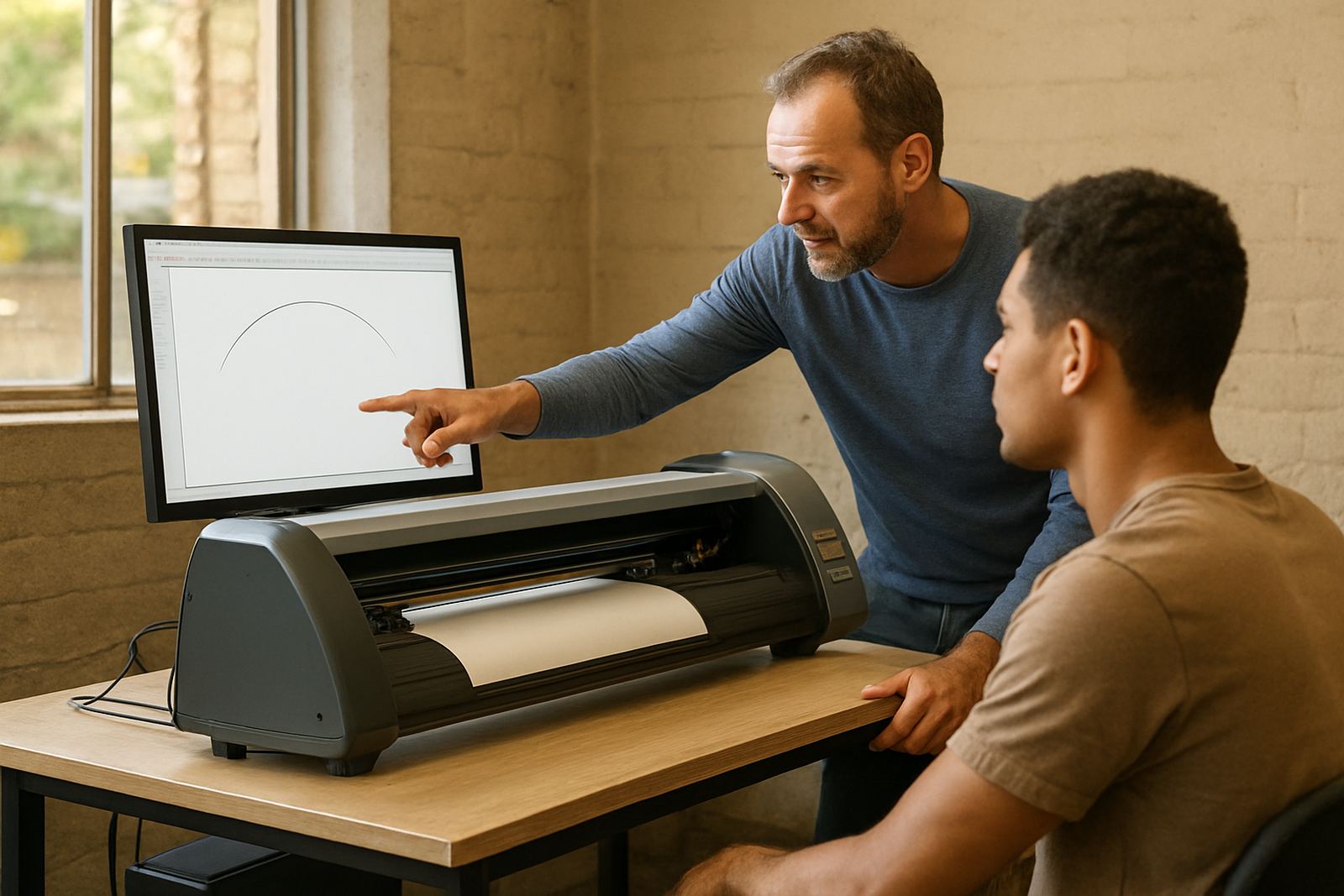
Classroom-style learning has its place, but onsite training is often more effective because the staff work on the actual computer, cutter and print setup they use every day. That matters in South African shops where equipment layouts vary and power interruptions can upset saved settings. A technician can explain how to rebuild the workflow after a load-shedding interruption, how to check licence activation after a restart, and how to keep the queue tidy when the machine room is under pressure.
For example, a sign shop in Randburg that serves both walk-in retail and weekly municipal jobs may need different staff to handle urgent vinyl cuts, longer print runs and recurring orders. One operator can be trained for cutter setup and basic support while another learns advanced RIP queue control and colour management. When the training happens on the actual workstation, the team leaves with steps they can use straight away.
- Use onsite training for machine-specific workflows.
- Cover restart recovery and settings checks after power interruptions.
- Train on live jobs so staff can repeat the process immediately.
A simple training plan can prevent costly mistakes
Most shops do best with a staged plan. Start new staff on beginner lessons, add a refresher after the first few weeks, then move stronger operators into advanced work once they have proven steady output. This prevents rushed learning and lowers the chance of waste. It also gives the manager a clearer picture of who can handle which machine, which queue and which customer deadlines. In a busy print room, that clarity is worth a lot.
We also recommend linking training to support plans and annual reviews. When the shop plans for upgrades, new staff induction and workflow changes together, the team does not have to relearn the same things each year. A good training plan should make the operator faster, the output cleaner and the shop easier to manage. That is especially important for businesses working across Johannesburg, Pretoria, Durban, Cape Town and Gqeberha, where delivery times and customer expectations can change quickly.
- Begin with beginner training for new hires.
- Use refresher lessons after equipment or workflow changes.
- Reserve advanced sessions for operators who manage production decisions.