Cut-first tools for everyday sign work
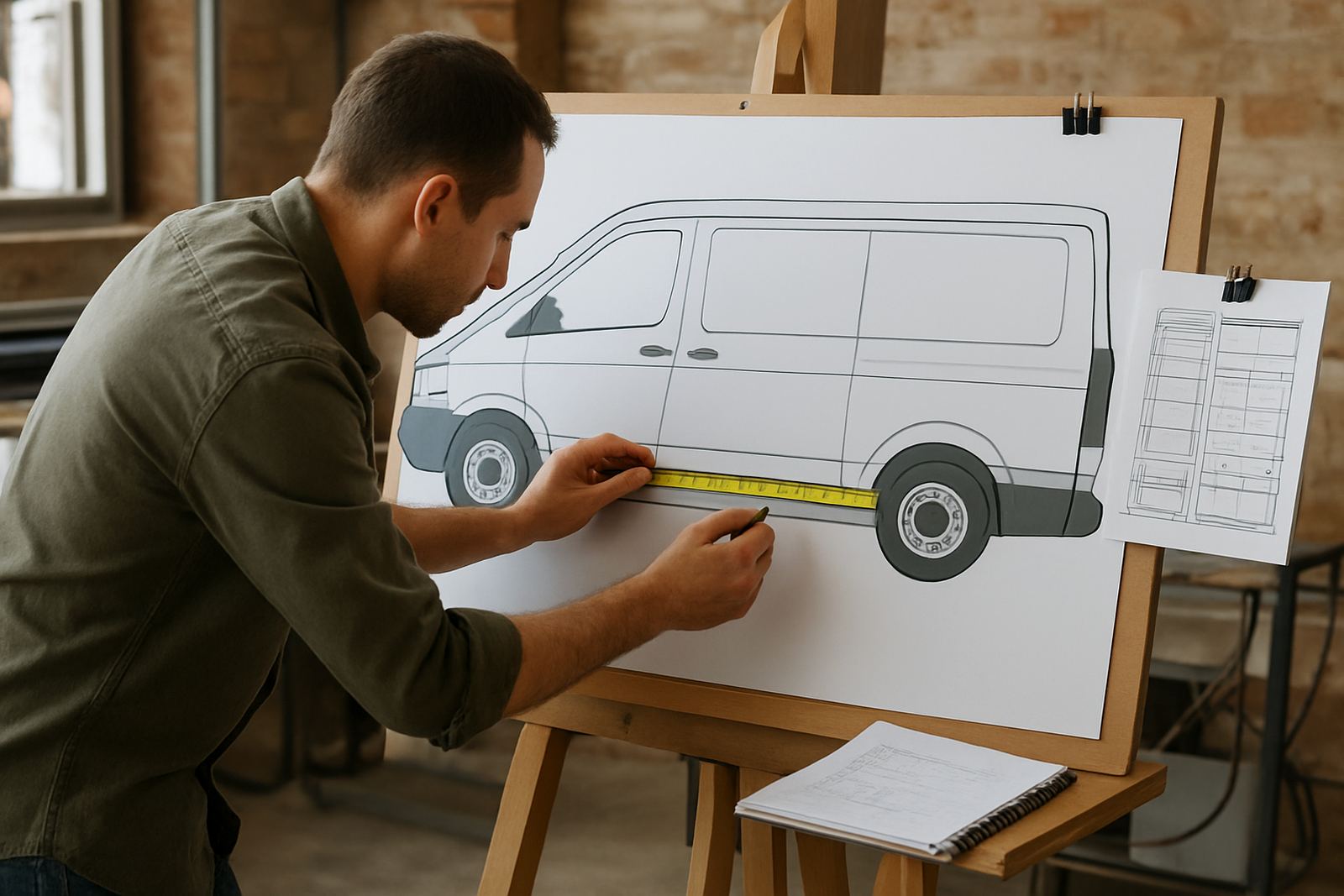
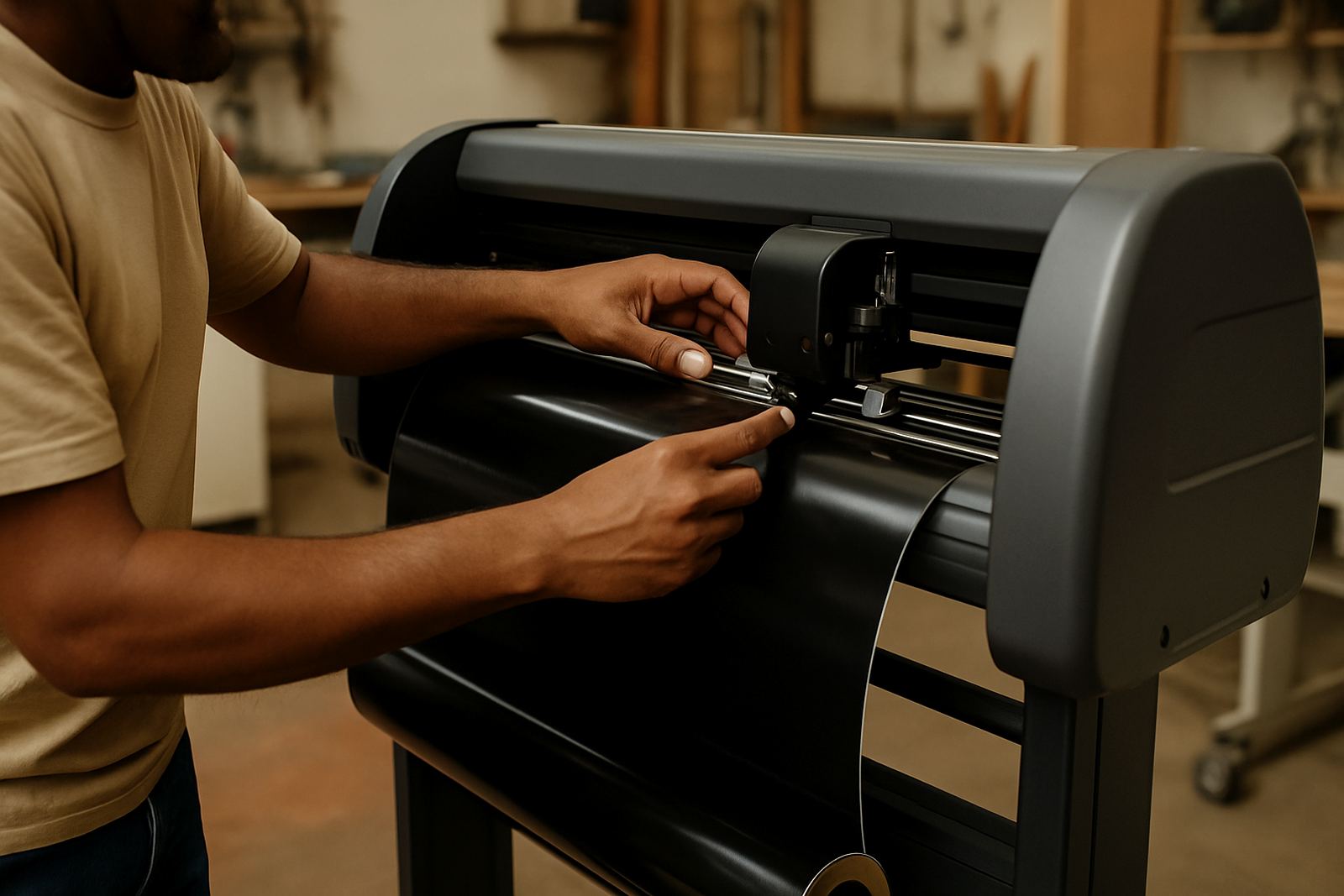
The Vinyl Cut Module is used for jobs where cut quality matters as much as the artwork itself. It gives your team a practical set of tools for lettering, panel nesting, weed lines, step-and-repeat style layouts and cut-ready output for vinyl cutters in a busy shop. If you are producing vehicle decals, shop fascias, safety signs or promotional lettering, the module helps keep the job organised from design to output.
For South African sign shops, the value is in speed and control. You can reduce waste on offcuts, line up repeat jobs more accurately and prepare artwork so it cuts the first time with less rework. That matters when you are working under load-shedding pressure, with deadlines in Johannesburg, Durban or Cape Town and a queue of jobs waiting for the cutter.
- Lettering and cut path preparation
- Weed lines for faster depeding and handling
- Panel layout for longer graphics and repeats
- Cut order control for cleaner production
Where the module fits in your production flow
This module suits sign shops, print service providers and graphic designers who need to hand off cut jobs with less back-and-forth. It is especially useful where one person designs and another person runs the cutter, because the settings and output steps can be standardised. That helps in small teams and also in larger shops with multiple operators.
It works well for vinyl cutters used on self-adhesive vinyl, reflective material, masking film and other common sign media. If your work includes window lettering, point-of-sale panels, fleet markings or cut-text for retail signage, the module gives you the controls to keep jobs tidy. In coastal areas such as Durban and Gqeberha, where humidity can affect handling and storage, a cleaner workflow also helps reduce curled edges and messy weeding.
- Sign shops handling daily cut volumes
- Print rooms adding contour and vinyl cut output
- Training centres teaching cut production basics
- Branches that need the same setup across sites
Sizes, licence options and user setup
The Vinyl Cut Module is generally supplied as a software option matched to the number of users and the workstations that need access. For most shops, the choice comes down to a single-user setup, a shared office licence or a multi-user arrangement across a production team. If you operate from Randburg and also have staff in Midrand or Centurion, we can help you plan who needs access and where the licence should sit.
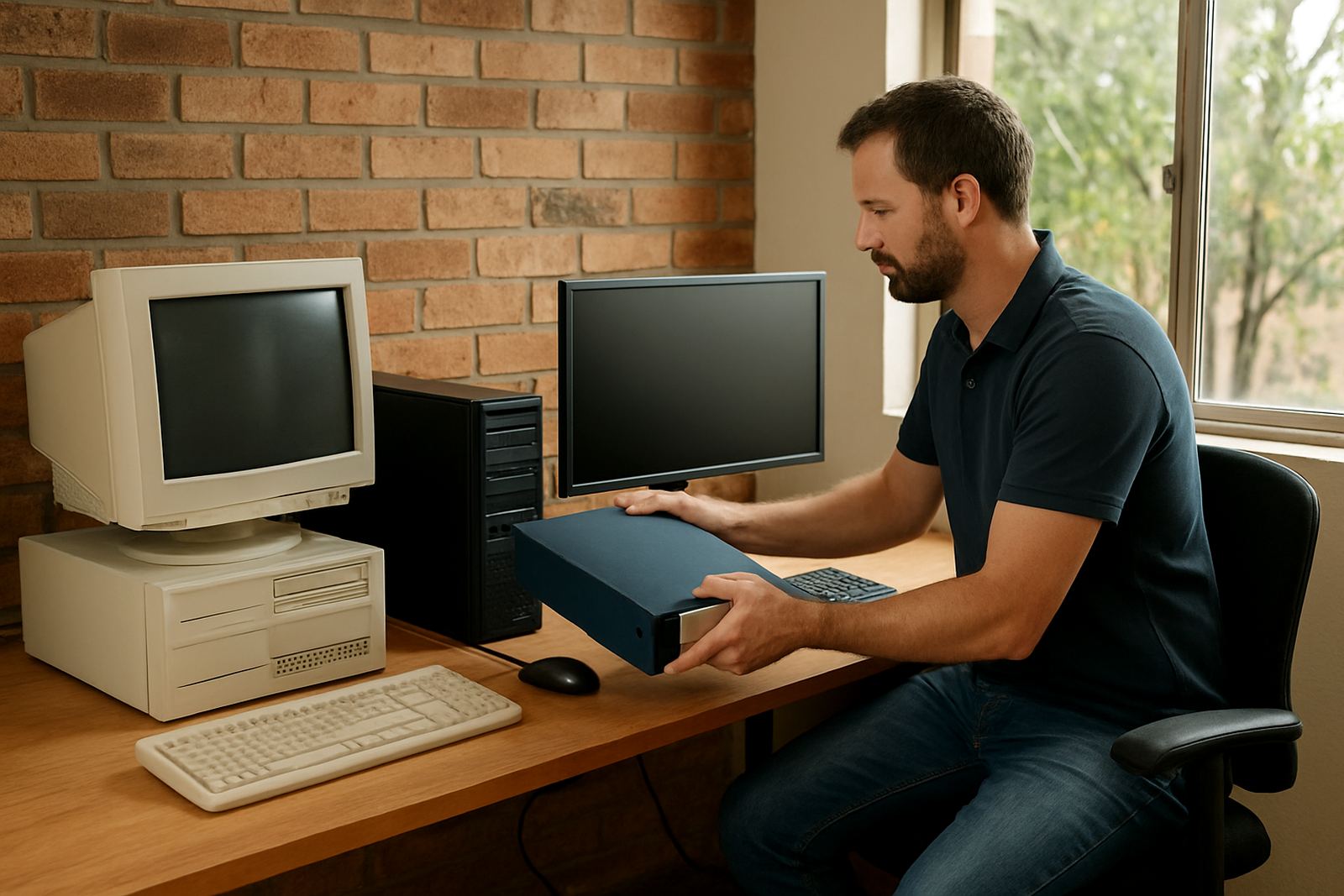
Because each shop runs differently, it is important to confirm the cutter model, the Windows version in use and whether the operator needs local or remote support. Some shops want a simple cut station with one monitor and one cutter. Others need a full workflow with design, approval and output across more than one computer. We can assist with upgrade planning so you do not pay for more than you need, or end up short when you add another operator.
- Single workstation or multi-seat options
- Licence activation for new installs or upgrades
- Suitable for small shops and larger production teams
- Can be planned for shared or stand-alone use
Installation, power and cutter connection needs
Installation is straightforward, but the setup details matter. The computer should have stable power, enough free storage for artwork files and a reliable connection to the cutter, whether that is via USB or another approved link. In areas with frequent load-shedding, a small UPS is strongly advised so a cut job does not stop halfway through and waste material. If the power drops mid-run, the cutter and PC can lose sync, which is a pain when you are working on long runs.
No gas supply is needed for this module. The main requirements are electricity, a suitable Windows-based workstation and a cutter that is in good working order. For onsite work in Johannesburg, Pretoria, Durban, Cape Town and Gqeberha, our installation specialist can check the cutter connection, test output and make sure the machine is speaking to the software properly before the job goes live.
- Stable mains power with UPS recommended
- Windows workstation with enough memory and storage
- USB or approved cutter connection
- No gas, compressor or special ventilation required
Colour, weed lines and output discipline
Cut work may look simple, but production discipline makes all the difference. The module supports a cleaner handover from design to cutter by keeping weed lines, panel arrangement and output order under control. That makes it easier to weed small text, separate colour layers and keep long decals from stretching or snagging. A good setup also saves vinyl because the nesting is neater and the cutter spends less time making unnecessary passes.
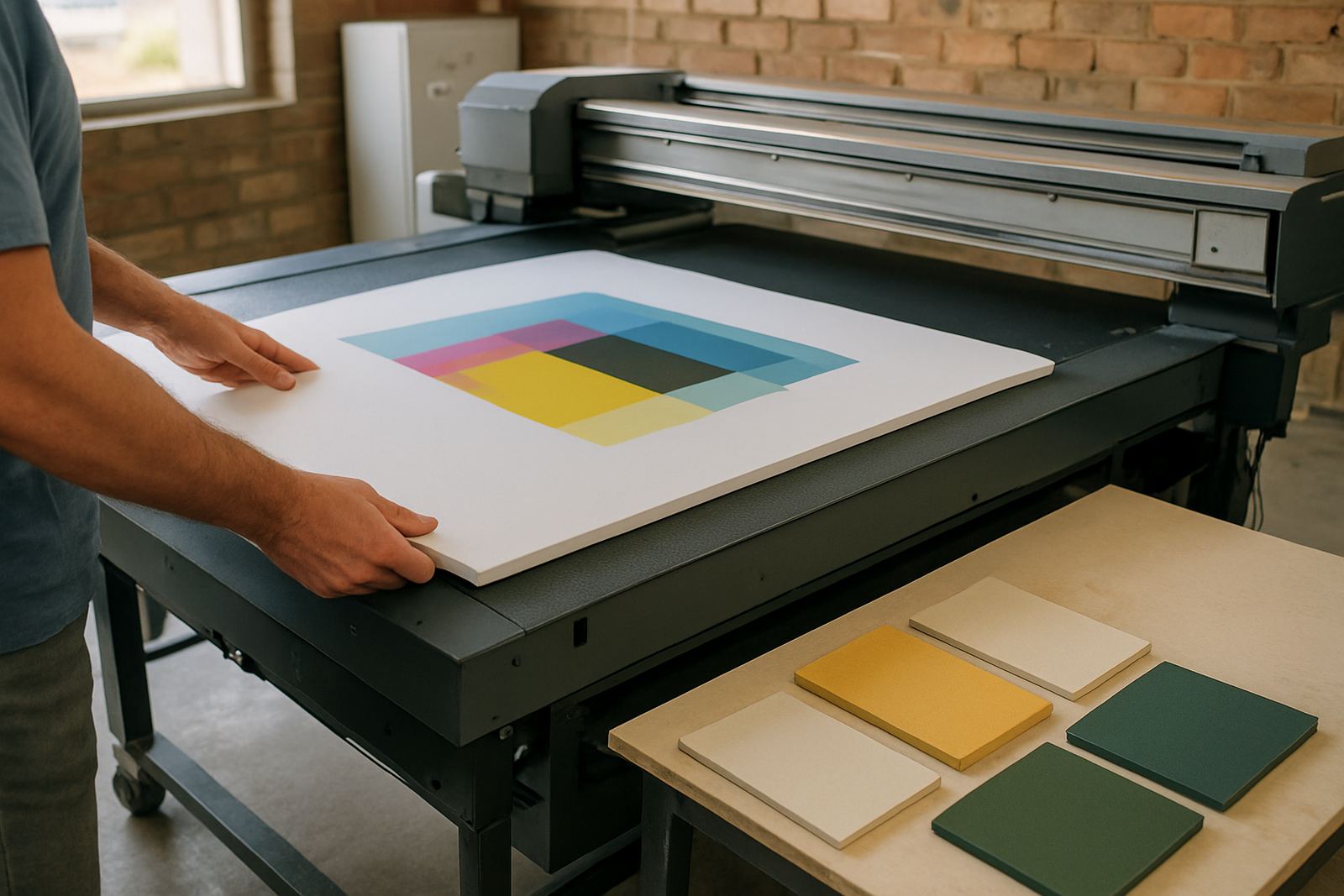
If your shop also runs print and cut, a correct workflow is even more important. The module can be used as part of a broader RIP and colour management setup so that the design team, cutter operator and production manager are all working from the same file logic. This reduces confusion, especially when a new staff member steps in or when a deadline is tight and everyone is trying to help at once.
- Cleaner weed lines for small lettering and detailed cuts
- Better panel layout for longer jobs
- Useful with mixed print and cut workflows
- Helps reduce vinyl waste and operator errors
Upkeep, support and checks to make before you order
The software itself needs regular housekeeping rather than mechanical servicing, but the cutter and computer do need attention. Keep files organised, remove old test jobs, back up settings and check that your cutter blades, pinch rollers and media feed are in good condition. If the blade is blunt or the rollers are dirty, the best software in the world will not fix a bad cut. That is a common problem when people blame the program, when the issue is actually the machine setup.
Before ordering, confirm the cutter make and model, the number of users, the current software version and whether you need training for new staff. Also check whether the team needs remote support, onsite training or a full workflow review. For branch networks in Randburg, Pretoria and Cape Town, it often helps to standardise the setup first so each site is working the same way.
- Check cutter model and connection type
- Confirm the number of users and licences needed
- Review staff skill levels and training needs
- Ask about upgrade planning before changing hardware
Key facts
| Product type | Vinyl cutting design and production module |
|---|---|
| Main use | Lettering, panel layout, weed lines and cut output |
| Compatible setup | Windows workstation with supported vinyl cutter connection |
| Power requirement | Mains electricity; UPS recommended for load-shedding |
| Gas requirement | None |
| Support options | Remote support, onsite training and licence activation |