What a crossgrade licence actually does
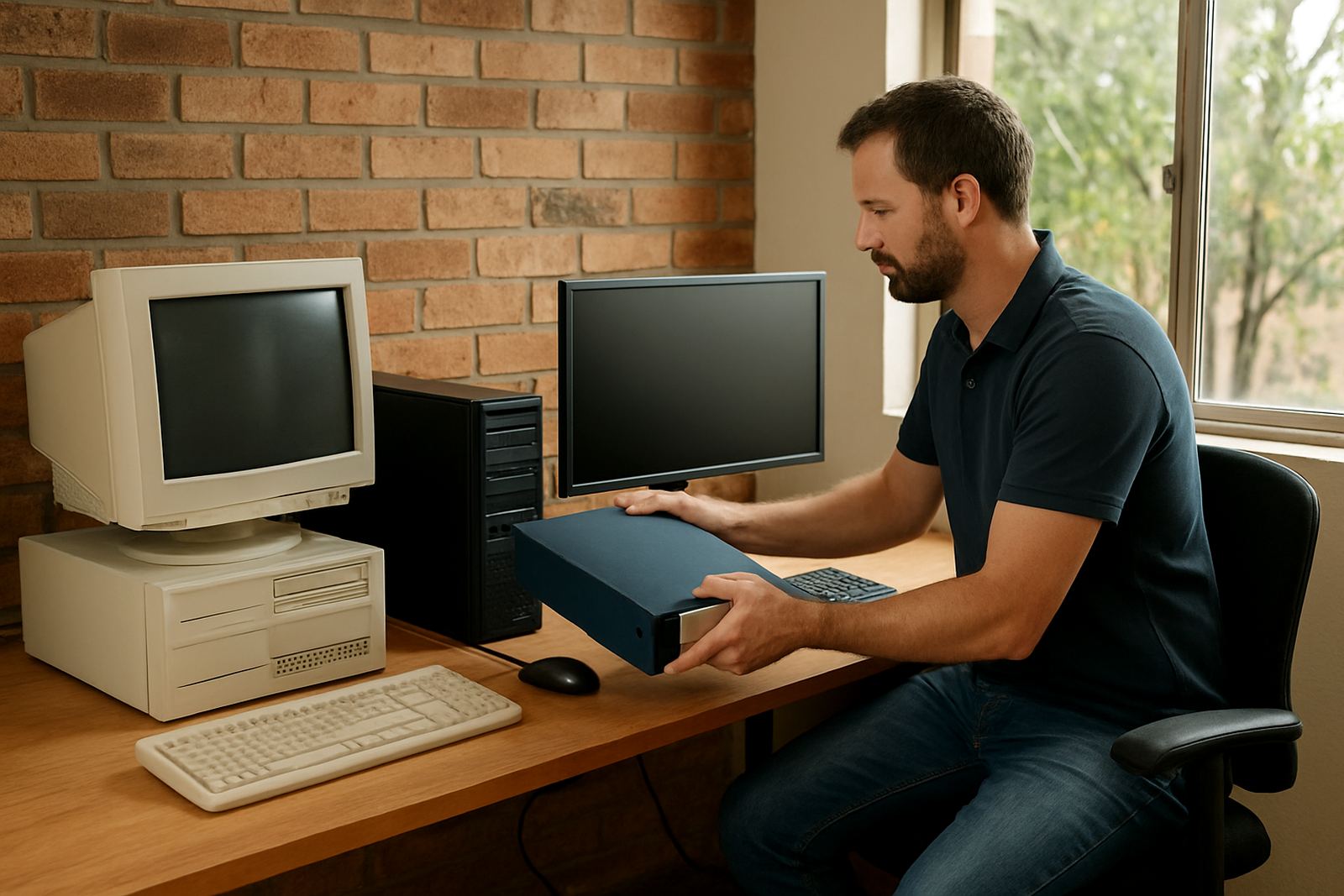
A crossgrade licence is the route for a studio moving from an older software environment to a newer one at a lower step than a full new purchase. It is commonly used when a shop already has sign-making or RIP experience, but the current setup is slowing the team down or no longer matching the machines in use. The aim is to keep production moving while the business upgrades its workflow in a controlled way.
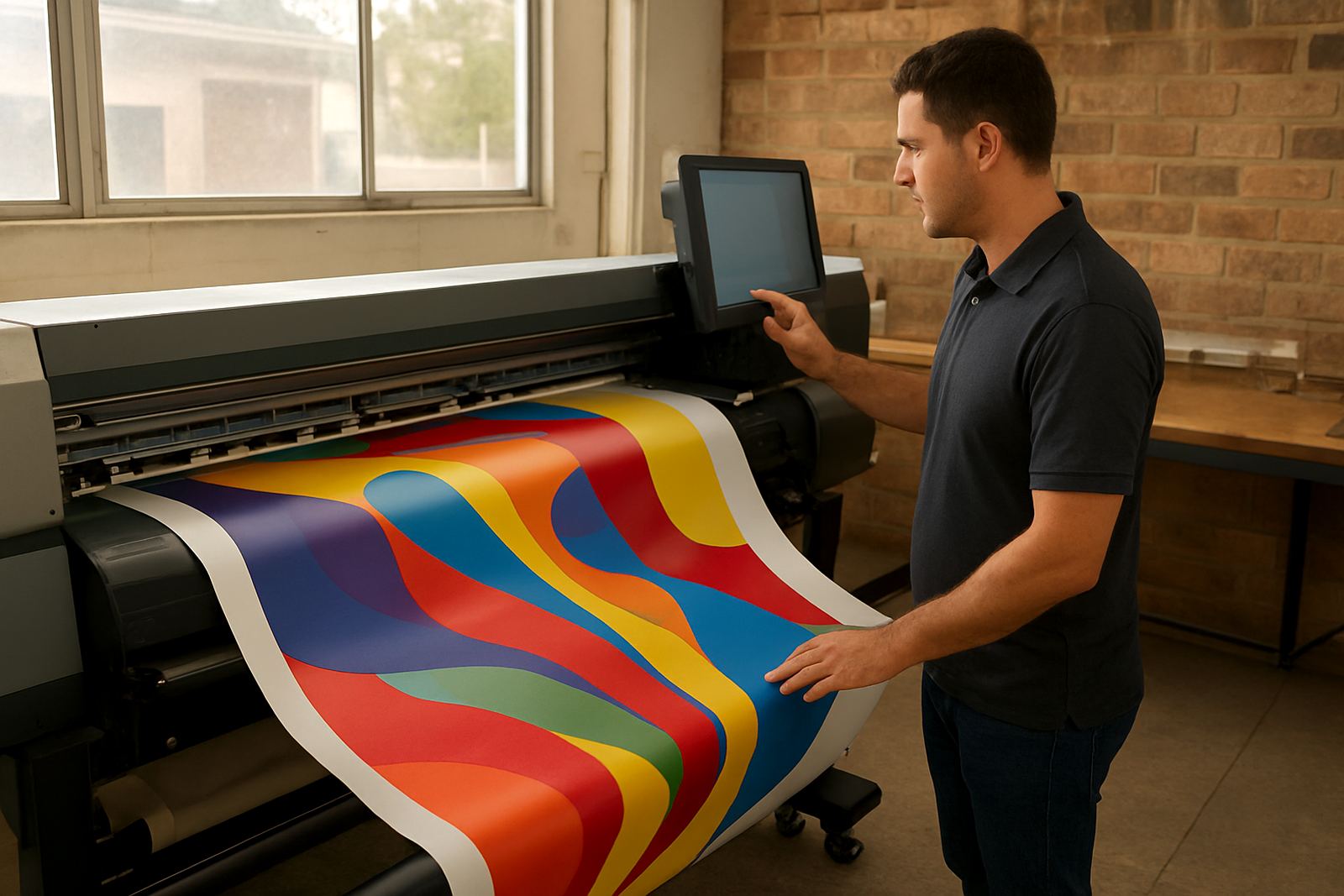
This option works well for sign shops, print service providers and in-house production teams handling vinyl cutting, print and cut jobs, contour cutting and daily RIP output. It can also help when a small team needs one central setup for artwork, nesting, queue control and colour matching across different jobs. If your staff are already familiar with production software, the crossgrade path can cut downtime and reduce retraining, while still giving you a cleaner modern environment.
Licence options and typical studio sizes
Crossgrade licensing is usually selected around how many stations need access, how much output the shop handles, and whether the business runs one cutter or several devices. Some studios only need one workstation in a production room, while others need a main RIP computer plus an office or design station. We help match the licence to the real working setup, not just the machine count on paper.
- Single workstation for one operator handling design and RIP tasks
- Multi-user setup for a small team sharing production duties
- Cutting only setups for vinyl cutters and contour jobs
- Print and cut setups for mixed solvent, latex or UV work
- Upgradeable path for shops planning later expansion
For many Randburg, Johannesburg and Pretoria users, the best fit is a licence that can handle current production with room to add another cutter or printer later. Coastal shops in Durban, Cape Town and Gqeberha often ask for stable colour handling and queue control because humidity and paper movement can affect output more than people expect.
Where this licence suits best
This product suits businesses that want to move away from older workflows without disrupting client work. It is especially useful where the team already understands sign production but needs a better way to manage cutters, print queues and artwork preparation. The licence is also practical for studios that have outgrown a basic setup and now need tighter control over spot colours, tiling, nesting and repeat jobs. It helps when a shop has more than one operator and each person must follow the same process.
Typical use cases include:
- Vinyl cutting studios handling shopfronts, vehicle work and window graphics
- Print service providers running mixed media and short-run jobs
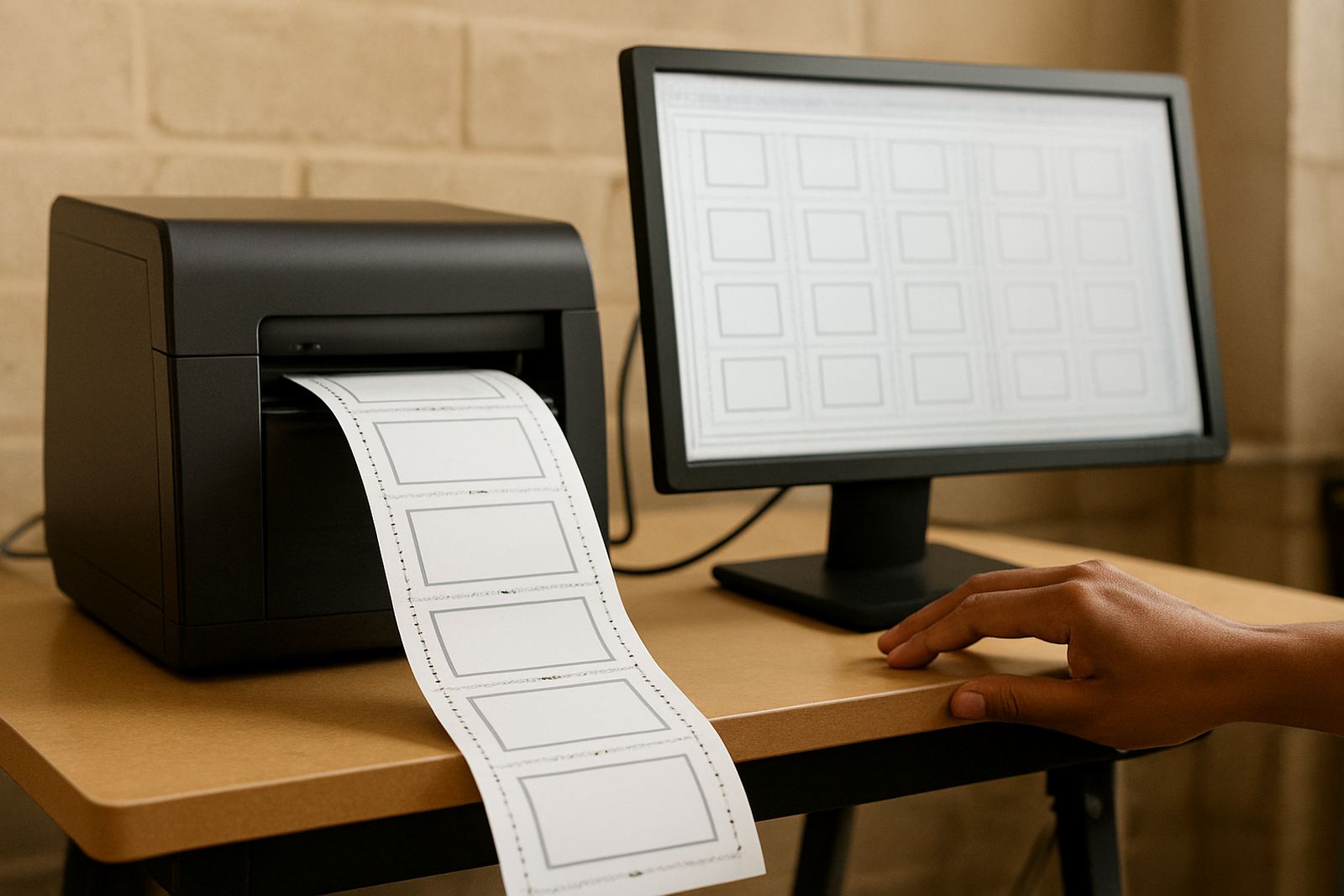
- Small production rooms that need cleaner handover between design and RIP
- Shops replacing older software that no longer suits current cutters or printers
- Teams that need better staff induction for new operators
Because our base is in Randburg, we support customers across South Africa, with regular assistance for Johannesburg, Pretoria, Midrand and Centurion, plus remote support for Durban, Cape Town and Gqeberha. If a site needs onsite time, we plan the visit around machine access, staff availability and the production schedule so the shop does not lose a full day.
Installation, power and computer checks
A crossgrade licence itself does not need special power or gas supply, but the computer and production equipment around it must be ready. Before installation, check that the PC has enough storage, a reliable operating system, and a direct connection to the cutter or printer where required. If the shop uses a UPS, confirm that it can keep the computer and monitor alive through load-shedding long enough for a safe shutdown or to finish a short queue.
We normally look at the following before activation:
- Computer specs and available RAM for file handling
- USB, network or driver connection to the output device
- Printer profiles, cutter offset and media settings
- Internet access for activation and update checks where needed
- Power stability and backup plan during outages
Onsite installation is useful where a studio has more than one output device, or where the old workflow has a few hidden settings that could cause errors later. Remote support can work well for straight-forward activations, but an onsite session is often better if the team wants cutter setup help, RIP queue optimising, or colour management sorted in the same visit.
Care, servicing and keeping the workflow steady
A licence does not wear out like a machine, but the workflow around it needs regular checking. Older jobs saved in different formats, mixed profiles and uncleared queues can slow production and cause avoidable mistakes. It helps to review templates, back up presets and keep one person responsible for change control, especially in a busy shop where new staff may be learning while orders are already on the go.
Good maintenance habits include:
- Back up job templates, device settings and profiles each month
- Keep one clean production folder structure for active work
- Review queue rules after any computer or driver change
- Update staff training when a new cutter or printer is added
- Book an annual support plan if the shop runs daily production
For businesses in humid coastal areas, it is worth watching static, paper curl and media storage as well. In drier inland areas, dust and power interruptions are more common. Small things like these can affect the best setup if they are ignored. We can help with annual support, new staff induction and workflow setup so the licence stays useful after the first month, not just on install day.
What to check before you order
Before placing a crossgrade order, check your current software version, the device types you are using and whether the business qualifies for the crossgrade route. You should also confirm how many users need access, what jobs the team produces most often, and whether there is an existing colour workflow that must be kept in place. If you are moving from an older environment, keep a note of saved presets, hot folders and any special cutter settings.
Please keep these details on hand when you enquire:
- Current setup and approximate software version
- Number of workstations that need access
- Printer and cutter models in use
- Whether you need remote support, onsite training or both
- Any deadline linked to a changeover or machine upgrade
Our team can advise on licence activation, installation and upgrade planning, and we can align the changeover with quieter production periods where possible. If the studio is in Randburg, Midrand or Centurion, we can often arrange quicker visits. For other towns, we handle the same process remotely and keep the handover practical, not complicated.
Key facts
| Product type | Crossgrade licence for sign-making design and RIP workflow |
|---|---|
| Best for | Studios moving from older software to a newer production environment |
| Users | Single workstation or multi-user setup depending on the order |
| Compatible work | Vinyl cutting, contour cutting, print and cut, RIP queue control |
| Support options | Remote support, onsite training, licence activation and workflow setup |
| Service area | Randburg, Johannesburg, Pretoria, Durban, Cape Town, Gqeberha, Midrand and Centurion |